Staffic records time, activity and optional screenshots on each remote member’s computer, then turns them into timesheets you approve, so you can trust the hours without daily check-ins.
Time tracking & employee monitoring featuresEverything your team does, tracked.
Track time, see work as it happens, run timesheets, payroll and invoices, and ask Staffic AI about any of it. 38 features on one login, one live view of your team.
38 features in 8 groups · Windows, macOS, Linux and web
Real app · sample data
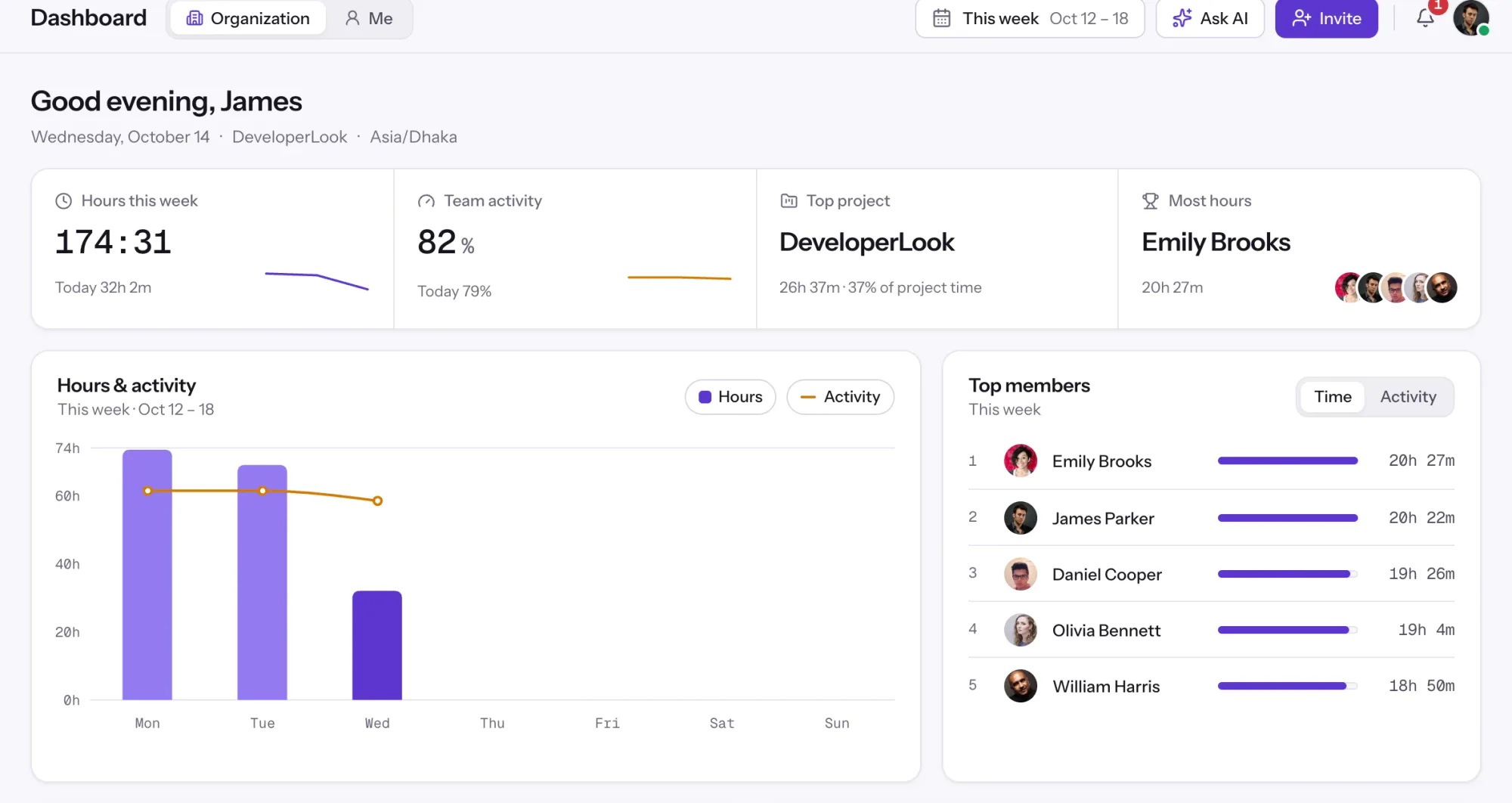
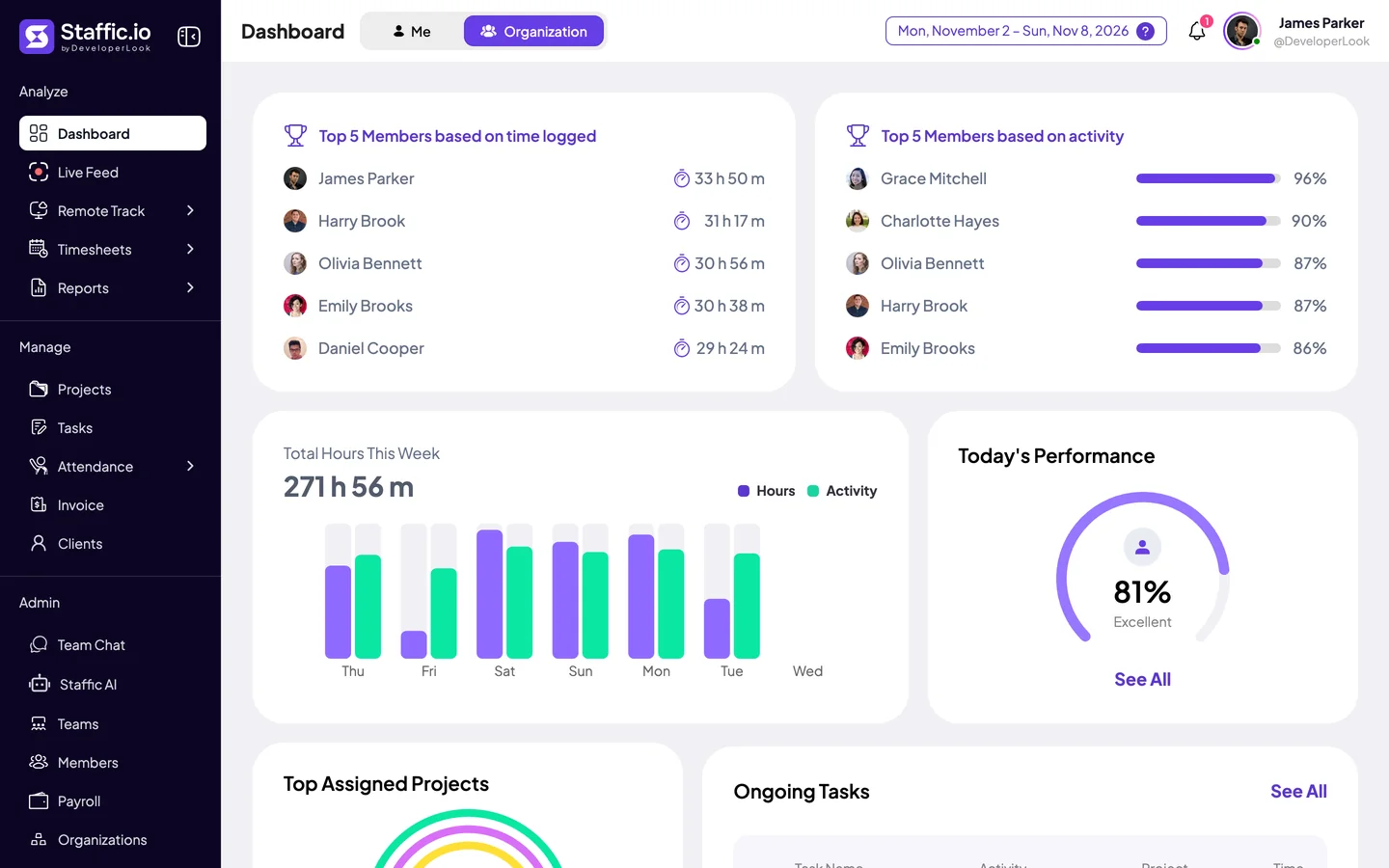
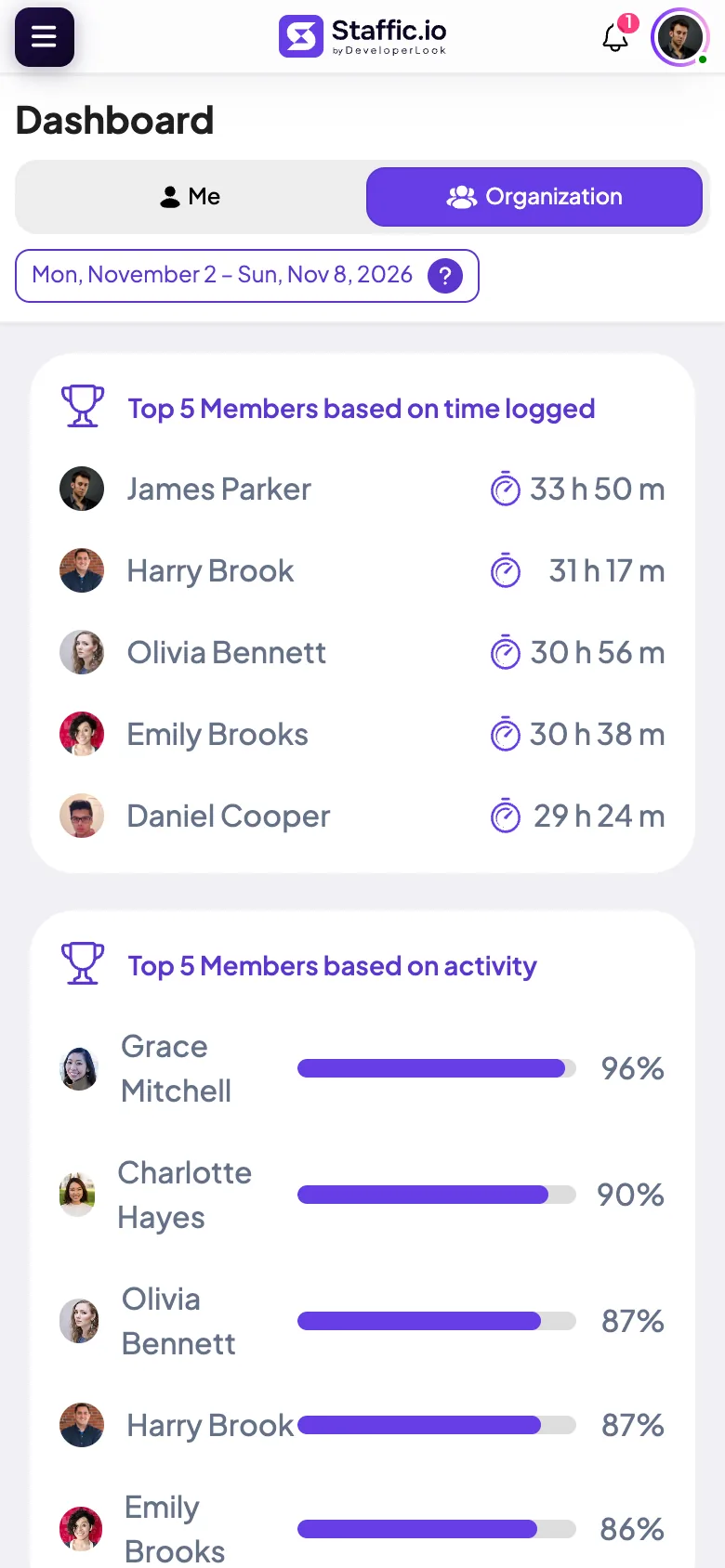
Dashboard. Hours, activity, top members and the most used apps at a glance.
Click any highlighted item to take control. Every menu item is clickable.
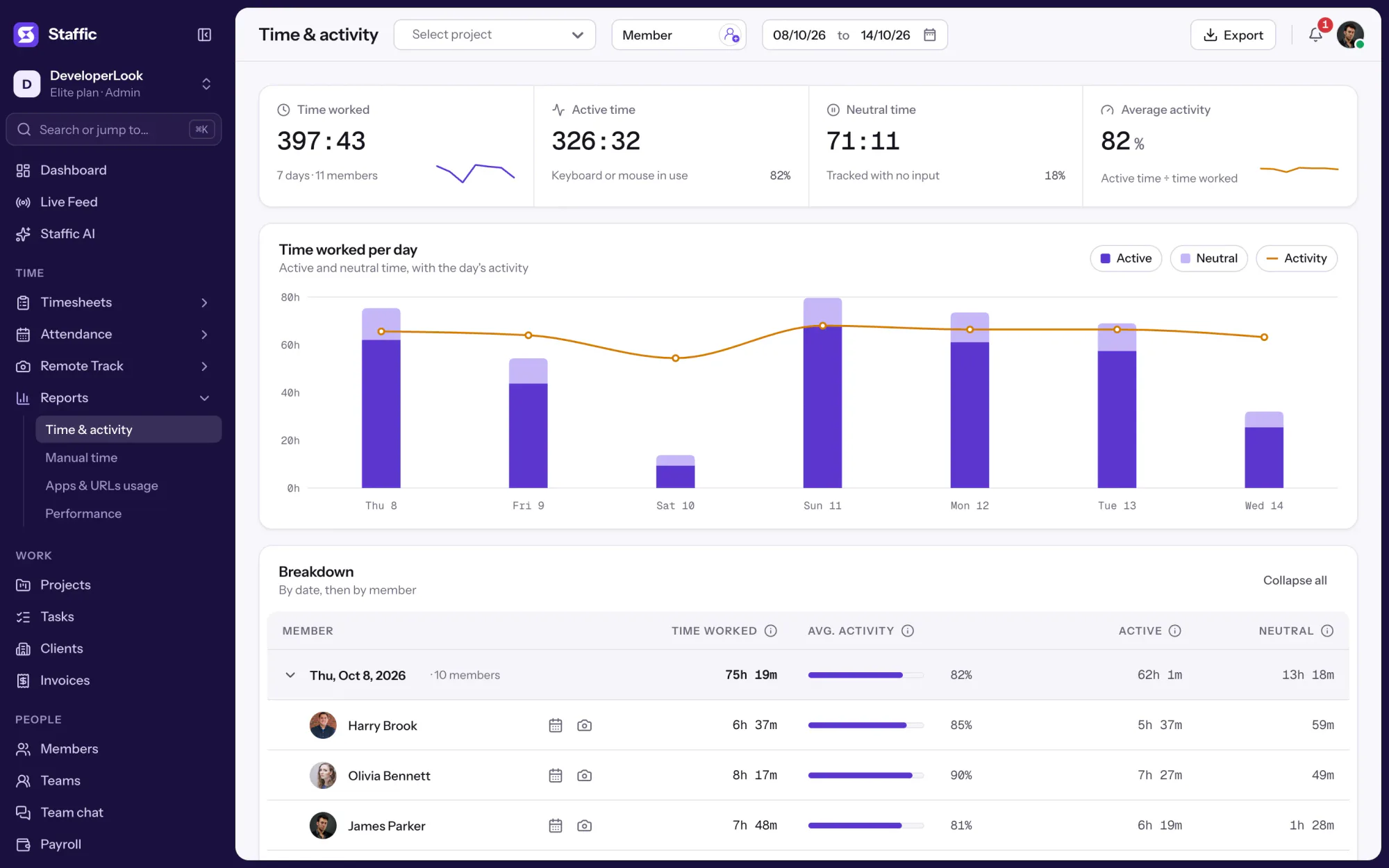
174:31hours tracked this week
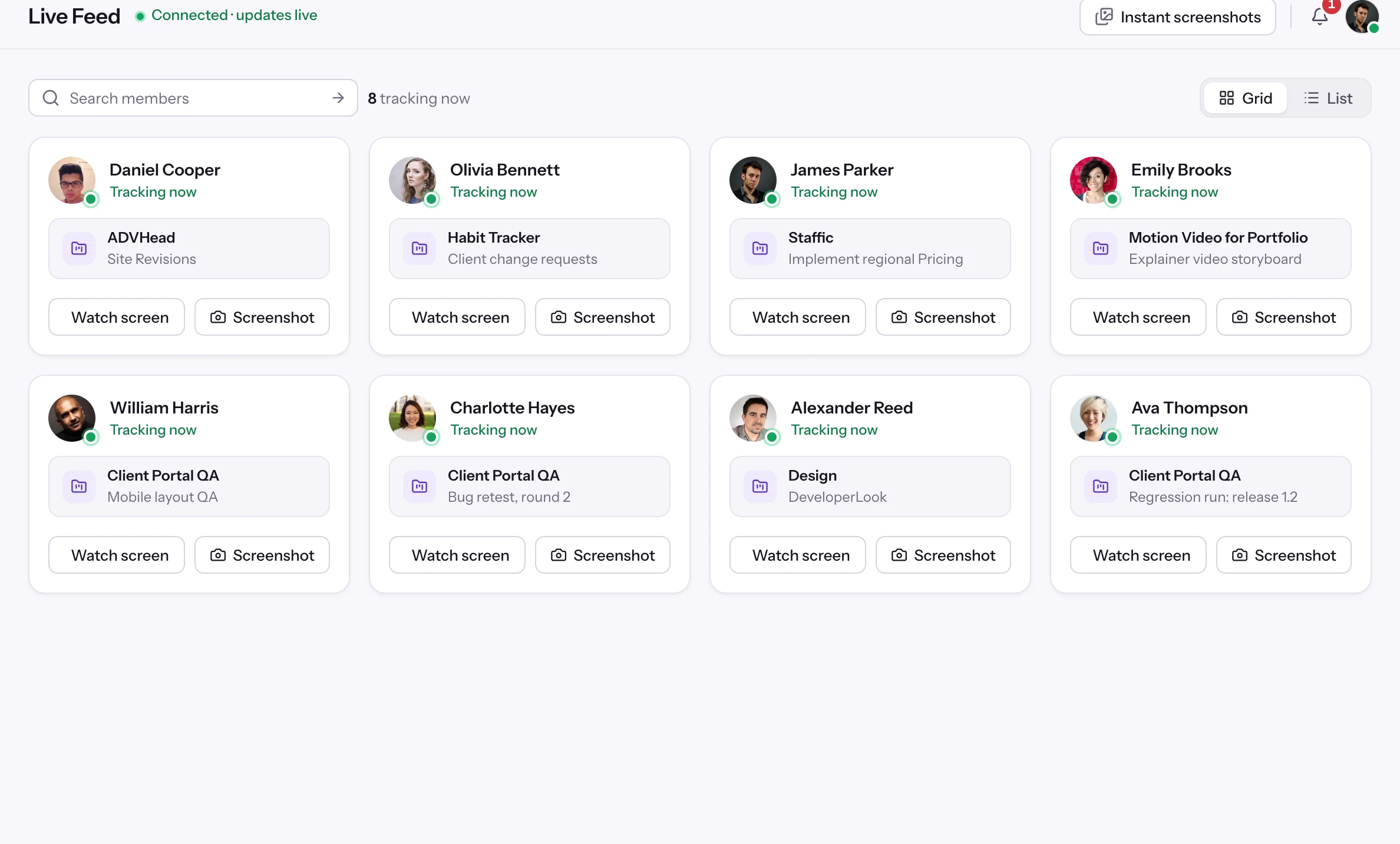
8members tracking right now
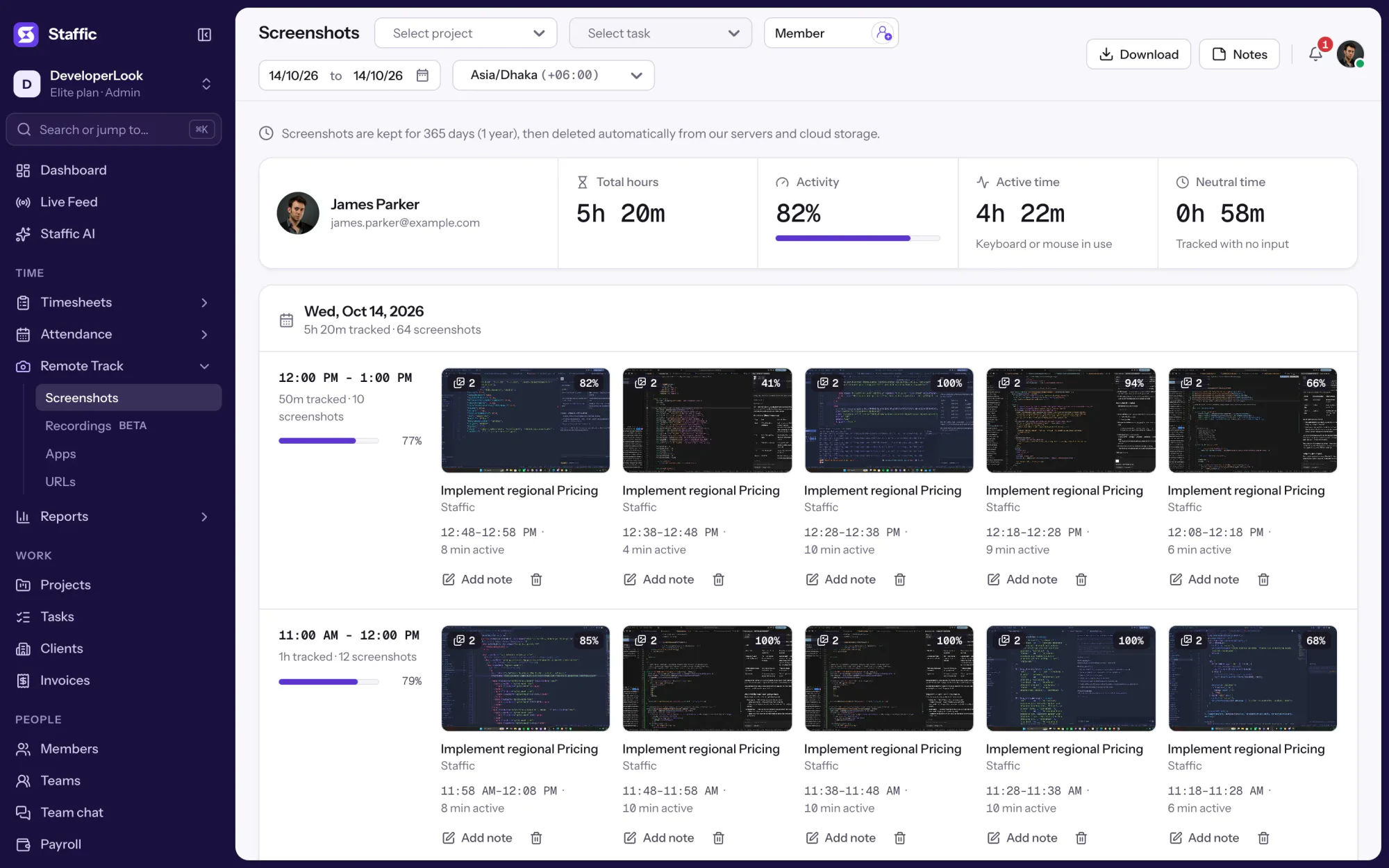
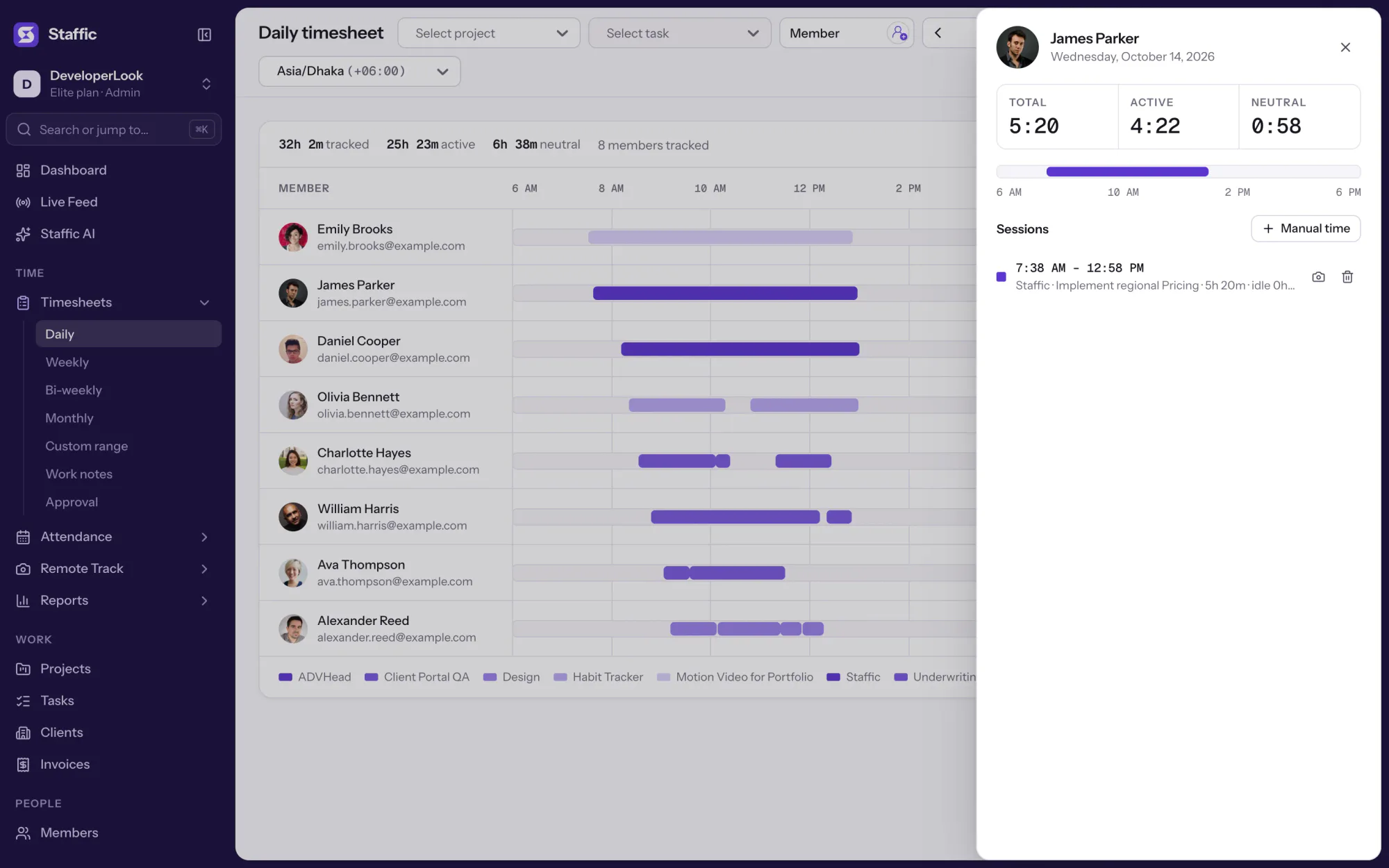
64screenshots from James’s day
397h 43mon the weekly timesheet
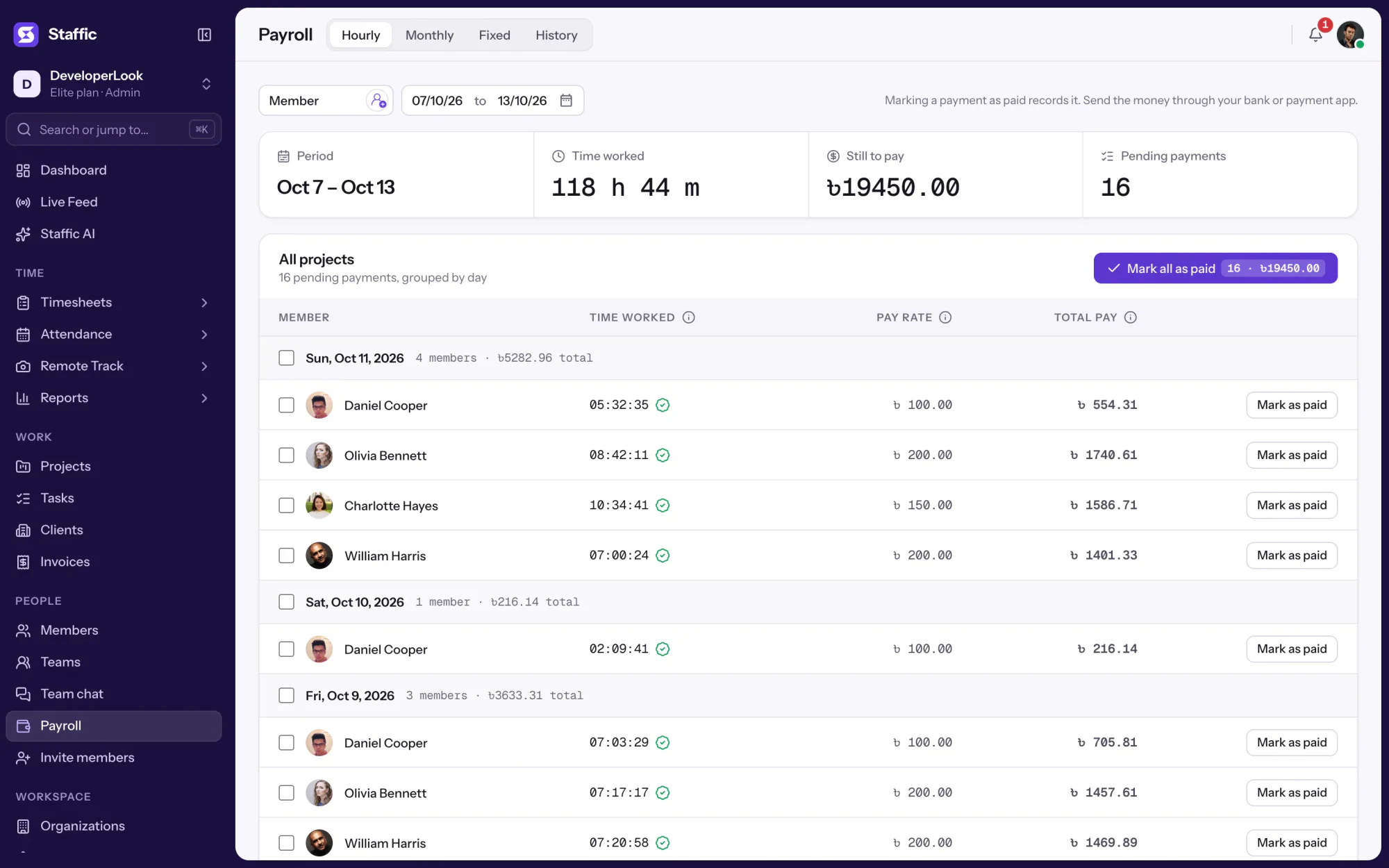
16pending payroll payments
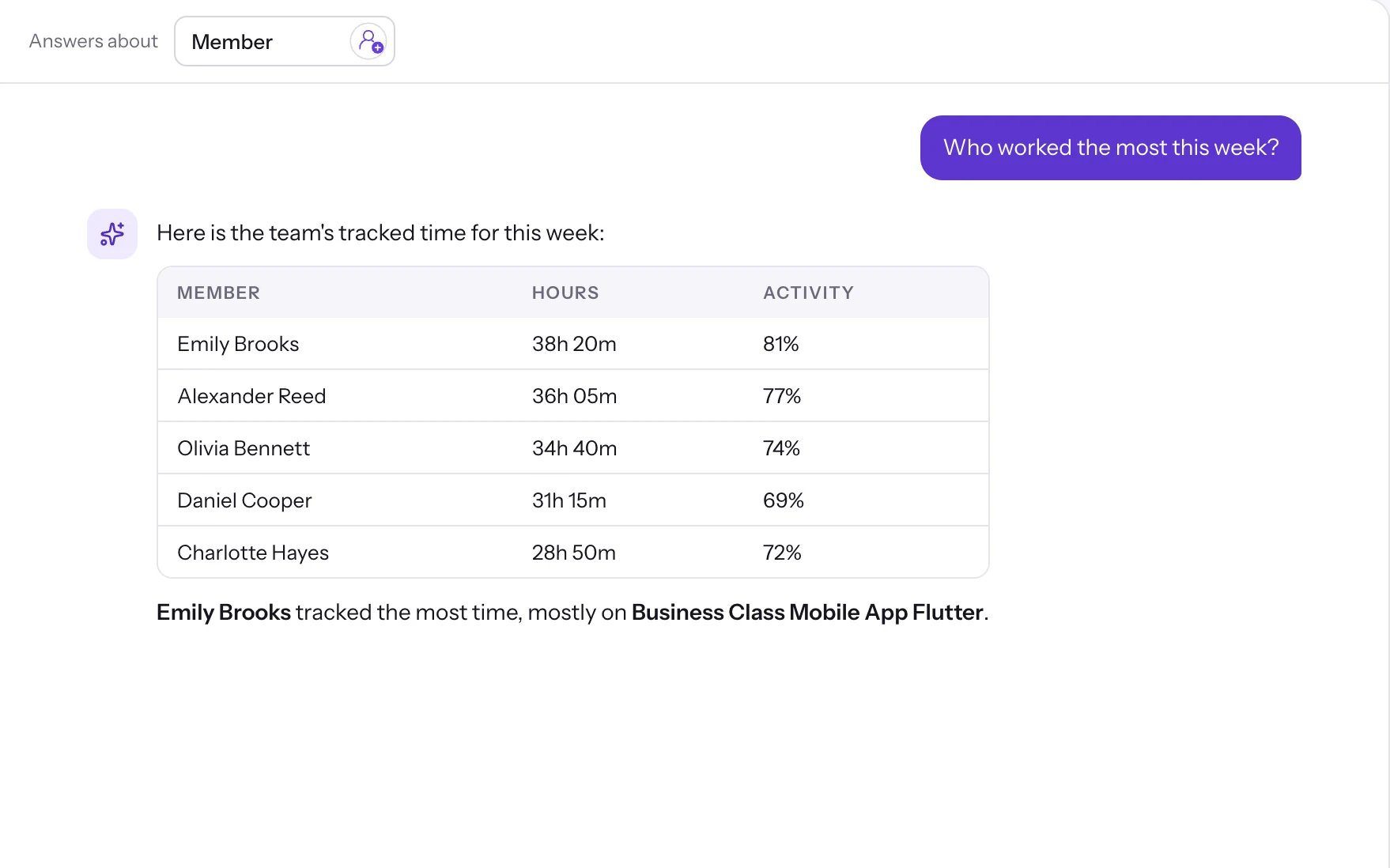
38h 20mtop member, per Staffic AI
Sample data from the Staffic demo workspace. Click any highlighted item in the app to take control.
01Monitoring · 6 features
Employee monitoring features
See the work as it happens: a live feed, screenshots, apps, URLs and screen recordings.
Yes. The Free plan includes 34 features for teams of up to 2 members, with no credit card, and Standard and Elite start with a 7-day free trial. Elite adds Screen Recordings, Invoices, Clients and Payroll.
How does Staffic track time?
Each member installs the desktop app and starts the timer on a project and task. While the timer runs, Staffic logs the time, calculates an activity level and records the apps and websites in use. Managers see it as timesheets they can review.
Can I choose what Staffic tracks for each person?
Yes. Screenshots, app and URL tracking and idle time are switches under Settings, Activity, and on every plan you can set the screenshot frequency and turn tracking off for an individual member. Elite adds screen recordings, switched on per member.
Which timesheet views does Staffic have?
Daily, weekly, bi-weekly and monthly timesheets and custom date ranges, all on every plan. Members can add work notes and managers can approve timesheets on every plan; on Elite, approved hours feed payroll and invoices.
Does Staffic work offline?
Yes. The desktop app keeps tracking when the connection drops and syncs the time when it reconnects. Manual time entry, on every plan, covers work done away from the computer.
Can AI assistants read my Staffic data?
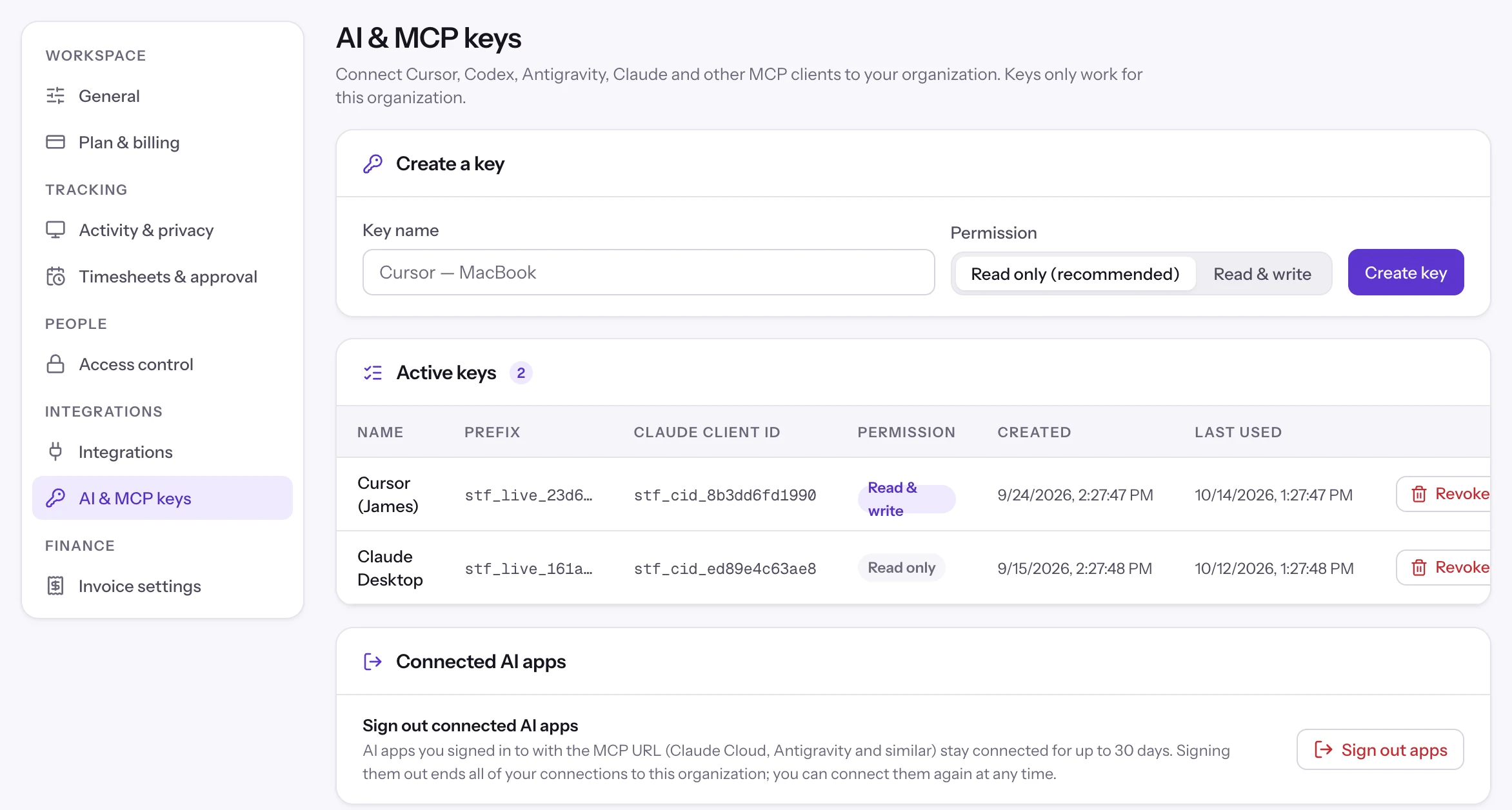
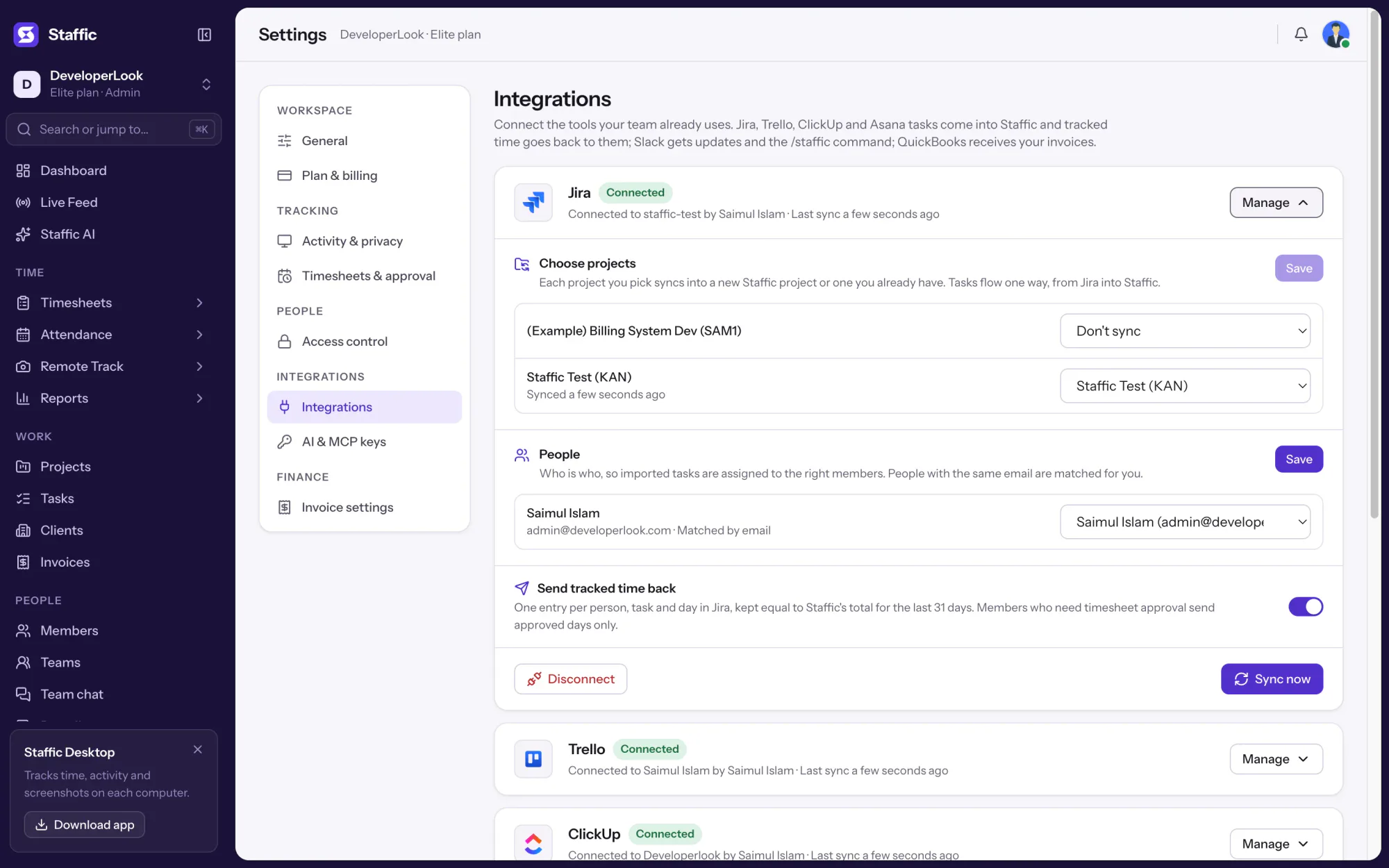
Only if you allow it. Staffic AI answers questions inside the app, and the MCP server lets Claude, Cursor, OpenAI Codex and other MCP clients connect to your workspace, with a key an admin creates or by signing in to Staffic. Keys can be read only, each works for one organization only, and you can revoke keys or sign out connected apps at any time.
Free for up to 2 members
See the work, not just the hours.
Create your workspace, invite your team, and the first timesheet builds itself.













 Staffic AI