Agencies
One team per client
Group the people who serve each client and assign that client's projects to the team, so its hours stay together.

Features
All 38 featuresSee the work while it happens.
 DashboardYour team's week at a glance, Monday to Sunday
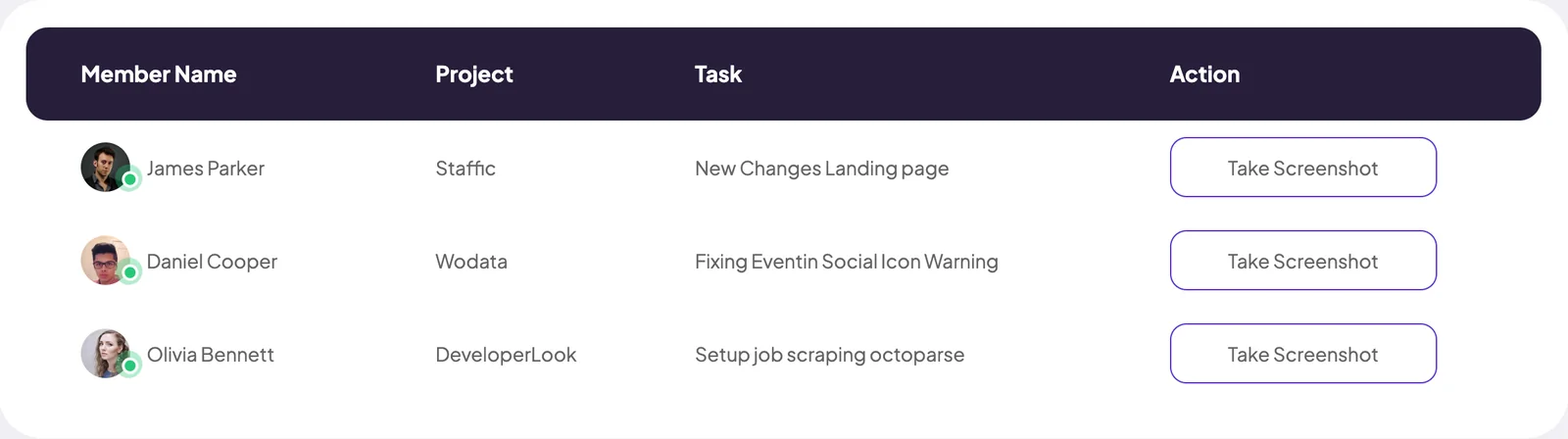
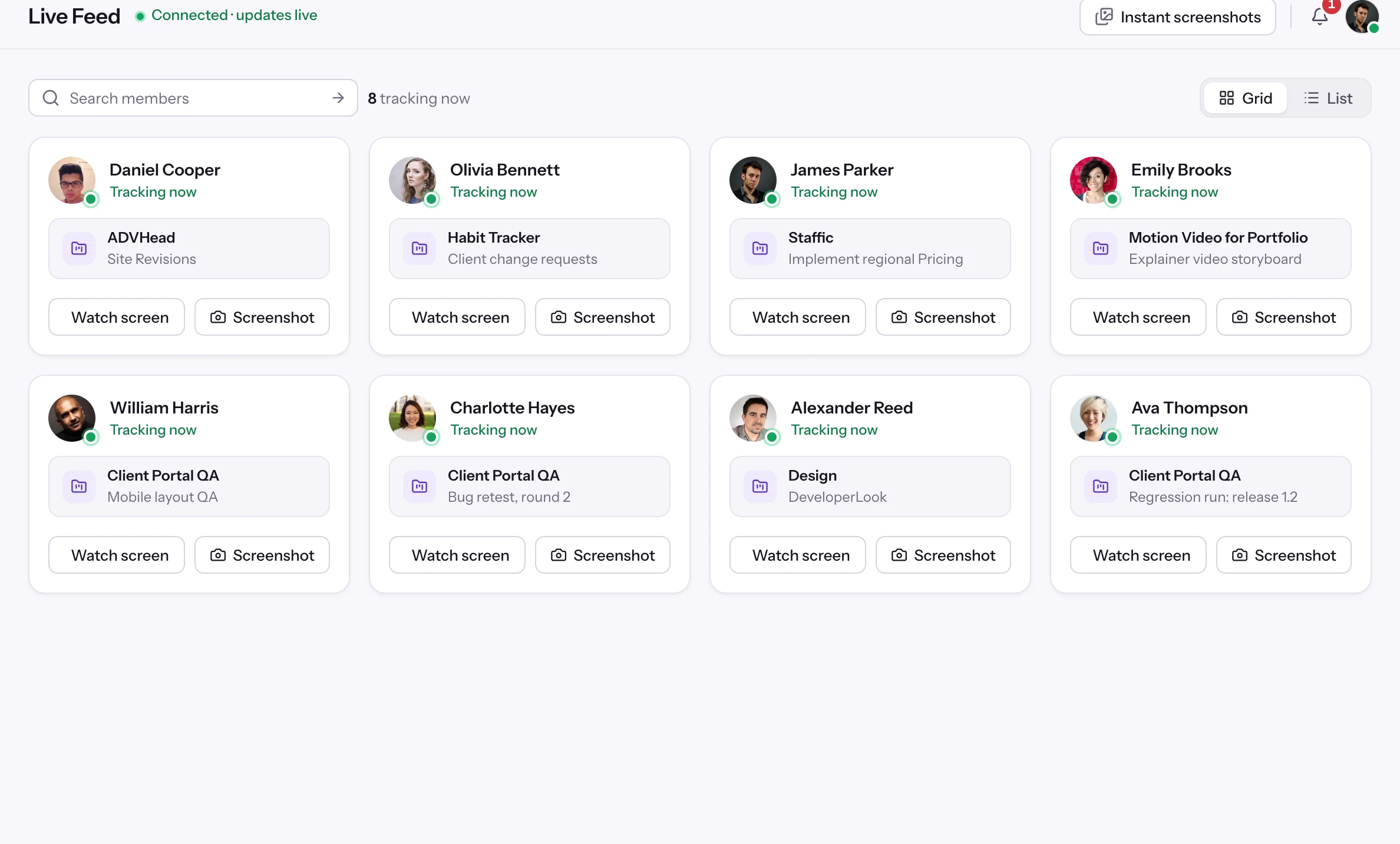
 Live FeedSee who's tracking time right now, and on what
 ScreenshotsVisual proof of work, captured automatically
 AppsWhich apps each tracked session used
 URLsThe websites behind the tracked time
 Screen RecordingsEliteFull session video, beyond a screenshot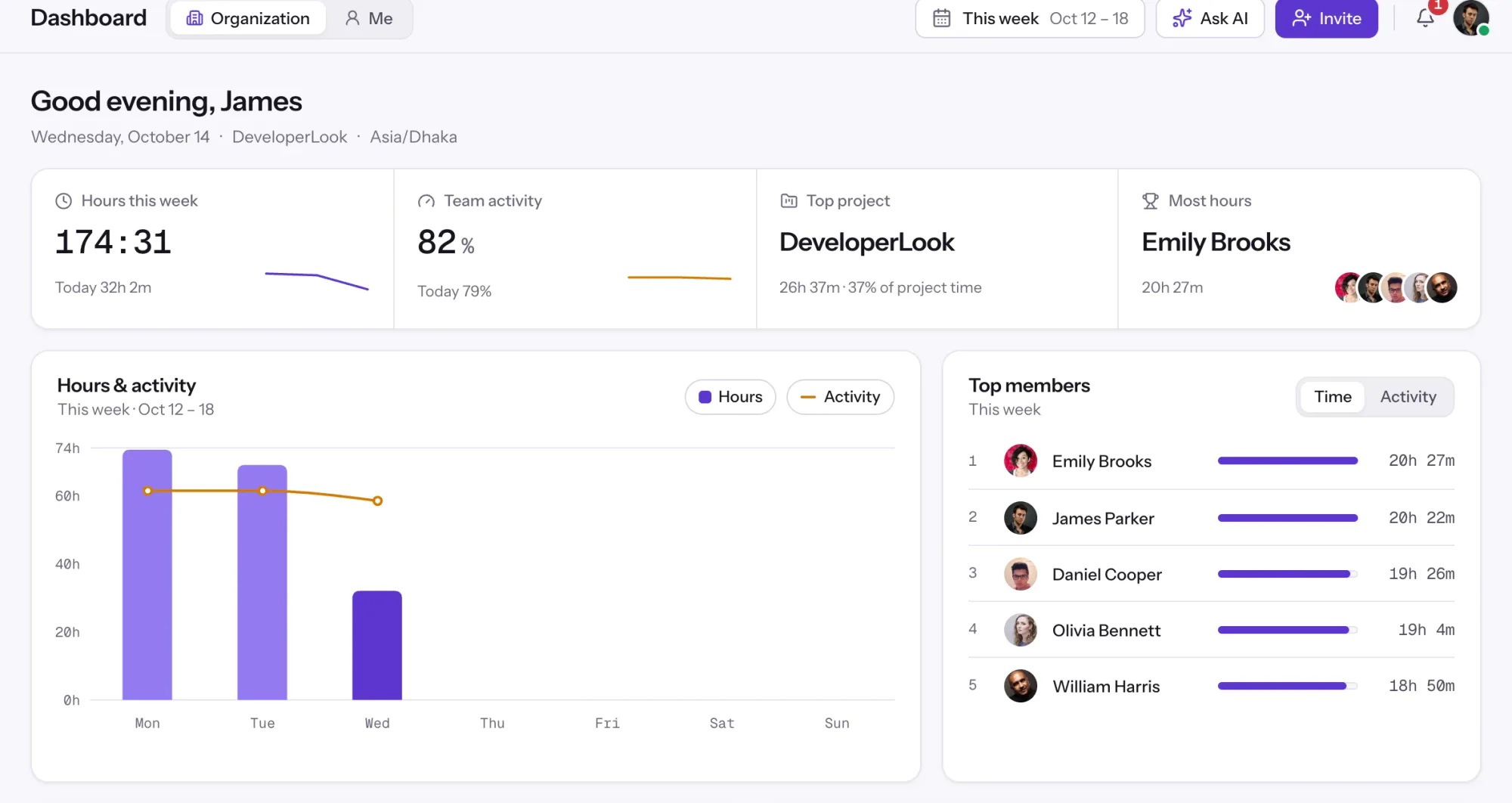
01 / 38
Dashboard
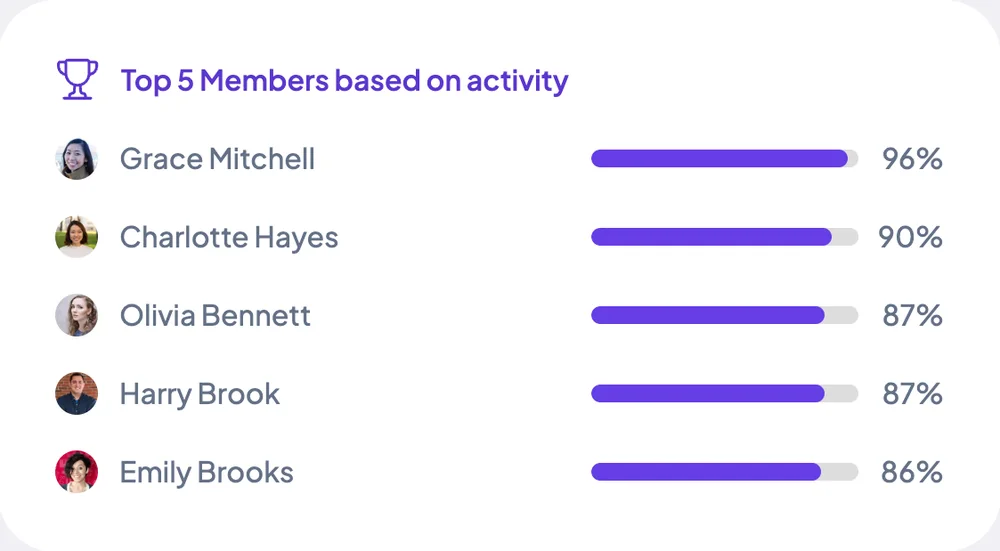
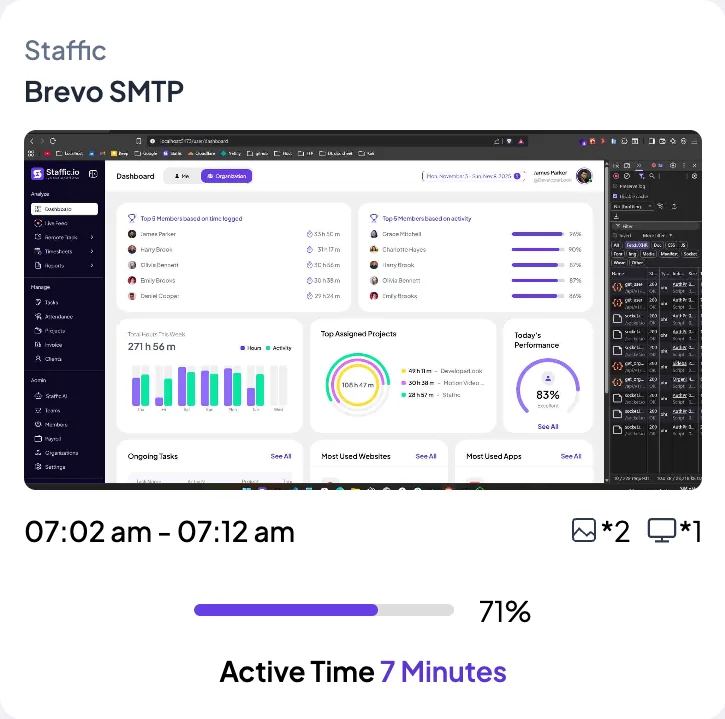
The team dashboard: this week's hours, team activity, top members, ongoing tasks, top projects and the most used apps and websites.
View DashboardSolutions
All 38 featuresHow remote, hybrid and growing teams run Staffic.
Staffic for the way you work, from freelancing to client billing.
 FreelancersFreelance time tracking
 Small businessesTimekeeping software for small business
 Call centersCall center monitoring software
 ConsultantsTime tracking software for consultants
 Companies with contractorsContractor time tracking
 Virtual assistantsTime tracking software for virtual assistants
 AgenciesAgency time tracking software
 Accounting firmsTime tracking software for accountants
 Software teamsTime tracking software for engineers
Staffic set up for your industry's records and reports.
01 / 19
Track remote hours across every time zone.
Staffic records time, activity and optional screenshots on each remote member’s computer, then turns them into timesheets you approve, so you can trust the hours without daily check-ins.
View Remote teamsTeams
Staffic puts your people into teams, gives each team its projects and a Team chat channel, and adds up the hours the team tracked on those projects. Members track time in the desktop app for Windows, macOS or Linux. Teams are on every plan.
1/6Click Teams
In short
Staffic Teams is time tracking for teams on every plan. Admins group members into teams, assign each team its projects and get a Team chat channel for every team. Each member tracks their own time in the desktop app, and the team page adds up the hours the team tracked on its projects in the last 30 days. Admins can also mark team managers.
How it works
Teams sit on top of time tracking: each person tracks their own hours, and the team groups them. It works as time tracking software for businesses of any size, and as free team time tracking software for up to 2 people.
Teams
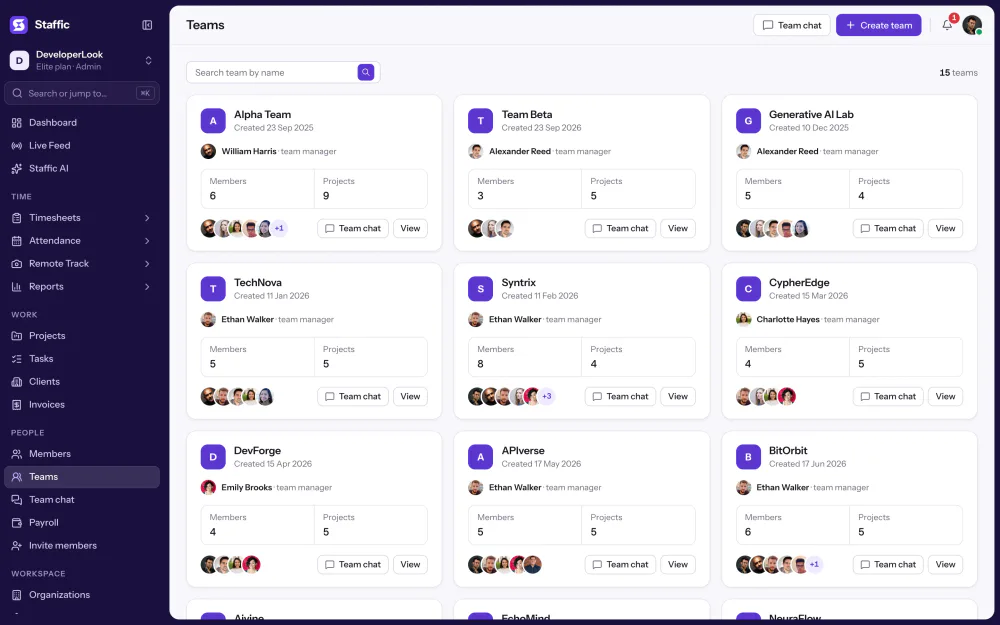
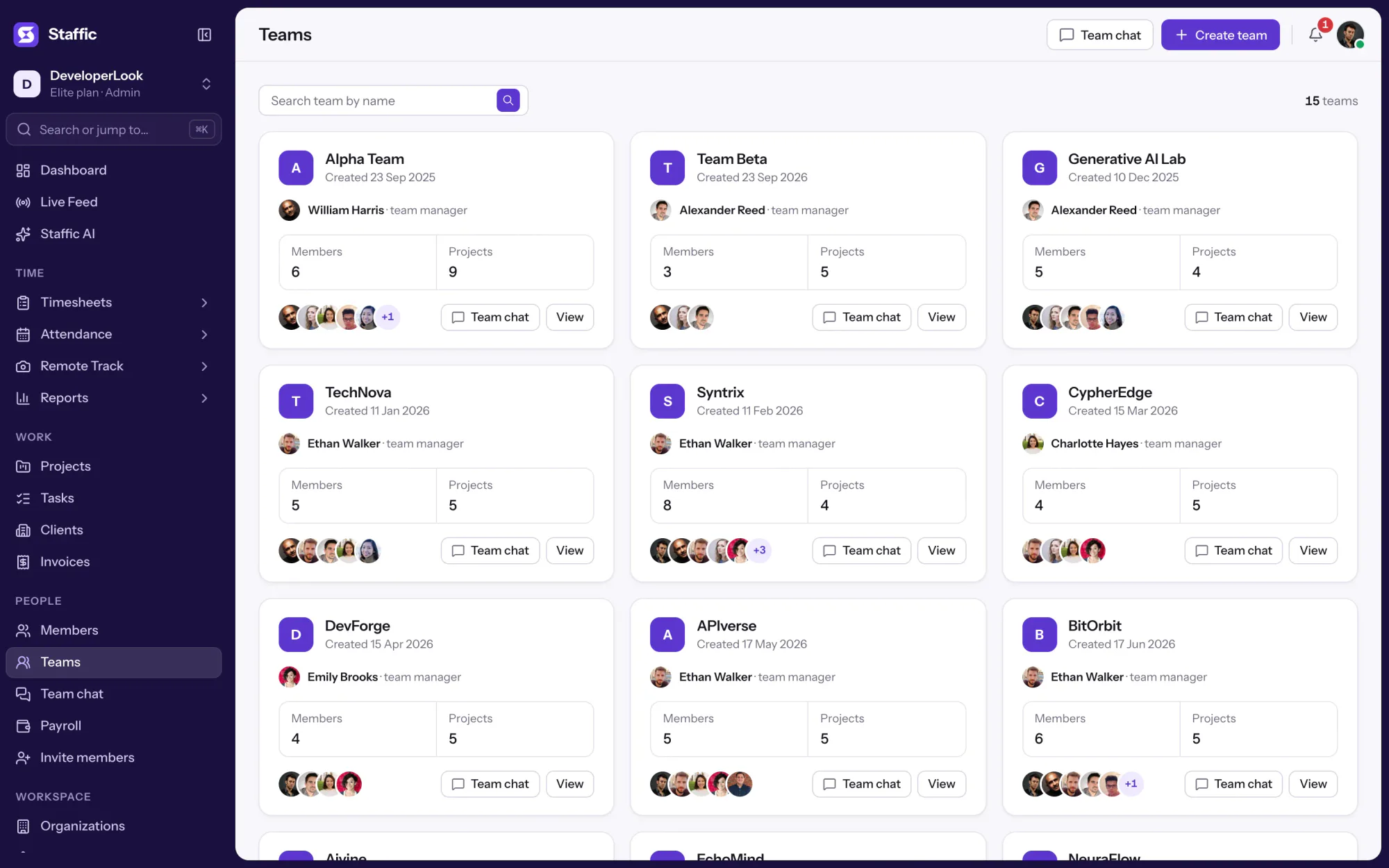
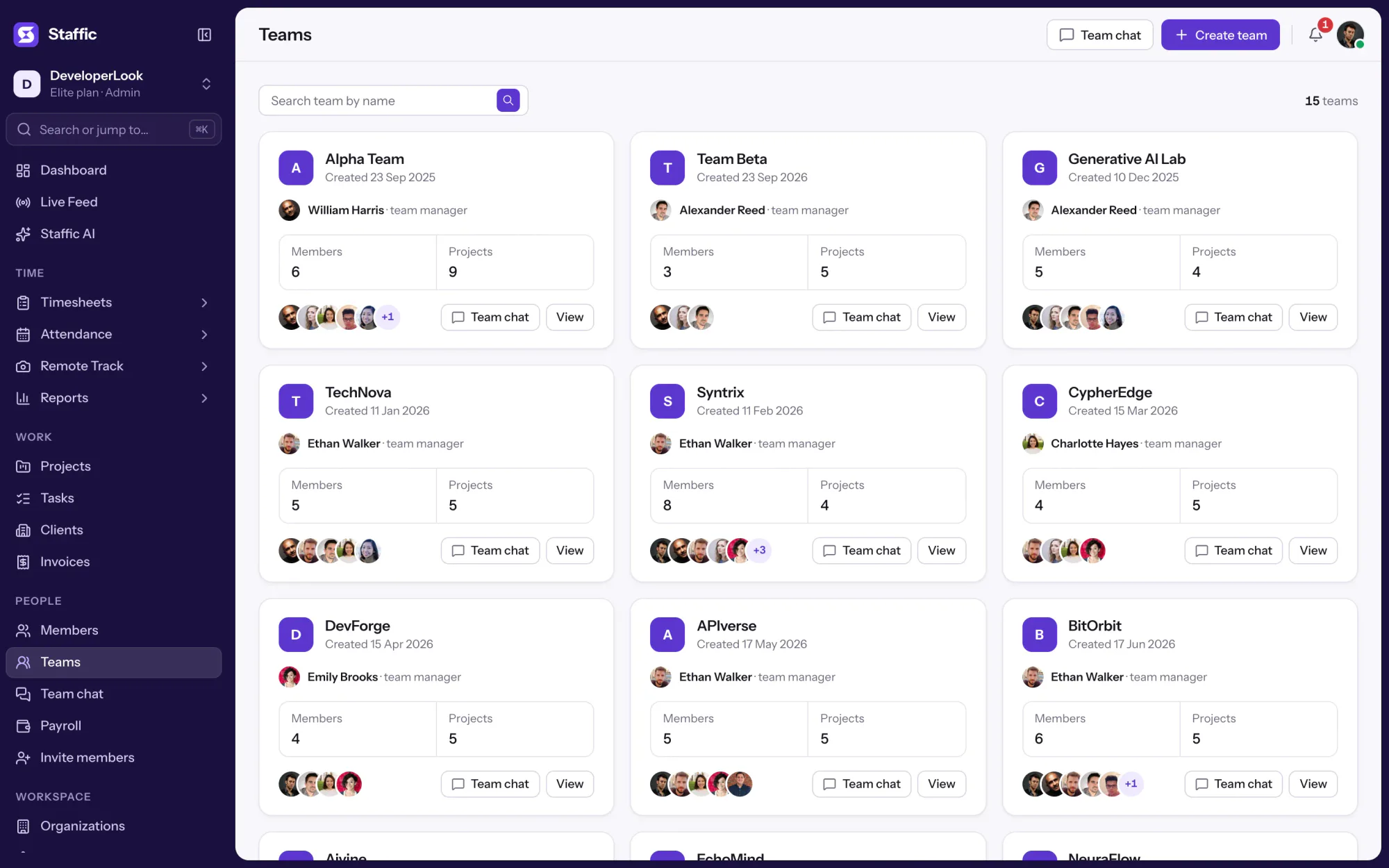
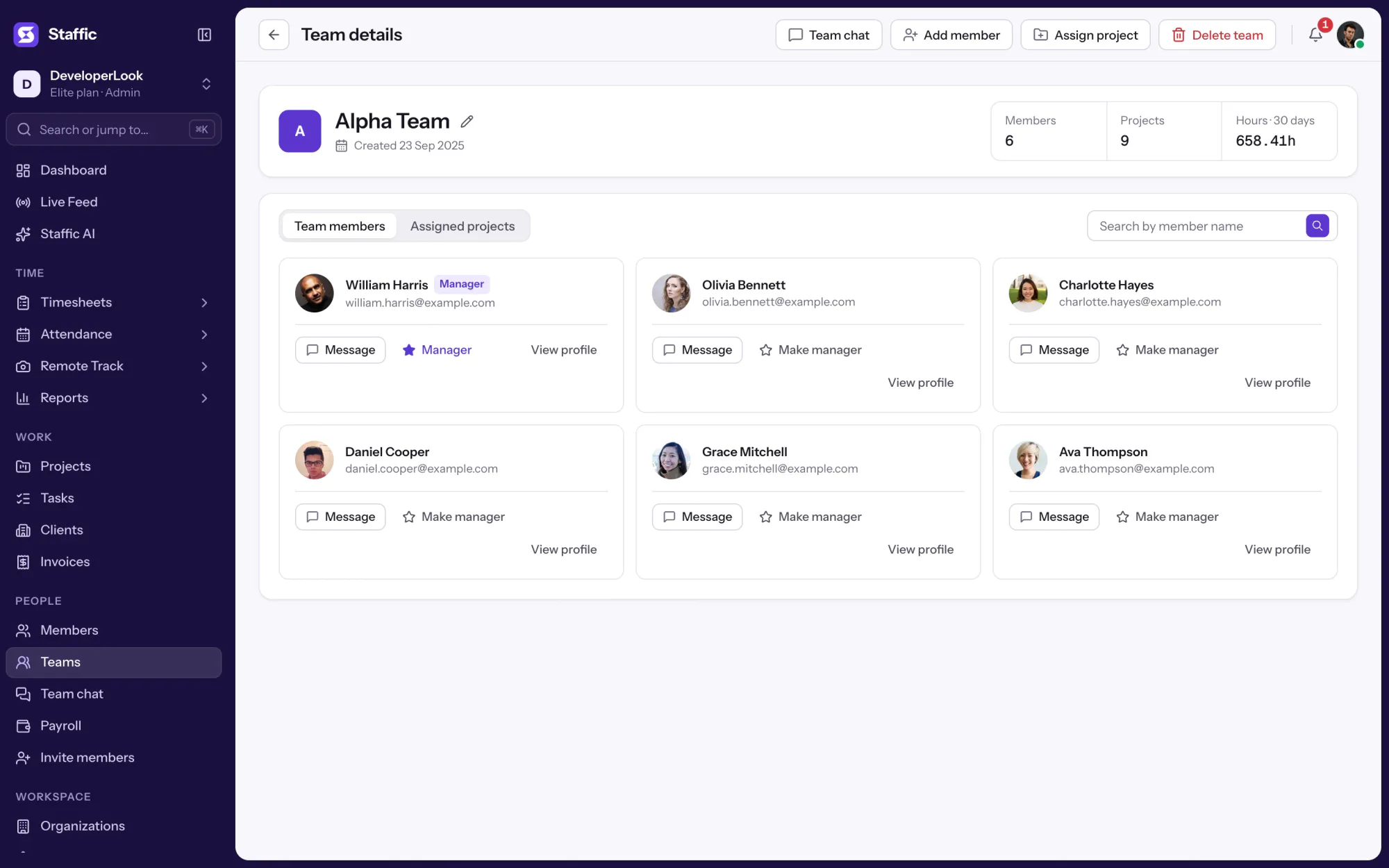
The Teams page shows every team as a card with its members, its project count and a shortcut to its Team chat channel. Open one for the full team page.
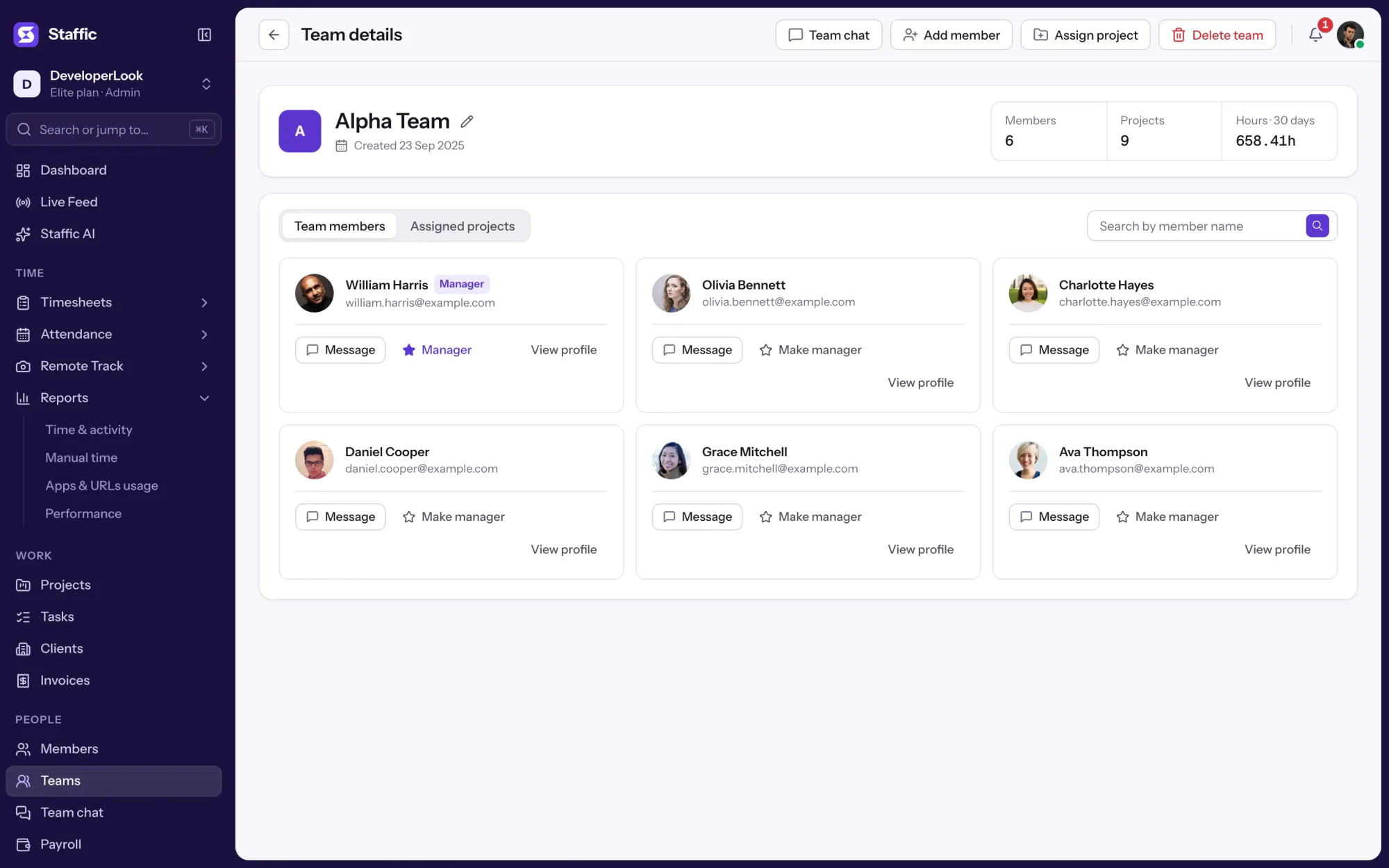
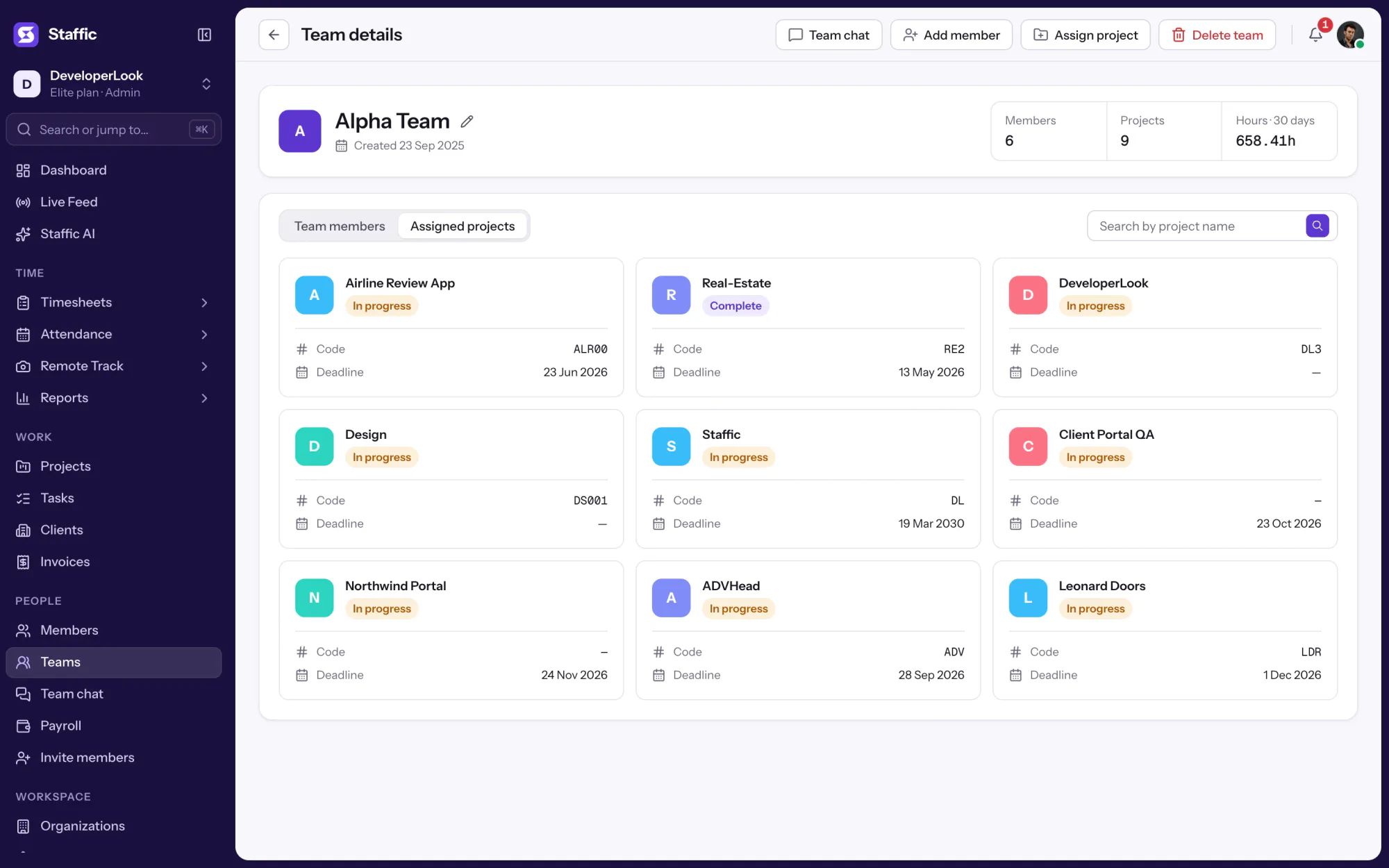
A team page shows its members, its projects and the hours it tracked on those projects in the last 30 days. Admins add or remove members, assign projects, rename the team or delete it from the same page.
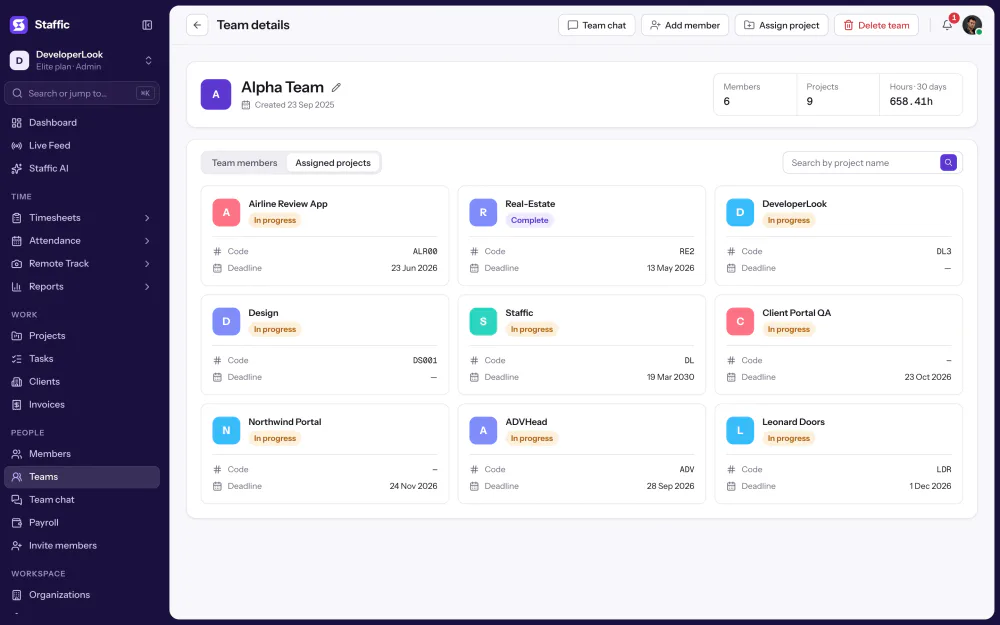
Assign projects to the whole team instead of person by person, from the team page or the project form. The team's members see those projects in the web app, and on each project you choose whether the team can view it or manage it.
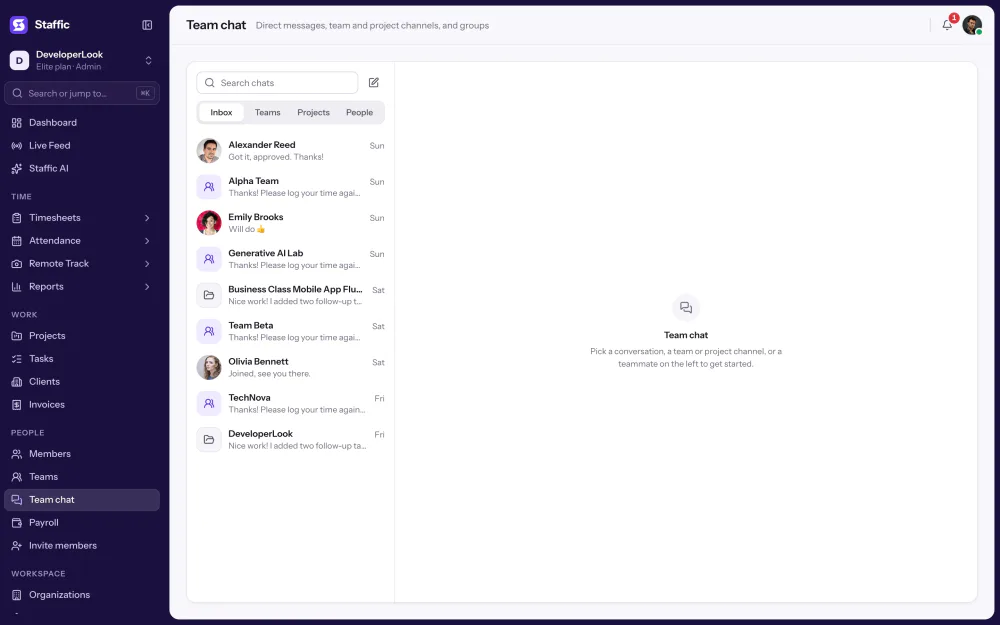
Each new team gets its own channel in Team chat, next to direct messages and project channels. Open it from the team's card, so questions stay with the people doing the work.
The team page totals the time its members tracked on the team's projects in the last 30 days. For any other dates, the Time & Activity report shows time and activity per member, filtered by project and by several members at once.
Showing One page per team.
1/4Click Teams
Control and privacy
Teams group people. They don't change what Staffic records while a member's timer runs.
Set it up
Five steps from an empty workspace to your first team, on any plan.
Send each person an invitation email, or paste several addresses with Bulk invite.
See MembersMembers › Invite memberTeams is on every plan, Free included.
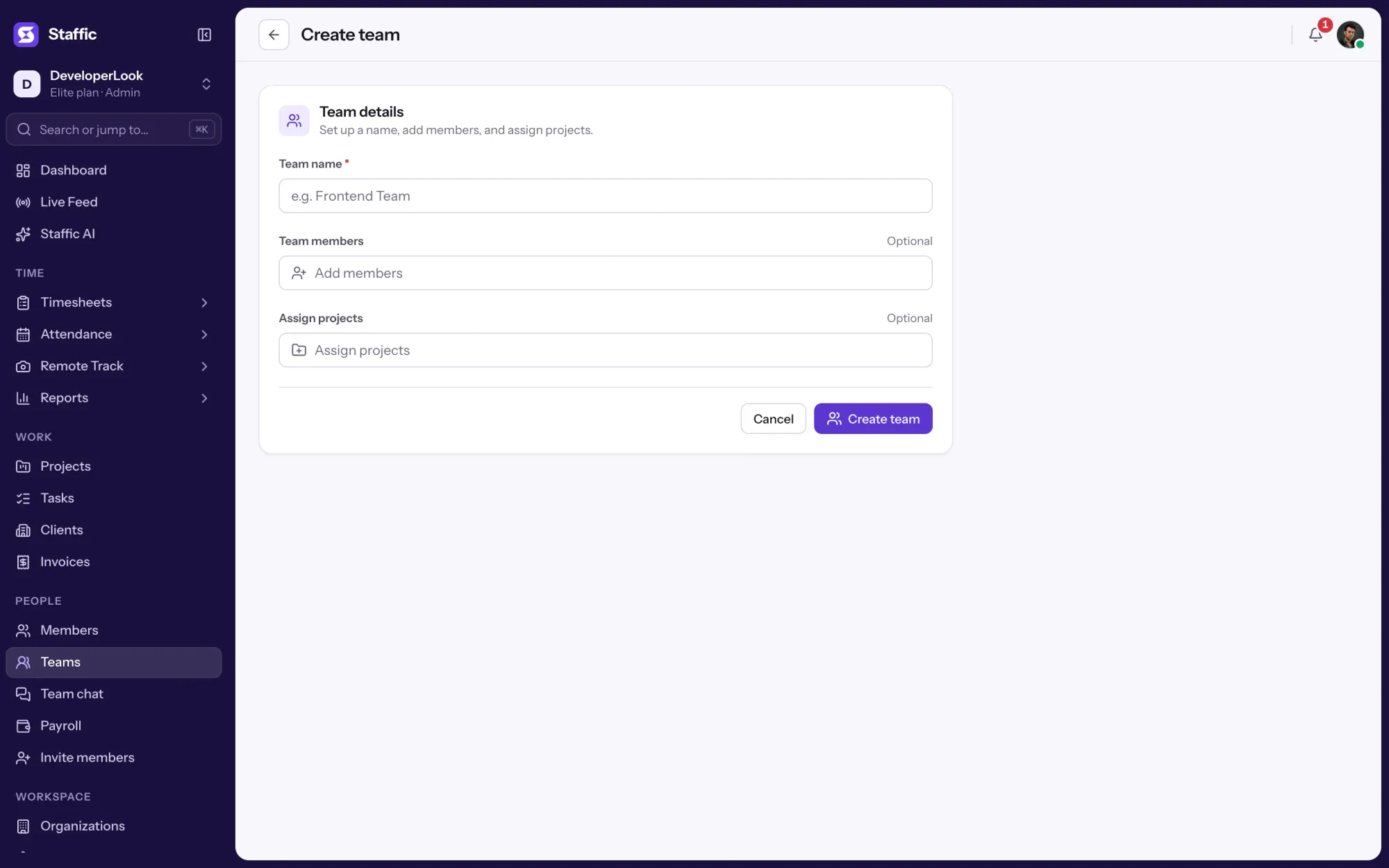
TeamsGive the team a name, then add its members and projects now or later.
Teams › Create teamAdd the projects the team works on. On each project you can let the team view or manage it.
Teams › View › Assign projectChoose Make manager next to a member to mark the team's manager.
Teams › View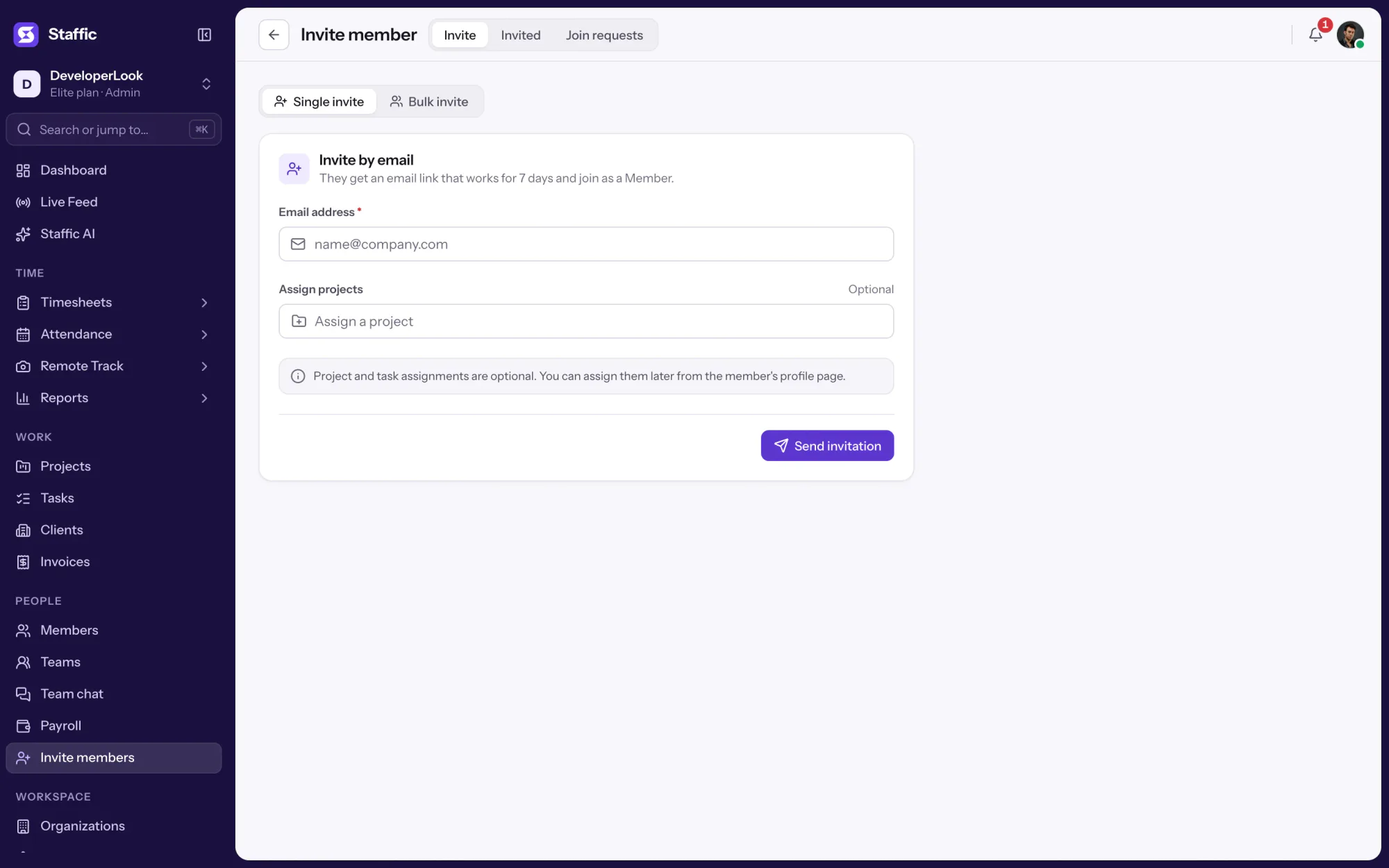
1Members › Invite member
Compare
Three ways to organize people in Staffic. Here is what each one is for.
Swipe the table to compare
| Compare | TeamsThis page | MembersEveryone in one organization | OrganizationsSeparate workspaces |
|---|---|---|---|
| Groups | People who work together | Everyone in your organization | Separate companies or workspaces |
| Holds | Members, projects and a Team chat channel | Each person's projects, teams, role, pay and leave | Its own members, projects, settings and plan |
| Plans | Every plan | Every plan, Free up to 2 members | Every plan, chosen per organization |
| Link | You are here | Members | Organizations |
Specs and terms
The facts behind the feature, and what each number on the Teams page means.
Time tracking for teams
Teams fit any grouping: departments, client squads or a crew for one project.
Group the people who serve each client and assign that client's projects to the team, so its hours stay together.
Mirror your departments as teams, so a department head opens one page and sees who is on it and what it works on.
Each member keeps their own time zone in Staffic, and each team keeps its conversation in its own Team chat channel.
Customer stories
Stop juggling tools. Staffic gives your team time tracking, projects, payroll and performance analytics in one platform.
Try Staffic for free“Staffic.io brings transparency without micromanagement. Our team feels trusted, and productivity has never been higher.”
Pricing
Teams is included on every plan, Free included. You pay per active user only when your team grows past 2 members.
Compare every planFor freelancers and small teams, up to 2 members
No card needed.
Includes TeamsEvery core feature, for teams of up to 2 members.
Everything in Free, without the 2 member limit
Offer price until October 30, 2026, then $7.50
Card at checkout. Cancel within 7 days and pay nothing.
Includes TeamsEverything in Free without the 2 member limit.
For organizations running payroll, billing and approvals
Offer price until October 30, 2026, then $10
Card at checkout. Cancel within 7 days and pay nothing.
Includes TeamsEverything in Standard, plus Screen Recordings, Invoices, Clients and 1 more.
Prices in USD per active user. Billed monthly, Standard is $9.50 and Elite is $13 per user.
Each member tracks their own time in the Staffic desktop app, and the team groups it. Admins put members into a team and assign its projects, and the team page adds up the time members tracked on those projects in the last 30 days. Reports show the same hours per member and project.
Yes, on every plan. Open Teams, choose Create team, name it and add members and projects. A member can belong to several teams, and each team gets its own Team chat channel.
Not as a team view. Live Feed shows admins every member whose timer is running, with their project and task, and it isn't filtered by team. For a team's hours, open the team page or the Time & Activity report.
Permissions come from Access control, not from the team. In Settings, Access control, an admin creates a role with the modules it can open, such as Teams, Timesheets or Reports, and assigns it on the member's page. Make manager marks who leads the team.
Yes. The team page shows the hours the team tracked on its assigned projects in the last 30 days. For other dates, the Time & Activity report filters by project and by several members at once, and exports to PDF or Excel.
The Free plan covers up to 2 members, including you, so it works as free time tracking for teams that small. Standard and Elite have no member limit, and teams work on every plan.
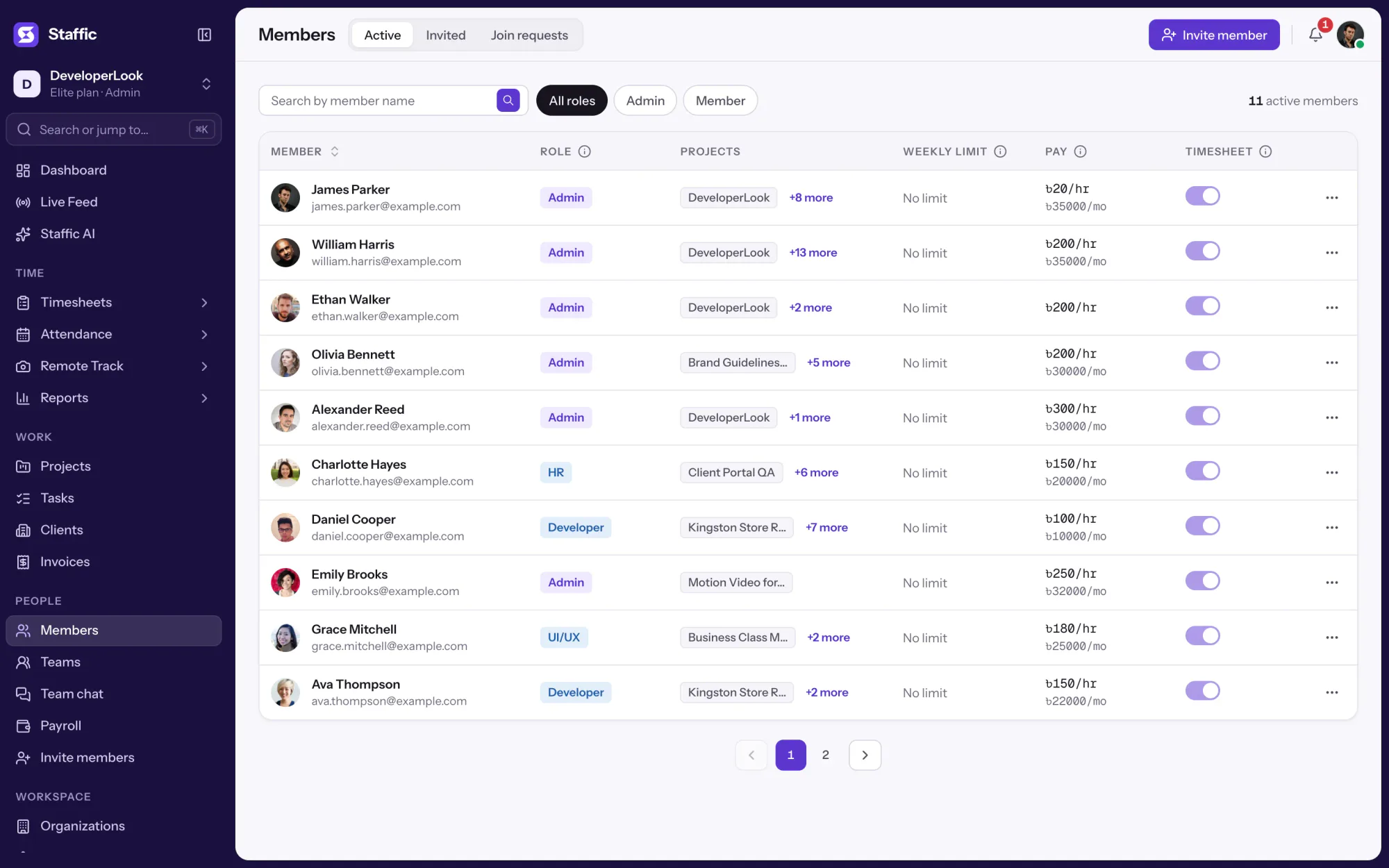
Use Invite member on the Members page: enter an email address, or paste several with Bulk invite, and add projects if you like. People who sign up on their own can ask to join with your organization code, and you accept them under Join requests.
Not in one step. Timesheet Approval works member by member: you switch approval on for everyone or per person in Timesheets & approval, then approve or reject each member's days. There is no team-wide approval button.
Every plan includes Teams. Free covers up to 2 members. Standard is $7.50 per user per month billed yearly ($3.80 during the current offer, until October 30, 2026) or $9.50 billed monthly, and Elite is $10.00 per user per month billed yearly ($4.80 during the current offer, until October 30, 2026) or $13.00 billed monthly.
Explore more
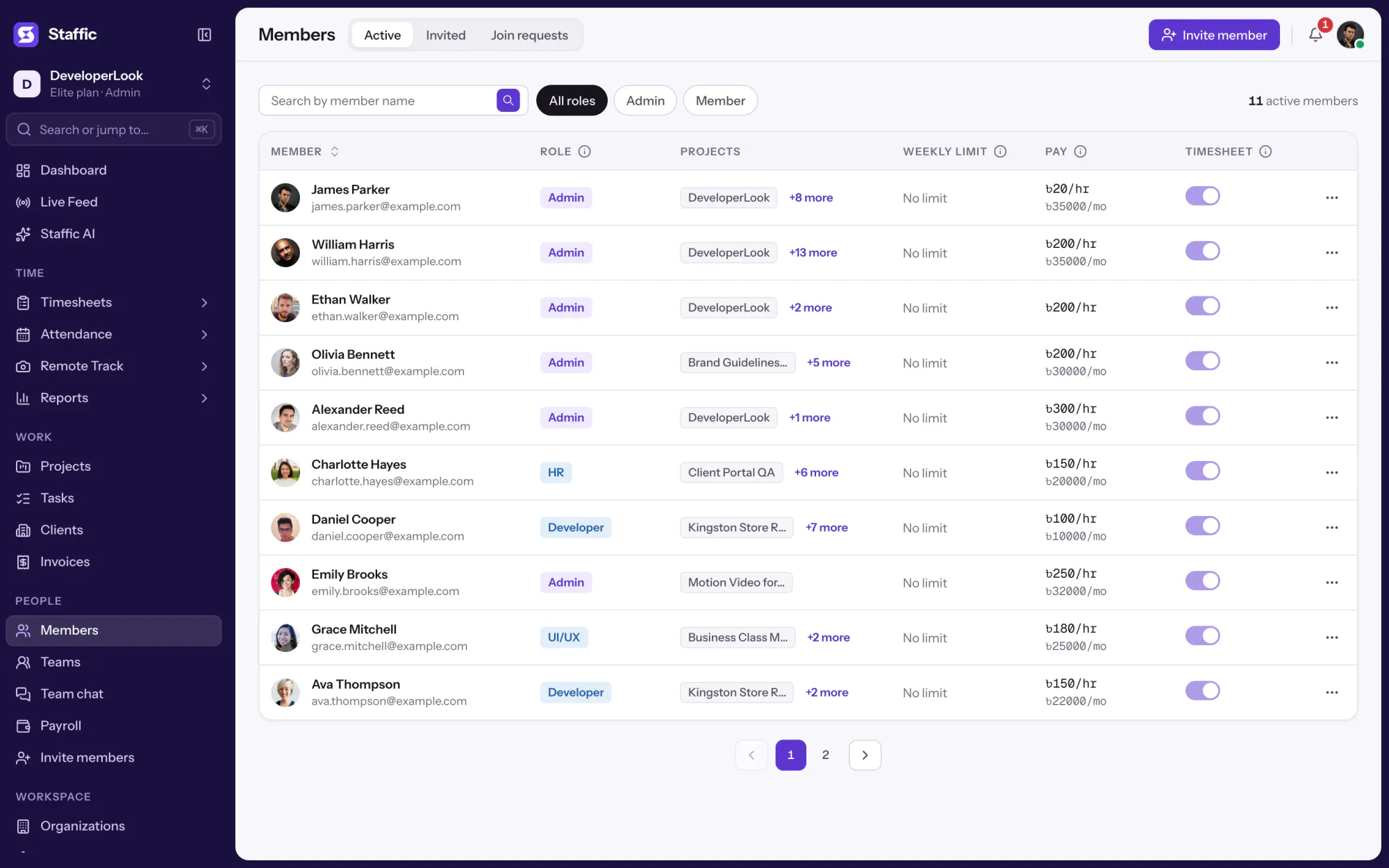

Members lists every person with their projects, pay and approval switch, and holds invitations, join requests and each member's page.
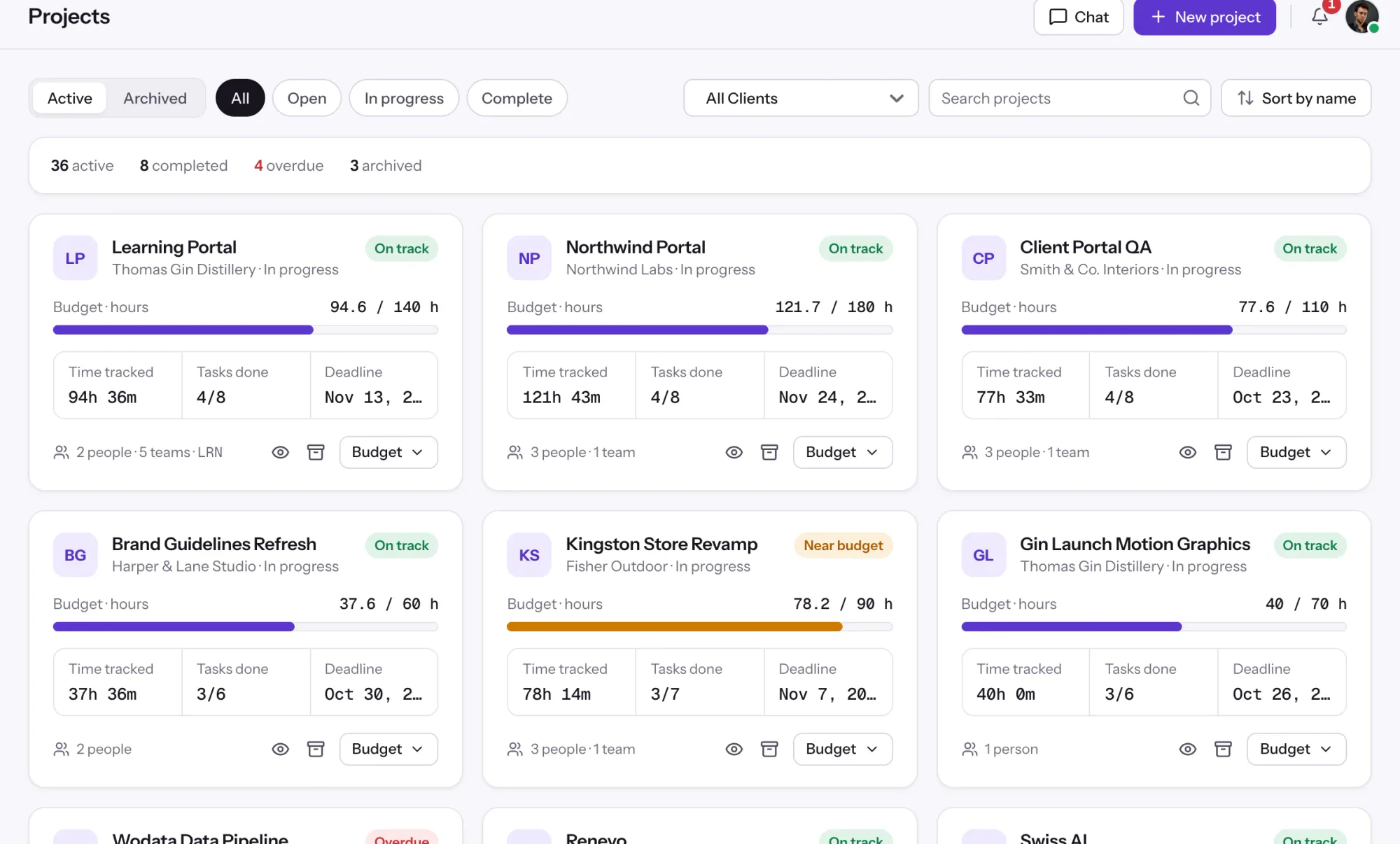

Projects tracks time per project, task and member, with status and task progress, plus budgets and billing on every plan.
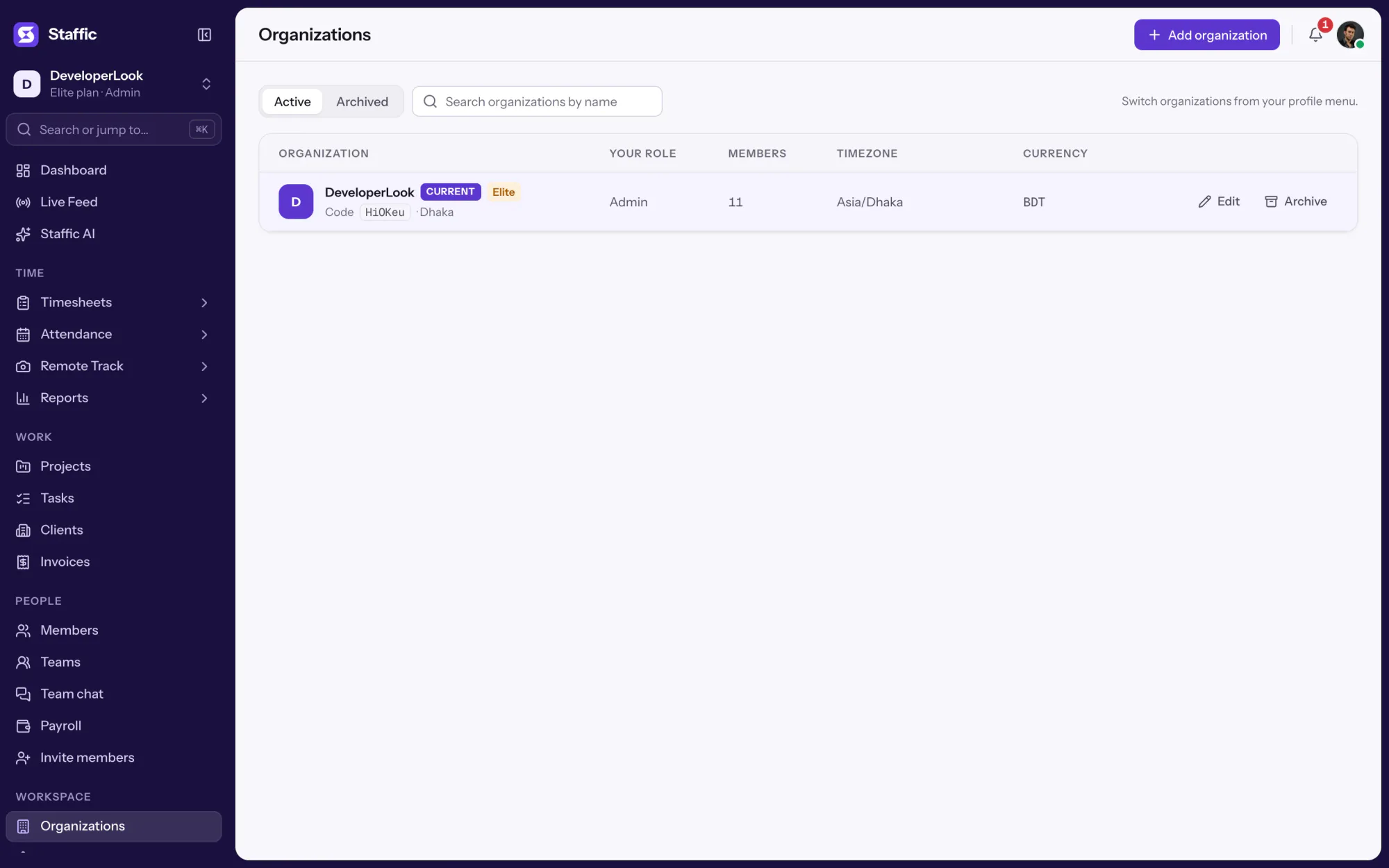

Organizations keeps the name, address, code, timezone and currency of each company you run, each with its own members, data and plan.
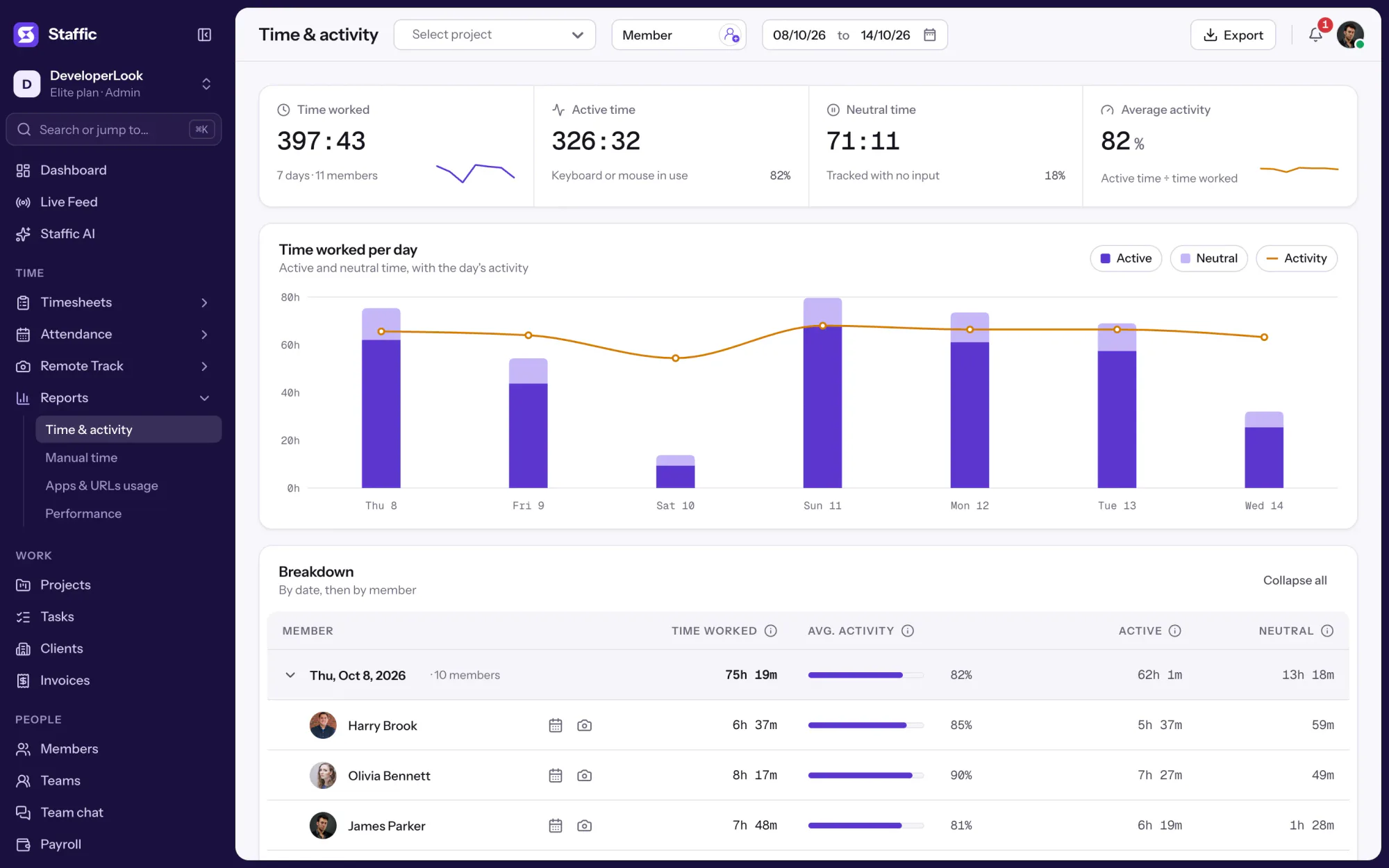

The Time & Activity Report shows each member's time worked, average activity, active time and neutral time for every day you pick.
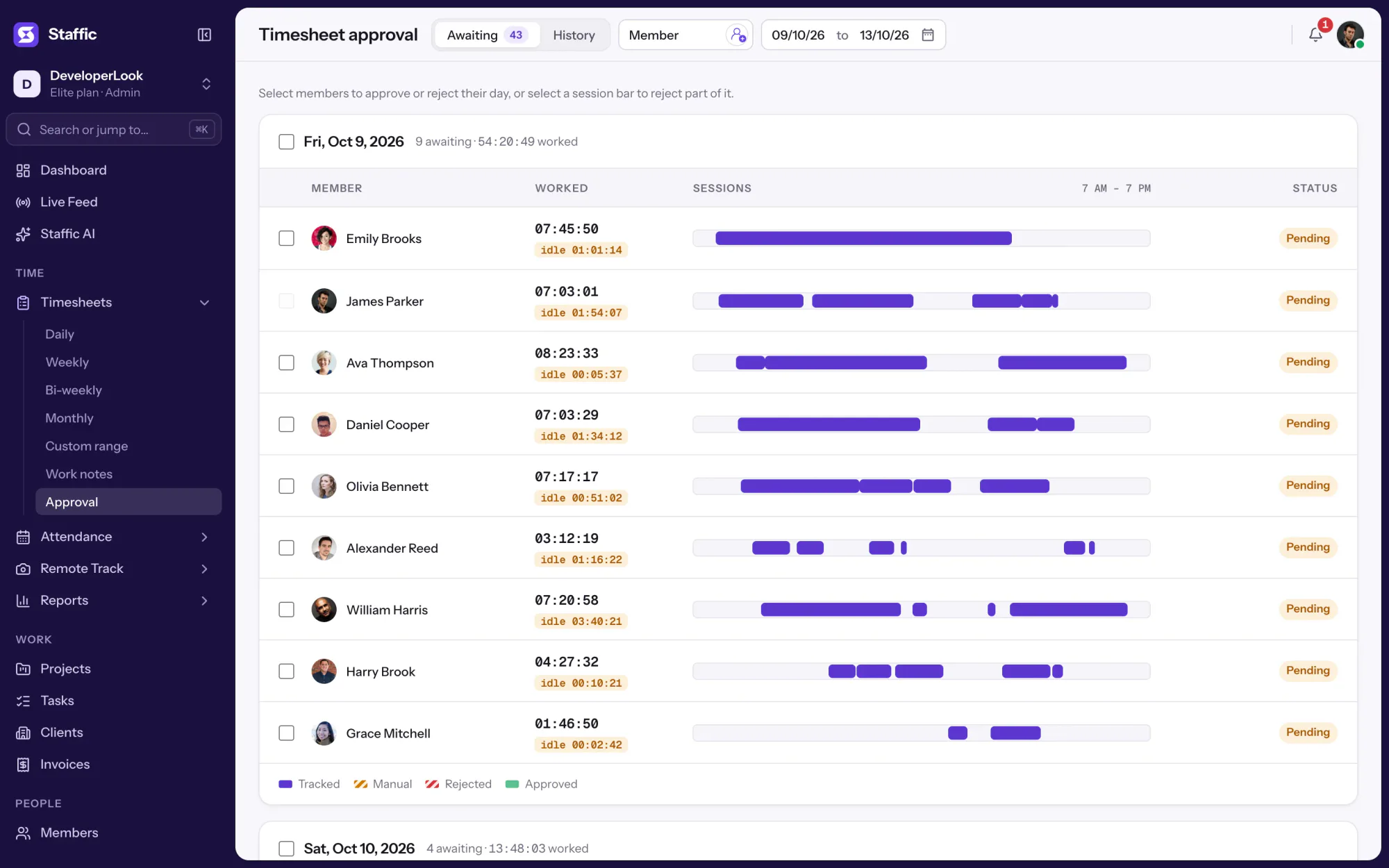

Approve or reject each member's tracked and manual time day by day, so hourly payroll pays only the hours you signed off.

Staffic is workforce management software for remote and hybrid teams: members, teams, attendance, leave, performance and payroll in one app.
Free for up to 2 members
Create your workspace, invite your team, and the first timesheet builds itself.