



Blog topic · 2 guides
Time tracking
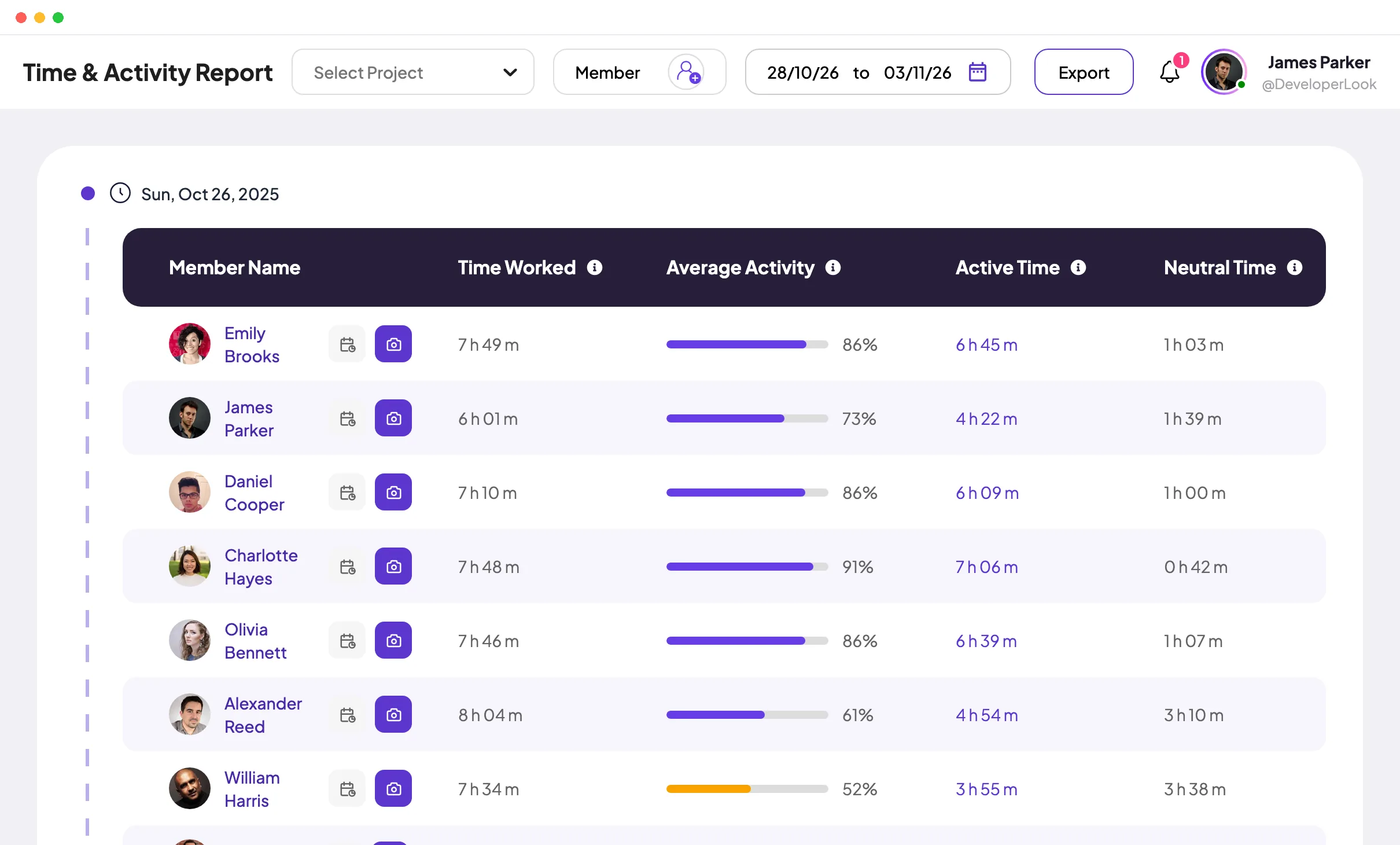
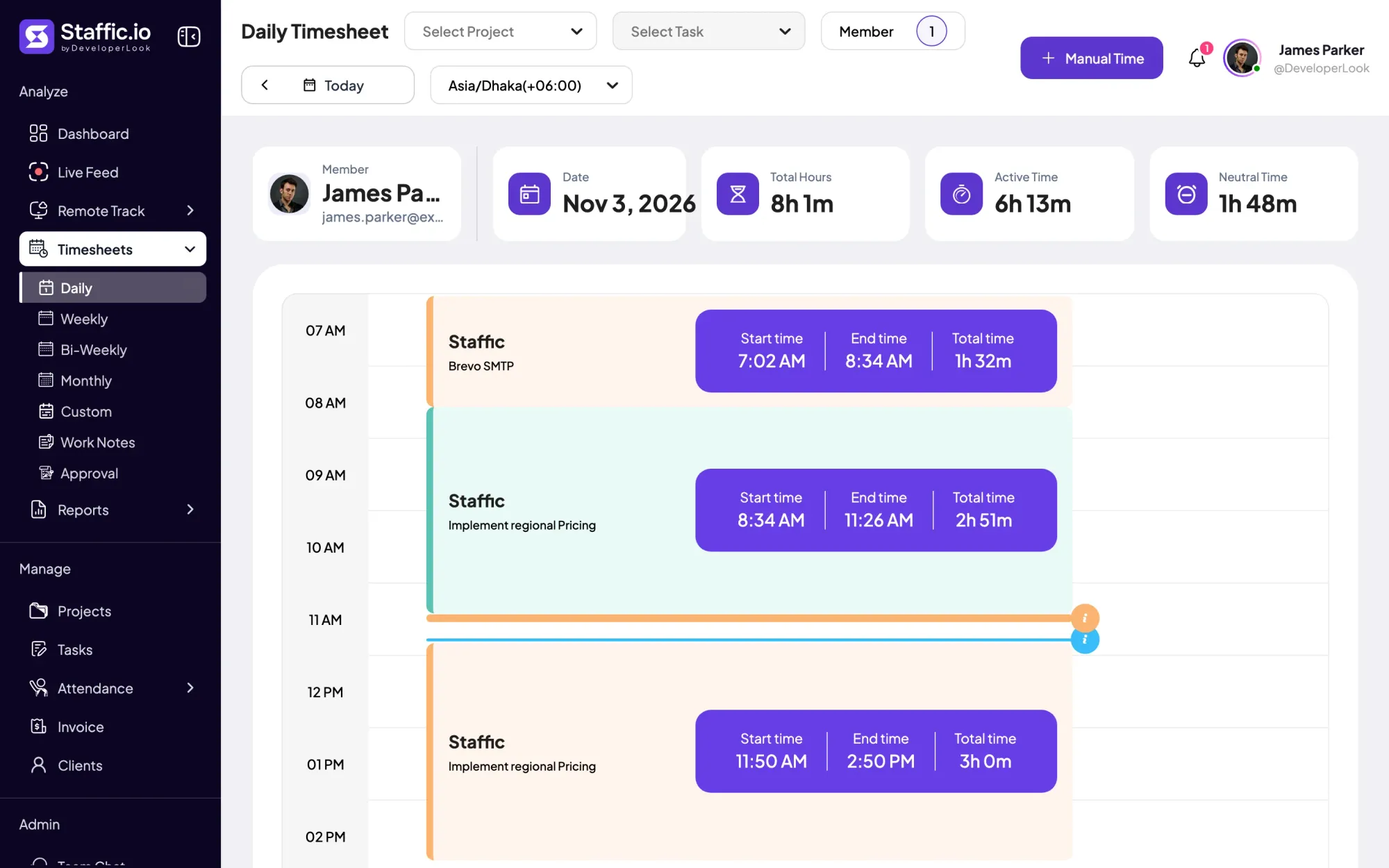
Time tracking guides cover how to record work hours accurately and turn them into timesheets people trust: automatic timers or manual entry, idle time, approvals and reporting. They are written for managers and owners who pay by the hour or bill clients for time, and for teams moving from spreadsheets to a time tracker. Each guide answers one question directly, then shows the steps. To see the tools behind them, start with Staffic’s Daily Timesheet, Weekly Timesheets and Timesheet Approval.
Time tracking guides
Best Time Tracking Software for Teams: 9 Tools Compared
The best time tracking software depends on the job. Compare 9 tools by features, free plans and prices from each vendor's own site, checked October 2026.

How to Calculate Hours Worked: By Hand and in Excel
Here's how to calculate hours worked by hand and in Excel: end time minus start time minus unpaid breaks, with the minutes divided by 60.
Showing 2 of 2 guides in Time trackingAll guides
Free for up to 3 members
See the work, not just the hours.
Create your workspace, invite your team, and the first timesheet builds itself.
- No credit card
- 7-day trial on paid plans
- Windows, macOS, Linux


