On this page (8)
- 01How do you compare the best time tracking tools?
- 02The best time tracking software, compared
- 03Which time tracking apps work best for remote employees?
- 04Which time tracking apps are best for billing clients?
- 05Which time tracking apps cost the least?
- 06What is the best tool for tracking nonbillable time?
- 07What are the best practices for rolling out time tracking to a team?
- 08Which time tracking software should you pick?
Key takeaways
- The best time tracking software depends on the job: billing clients, managing remote employees, or keeping costs low.
- Harvest and Toggl Track focus on billable hours, and Toggl's pricing page says it takes no screenshots at all.
- Staffic, Hubstaff, Time Doctor and DeskTime add activity data and screenshots, but each puts screenshots on a different plan.
- Clockify and TimeCamp have free plans for teams and paid plans from $3.99 per user per month, billed yearly.
- Compare the plan that includes the feature you need, and check seat minimums such as Hubstaff's 2 and Everhour's 5.
The best time tracking software depends on what the hours are for. If you bill clients, Harvest and Toggl Track focus on billable hours. If you manage remote employees, Staffic, Hubstaff and Time Doctor add activity data and screenshots. If price comes first, Clockify and TimeCamp have free plans for teams and paid plans from $3.99 per user per month, billed yearly.
Staffic publishes this post, and Staffic is one of the 9 tools in it. Every other tool's facts and prices come from that company's own website, checked on October 12, 2026. Prices are in USD per user per month, billed yearly, unless we say otherwise. We give no ratings or scores.
How do you compare the best time tracking tools?
Most of the best time tracking apps can start a timer and export a timesheet. The differences show up in five places:
- How time gets recorded. A timer you start and stop, tracking that runs in a desktop app, or entries typed in later. Check what happens when someone walks away: idle detection decides whether that time counts.
- How much you see. Some tools record hours only. Others add activity levels, the apps and websites people use, and screenshots. Pick what your team will accept, and tell them about it.
- What happens after the hours. Timesheet approval, client invoices and payroll often sit on a higher plan than the timer.
- Where your team works. Some desktop apps cover Windows and Mac only. Others add Linux.
- The real price. Compare the plan that has the feature you need, not the cheapest plan. Watch for seat minimums.
The best time tracking software, compared
The table shows each tool's lowest paid plan and the plan where screenshots and invoicing start. "Not listed" means the vendor's pricing page doesn't mention it, not that the tool lacks it.
| Tool | Lowest paid plan | Free plan | Screenshots | Invoicing | Desktop apps |
|---|---|---|---|---|---|
| Staffic | Standard (see pricing) | Up to 3 members | Standard and Elite | Elite | Windows, macOS, Linux |
| Toggl Track | Starter, $9 | Up to 3 users | No | Not listed | Windows, Mac |
| Clockify | Basic, $3.99 per seat | Up to 5 users | Pro, $7.99 | Standard, $5.49 | Windows, Mac, Linux |
| Harvest | Teams, from $9 per seat | 1 seat, 2 projects | Not listed | Every plan, Free included | Mac, Windows |
| Hubstaff | Starter, $4.99 per seat, 2-seat minimum | No, 14-day trial | Limited on Starter and Grow, unlimited on Team ($10) | Starter | Mac, Windows, Linux |
| Time Doctor | Basic, $6.67 | No, 14-day trial | Basic | Not listed | Windows, Mac, Linux |
| TimeCamp | Starter, $3.99 | Unlimited users | Ultimate, $9.99 | Starter | Windows, macOS, Linux |
| Everhour | Team, $8.50 per seat, 5-seat minimum | Up to 5 seats | Not listed | Team | Mac |
| DeskTime | Pro, $6.42 excluding VAT | No, 14-day trial | Premium, $9.17 | Not listed | Windows, Mac, Linux |
Staffic's prices come from its live plans and change with offers, so we link to the pricing page instead of copying a number that could go out of date.
Which time tracking apps work best for remote employees?
These four tools add activity data to the timer, such as the apps and websites people used, and take screenshots on some or all plans. They suit teams that work remotely and want proof of work next to the hours.
Staffic
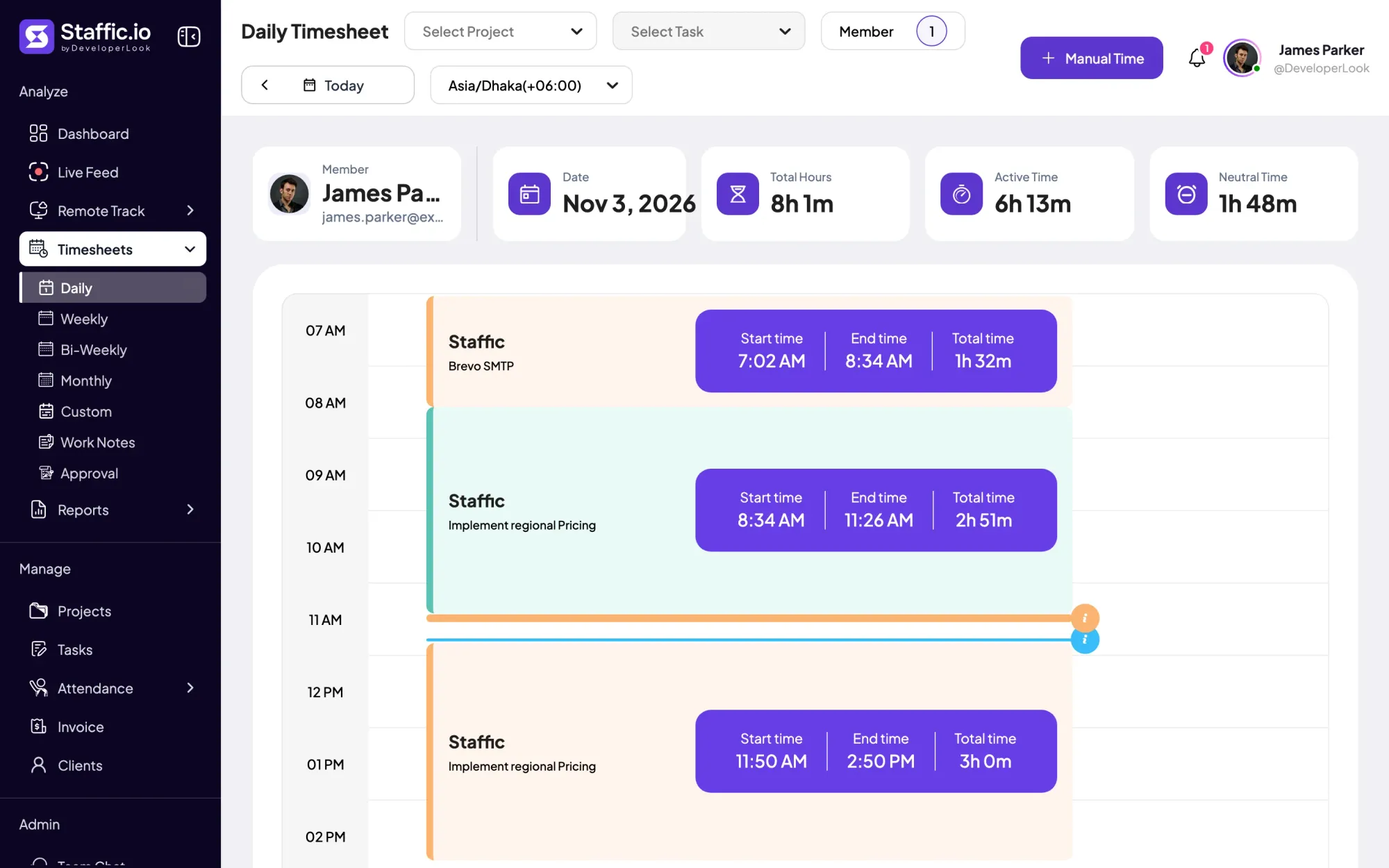
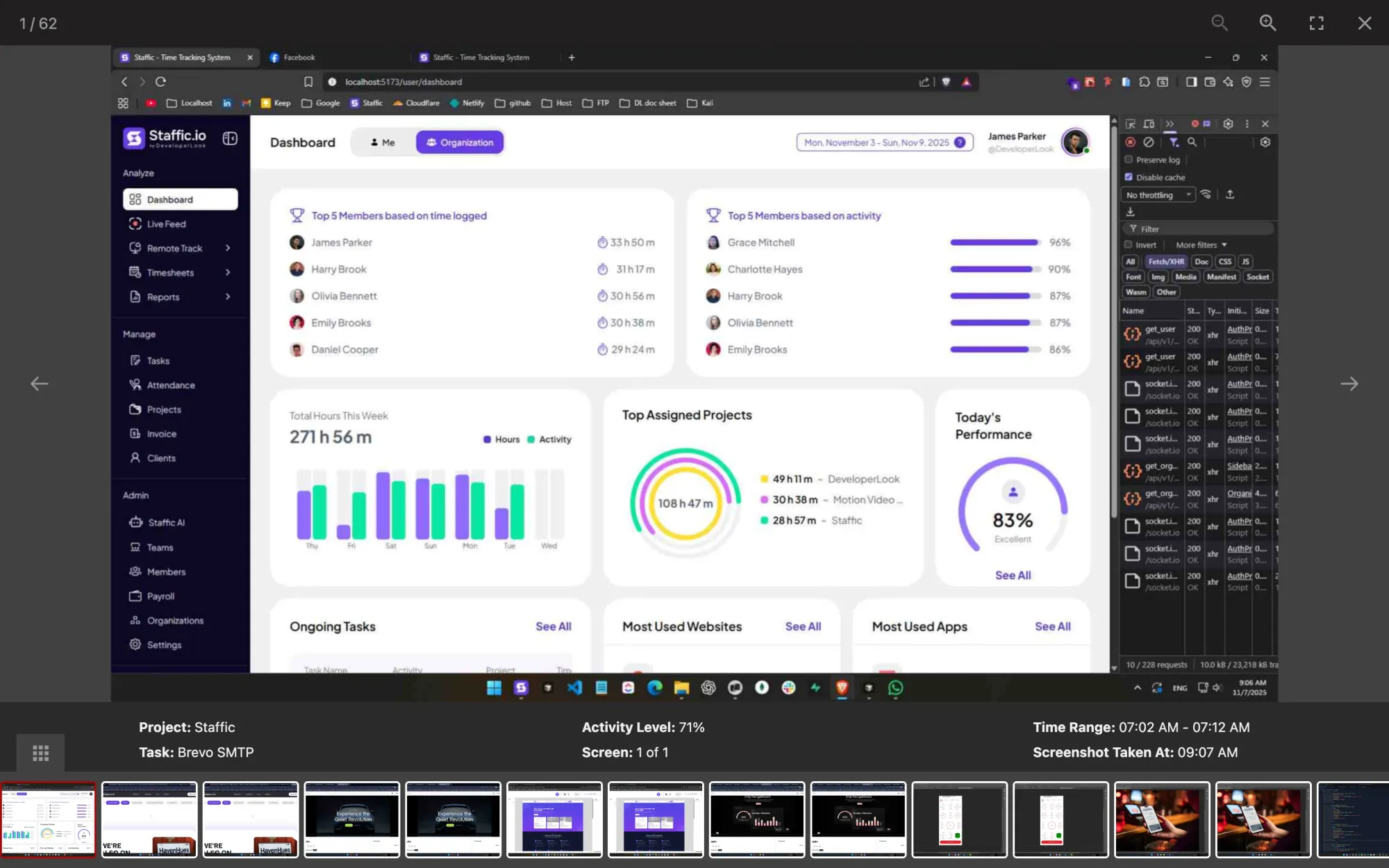
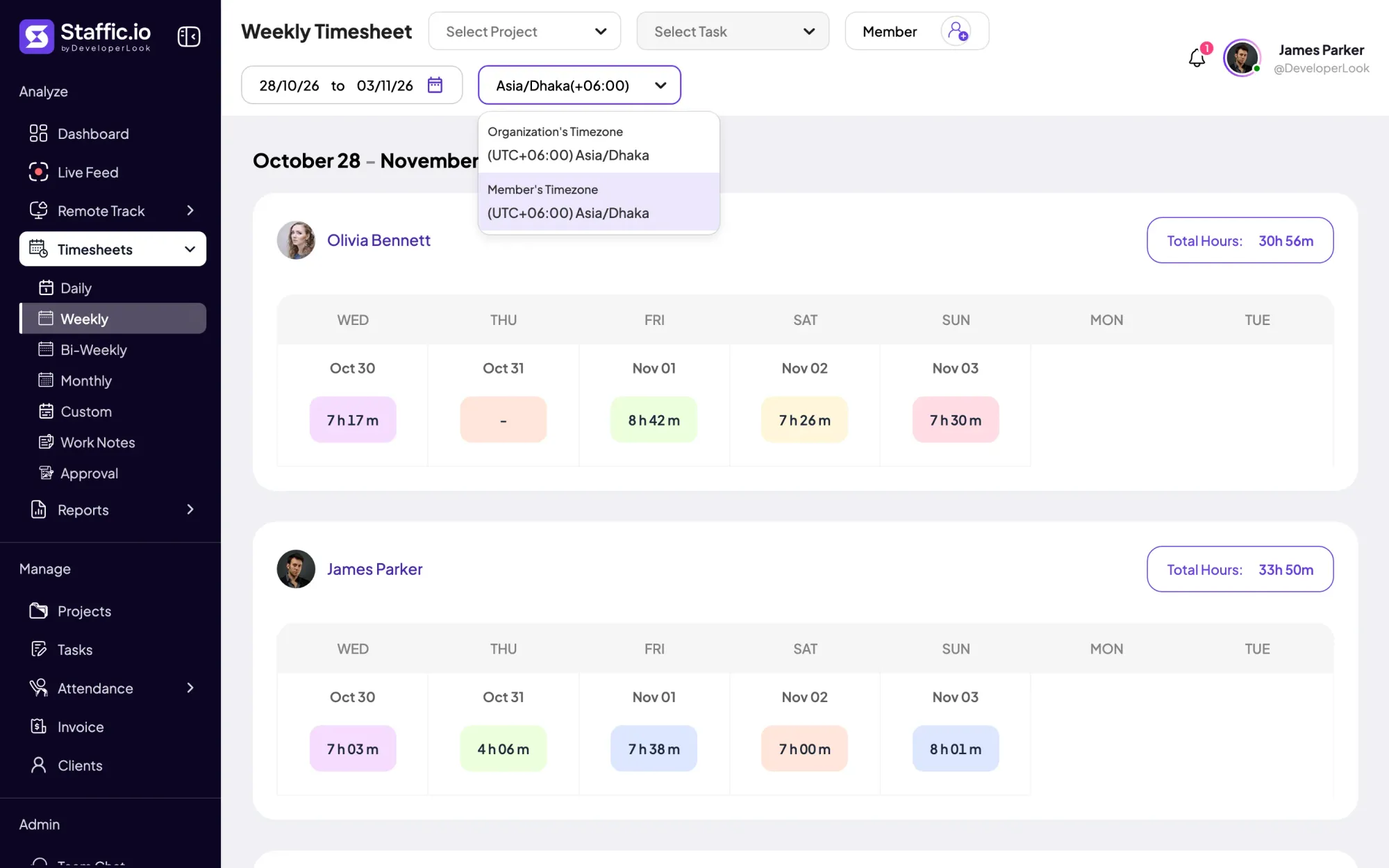
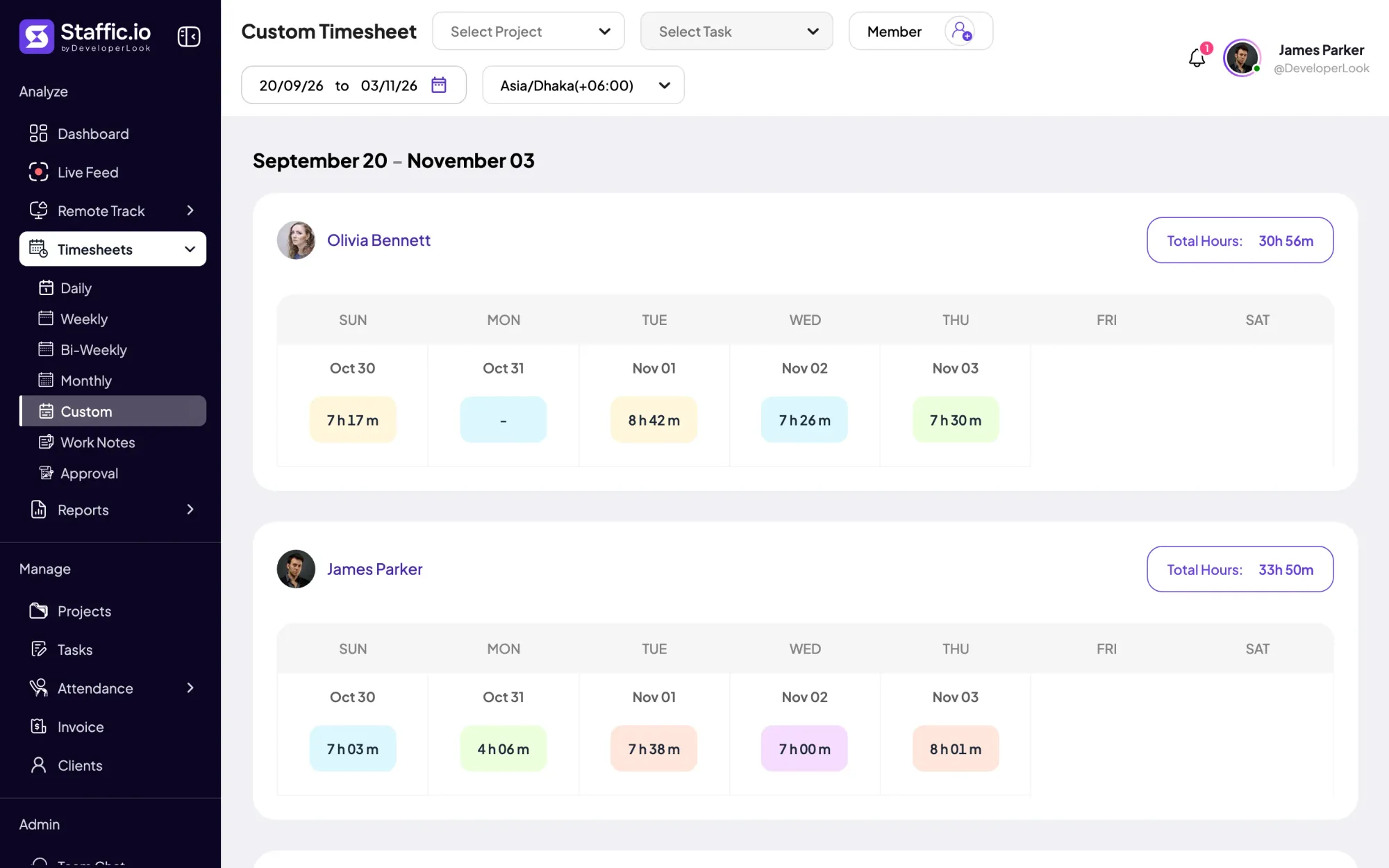
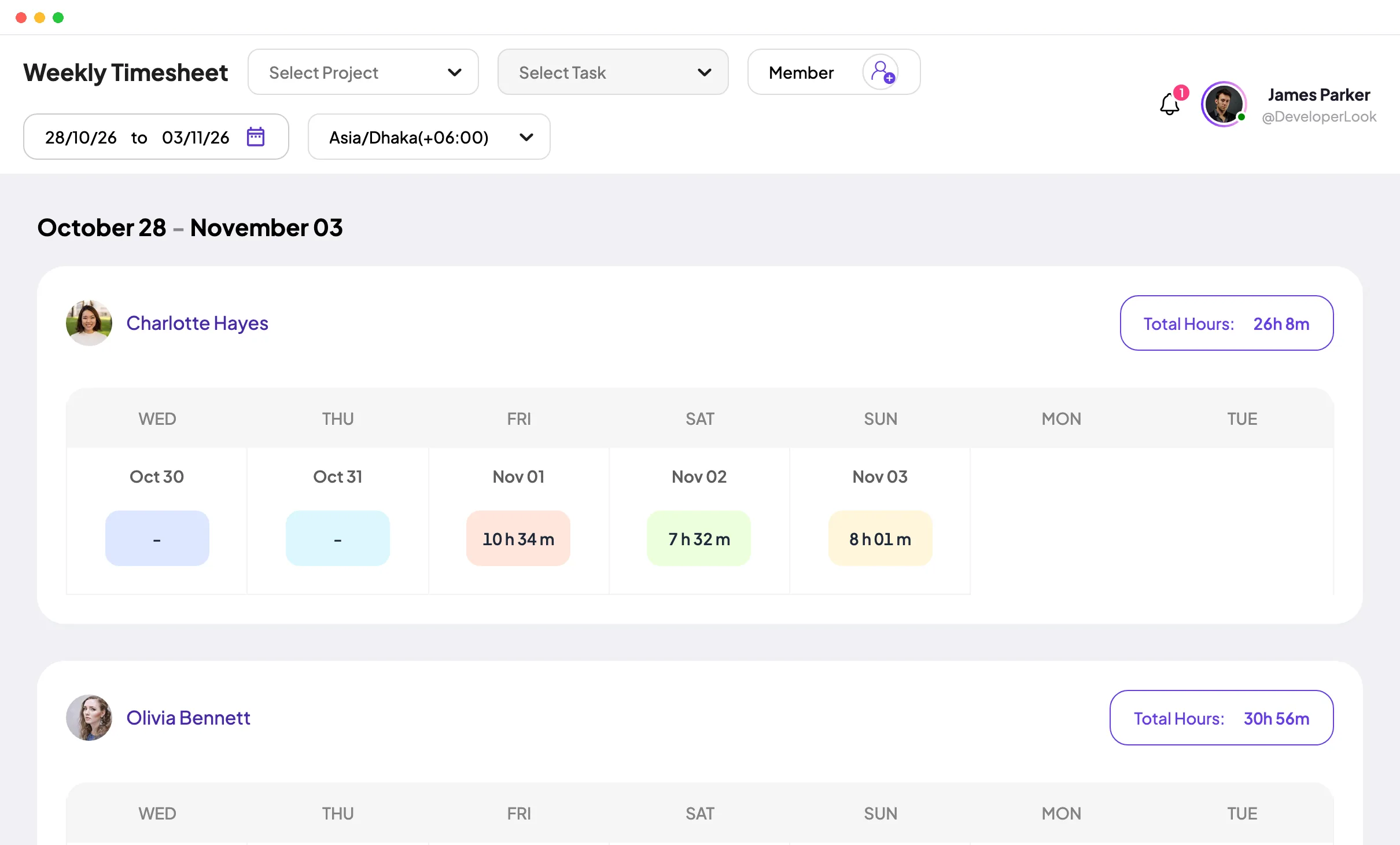
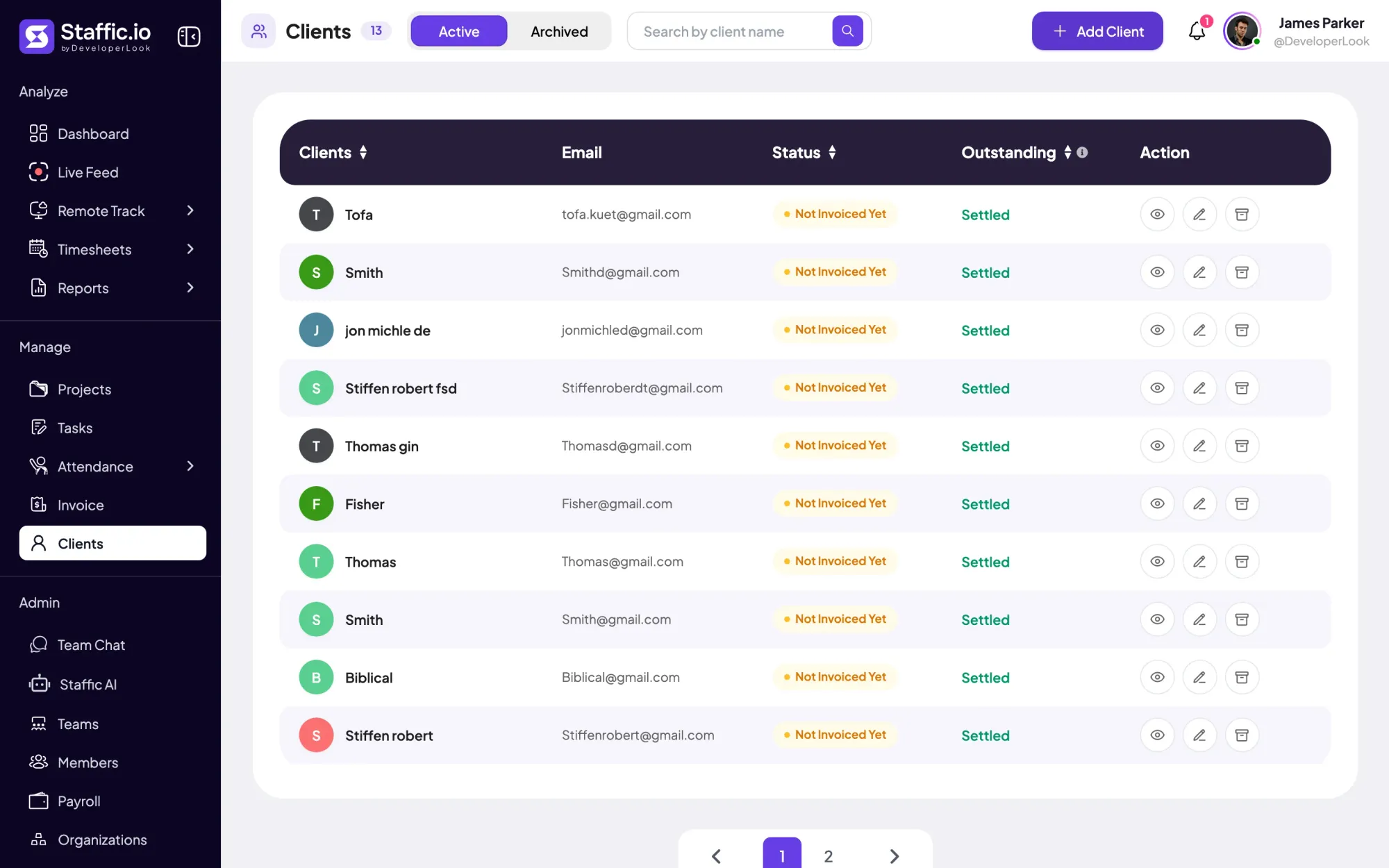
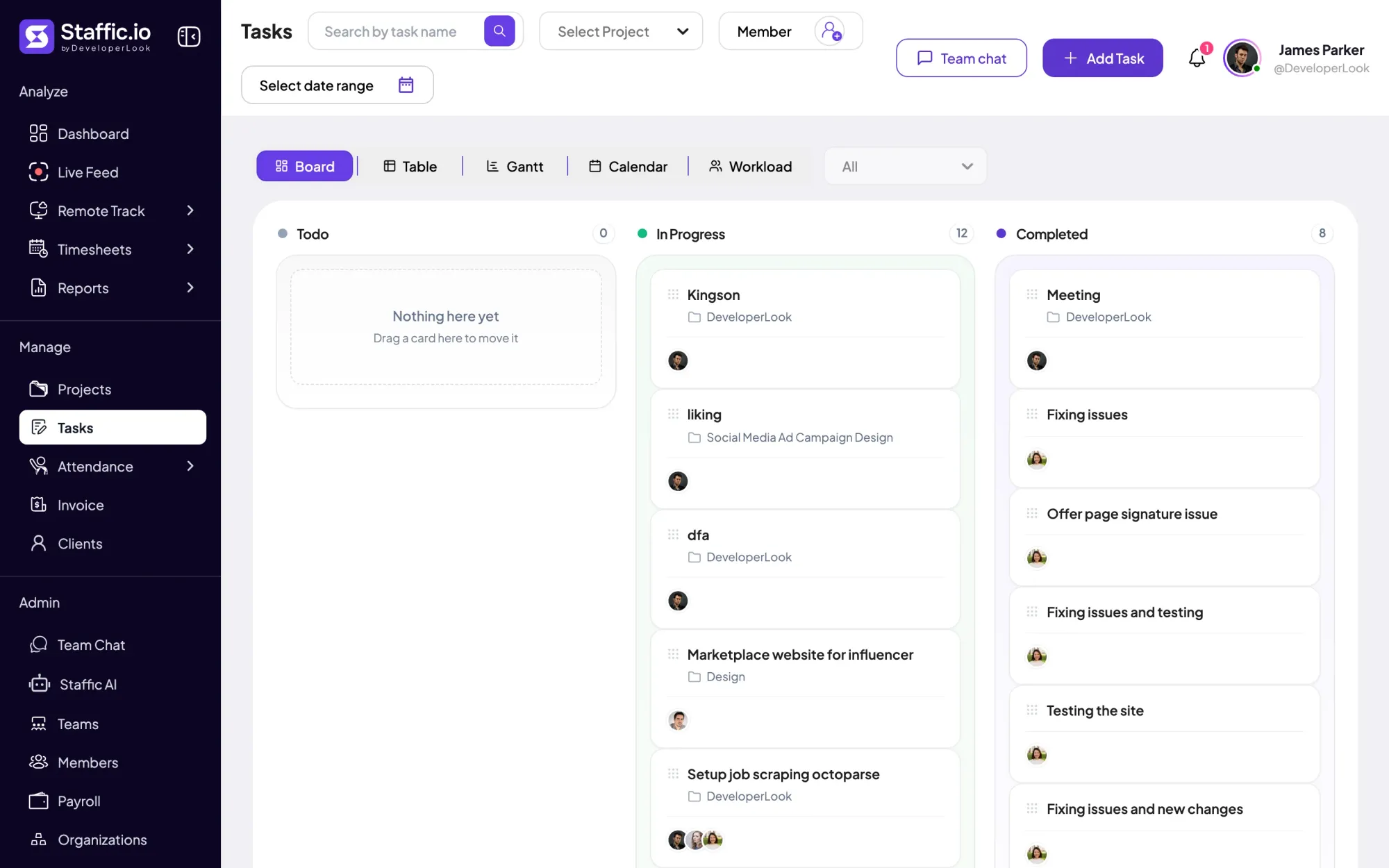
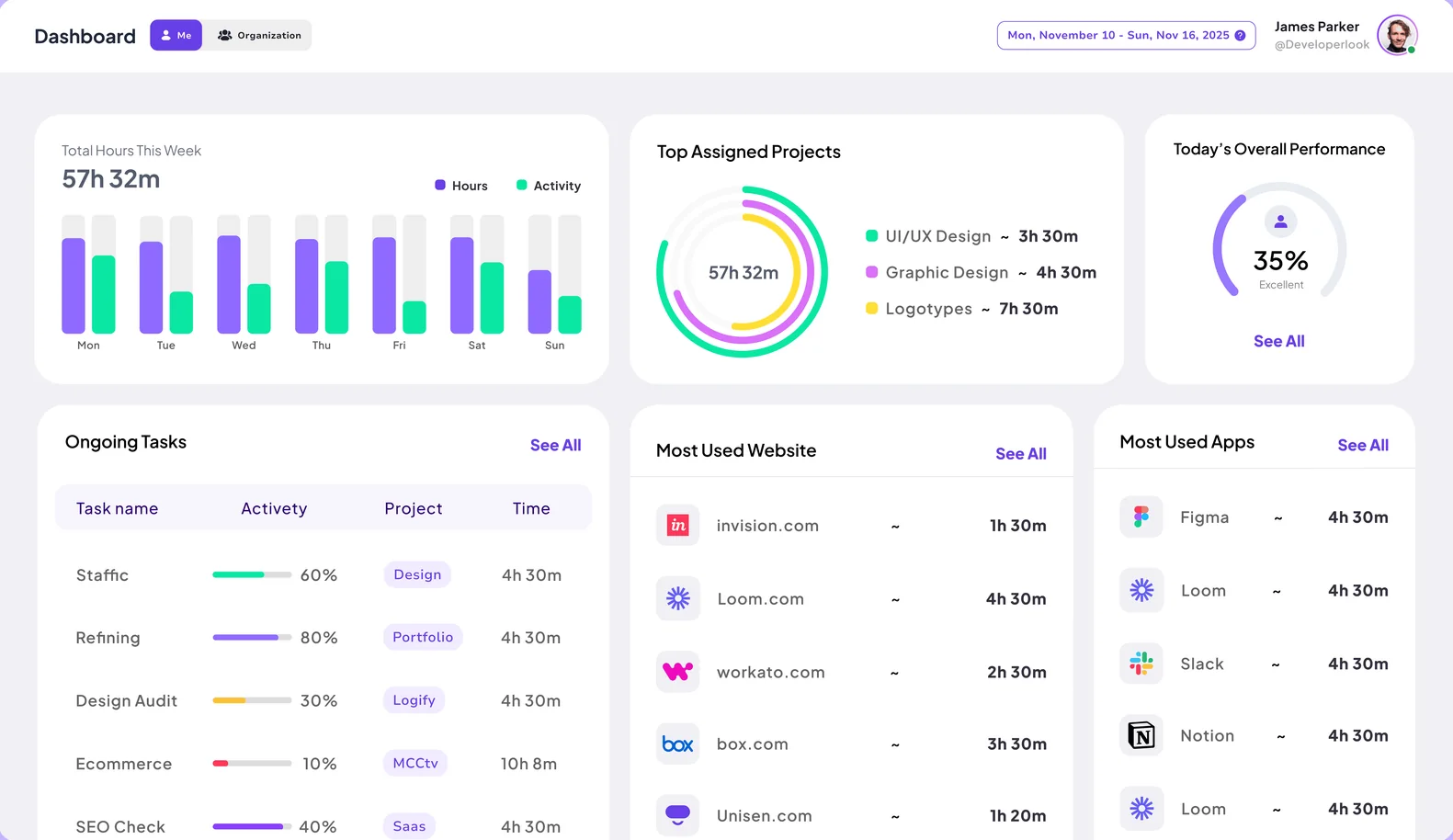
Staffic is time tracking and employee monitoring for remote and hybrid teams. Members pick a project and task and start the timer in the desktop app for Windows, macOS or Linux, and managers review the time in the web app. The Free plan covers up to 3 members with activity levels, apps and URLs, and daily, weekly and bi-weekly timesheets.
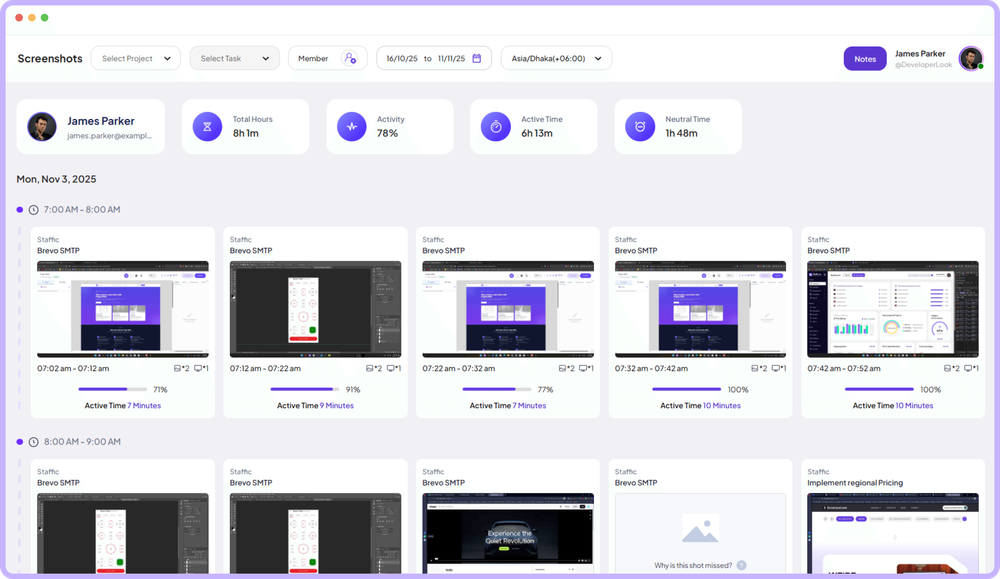
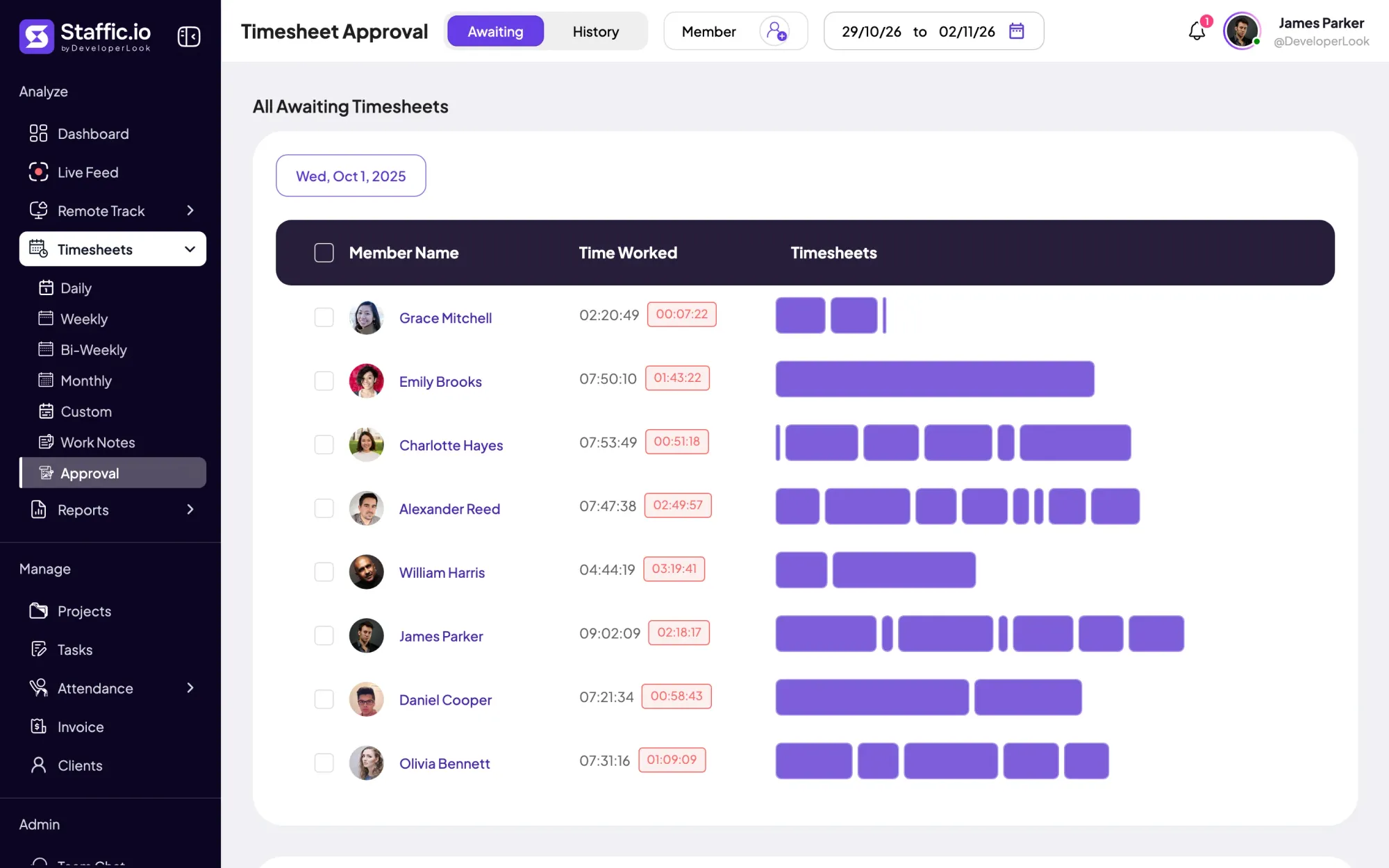
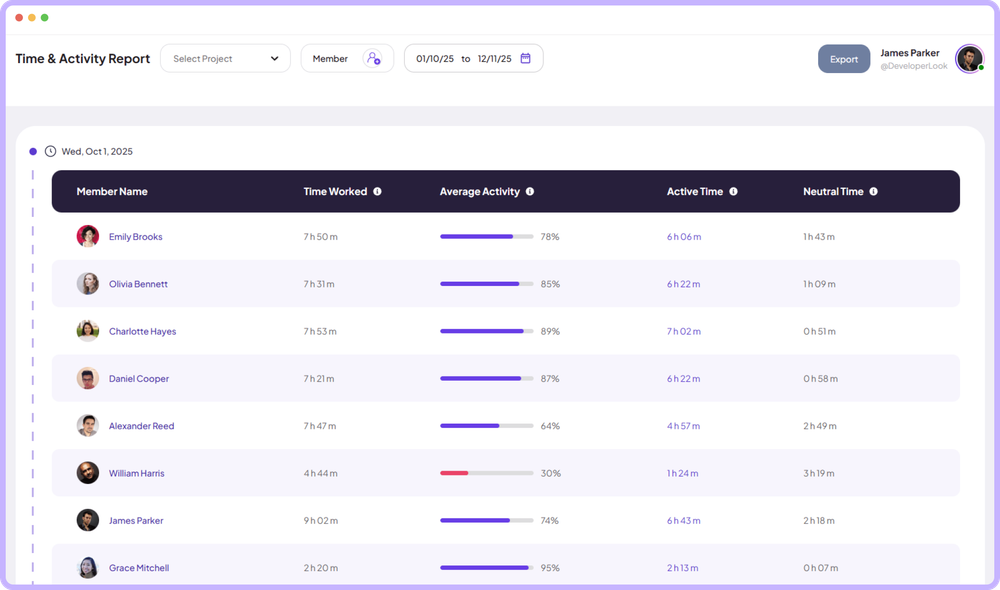
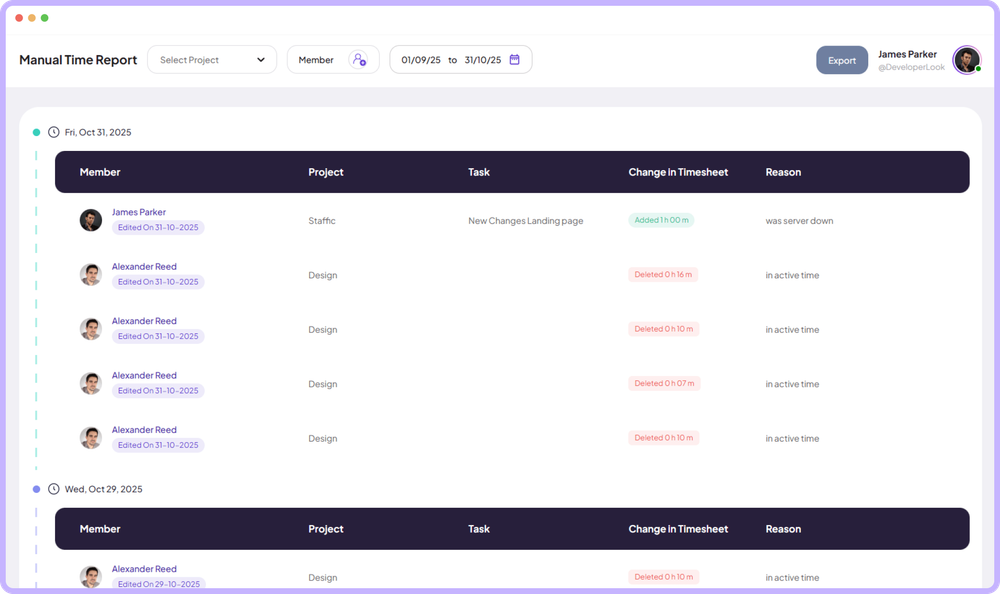
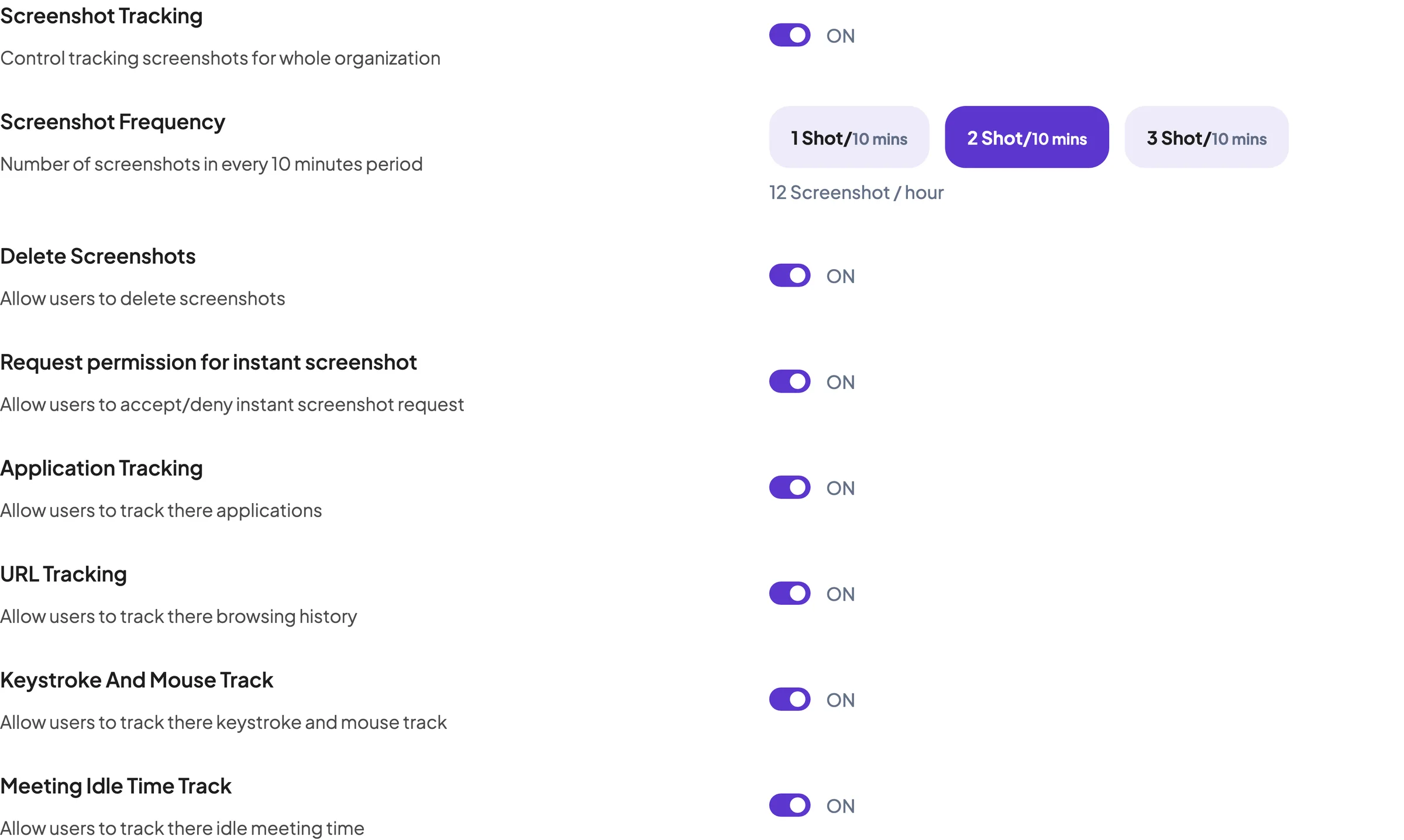
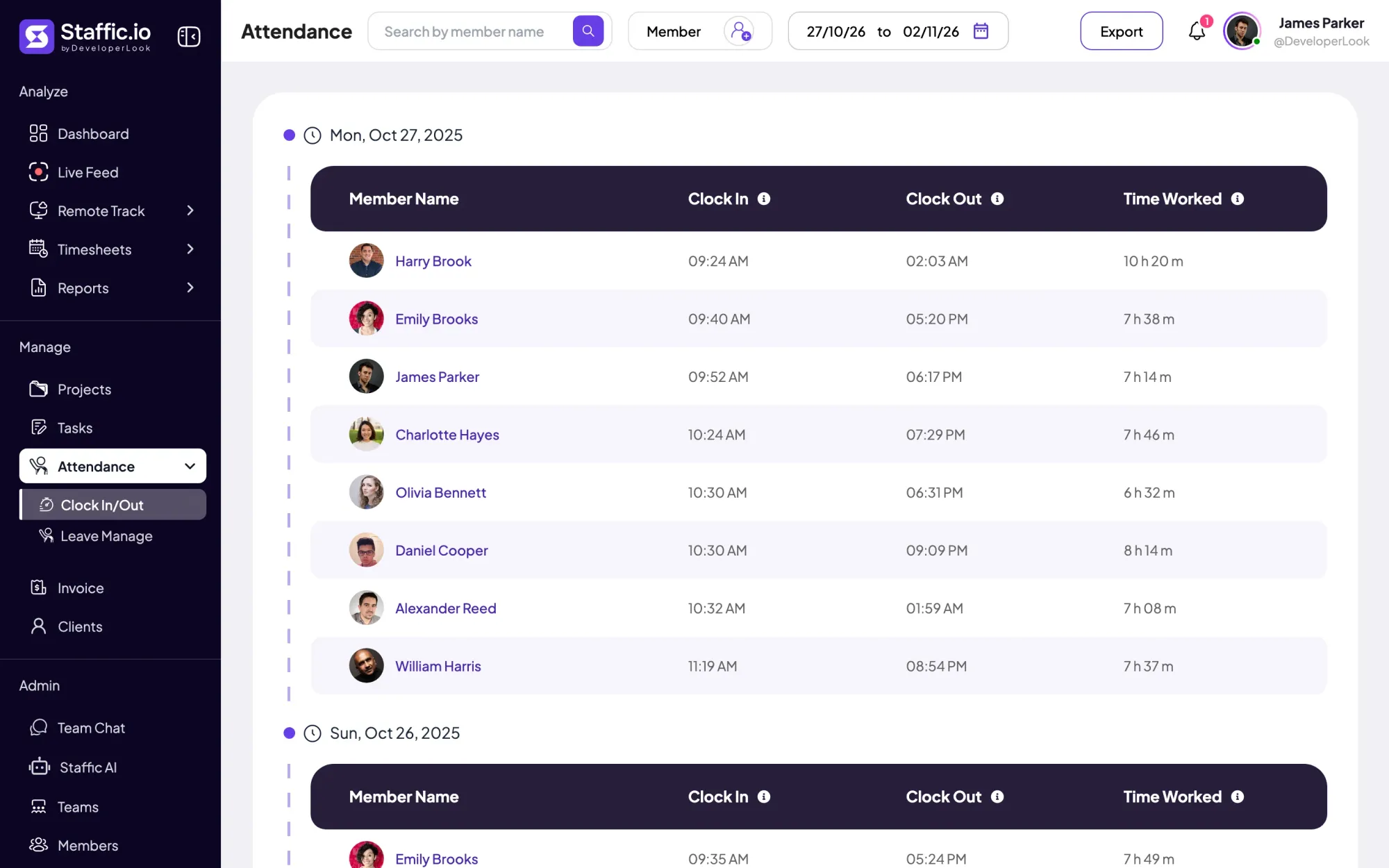
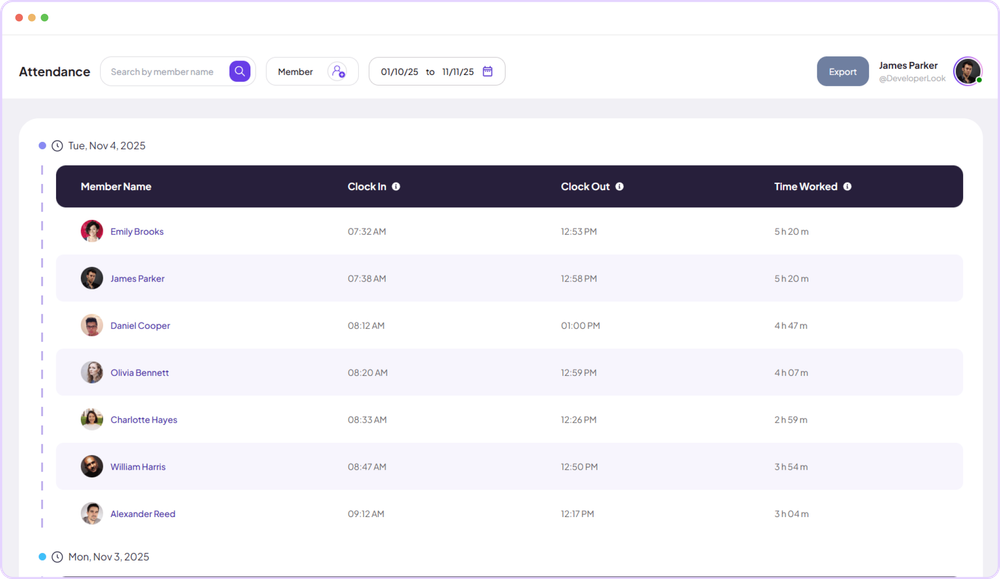
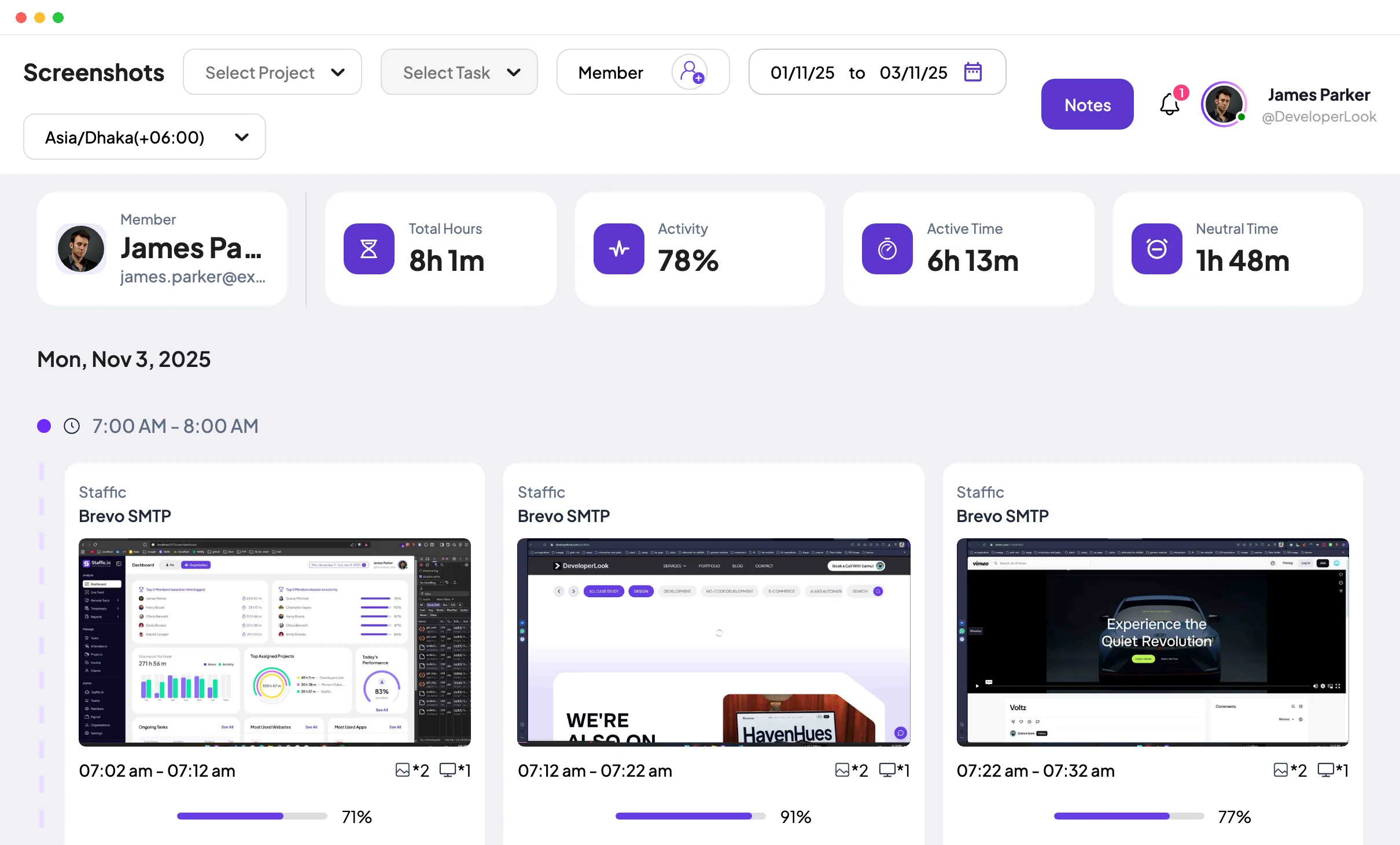
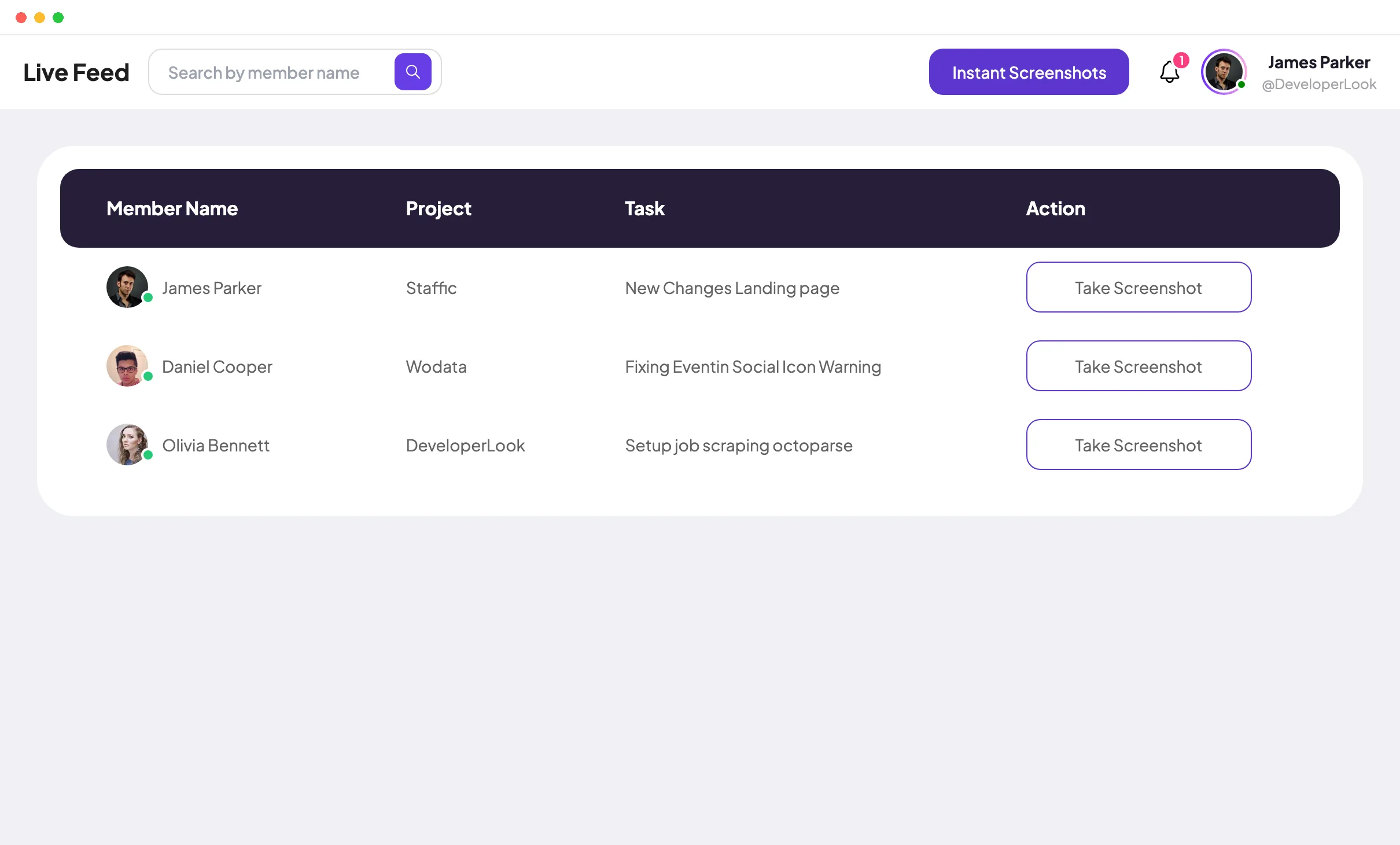
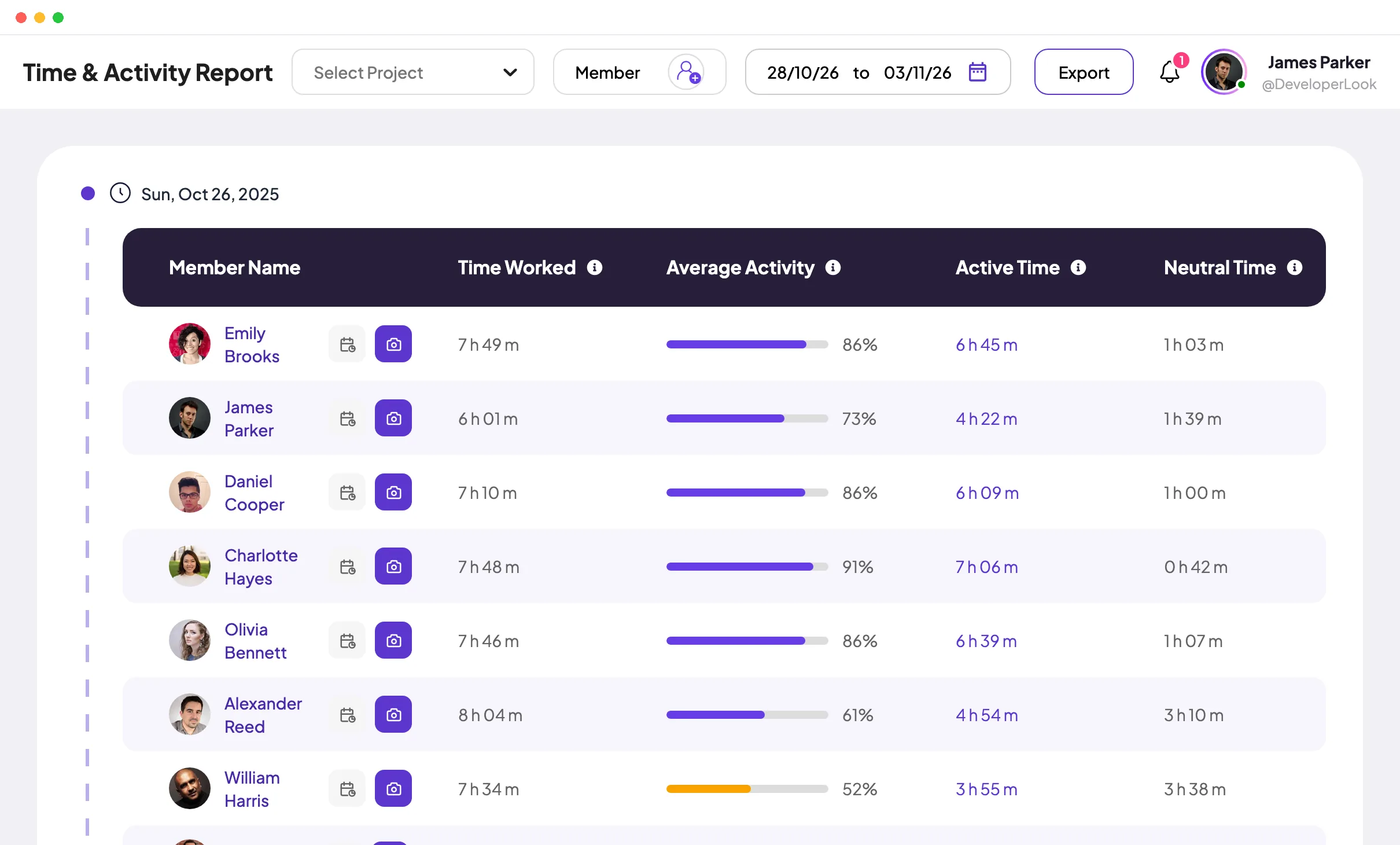
Standard adds screenshots (2 every 10 minutes), manual time, Clock In/Out and the Time and Activity report. Elite adds screen recordings, Live Feed, timesheet approval, leave management, clients, invoices and payroll. An MCP server on every plan lets AI assistants work with your Staffic data.
Best for: remote teams that want hours, activity and screenshots in one tool, and pay people from those hours. Worth knowing: invoices and payroll are on Elite only, and the Free plan has no screenshots.
Hubstaff
Hubstaff tracks time with activity levels and adds screenshots and app and URL tracking. Starter costs $4.99 per seat per month billed yearly, with a 2-seat minimum, and includes timesheets, clients and invoices, and a limited number of screenshots. Grow ($7.50) adds idle timeout and project budgets. Team ($10) adds unlimited screenshots and payroll. Desktop apps run on Mac, Windows and Linux, and plans start with a 14-day trial.
Best for: remote teams that want screenshots and payroll in one tool. Worth knowing: there is no free plan, and full screenshot and app tracking starts on Team. We compare it in detail on our Hubstaff alternative page.
Time Doctor
Time Doctor tracks time automatically and includes screenshots from its first plan. Basic costs $6.67 per user per month billed yearly ($8 billed monthly), with projects and tasks, a timeline report and screenshots. Standard ($11.67) adds attendance, time approvals, web and app usage reports, leave tracking and payroll. Premium ($16.70) adds video screen recording. Desktop apps cover Windows, Mac and Linux, with a 14-day trial.
Best for: managers who want productivity reports and screenshots from day one. Worth knowing: there is no free plan, and approvals and payroll start on Standard. See how it stacks up in Hubstaff vs Time Doctor.
DeskTime
DeskTime tracks time automatically from a desktop app for Windows, Mac and Linux, with idle time and app and URL tracking among its features. Pro costs $6.42 per user per month billed yearly, excluding VAT, and lists document title tracking and productivity calculations. Screenshots start on Premium ($9.17). There is a 14-day free trial and no free plan.
Best for: teams that want tracking to run without anyone starting a timer. Worth knowing: screenshots need Premium, and prices exclude VAT.
Which time tracking apps are best for billing clients?
These three tools focus on the hours and what they are worth. None of them lists screenshots on its pricing page, and Toggl says it takes none.
Harvest
Harvest pairs time tracking with invoicing. The Free plan gives you 1 seat and 2 projects with time tracking and invoicing. Teams starts at $9 per seat per month billed yearly ($108 a year) for unlimited seats and team reports. Extra invoices, projects, clients and tasks are billed by use. Enterprise ($14) adds timesheet approvals and profitability reporting. Apps run on Mac and Windows, and paid plans start with a 30-day trial.
Best for: freelancers and agencies that invoice by the hour. Worth knowing: the Teams price is a starting point, and timesheet approval needs Enterprise.
Toggl Track
Toggl Track is timer-first time tracking without monitoring: its pricing page says it takes no screenshots and records no keystrokes. The Free plan covers up to 3 users with manual and real-time timers. Starter costs $9 per user per month billed yearly and adds billable rates, team reports and time off. Premium ($16) adds timesheet approvals and labor cost and profitability reports. Desktop apps run on Windows and Mac.
Best for: teams that want accurate billable hours and no monitoring at all. Worth knowing: approvals need Premium, and there is no proof of work beyond the time entries.
Everhour
Everhour sells one paid plan with every feature. The Free plan covers up to 5 seats with time tracking, projects and tasks, and reports. Team costs $8.50 per seat per month billed yearly, with a 5-seat minimum, and adds billing, budgeting and invoicing. The desktop app is for Mac.
Best for: agencies that want budgets and invoices without choosing between tiers. Worth knowing: the 5-seat minimum puts Team at $42.50 a month or more, billed yearly.
Which time tracking apps cost the least?
Both of these tools have free plans for teams and paid plans from $3.99 per user per month, billed yearly.
Clockify
Clockify's Free plan covers up to 5 users with a time tracker, timesheets, an auto tracker, idle detection and reports. Basic costs $3.99 per seat per month billed yearly ($4.99 billed monthly) and adds time entry for others, breaks and billable rates. Standard ($5.49) adds invoicing, approvals, time off and attendance. Pro ($7.99) adds activity monitoring, with optional screenshots, through an agent app. Desktop apps cover Windows, Mac and Linux.
Best for: small teams that want to start free and add features one plan at a time. Worth knowing: screenshots need Pro, so a monitored team pays $7.99 per seat.
TimeCamp
TimeCamp's Free plan has unlimited users and projects, timesheets, and web and desktop apps. Starter costs $3.99 per user per month billed yearly ($5.49 billed monthly) and adds invoicing, attendance and time off. Premium ($6.99) adds billable time, budgets and app and website tracking. Ultimate ($9.99) adds screenshots and timesheet approvals. Desktop apps run on Windows, macOS and Linux.
Best for: bigger teams that want a free plan with no user limit. Worth knowing: TimeCamp adjusts prices by country, so you may see lower numbers. These are its standard USD prices.
What is the best tool for tracking nonbillable time?
Any tool that puts every entry on a project or task can track nonbillable time. The habit matters more than the tool: create internal projects such as admin, sales and training, and track to them like client work. Your reports then show billable and nonbillable hours side by side.
Billable rates help too. Toggl Track (Starter), Clockify (Basic) and TimeCamp (Premium) mark billable time on paid plans. In Staffic, members track internal work to its own project, and the Time and Activity report (Standard and Elite) filters hours by project.
What are the best practices for rolling out time tracking to a team?
The best app for time tracking is the one your team keeps running all day. These steps get you there:
Decide what you need the data for
Billing, payroll, project costs or proof of work. The answer decides how much you track: hours only, or activity and screenshots too.
Write it down and share it first
Say what is recorded, when, and who can see it. Our guide on explaining employee monitoring to your team covers what to say.
Set up projects and tasks before day one
People track accurately when the right project is one click away. Add internal projects for nonbillable work at the same time.
Start with a small group
Run a week or two with a few people, fix the setup, then invite everyone. Most tools in this post have a free plan or a free trial of 14 or 30 days for this.
Review timesheets every week
A weekly look catches forgotten timers and missing hours while they are easy to fix. Approve hours before they reach payroll or invoices. Our post on time theft shows what to look for.
Which time tracking software should you pick?
- You bill clients and want no monitoring: Harvest or Toggl Track.
- You want budgets and invoices on one plan: Everhour.
- You need a free plan for a bigger team: TimeCamp (unlimited users) or Clockify (up to 5 users).
- You manage remote employees and want proof of work: Staffic, Hubstaff, Time Doctor or DeskTime.
- You also pay people from tracked hours: Staffic (Elite), Hubstaff (Team) or Time Doctor (Standard).
Whichever you shortlist, run a real week through it before you pay for a year. To see Staffic with sample data, open the Staffic live demo, or start free with up to 3 members.
FAQ
What is the best time tracking app?
There is no single best time tracking app: it depends on what the hours are for. Harvest and Toggl Track suit client billing, Clockify and TimeCamp suit tight budgets, and Staffic, Hubstaff and Time Doctor suit remote teams that want activity data and screenshots next to the hours.
What makes the best time tracker app for a team?
The best time tracker app records time as people work instead of from memory. Look for a desktop app with a timer, idle detection and timesheets a manager can review, and check that it runs on every system your team uses, because Linux support varies between tools.
What is the best app for tracking employee hours?
For employees, pick an app that records activity as well as hours, so each timesheet is backed by data. Staffic, Hubstaff, Time Doctor and DeskTime all track apps and websites and take screenshots on some plans. Staffic tracks activity, apps and URLs free for up to 3 members and adds screenshots on Standard.
What's the best time tracking software for employee management?
Pick software that connects hours to attendance, leave and approvals, not just a timer. Staffic adds Clock In/Out on Standard, and leave management and timesheet approval on Elite. Time Doctor's Standard plan lists attendance, leave tracking, time approvals and payroll.
What is the best tool for tracking nonbillable time?
Any tool that tracks time against projects can do it, as long as you create internal projects for work such as admin, sales and training. Tools with billable rates, such as Toggl Track, Clockify and TimeCamp, then show billable and nonbillable hours apart in reports.
What are the best practices for implementing time tracking for a team?
Decide what the data is for, tell the team what is recorded before you start, and set up projects and tasks first. Then run a short pilot with a few people, review timesheets every week, and approve hours before they reach payroll or invoices.
Sources
- Staffic pricing, checked October 12, 2026Staffic
- How to Use Remote TrackStaffic documentation
- Toggl pricing, checked October 12, 2026Toggl
- Clockify plans and pricing, checked October 12, 2026Clockify
- Clockify activity monitoring, checked October 12, 2026Clockify
- Clockify apps, checked October 12, 2026Clockify
- Harvest pricing, checked October 12, 2026Harvest
- Hubstaff pricing, checked October 12, 2026Hubstaff
- Hubstaff downloads, checked October 12, 2026Hubstaff
- Time Doctor pricing, checked October 12, 2026Time Doctor
- TimeCamp pricing, checked October 12, 2026TimeCamp
- Everhour pricing, checked October 12, 2026Everhour
- DeskTime pricing, checked October 12, 2026DeskTime
- DeskTime downloads, checked October 12, 2026DeskTime