On this page (8)
- 01How do you calculate hours worked by hand?
- 02Do breaks count as hours worked?
- 03How to calculate hours worked in Excel
- 04How do you calculate hours that run past midnight?
- 05Can you round hours worked?
- 06What mistakes do people make when adding up hours?
- 07How to calculate your work hours as an employee
- 08How does Staffic add up hours worked?
Key takeaways
- To calculate hours worked, subtract the start time from the end time, take off unpaid breaks and divide leftover minutes by 60.
- Under US federal rules, short rest breaks of about 5 to 20 minutes count as hours worked, while real meal breaks don't.
- In Excel, =(C2-B2-D2)*24 gives decimal hours for a day, and =MOD(C2-B2,1)*24 handles work that runs past midnight.
- Rounding start and stop times is accepted federally only when it evens out over time, never when it always favors the employer.
- Time tracking software such as Staffic totals each member's tracked sessions per day and week, so nobody redoes the math by hand.
Here's how to calculate hours worked: subtract the start time from the end time, take off unpaid breaks, and turn the leftover minutes into a decimal by dividing by 60. Do that for each day, then add the days together for the week. In Excel, the same sum is =(C2-B2-D2)*24 when the cells hold times.
This guide is general information for US employers, not legal or payroll advice. Break rules can differ by state, so check the law where each employee works.
How do you calculate hours worked by hand?
The formula is the same every day: end time minus start time minus unpaid breaks. The tricky parts are the clock and the minutes, so work in 24-hour time and keep hours and minutes apart until the last step.
Write the times in 24-hour format
A 5:05 PM finish becomes 17:05. This removes AM and PM mix-ups, the easiest mistake to make by hand.
Subtract the start time from the end time
For a day from 08:10 to 17:05, take 8 hours 10 minutes away from 17 hours 5 minutes. Because 5 minutes is less than 10, borrow an hour first: 16:65 minus 8:10 is 8 hours 55 minutes.
Take off unpaid breaks
Subtract only the breaks the person wasn't paid for, such as a 30-minute lunch. That leaves 8 hours 25 minutes.
Convert the minutes to a decimal
Divide the minutes by 60: 25 ÷ 60 is 0.42, so the day is 8.42 hours. Payroll and client invoices usually need this decimal form.
Once you know how to calculate work hours for one day, the week is addition. A Monday to Friday of 8.42, 7.75, 8, 8.5 and 6.25 hours makes 38.92 hours.
Minutes to decimal hours
| Minutes | Decimal hours | Minutes | Decimal hours |
|---|---|---|---|
| 5 | 0.08 | 35 | 0.58 |
| 10 | 0.17 | 40 | 0.67 |
| 15 | 0.25 | 45 | 0.75 |
| 20 | 0.33 | 50 | 0.83 |
| 25 | 0.42 | 55 | 0.92 |
| 30 | 0.50 | 60 | 1.00 |
The slip to watch for is reading 8:30 as 8.30 hours. It's 8.5 hours, because 30 minutes is half an hour, not three tenths of one.
Do breaks count as hours worked?
Under US federal rules, short breaks count and real meal breaks don't. The Department of Labor's regulations at 29 CFR 785.18 and 785.19 (read on October 12, 2026) draw the line like this:
| Break | Counts as hours worked? | Federal rule |
|---|---|---|
| Rest break of about 5 to 20 minutes | Yes, it's paid time | 29 CFR 785.18 |
| Meal break, usually 30 minutes or more, fully relieved of duty | No | 29 CFR 785.19 |
| Lunch eaten at the desk while still working | Yes | 29 CFR 785.19 |
The Department of Labor also notes that federal law doesn't require lunch or coffee breaks at all. State laws can add their own meal and rest break rules. So in the hand method above, subtract the unpaid lunch and leave short paid breaks in the total.
How to calculate hours worked in Excel
Excel stores a time as a fraction of a day. Microsoft's documentation for the TIME function describes times as decimals from 0 at midnight to 0.99988426 at 23:59:59. Subtracting two times gives a fraction of a day, so you multiply by 24 to get hours.
Set up one row per day, starting in row 2:
| Column | What goes in it | Example |
|---|---|---|
| A | Date | Mon, Oct 5 |
| B | Start time | 8:10 AM |
| C | End time | 5:05 PM |
| D | Unpaid break, as a time | 0:30 |
| E | Hours worked: =(C2-B2-D2)*24 | 8.42 |
Format column E as a number with 2 decimal places. If you'd rather see hours and minutes, use =C2-B2-D2 with the h:mm format instead, which shows 8:25.
Copy the formula down for the rest of the week. Here's a full week filled in:
| Day | Start | End | Unpaid break | Hours worked |
|---|---|---|---|---|
| Mon | 8:10 AM | 5:05 PM | 0:30 | 8.42 |
| Tue | 9:00 AM | 5:15 PM | 0:30 | 7.75 |
| Wed | 8:30 AM | 5:00 PM | 0:30 | 8.00 |
| Thu | 8:00 AM | 5:00 PM | 0:30 | 8.50 |
| Fri | 9:00 AM | 3:45 PM | 0:30 | 6.25 |
| Week | 38.92 |
For the weekly total, put =SUM(E2:E6) under the decimal column. Totals in h:mm need one more step. Microsoft's guide to adding time explains that a sum over 24 hours wraps around and shows a low number until you apply the custom format [h]:mm;@. The week above adds up to 38:55 in hours and minutes, which Excel shows as 14:55 without that format. Excel for the web can't apply custom formats, so the decimal column is the safer choice there.
How do you calculate hours that run past midnight?
By hand, add 24 hours to the end time. Work from 22:00 to 06:30 becomes 22:00 to 30:30, which is 8 hours 30 minutes, or 8.5 hours.
In Excel, a plain subtraction gives a negative result, because the end time looks earlier than the start. Wrap it in MOD, which returns the remainder after division: =MOD(C2-B2,1)*24 returns 8.5 for the same day. With an unpaid break in column D, use =(MOD(C2-B2,1)-D2)*24. Microsoft's guide shows another way: enter the full date and time in both cells and subtract them, which also works for stretches longer than a day.
Can you round hours worked?
Yes, within limits. Under 29 CFR 785.48, the Department of Labor accepts rounding start and stop times to the nearest 5 minutes, tenth of an hour or quarter hour. The condition is that, over time, rounding doesn't leave employees unpaid for time they actually worked. In practice, that means one rule that rounds up as often as it rounds down. Rounding every time in the employer's favor fails that test. The simplest option is to pay the exact minutes.
What mistakes do people make when adding up hours?
- Reading minutes as decimals: 7:45 is 7.75 hours, not 7.45.
- Mixing up AM and PM: 9 to 5 is 8 hours only when the 5 is PM. 24-hour time avoids it.
- Subtracting paid breaks: short rest breaks stay in the total under federal rules.
- Rounding one way: rounding that always favors the employer underpays people over time.
- Summing h:mm past 24 hours: without the [h]:mm format, Excel shows a 40-hour week as 16:00.
How to calculate your work hours as an employee
If your question is how to calculate my work hours for this pay period, start with your own record. Note your start time, end time and unpaid breaks each day, ideally as you go. Then use the same method: work out each day in decimals and add up the period.
Compare your total with the hours on your pay stub. A small gap can come from rounding or a break recorded differently. A bigger one is worth raising with your manager or payroll team, with your daily notes in hand.
How does Staffic add up hours worked?
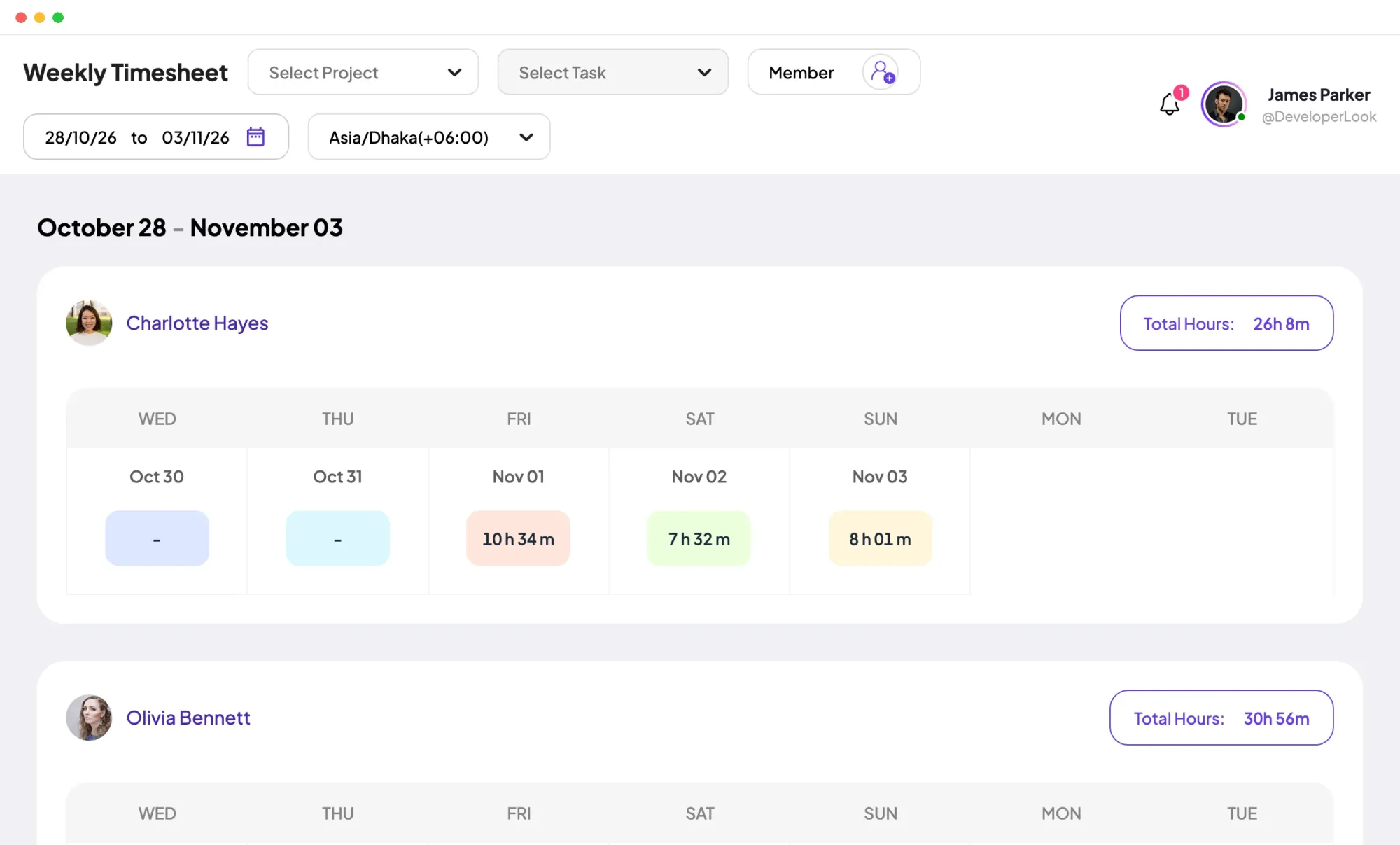
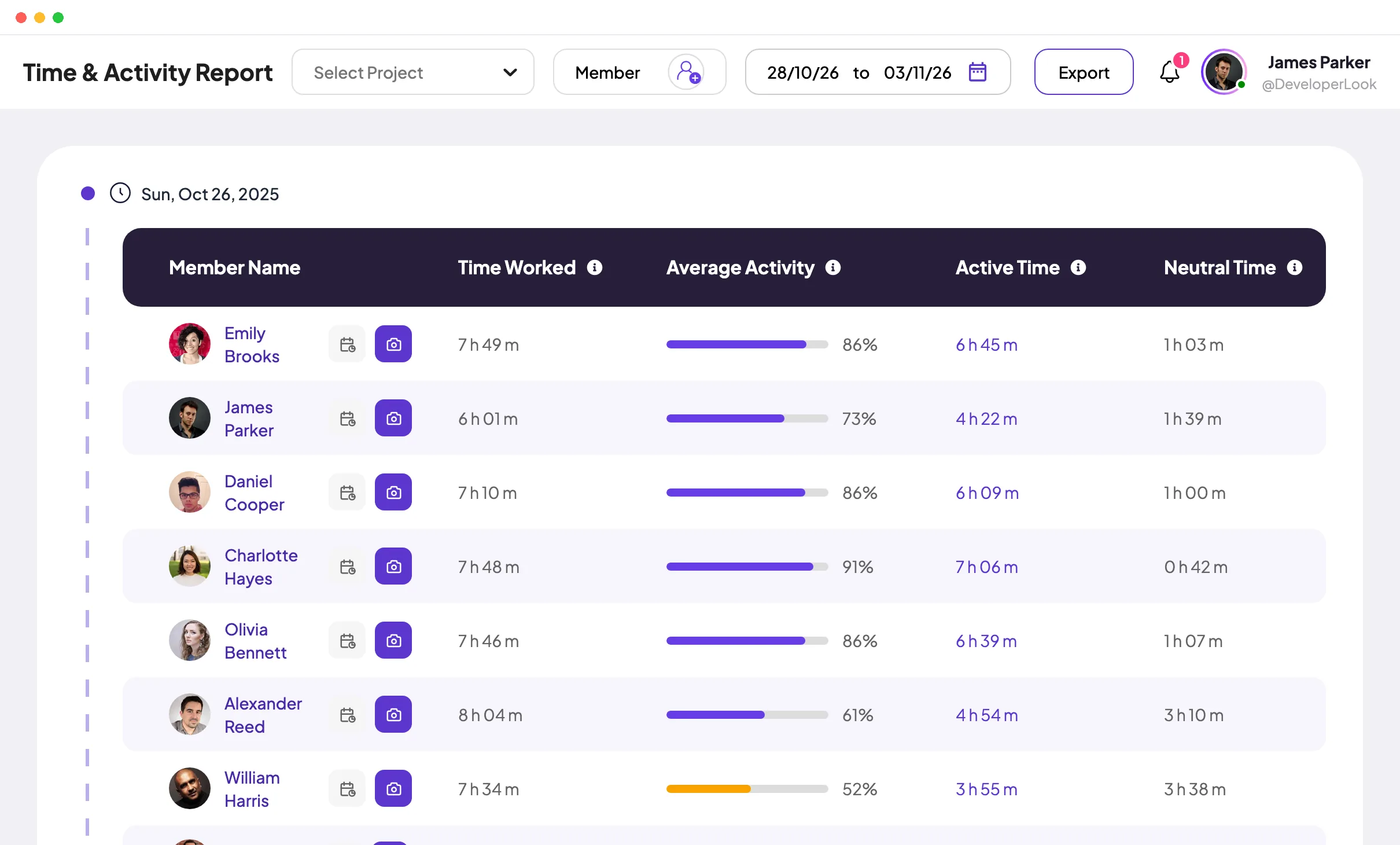
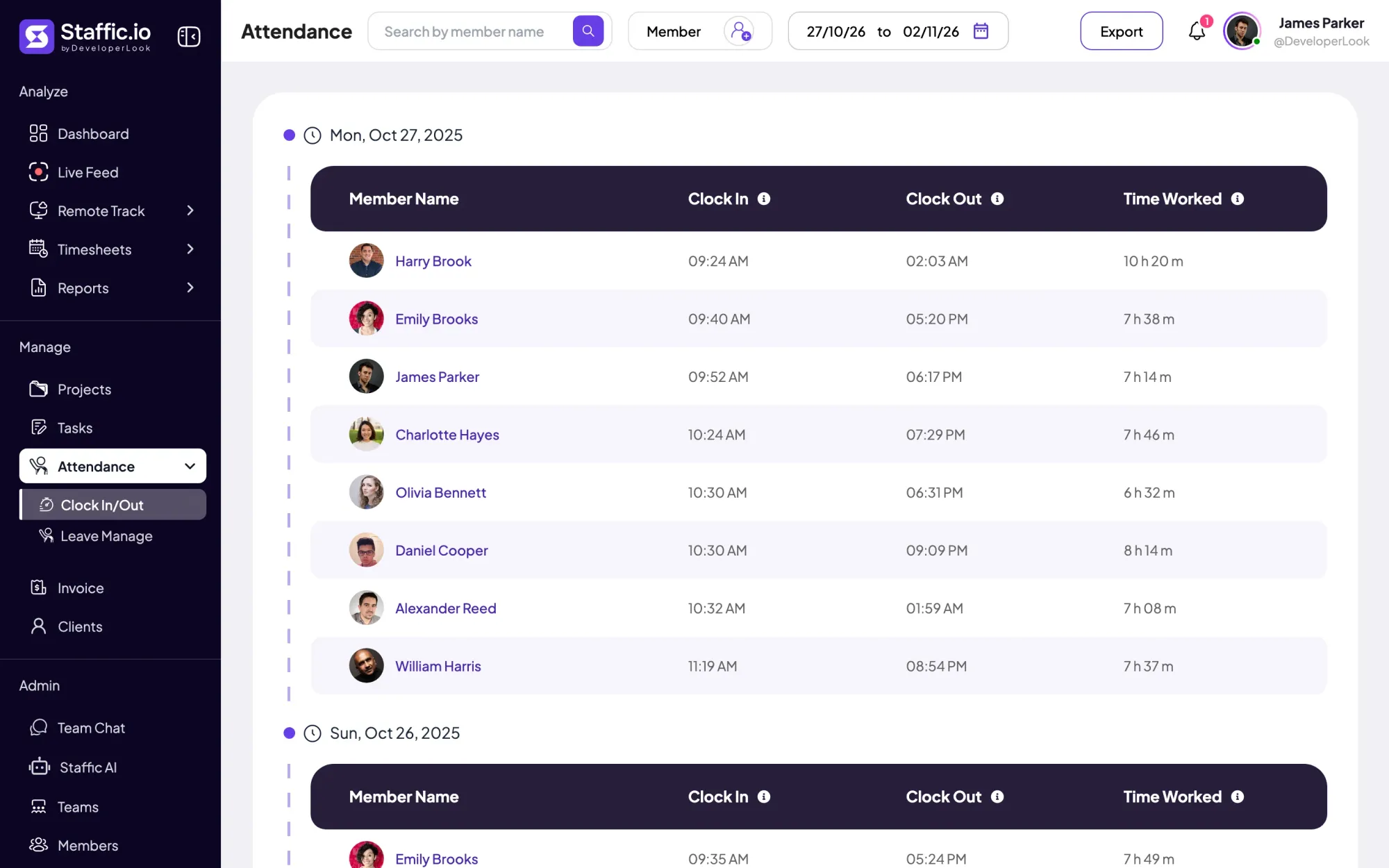
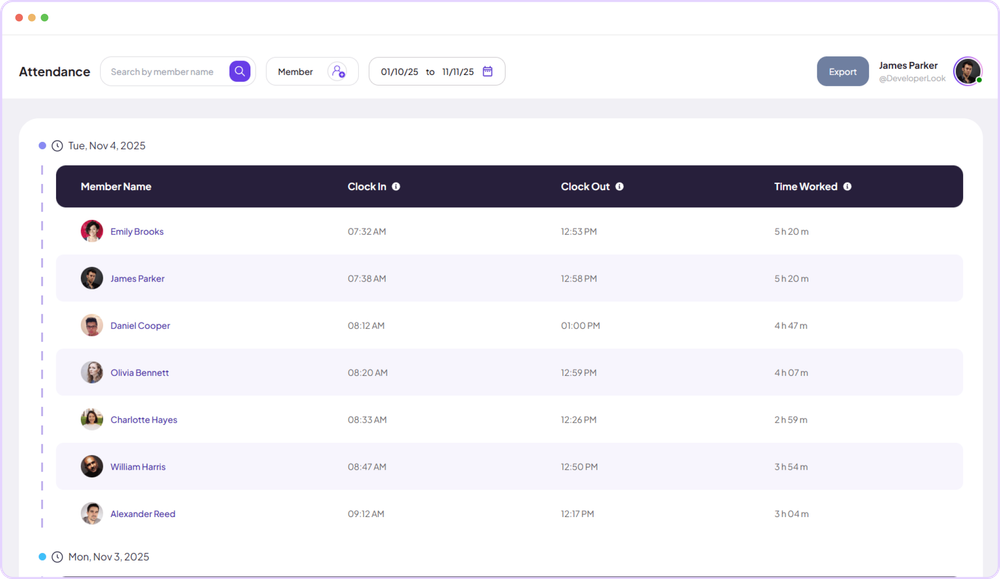
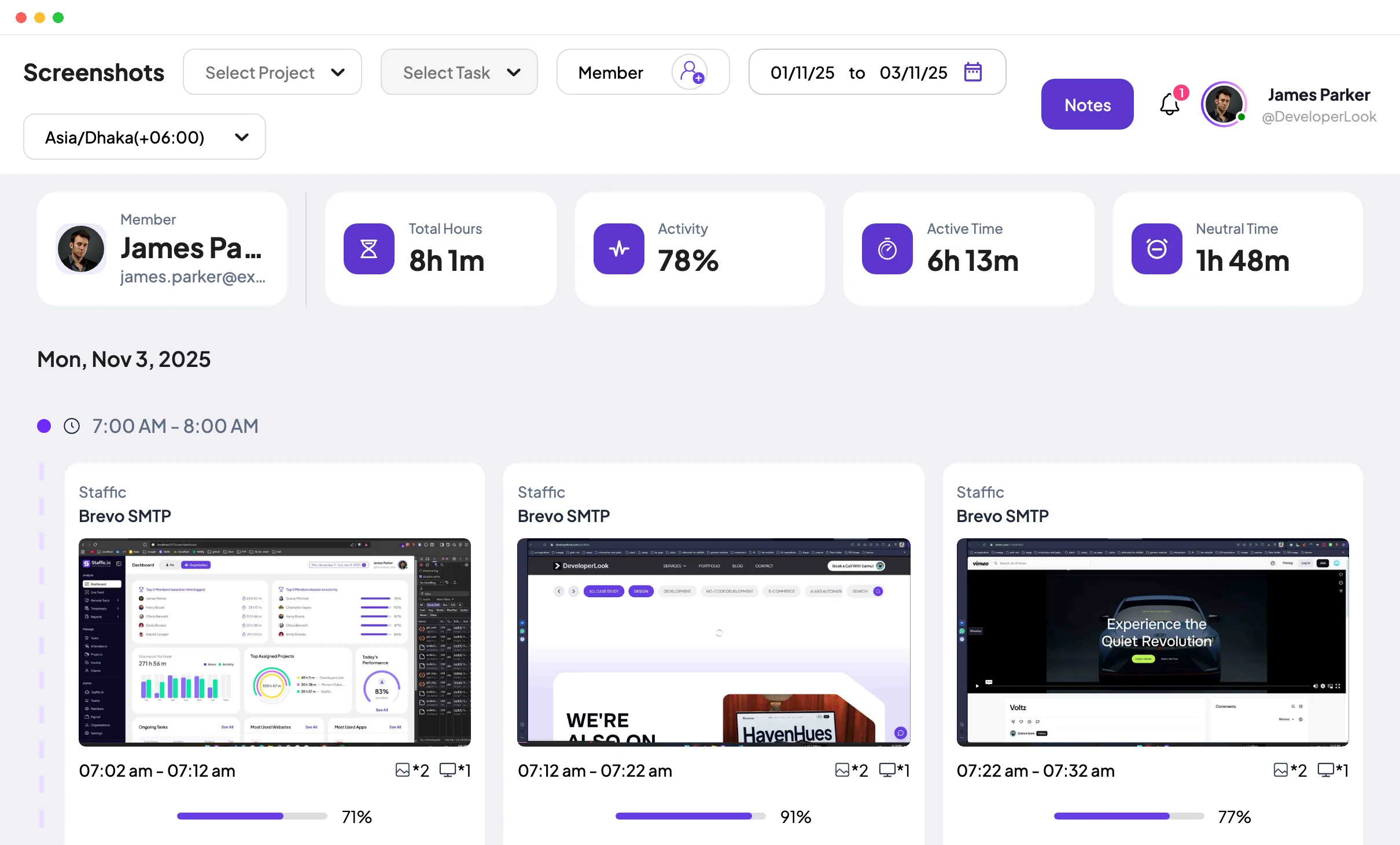
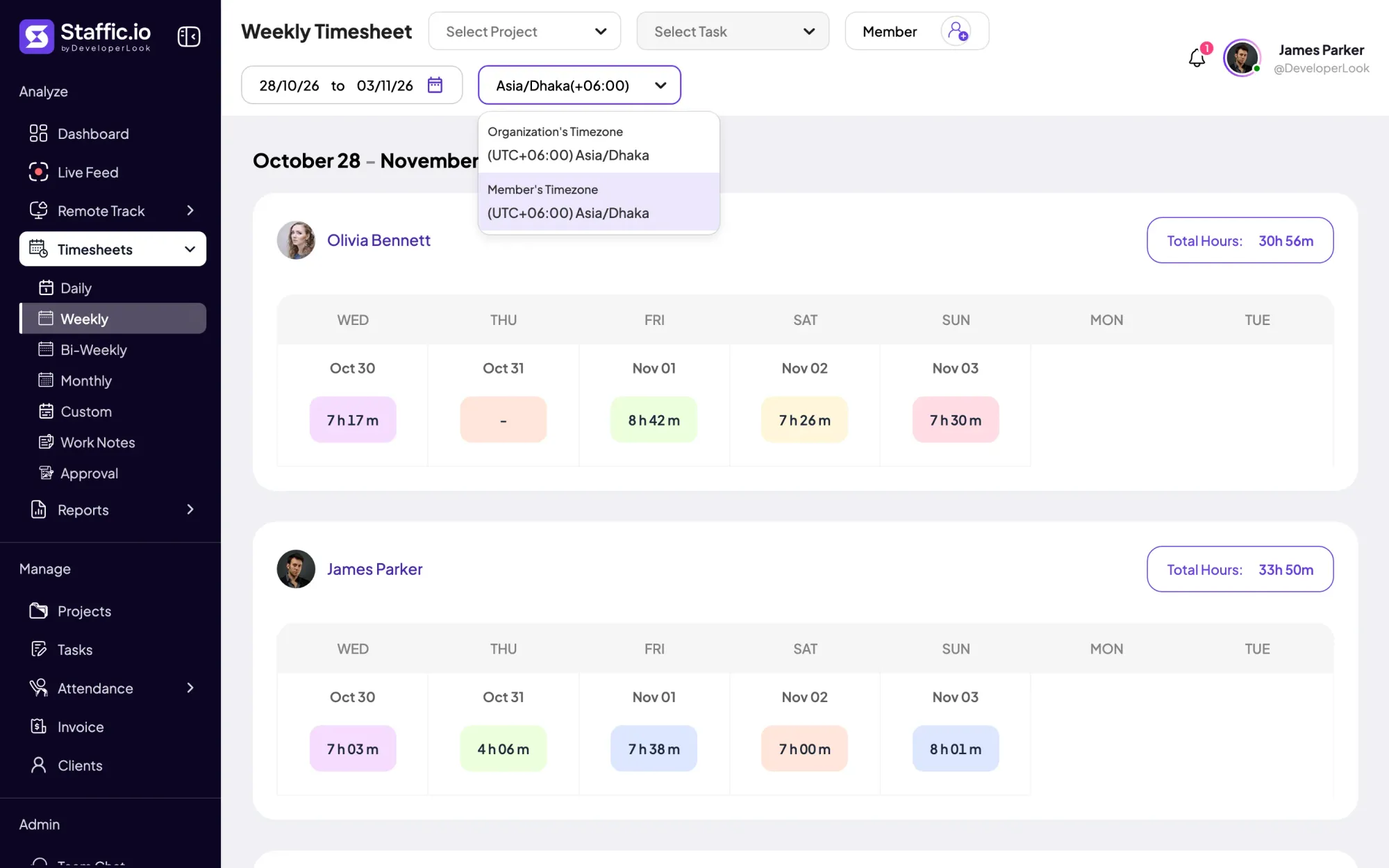
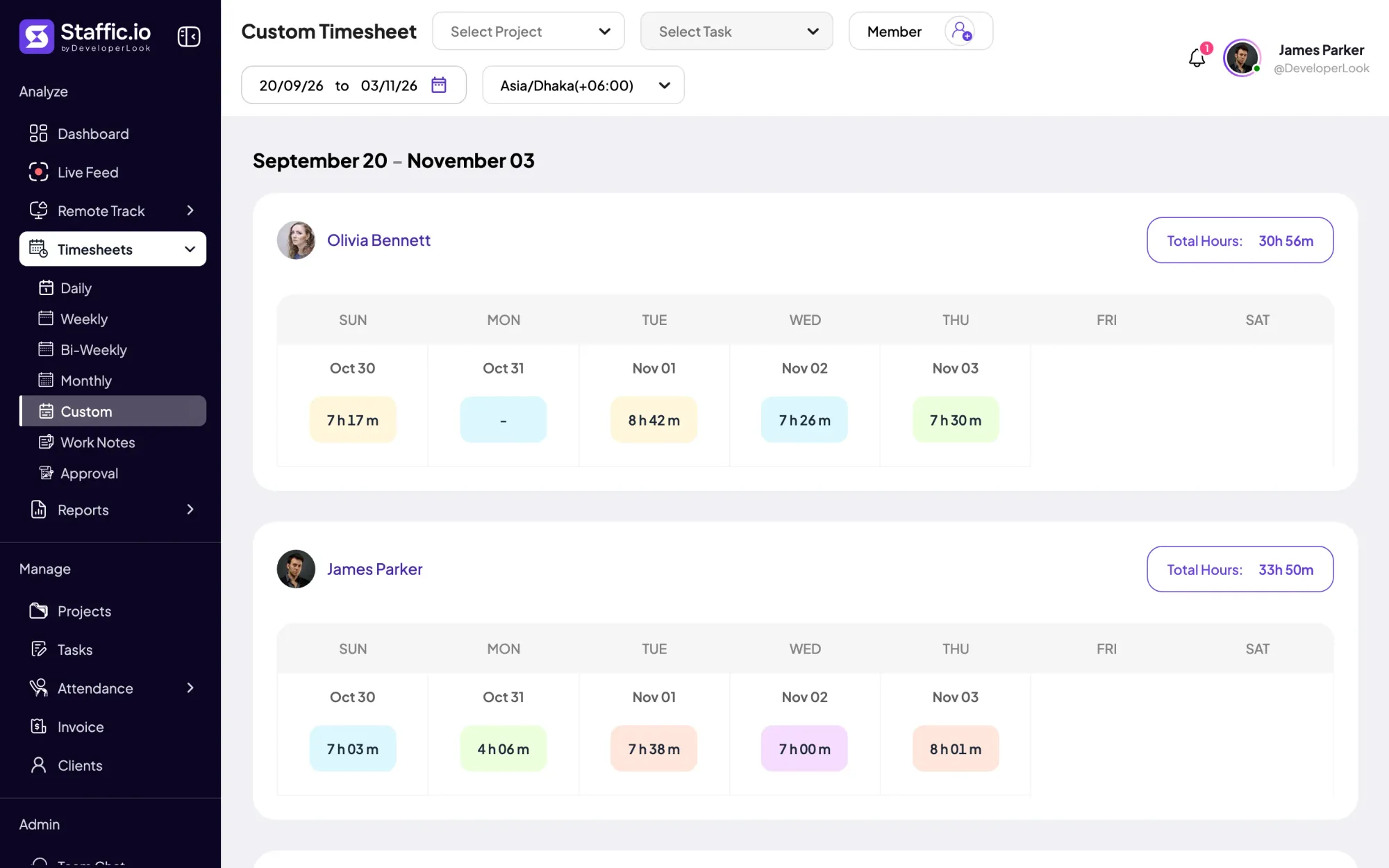
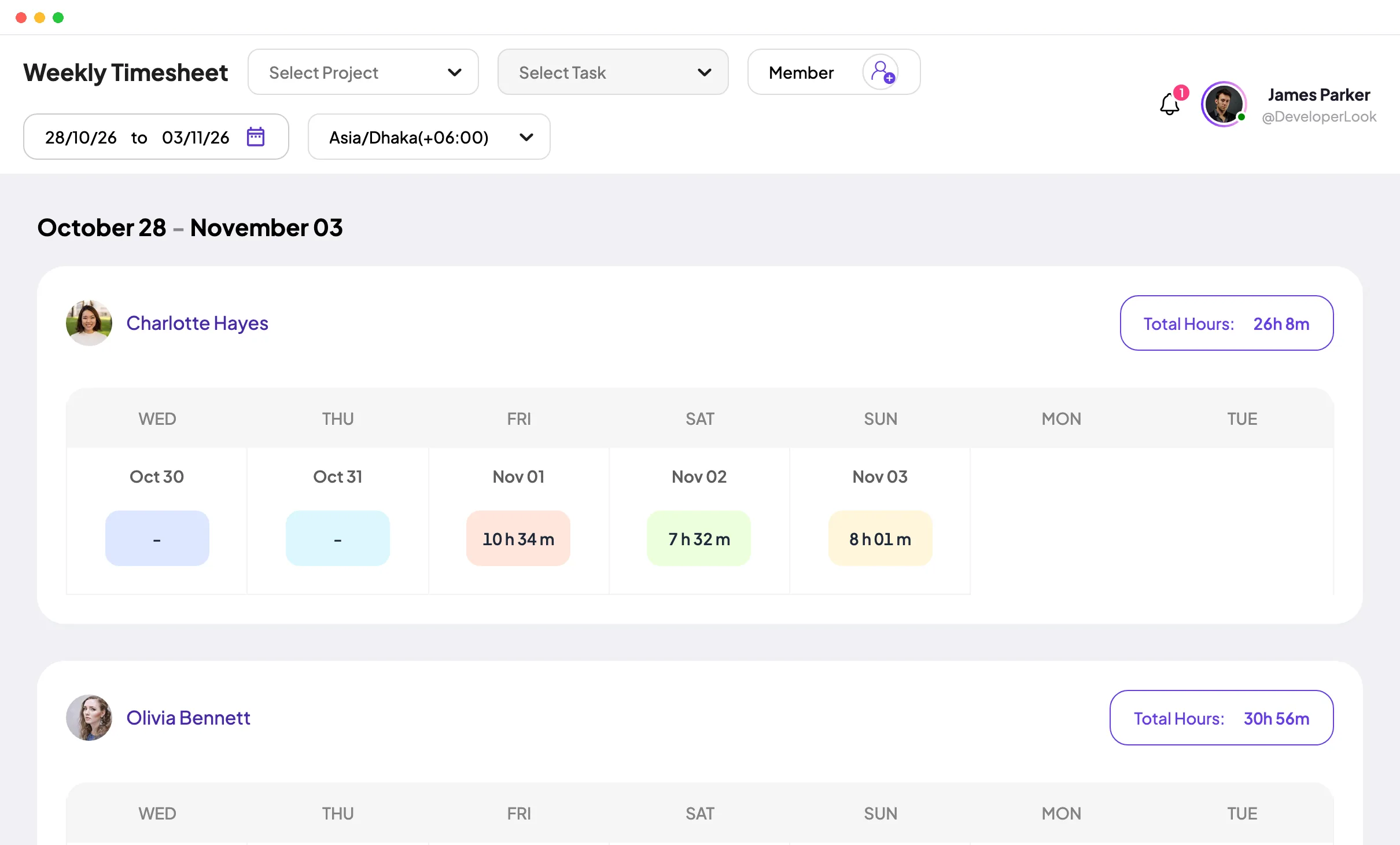
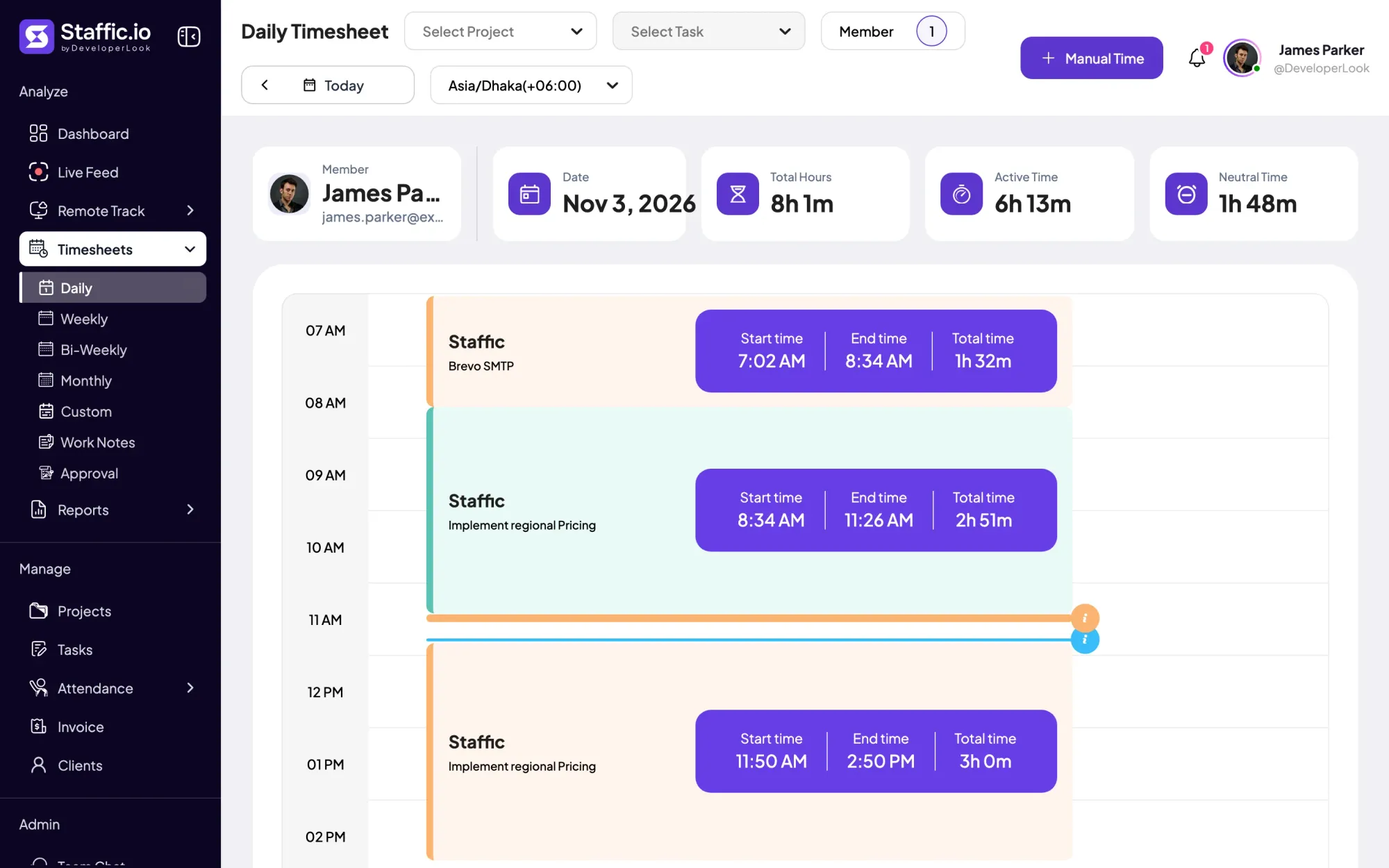
If you'd rather not do this every week, time tracking software does the subtraction for you. In Staffic, members start a timer in the desktop app, and each session is saved with its start time, end time and total. The daily timesheet adds a member's sessions into Total Hours for the day, and the weekly and bi-weekly timesheets total each member's days on every plan, including Free.
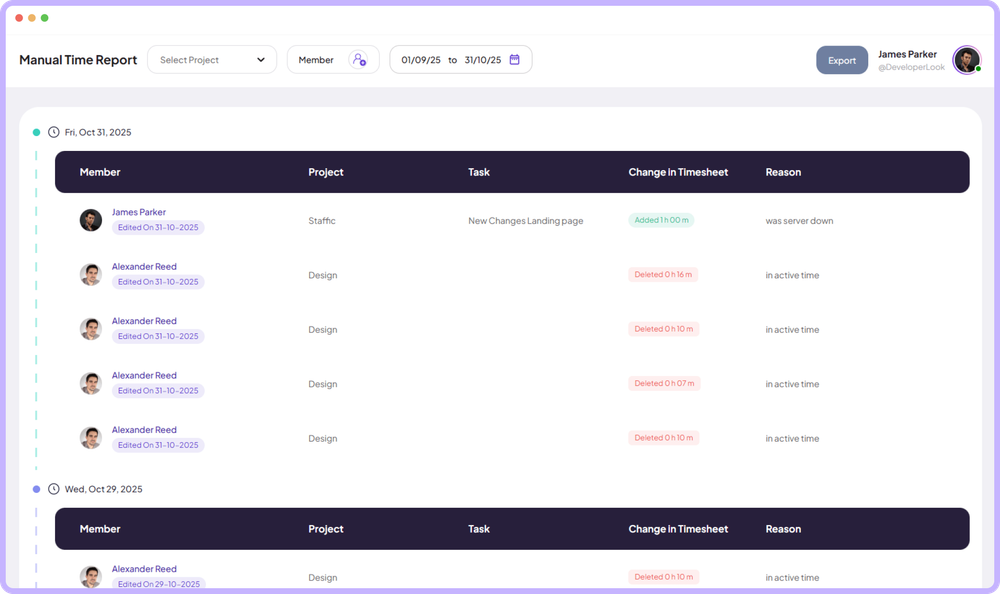
A few details line up with the rules above. Lunch doesn't need subtracting later, because the timer is off during it and nothing is recorded. A session that runs past midnight counts on the day it started, in the time zone you pick. Manual time added with a reason counts toward the day's total on Standard and Elite.
Knowing how to calculate hours worked comes down to one subtraction per day, one decision about breaks and one conversion to decimals. Use the Excel columns above while you add up a few timesheets, and let timesheet software take over once the team grows. For hours that were recorded but not worked, see our guide to time theft.
FAQ
How do you calculate hours worked in Excel?
Put the start time, end time and unpaid break in three columns, then use =(C2-B2-D2)*24 for decimal hours. Multiplying by 24 turns Excel's fraction of a day into hours. Format the result as a number with 2 decimal places, and total the week with =SUM over that column.
How do I calculate the hours worked in Excel when work runs past midnight?
Use =MOD(C2-B2,1)*24 instead of a plain subtraction. When the end time is earlier than the start, MOD adds a day, so 22:00 to 06:30 returns 8.5 hours instead of a negative number. You can also enter the full date and time in both cells and subtract them.
How do you calculate work hours with an unpaid lunch break?
Subtract the start time from the end time, then take off the unpaid lunch. For 08:10 to 17:05 with a 30-minute lunch, that's 8 hours 55 minutes minus 30 minutes, or 8.42 hours. Short paid rest breaks stay in the total under US federal rules.
How do I calculate my work hours to check my paycheck?
Add up your own daily record and compare it with the hours on your pay stub. Write down your start, end and unpaid breaks each day, convert each day to decimal hours, and total the pay period. Raise any real gap with payroll, with your notes in hand.
How do you convert minutes to decimal hours?
Divide the minutes by 60. 15 minutes is 0.25 hours, 30 is 0.5, 45 is 0.75, and 25 minutes is 0.42 after rounding to two places. So 7 hours 45 minutes is 7.75 hours, not 7.45, which is the most common slip on paper timesheets.
How do you calculate total hours worked in a week?
Work out each day's hours in decimals, then add the days together. Five days of 8.42, 7.75, 8, 8.5 and 6.25 hours make 38.92 hours. In Excel, =SUM over the decimal column does the same; a total in h:mm needs the [h]:mm format to show more than 24 hours.
Does Staffic calculate hours worked automatically?
Yes. Staffic adds up the sessions members track in the desktop app, plus manual time on Standard and Elite, into daily, weekly and bi-weekly totals. Time with the timer off, such as lunch, isn't counted, and a session that runs past midnight stays on the day it started.
Sources
- 29 CFR 785.18: RestU.S. Government Publishing Office (govinfo), Code of Federal Regulations 2024
- 29 CFR 785.19: MealU.S. Government Publishing Office (govinfo), Code of Federal Regulations 2024
- 29 CFR 785.48: Use of time clocksU.S. Government Publishing Office (govinfo), Code of Federal Regulations 2024
- Breaks and Meal PeriodsU.S. Department of Labor
- Add or subtract time in ExcelMicrosoft Support
- Calculate the difference between two times in ExcelMicrosoft Support
- TIME functionMicrosoft Support
- MOD functionMicrosoft Support
- How to Use the Daily TimesheetStaffic documentation
- How to Use TimesheetsStaffic documentation