On this page (9)
- 01What features should you look for in employee monitoring software?
- 02Top employee monitoring software, compared
- 03Which monitoring tools also handle timesheets and payroll?
- 04Which tools focus on productivity analytics?
- 05Which tools go deepest on computer monitoring?
- 06How do you choose secure employee monitoring software?
- 07How do you compare employee monitoring software reporting features?
- 08How do you roll out monitoring your team will accept?
- 09Which employee monitoring software should you pick?
Key takeaways
- The best employee monitoring software depends on the job: paying for tracked hours, measuring productivity, or protecting company data.
- Staffic, Hubstaff, Time Doctor and Clockify tie monitoring to time tracking, so each screenshot belongs to tracked work time.
- ActivTrak and Insightful focus on productivity reports and offer employee dashboards, ActivTrak only on its $17 Productivity Optimization plan.
- Teramind and CurrentWare suit IT and security teams, and Teramind adds keystroke logging and data loss prevention on higher plans.
- Screenshots and screen recording often sit on a higher plan or an add-on, so compare the plan you would actually buy.
The best employee monitoring software depends on what you need the data for. To check hours and pay people from them, Staffic, Hubstaff and Time Doctor pair monitoring with timesheets and payroll. For productivity trends across a large team, ActivTrak and Insightful focus on reports. For data protection on company computers, Teramind and CurrentWare go deepest. Whichever you pick, tell your team what it records before you switch it on.
Staffic publishes this post, and Staffic is one of the 9 tools in it. Every other tool's facts and prices come from that company's own website, checked on October 12, 2026. Prices are in USD per user per month, billed yearly, unless we say otherwise. We give no ratings or scores.
What features should you look for in employee monitoring software?
Most monitoring tools record the apps and websites people use. The differences that matter show up in six places:
- What it records. Activity levels from keyboard and mouse input, apps and websites, screenshots and screen recordings. Some tools also log keystrokes. Record only what you will actually look at.
- When it records, and who knows. Transparent monitoring runs during work time the employee starts, and the employee can see their own data. Ask every vendor whether employees can see what is recorded about them.
- Privacy controls. Blurred screenshots, a private time setting, or letting people delete a screenshot or decline an on-demand one.
- What happens to the data. Reports, timesheets, approval and payroll, and how long the data is kept.
- Where your team works. Windows, Mac, Linux or ChromeOS. Agents differ more than you'd expect.
- The real price. Screenshots and recordings often sit on a higher plan or an add-on, and some vendors set seat minimums.
Top employee monitoring software, compared
This employee monitoring software list covers 9 tools. The table shows each one's lowest paid plan and where screenshots, app and website tracking and screen recording start. "Not listed" means the vendor's own pages don't mention it, not that the tool lacks it.
| Tool | Lowest paid plan | Free plan | Screenshots | Apps and websites | Screen recording | Desktop apps |
|---|---|---|---|---|---|---|
| Staffic | Standard (see pricing) | Up to 3 members | Standard and Elite | Every plan, Free included | Elite (beta) | Windows, macOS, Linux |
| Hubstaff | Starter, $4.99 per seat, 2-seat minimum | No, 14-day trial | Limited on Starter and Grow, unlimited on Team ($10) | Limited on Starter and Grow, unlimited on Team | Not listed | Mac, Windows, Linux |
| Time Doctor | Basic, $6.67 | No, 14-day trial | Basic | Standard, $11.67 | Premium ($16.70) or an add-on | Windows, Mac, Linux |
| Clockify | Basic, $3.99 per seat | Up to 5 users, no monitoring | Pro, $7.99 | Pro, $7.99 | Not listed | Monitoring agent for Windows and macOS |
| ActivTrak | Work Activity Tracking, $10, yearly only | Up to 3 workers | Add-on | Free plan included | Not listed | Windows, macOS, ChromeOS |
| Insightful | Workforce Analytics, $8 per seat | No, 7-day trial | Workforce Analytics | Workforce Analytics | Add-on, $4 | Windows, macOS, Linux (beta) |
| DeskTime | Pro, $6.42 excluding VAT | No, 14-day trial | Premium, $9.17 | Pro | Not listed | Windows, Mac, Linux |
| Teramind | Starter, priced in local currency, from 5 seats | Not listed, free trial | Not listed | Starter | Starter | Windows, macOS, Linux |
| CurrentWare | BrowseReporter, $12, at least $1,440 a year | No, 14-day trial | Add-on | BrowseReporter | Not listed | Windows |
Staffic's prices come from its live plans and change with offers, so we link to the pricing page instead of copying a number that could go out of date.
Which monitoring tools also handle timesheets and payroll?
These four tools started as time trackers. Monitoring sits next to the hours, so each screenshot or activity level belongs to a task and a timesheet.
Staffic
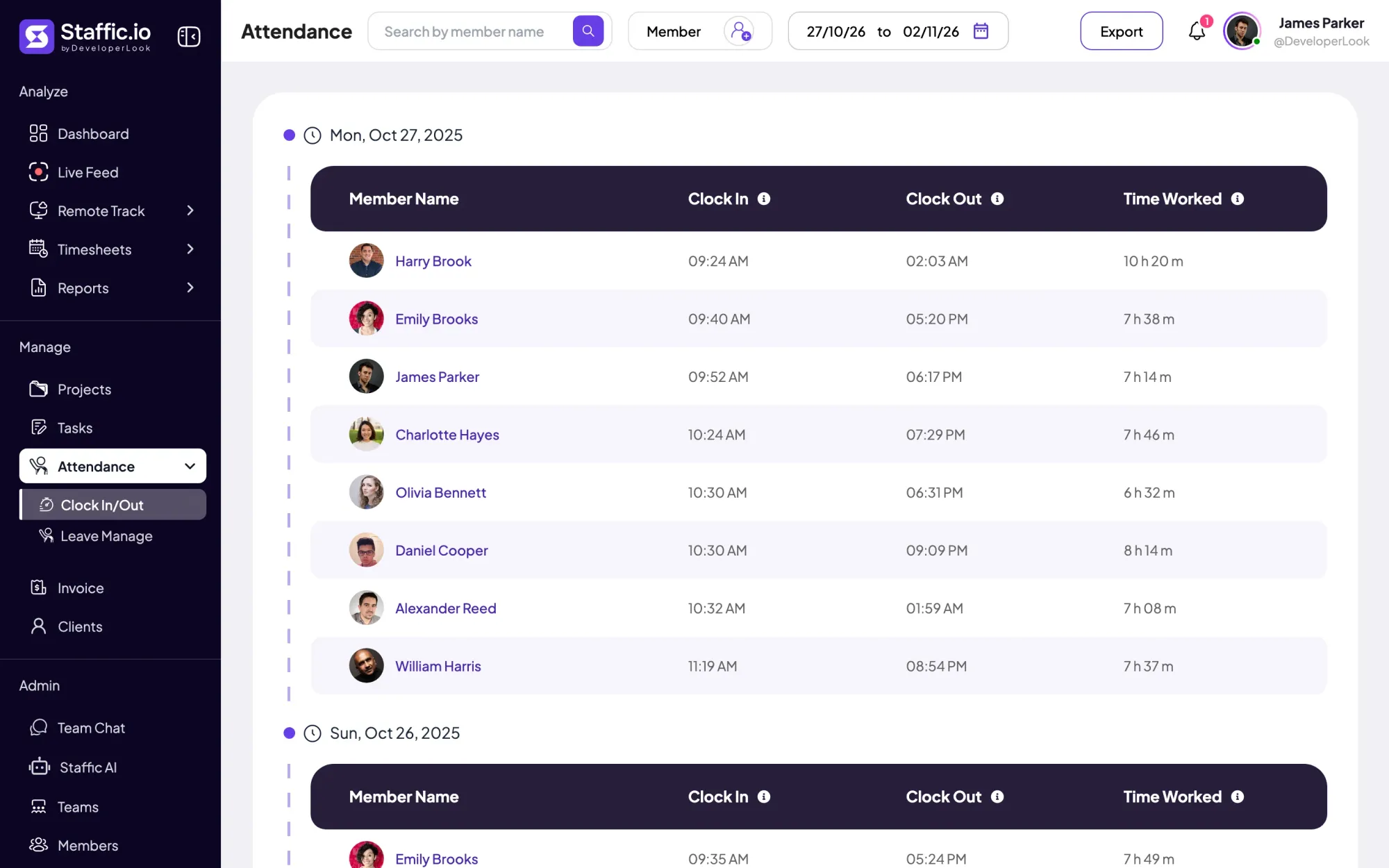
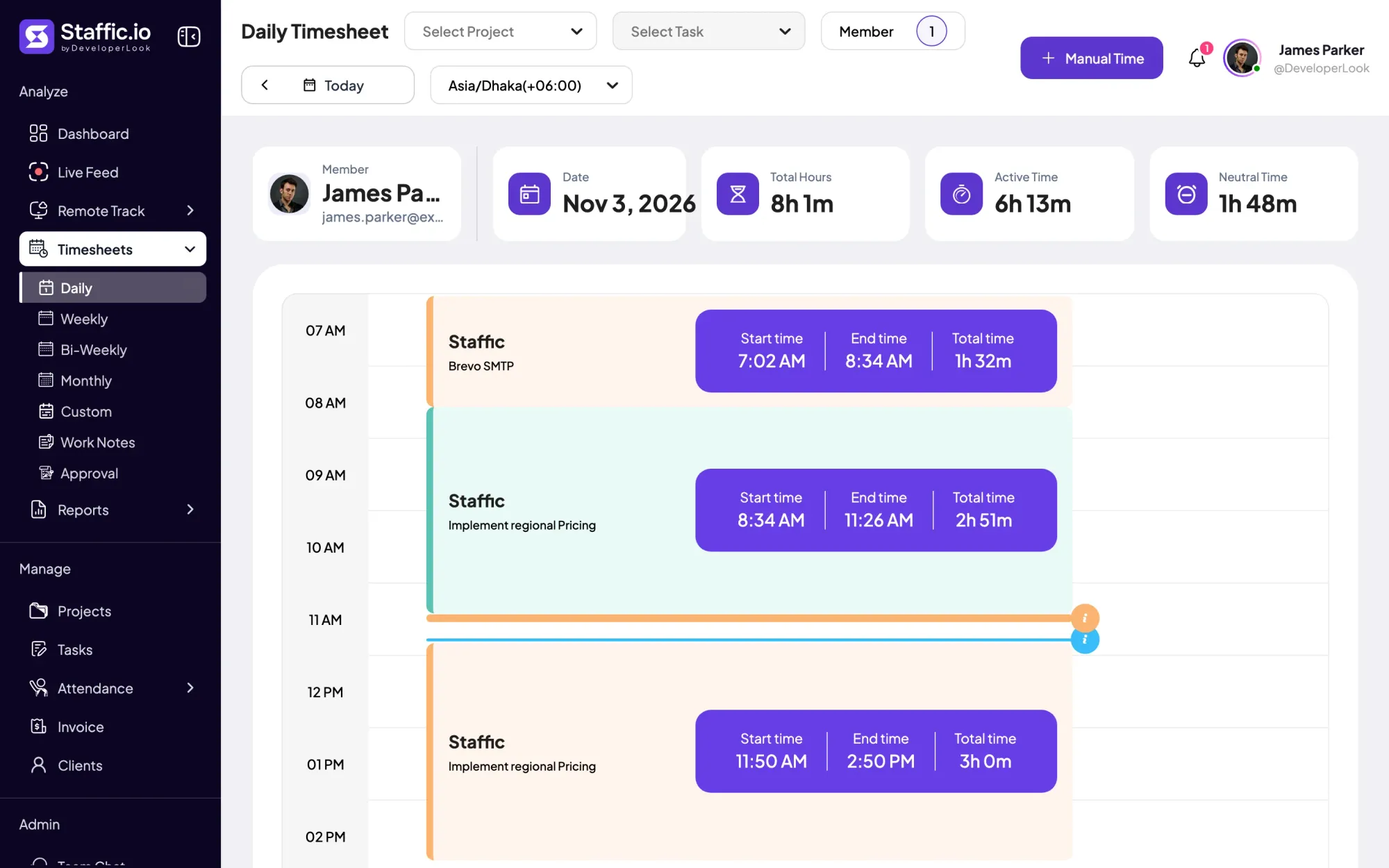
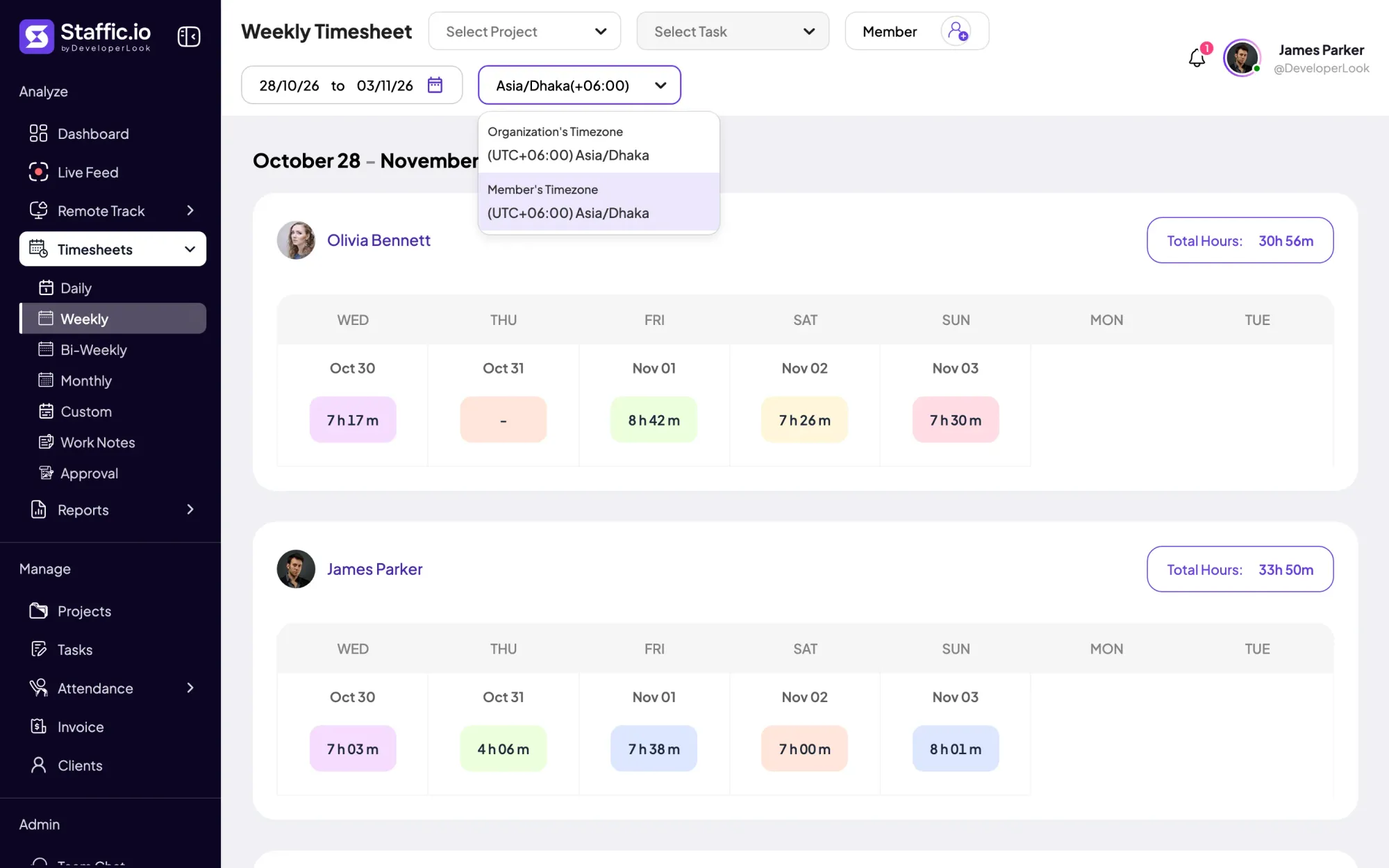
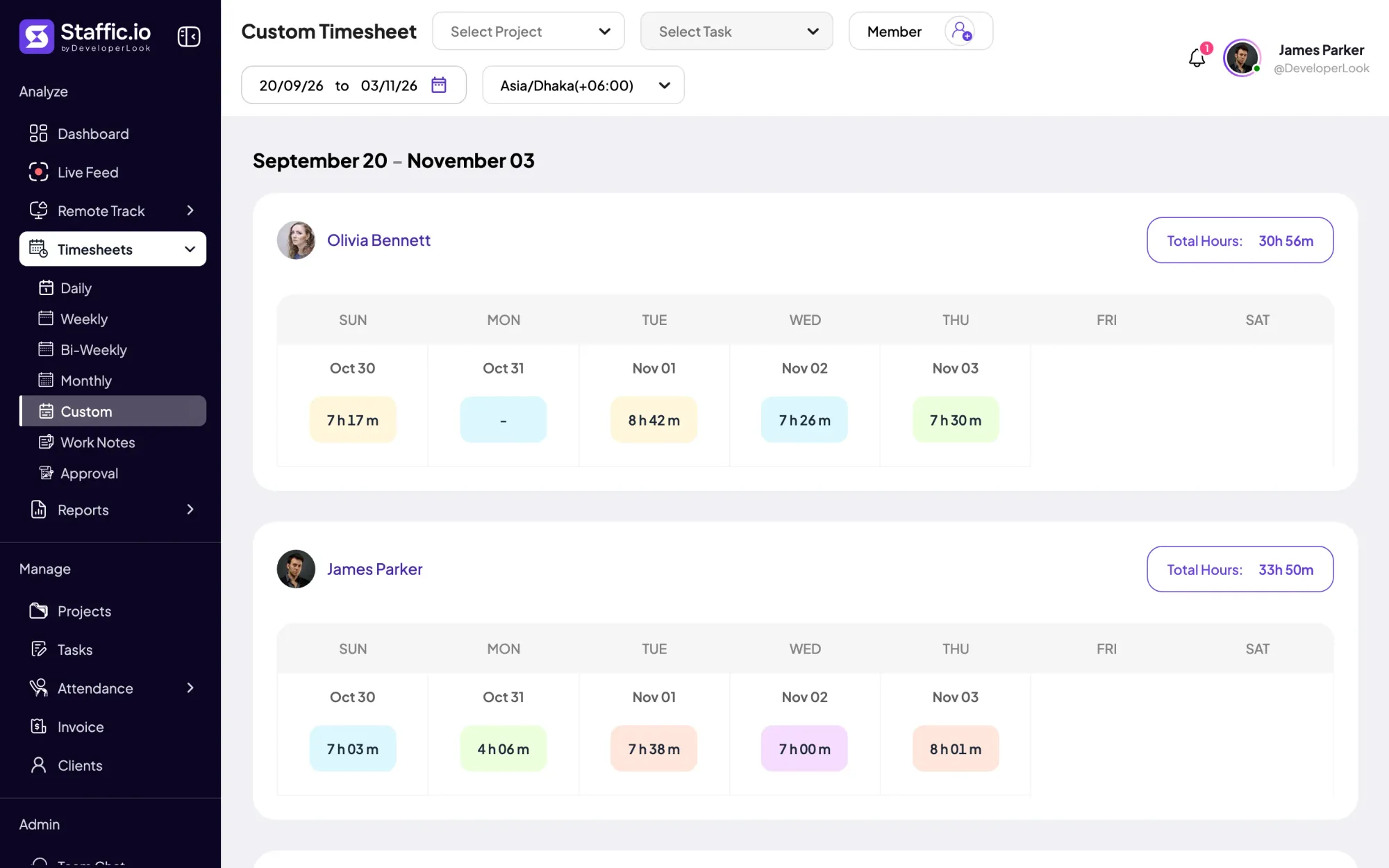
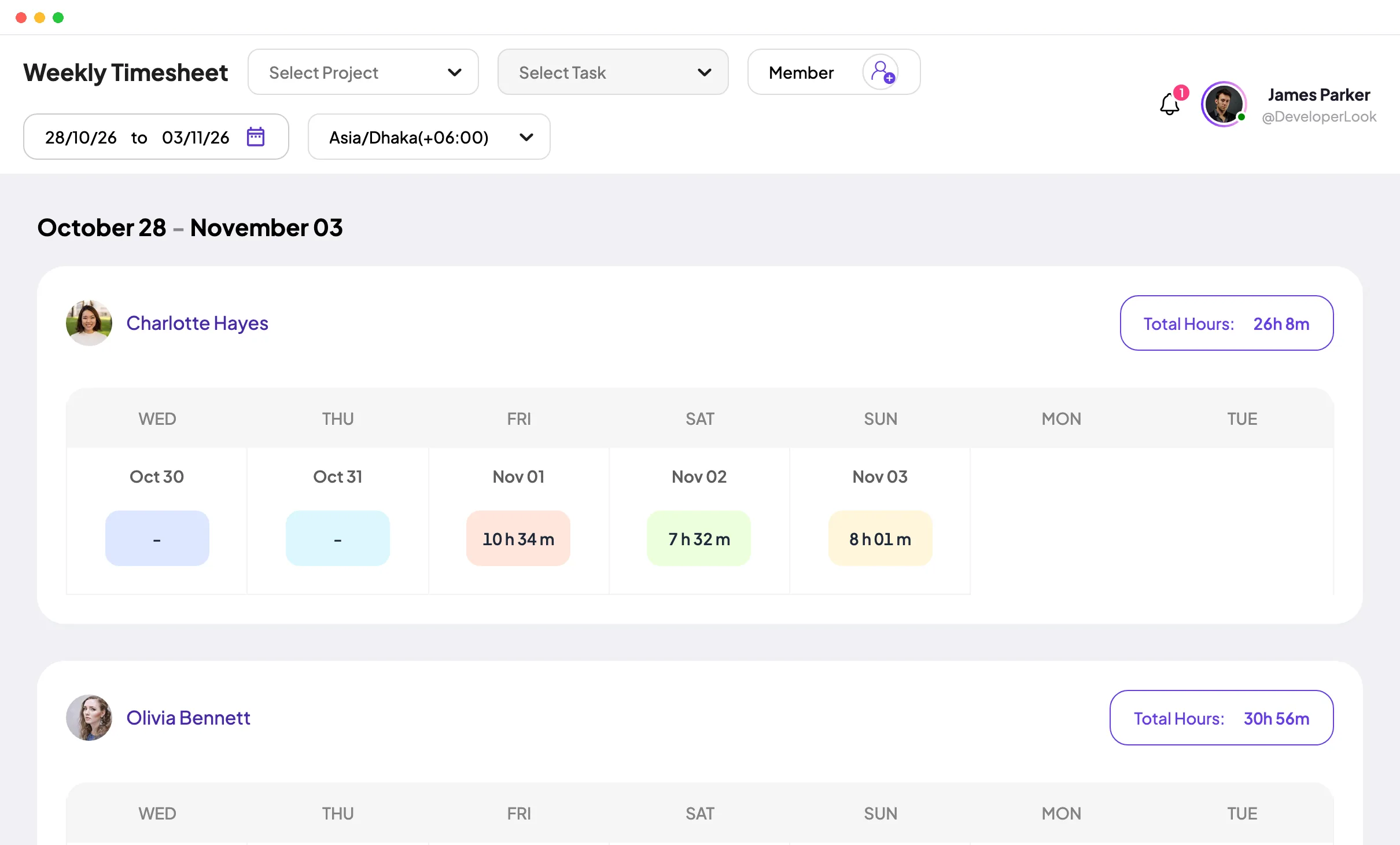
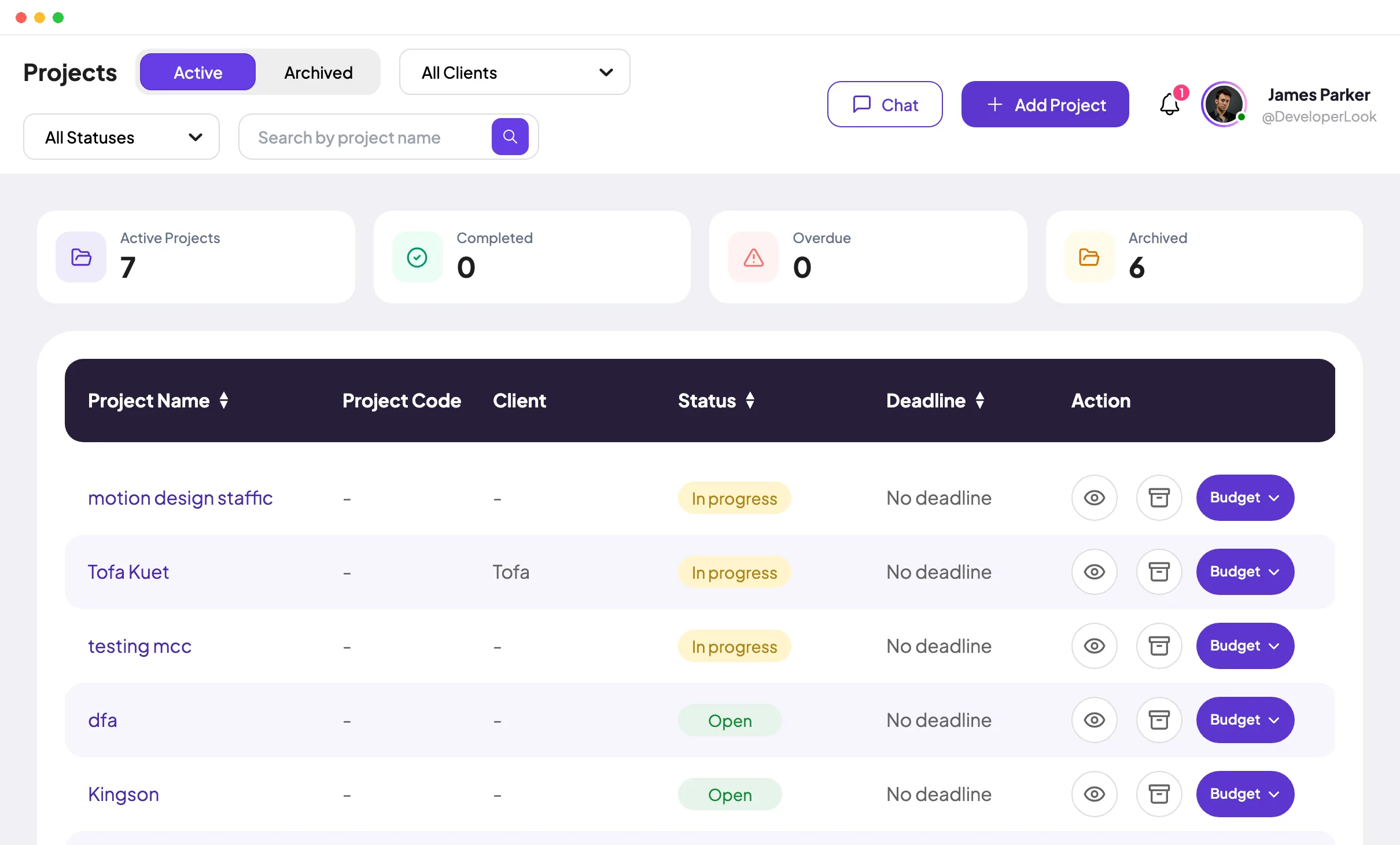
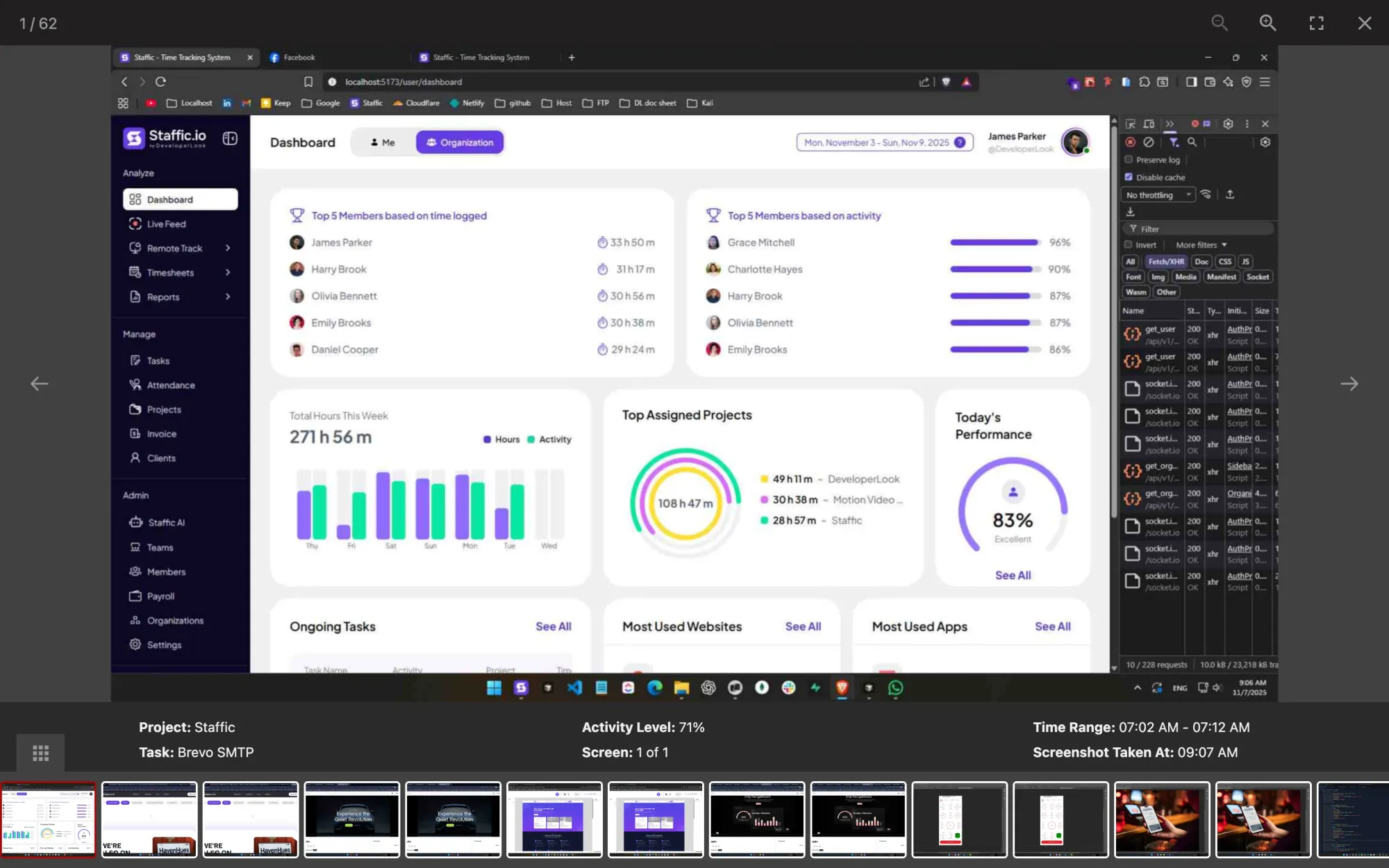
Staffic is time tracking and employee monitoring for remote and hybrid teams. Members pick a project and task and start the timer in the desktop app for Windows, macOS or Linux. Staffic records only while that timer runs, and members see their own records in the web app.
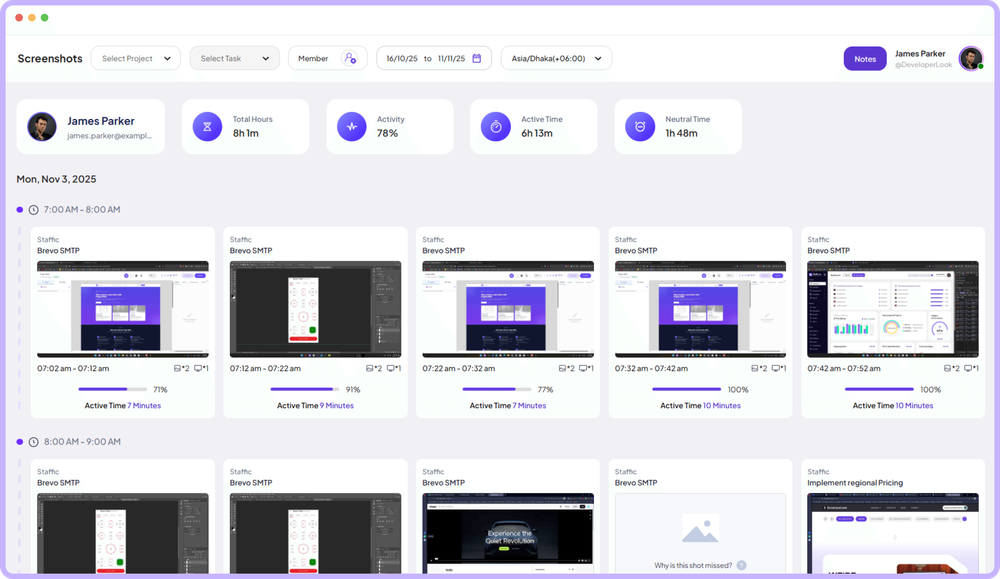
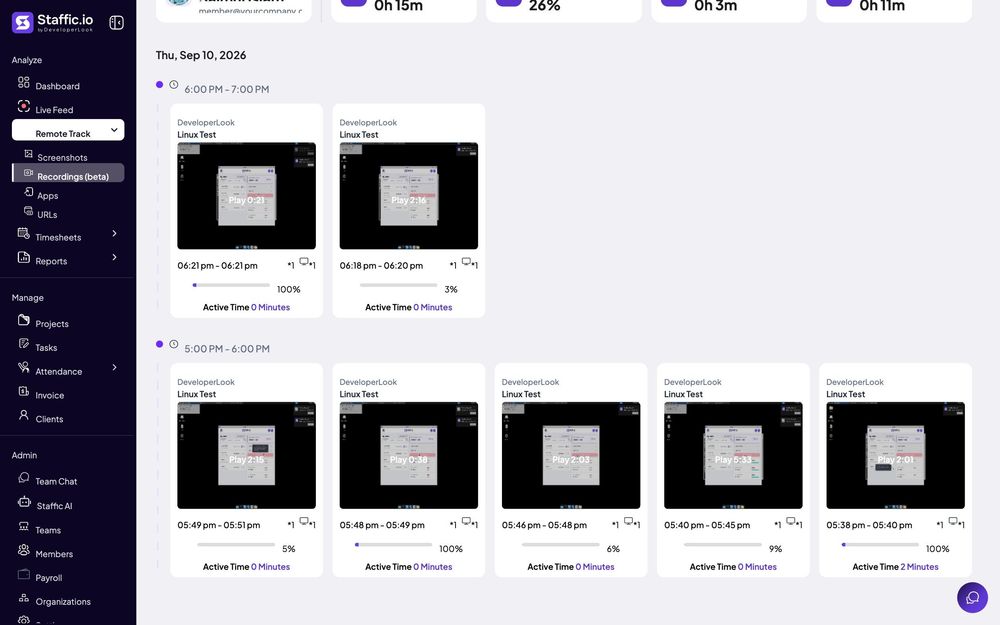
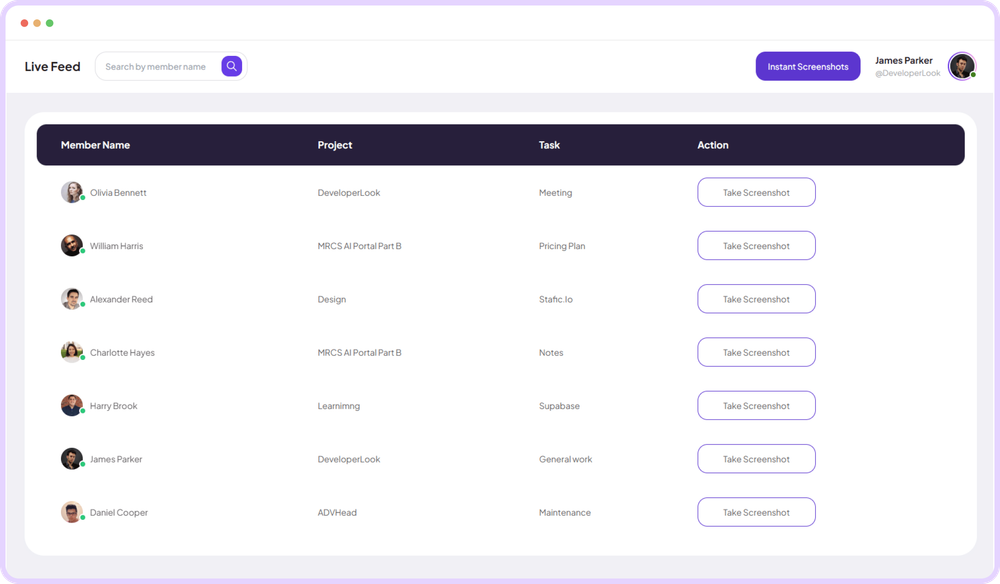
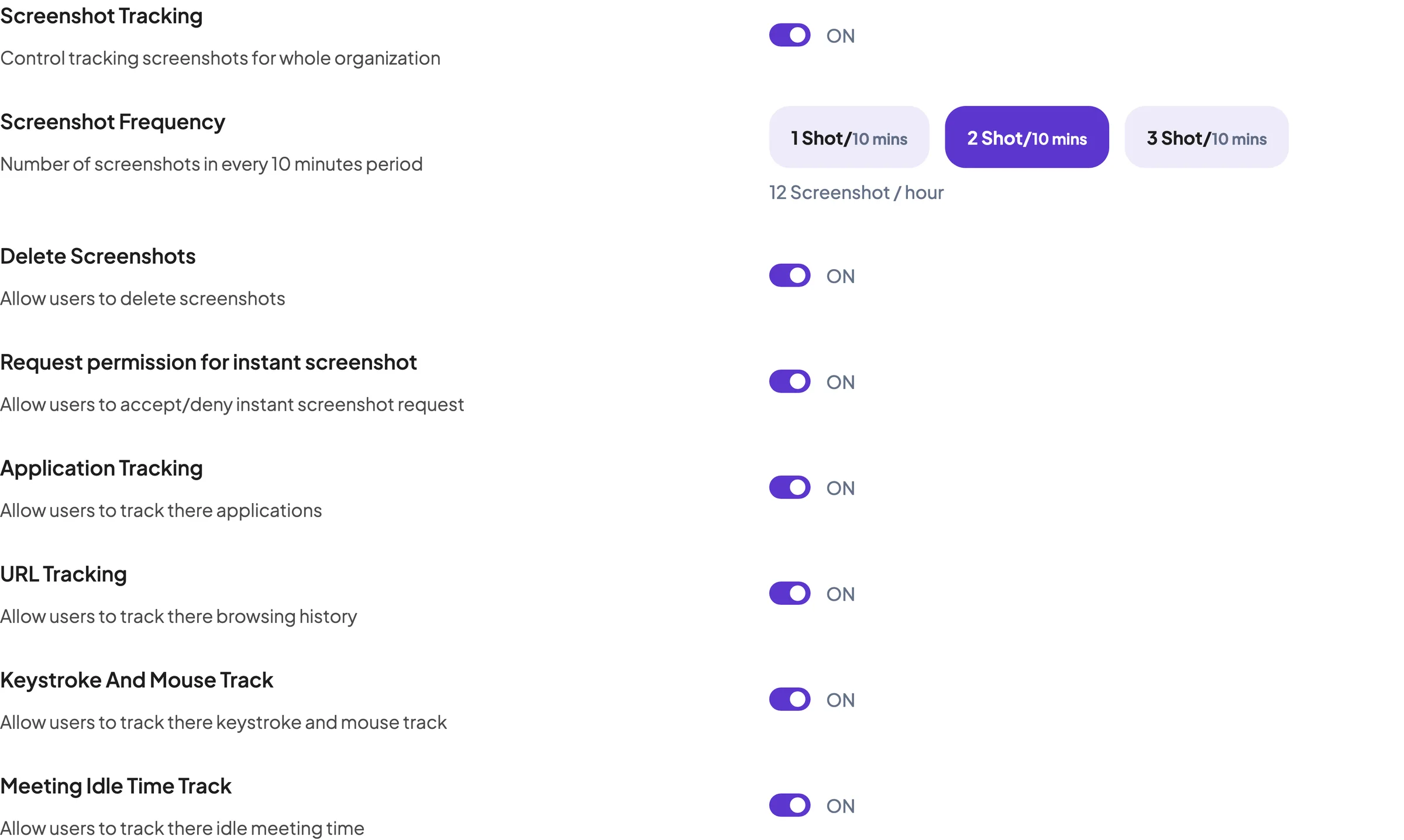
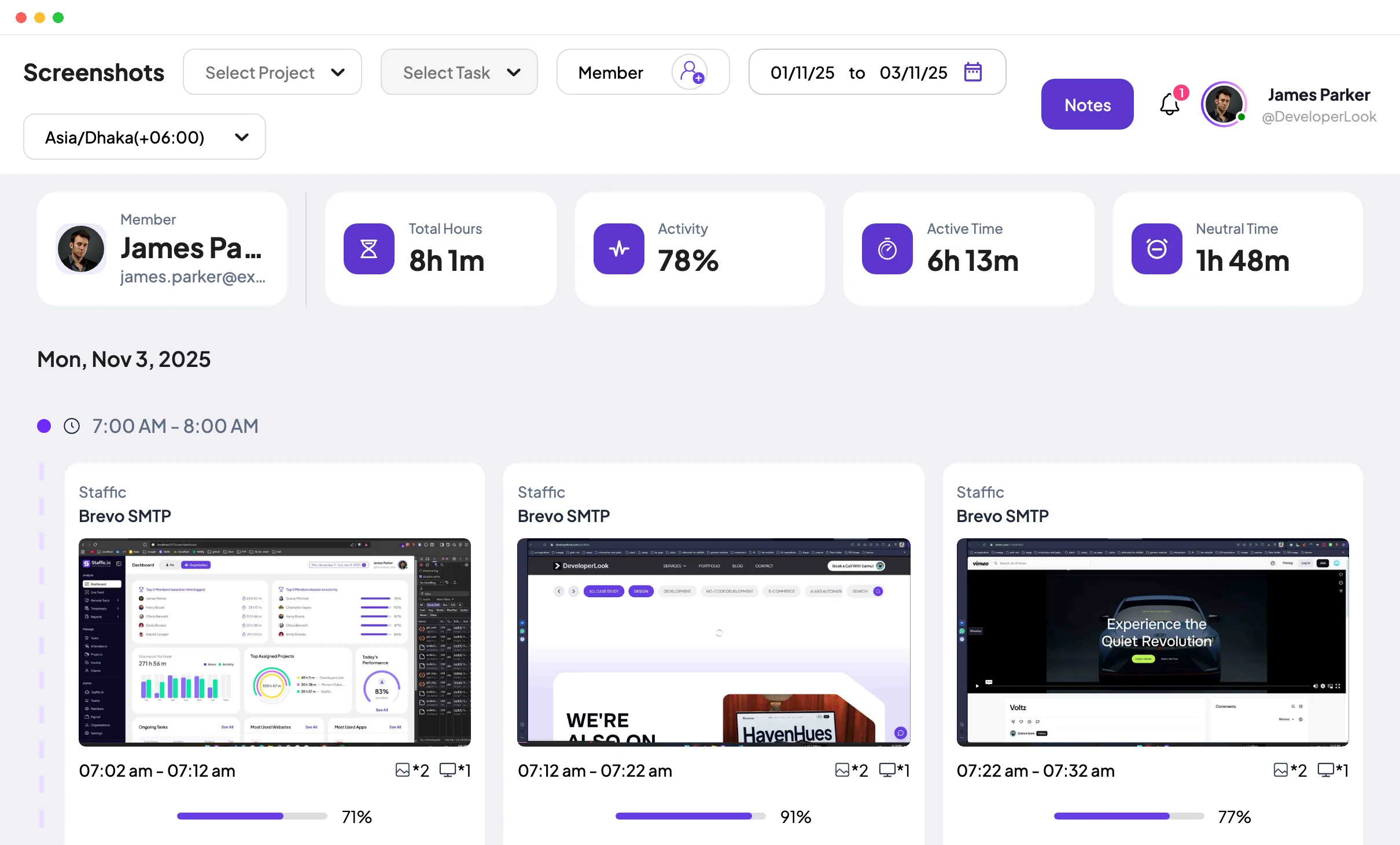
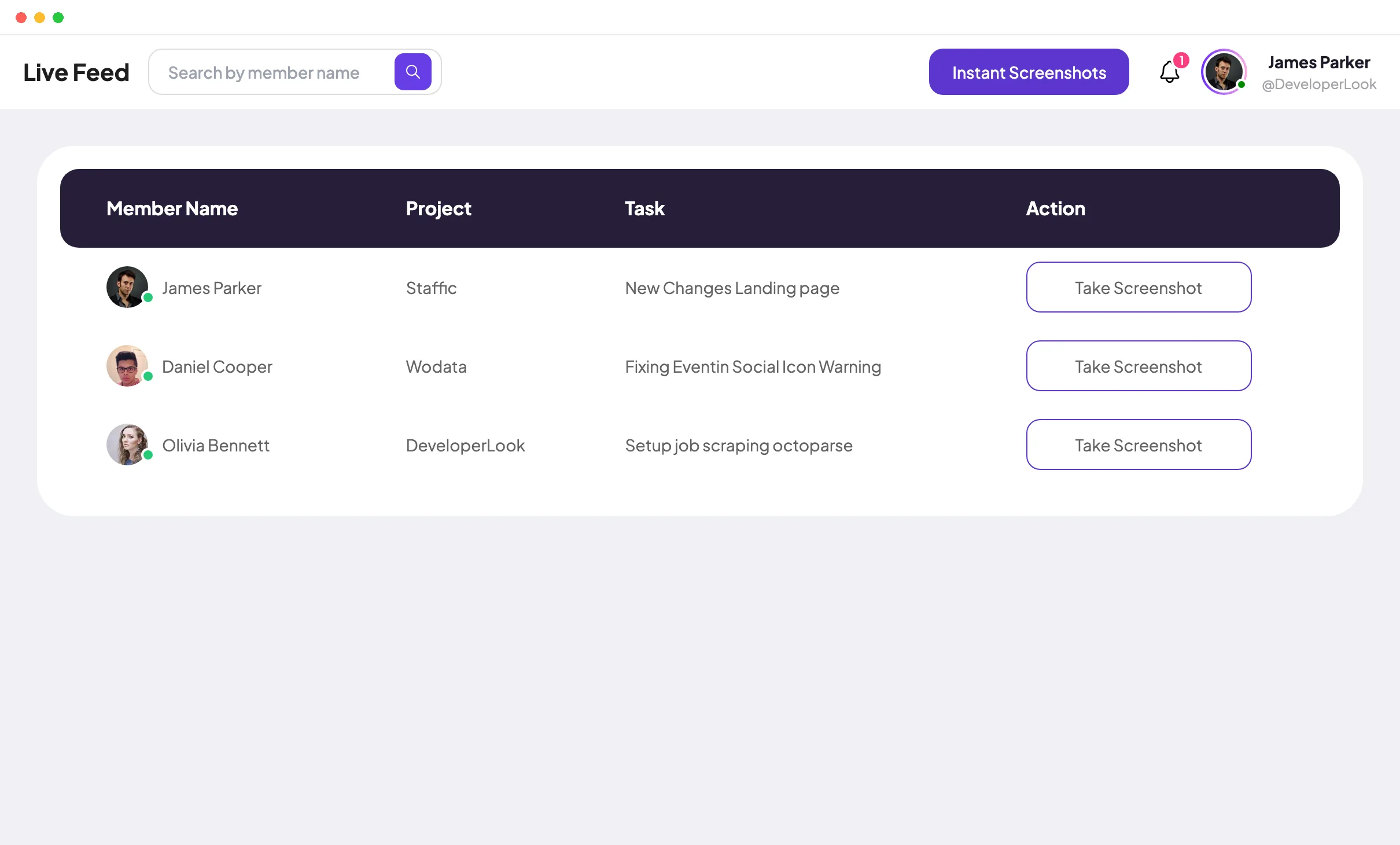
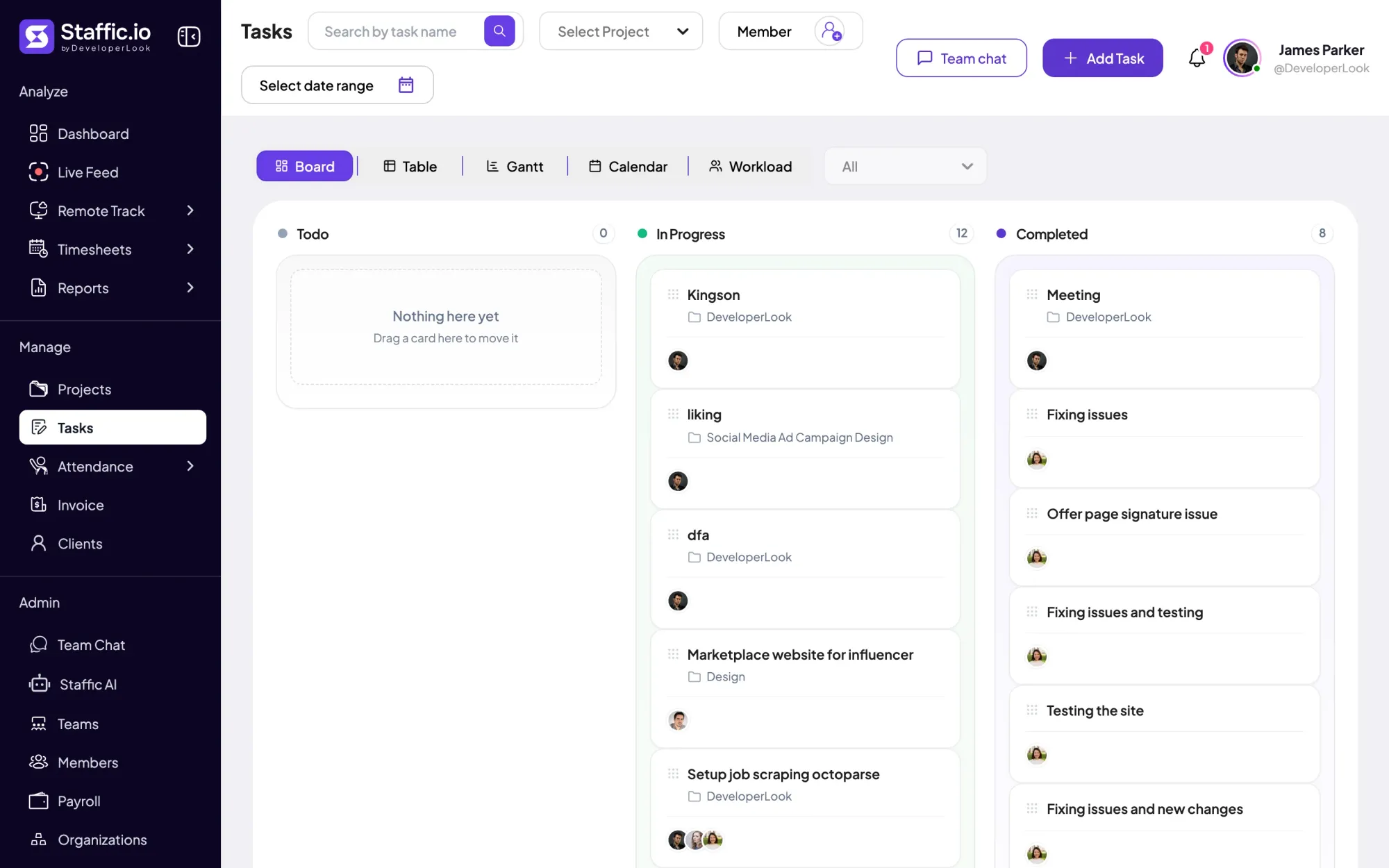
Activity levels from keyboard and mouse input, and the apps and websites in use, are on every plan, Free included for up to 3 members. Staffic keeps an activity percentage, not the text people type. Standard adds screenshots (2 every 10 minutes) and lets members delete their own. Elite adds a choice of 1, 2 or 3 screenshots every 10 minutes and instant screenshots that members can be asked to accept. It also adds screen recordings (beta), Live Feed, timesheet approval and payroll. Screenshots are kept for 365 days and recordings for 7 days.
Best for: remote teams that want monitoring they can explain, tied to the hours they pay for. Worth knowing: the Free plan has no screenshots, recordings and payroll are Elite only, and Staffic isn't built for data loss prevention.
Hubstaff
Hubstaff tracks time with activity levels, screenshots and app and URL tracking. Starter costs $4.99 per seat per month billed yearly, with a 2-seat minimum, and includes activity levels, timesheets, and limited screenshots and app and URL tracking. Grow ($7.50) adds idle timeout. Team ($10) makes screenshots and app and URL tracking unlimited and adds payroll. A More screenshots add-on, from $2.50 per seat, allows up to 10 every 10 minutes. Desktop apps run on Mac, Windows and Linux, and plans start with a 14-day trial.
Best for: teams that want low-cost monitoring and payroll from one vendor. Worth knowing: full screenshot and app tracking needs Team, and there is no free plan. Our Hubstaff alternative page compares it with Staffic in detail.
Time Doctor
Time Doctor tracks time automatically and takes screenshots from its first plan. Basic costs $6.67 per user per month billed yearly, with screenshots, a timeline report and 3 months of data. Standard ($11.67) adds web and app usage reports, productivity ratings, attendance, time approvals and payroll, and keeps 6 months of data. Premium ($16.70) adds video screen recording and keeps 2 years of data. Basic and Standard can add recording for a fee. Desktop apps cover Windows, Mac and Linux, with a 14-day trial.
Best for: managers who want screenshots on the cheapest plan and productivity reports above it. Worth knowing: app and website reports start on Standard. See how it compares in Hubstaff vs Time Doctor.
Clockify
Clockify is a time tracker with an optional monitoring agent. Its Free plan covers time tracking for up to 5 users. Activity monitoring starts on Pro at $7.99 per user per month billed yearly ($9.99 billed monthly). An agent app for Windows and macOS records websites, apps, keyboard and mouse activity and optional screenshots, which are blurred by default. Clockify says employees can't access their own monitoring results: only administrators can.
Best for: teams already on Clockify that want occasional proof of work. Worth knowing: monitoring needs Pro and a separate agent, and employees don't see what it records. Our Clockify vs Toggl page covers its time tracking side.
Which tools focus on productivity analytics?
These three tools sort computer activity into productive and unproductive time and build reports on top. They suit bigger teams that want trends more than timesheets.
ActivTrak
ActivTrak tracks app and website use and turns it into productivity reports. The Free plan covers up to 3 workers with 30 days of data. Work Activity Tracking costs $10 per worker per month and keeps 6 months of data; ActivTrak sells yearly plans only. Workforce Management ($15) adds full URLs and emailed reports. Productivity Optimization ($17) adds personal insights for employees and 1 year of data. Screenshots come with the Screen Details add-on. Agents run on Windows, macOS and ChromeOS, and the trial lasts 14 days.
Best for: larger teams that want productivity trends and employees who see their own insights. Worth knowing: billing is yearly only, screenshots cost extra, and personal insights need the $17 plan.
Insightful
Insightful's Workforce Analytics plan costs $8 per seat per month billed yearly, with month-to-month billing on select plans. It includes screenshots, app and website usage, active and idle time, time on projects and tasks, and a personal dashboard, and keeps data for 24 months. Screen recording and on-demand screenshots are $4 add-ons. The agent runs on Windows and macOS, with Linux in beta. You can run it on Insightful's cloud, a private cloud or your own servers, and the free trial lasts 7 days.
Best for: teams that want a long data history and the option to host it themselves. Worth knowing: screen recording costs extra, and Linux support is still in beta.
DeskTime
DeskTime tracks time automatically from a desktop app for Windows, Mac and Linux. Pro costs $6.42 per user per month billed yearly, excluding VAT, and includes app and URL tracking, document title tracking and productivity calculations. Premium ($9.17) adds screenshots. A private time setting covers off-the-clock computer use. There is a 14-day trial and no free plan.
Best for: small teams that want tracking to run without anyone starting a timer. Worth knowing: screenshots need Premium, and prices exclude VAT.
Which tools go deepest on computer monitoring?
Some teams looking for the best employee computer monitoring software care more about company data than hours. These two tools are built for IT and security work.
Teramind
Teramind sells user activity monitoring and data loss prevention per seat, in three self-serve plans: Starter, UAM and DLP. Starter includes screen recording, website and app tracking, and time tracking. UAM adds keystroke logging, and DLP adds rules that detect sensitive content and block it from leaving. Its pricing page showed us prices in our local currency, so we don't quote a USD figure. Plans start at 5 seats, and yearly billing saves 8%. The agent runs on Windows 10 or later, macOS 12.7.6 or later and recent Ubuntu, Debian and RHEL, with fewer features on Mac and Linux.
Best for: companies whose main concern is sensitive data leaving the business. Worth knowing: keystroke logging records far more than most teams need, so check the law and tell your team before you use it.
CurrentWare
CurrentWare sells four modules, and BrowseReporter is the one for monitoring. It costs $12 per user per month billed yearly, with a minimum of $1,440 a year, and reports web and app use, active and idle time, and productivity. Screenshots are an add-on. The CurrentWare Suite, which adds web filtering and two other modules, costs $20. It runs as a cloud service, with on-premises pricing from sales. The agent runs on Windows, and the trial covers up to 10 computers for 14 days.
Best for: IT teams with Windows computers that also want web filtering. Worth knowing: there's no Mac or Linux agent listed, and the yearly minimum suits teams of 10 or more.
How do you choose secure employee monitoring software?
Secure monitoring software keeps the data it collects small, private and short-lived. Ask each vendor four questions:
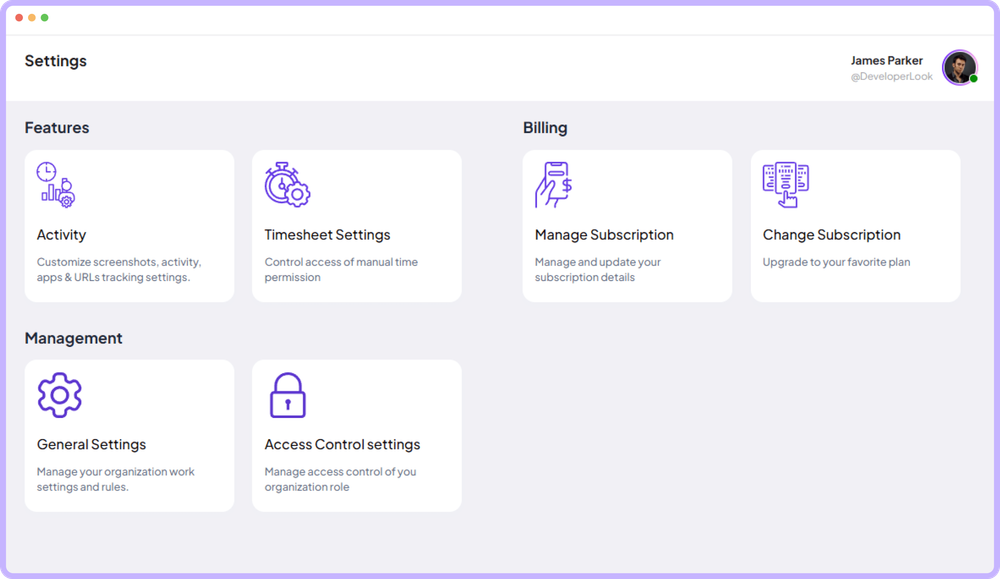
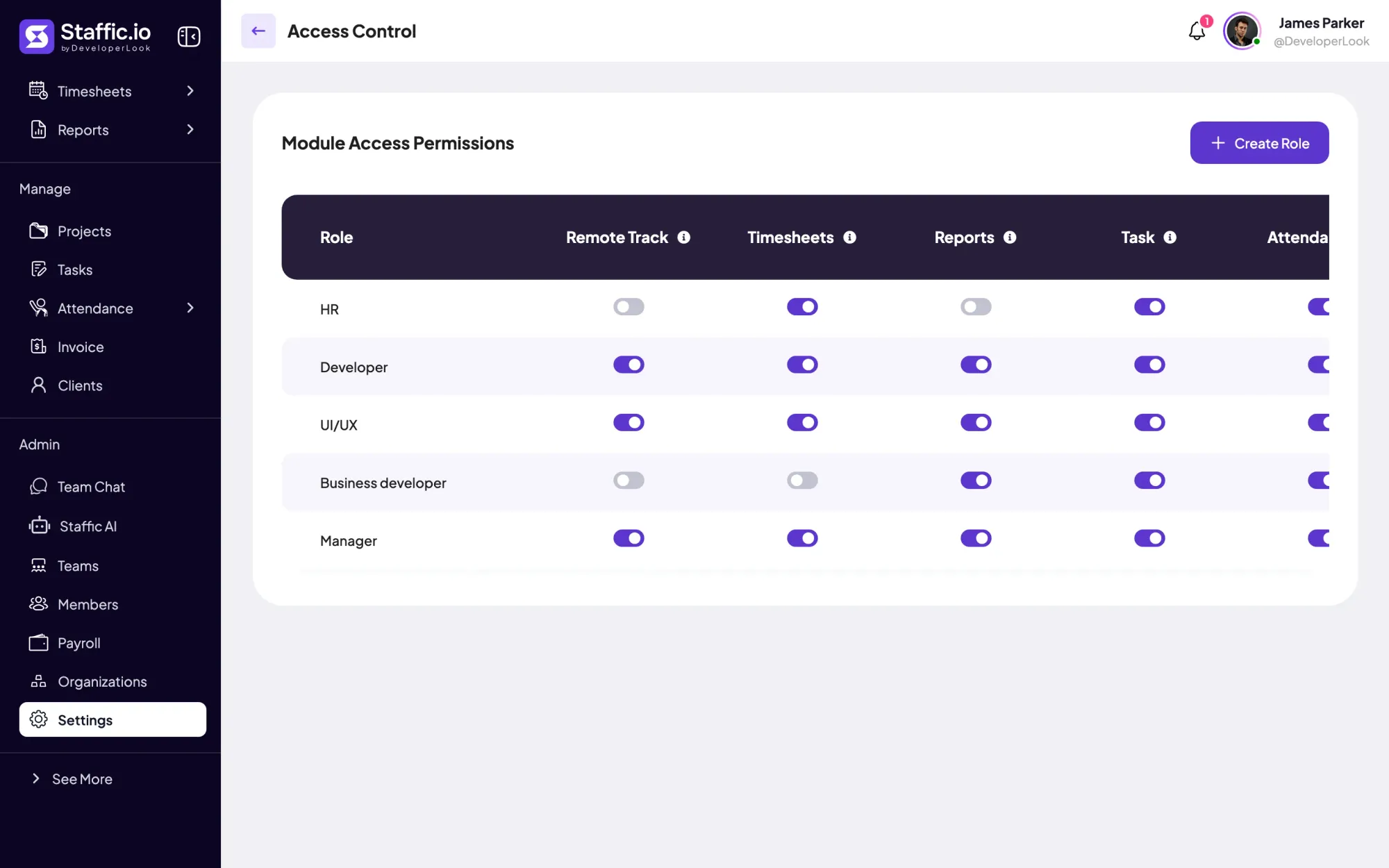
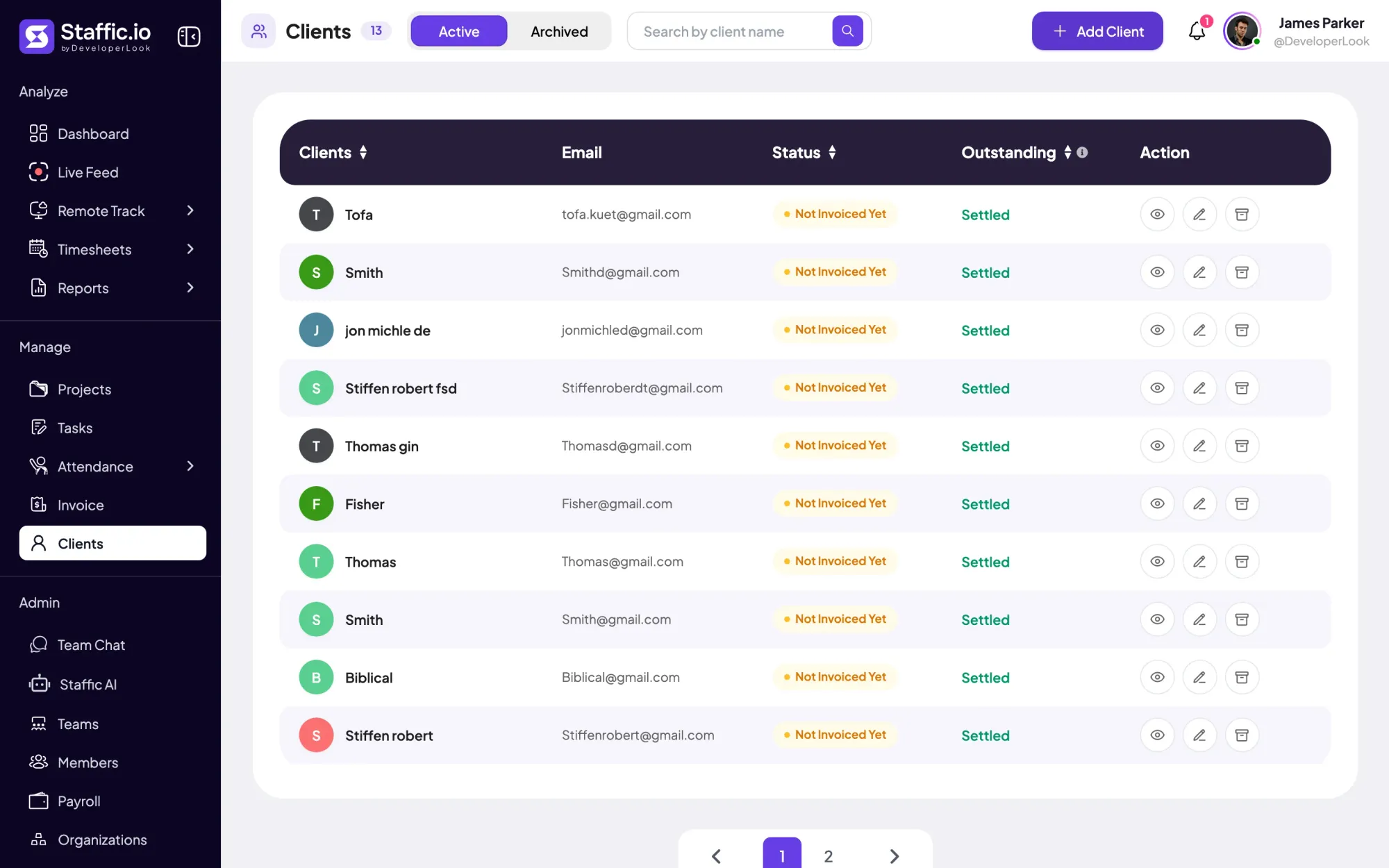
- Who can see the data? Look for roles that limit what each manager sees. In Staffic, Access Control roles are on every plan, and members see only their own records unless a role gives them more.
- How long is it kept? ActivTrak keeps 30 days on Free and up to 1 year on paid plans, Time Doctor 3 months to 2 years, and Insightful 24 months. Staffic keeps screenshots for 365 days and recordings for 7 days.
- Where is it stored? Insightful offers a private cloud or your own servers, and CurrentWare quotes on-premises setups through sales.
- What does it collect that you don't need? Every keystroke log or recording you never read is still data you have to protect. Turn off what you won't use.
How do you compare employee monitoring software reporting features?
Run the same week of real work through each trial and compare the reports you would actually open:
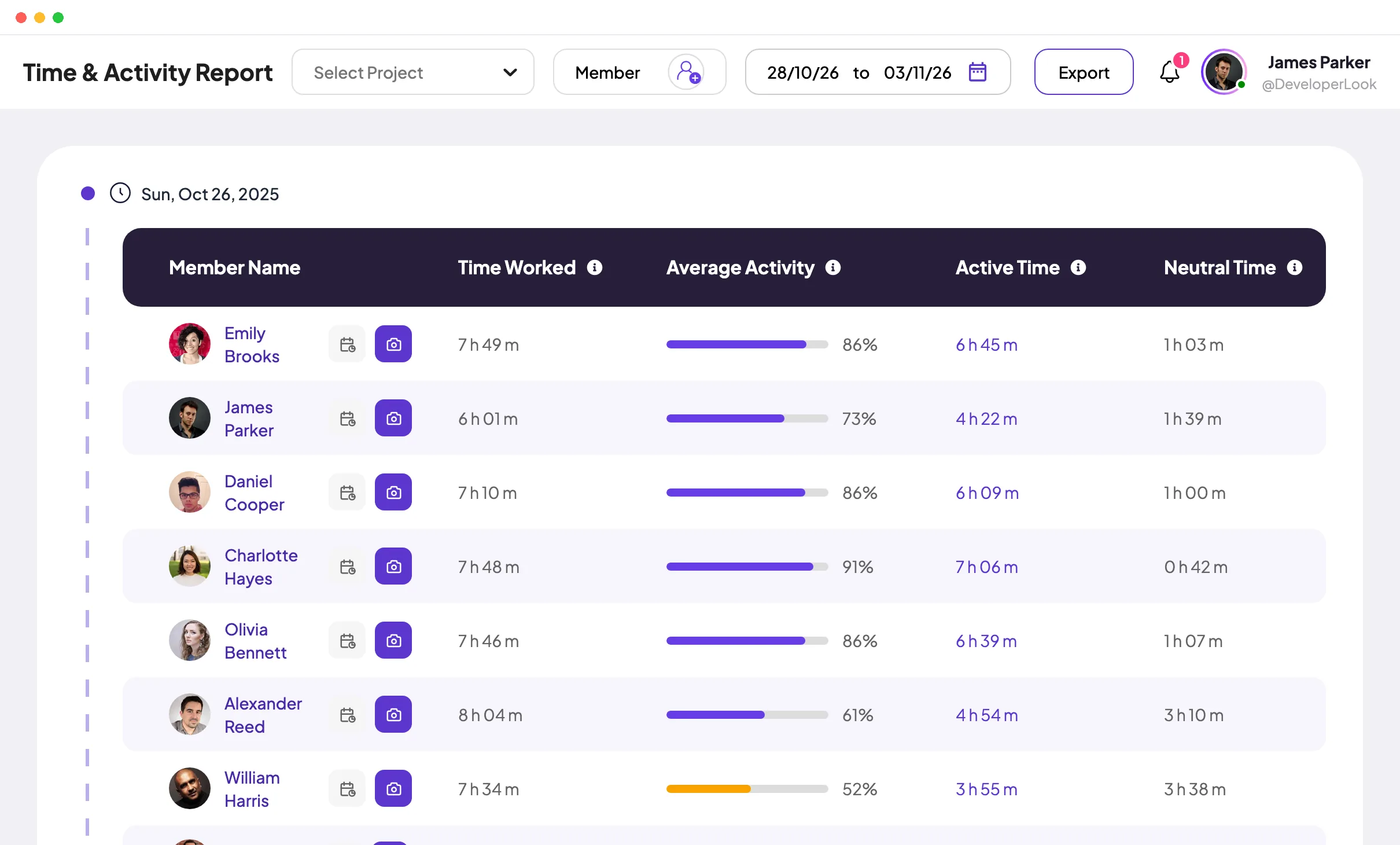
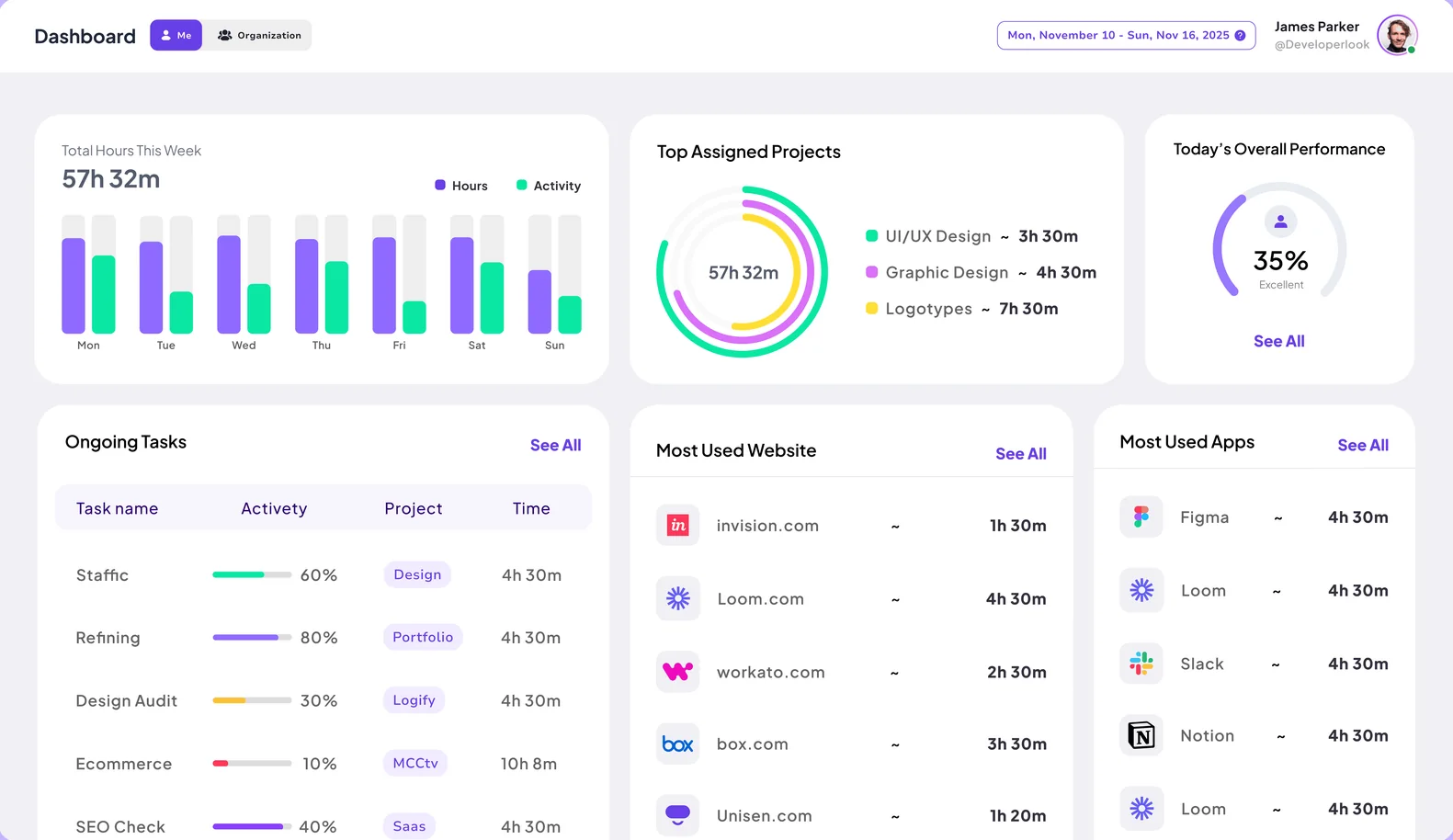
- Time next to activity. Does one report show hours and activity side by side, per person and per project? Staffic's Time and Activity report does, on Standard and Elite.
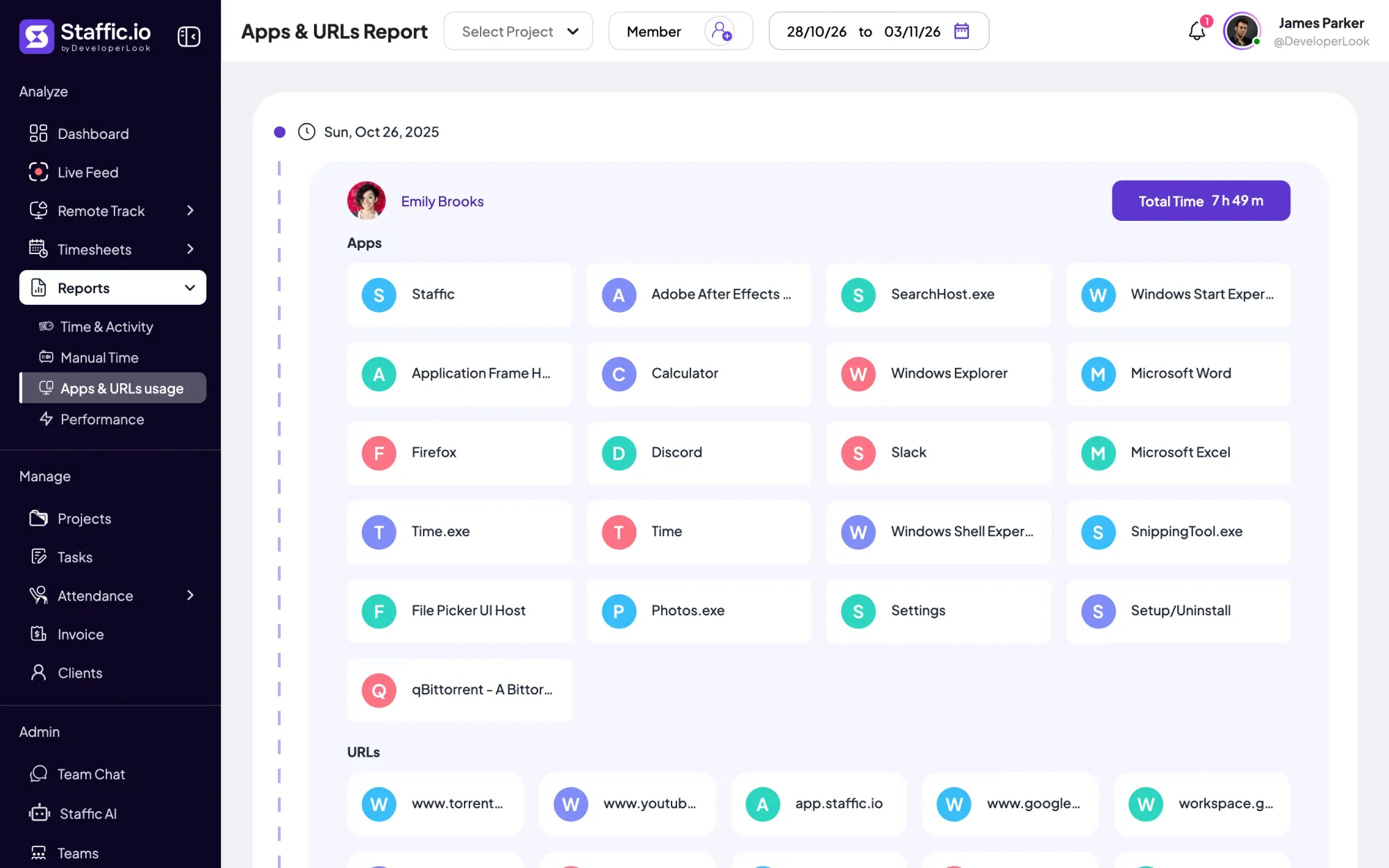
- Apps and websites. Check whether you get time per app or site, or a list per session. Staffic shows the apps and URLs of each tracked session rather than a total per app.
- Exports. Staffic's Time and Activity report exports to PDF or Excel, but its Apps and URLs report doesn't export. ActivTrak caps exports at 10,000 rows on Work Activity Tracking and 50,000 on Workforce Management.
- Who reads them. Managers only, or employees too? ActivTrak's personal insights and Insightful's personal dashboard are built for employees.
How do you roll out monitoring your team will accept?
Check the law first
Rules on notice and consent differ by country and state. Our guide to employee monitoring laws covers the U.S., EU and UK basics.
Write down what you record
Say what is recorded, when, who can see it and how long it is kept. Start from our employee monitoring policy template.
Tell the team before day one
Explain why you're doing it and show people their own data. Our guide on explaining employee monitoring to your team covers what to say.
Match the settings to the policy
Turn off every recording you didn't promise or won't use, then review the setup after the first month.
Which employee monitoring software should you pick?
- You pay people from tracked hours: Staffic (Elite), Hubstaff (Team) or Time Doctor (Standard).
- You want screenshots on the cheapest plan: Time Doctor (Basic), or Hubstaff with limited screenshots on Starter.
- You already track time in Clockify: add Pro and its monitoring agent.
- You want productivity trends for a big team: ActivTrak or Insightful.
- You want employees to see their own data: Staffic (every plan), Insightful (personal dashboard) or ActivTrak (Productivity Optimization).
- Your priority is company data on work computers: Teramind, or CurrentWare for Windows.
The best software for employee monitoring is the one your team understands and your managers actually use. Run a real week through a trial with a few people who know it's on. If you mostly need hours rather than monitoring, see our comparison of the best time tracking software. To see Staffic with sample data, open the Staffic live demo, or start free with up to 3 members.
FAQ
What's the best employee monitoring app?
There's no single best employee monitoring app: it depends on what the data is for. Staffic, Hubstaff and Time Doctor tie monitoring to timesheets and payroll, ActivTrak and Insightful focus on productivity reports, and Teramind and CurrentWare focus on company data. Pick the tool whose lowest suitable plan covers what you need.
What is the best employee screen monitoring software?
For screenshots on the cheapest plan, Time Doctor includes them on Basic at $6.67 per user per month, billed yearly. For video, Time Doctor Premium, Teramind Starter and Staffic Elite record screens, and Insightful sells recording as a $4 add-on. Staffic takes screenshots only while a member's timer runs, from the Standard plan.
Who offers employee monitoring software with privacy controls and compliance?
Most vendors offer some privacy controls, but no tool makes monitoring compliant on its own: that depends on your notice, your policy and local law. Clockify blurs screenshots by default and DeskTime has a private time setting. Staffic lets members delete their own screenshots on Standard and accept or decline instant screenshots on Elite.
Which companies use employee monitoring software?
Employee monitoring software suits companies whose people work on computers away from a manager. That includes remote and hybrid teams, agencies that bill clients by the hour, support and call centers, and companies that pay contractors for tracked time. Each needs proof of work without standing over anyone's shoulder.
How do you choose software that measures employee productivity?
Choose software that shows activity next to the work it belongs to, not keyboard activity alone. Look for reports with time per project and task beside activity levels, and let people see their own numbers. ActivTrak and Insightful focus on productivity trends, while Staffic, Hubstaff and Time Doctor show activity inside the timesheet.
Sources
- Staffic pricing, checked October 12, 2026Staffic
- How to Use Remote TrackStaffic documentation
- ActivTrak pricing, checked October 12, 2026ActivTrak
- Understanding the ActivTrak Agent, checked October 12, 2026ActivTrak Help Center
- Insightful plans and pricing, checked October 12, 2026Insightful
- Insightful deployment options, checked October 12, 2026Insightful
- Teramind pricing, checked October 12, 2026Teramind
- Teramind agent specifications and supported platforms, checked October 12, 2026Teramind Knowledge Base
- Hubstaff pricing, checked October 12, 2026Hubstaff
- Hubstaff downloads, checked October 12, 2026Hubstaff
- Time Doctor pricing, checked October 12, 2026Time Doctor
- DeskTime pricing, checked October 12, 2026DeskTime
- DeskTime downloads, checked October 12, 2026DeskTime
- Clockify plans and pricing, checked October 12, 2026Clockify
- Clockify activity monitoring, checked October 12, 2026Clockify
- Clockify help: Activity monitoring for team members, checked October 12, 2026Clockify
- CurrentWare pricing, checked October 12, 2026CurrentWare
- CurrentWare system requirements, checked October 12, 2026CurrentWare