On this page (5)
Key takeaways
- An employee monitoring policy says what you monitor, when and why, who can see the data and how long you keep it.
- Write the policy around the tools you actually use, then set those tools to record exactly what the policy names.
- Get each employee's signed acknowledgment before monitoring starts; New York's notice law asks for one on hiring.
- Run four tests for an ethical policy: a named purpose, proportion, openness and a shared record people can check.
- Review the policy whenever your tools or settings change, and tell staff in writing before anything new is recorded.
An employee monitoring policy is a written document that tells staff what the company monitors, when and why, who can see the data and how long it's kept. A good one is short, matches the tools you actually use, and is acknowledged by each employee before monitoring starts. Below is a template you can adapt, four tests to keep it fair, and the steps to roll it out.
This is general information, not legal advice. Some states and countries set their own notice rules, so read our guide to employee monitoring laws and check the law where each employee works.
What goes into an employee monitoring policy?
Good employee monitoring policies answer the questions employees ask first, in the order they ask them:
- Purpose: why you monitor at all.
- Scope: who and which devices the policy covers.
- What is recorded: each kind of data, named plainly.
- When: the hours or conditions under which recording happens.
- Use: what you do with the data, and what you won't do.
- Access: who can see it.
- Retention: how long you keep it.
- Employee choices: what people can see, change or ask for.
- Changes: how you'll announce anything new.
- Acknowledgment: a line each person signs.
Write it for the tools you actually run. A policy that promises less than your software records is worse than no policy, because it's the first thing anyone will check when there's a dispute.
Employee monitoring policy template
Use this employee monitoring policy example as a starting point. Replace everything in square brackets, delete what doesn't apply, and keep the wording plain.
1. Purpose
[Company] monitors work time and work devices to [keep accurate timesheets for payroll and client billing, protect company data, see where workload is building up]. We don't use monitoring data for any other purpose.
2. Who and what this policy covers
This policy applies to all employees and contractors who track time with [tool] or use [Company] devices and accounts. It doesn't cover personal devices [unless you choose to track time on one]. [Name any roles you exclude.]
3. What we record
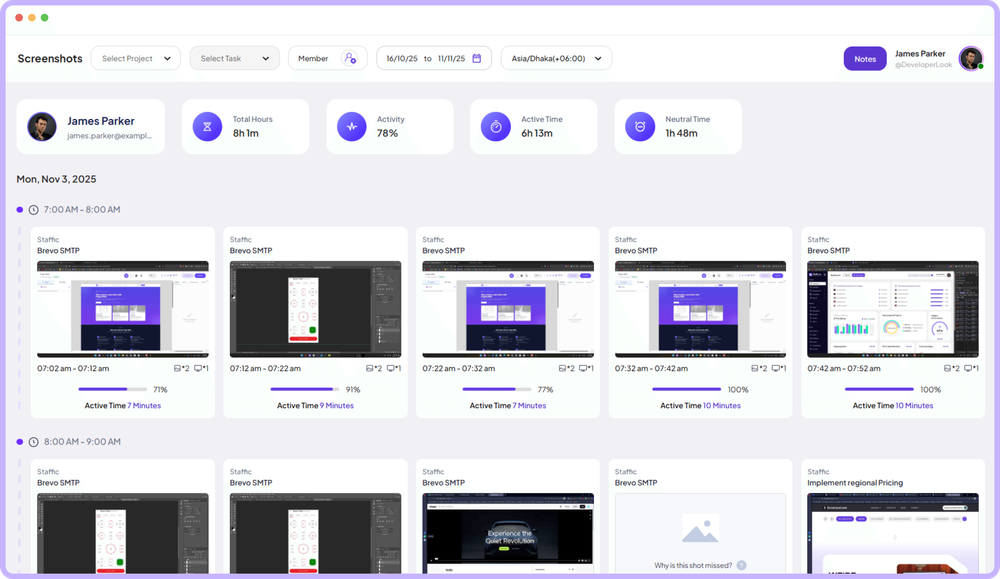
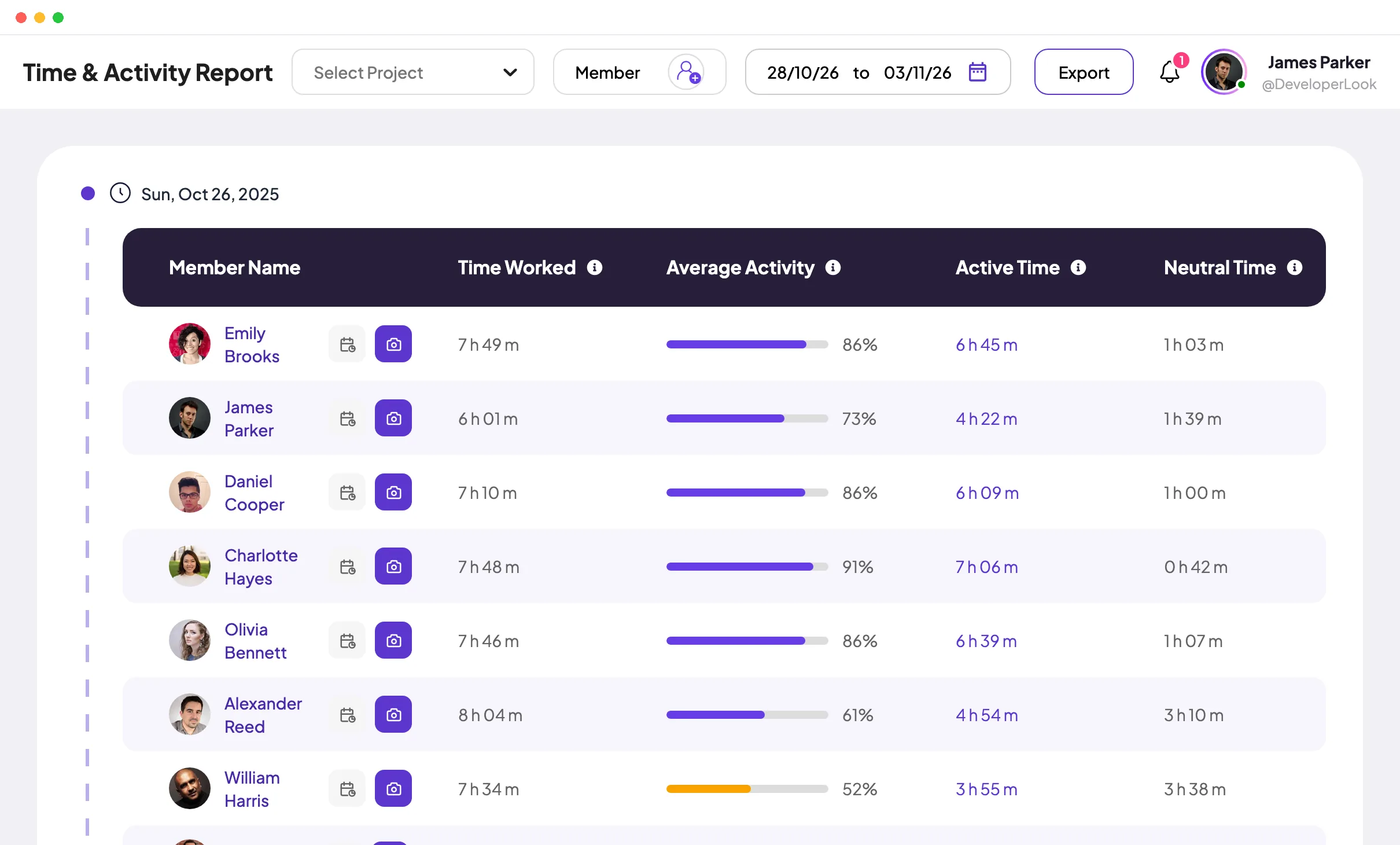
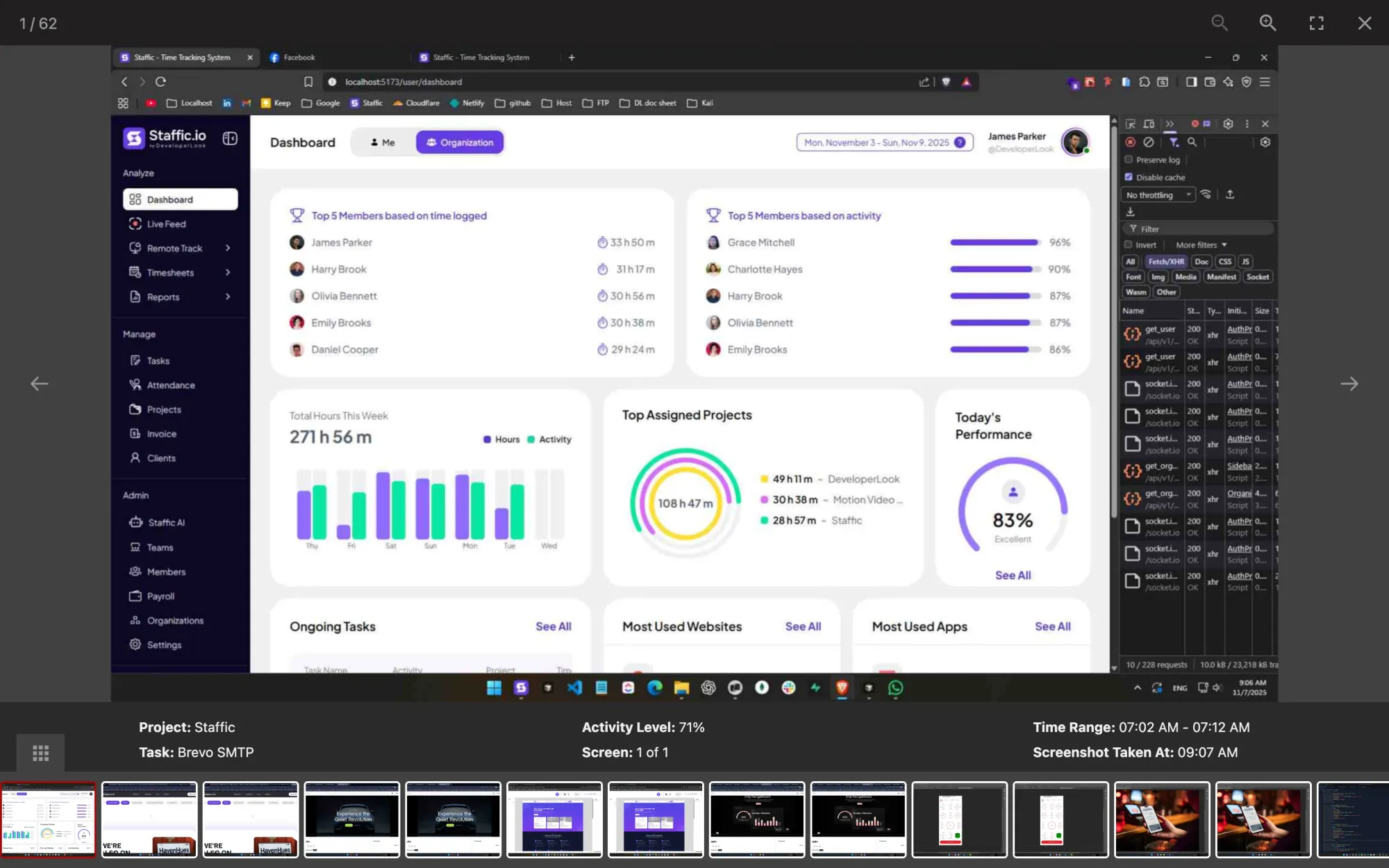
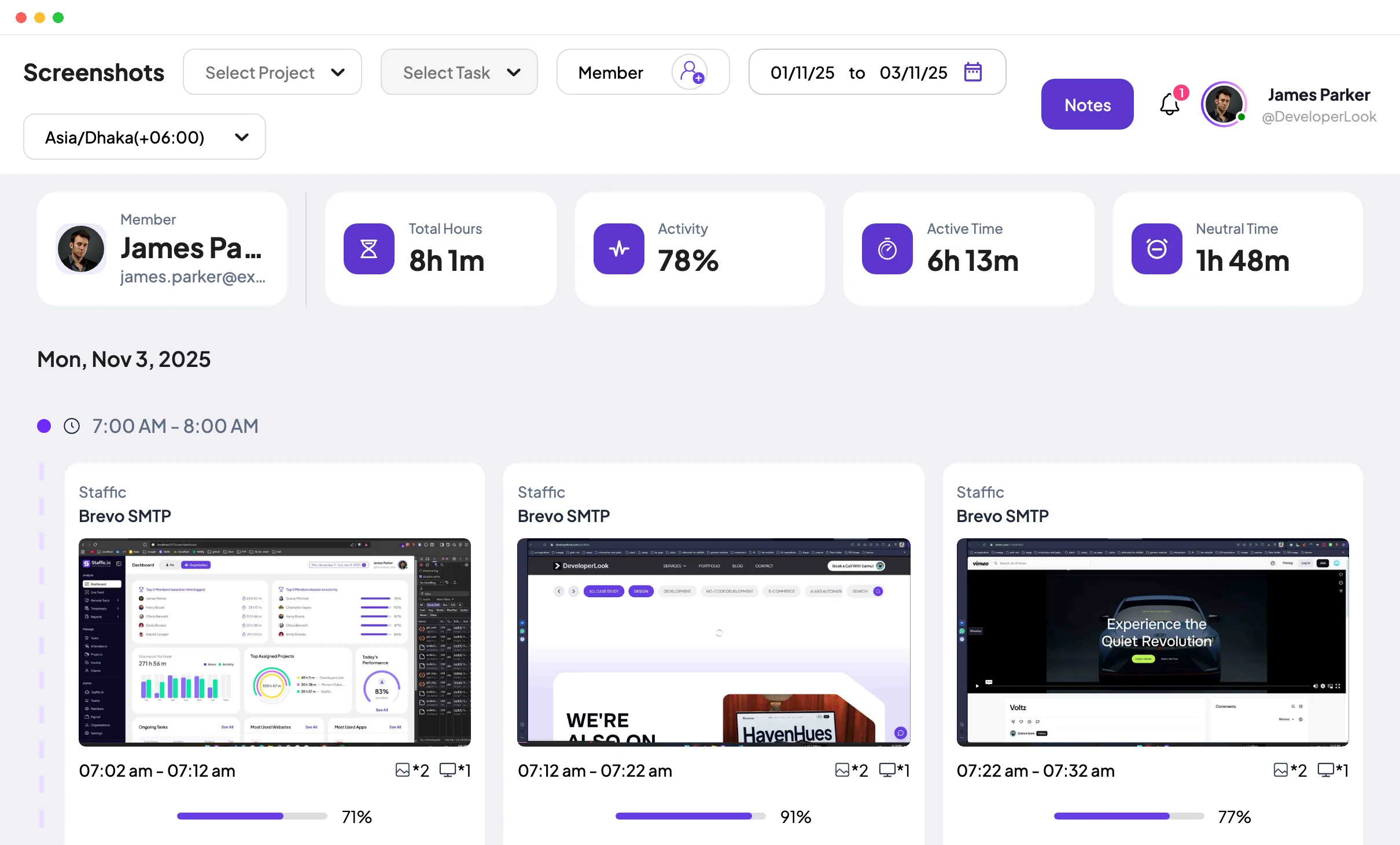
While you track time, we record: the hours you spend on each project and task; an activity level based on keyboard and mouse input; the apps and websites in use; [screenshots of your screen at the rate set by the company]. We don't record [anything you leave out, for example audio].
4. When we record
Recording happens only while your timer is running. When you stop the timer for a break or at the end of the day, nothing is recorded.
5. How we use the data
We use it to approve timesheets, run payroll, invoice clients and plan workload. We won't judge your performance on a single screenshot or activity figure, and we'll talk to you before acting on a pattern.
6. Who can see it
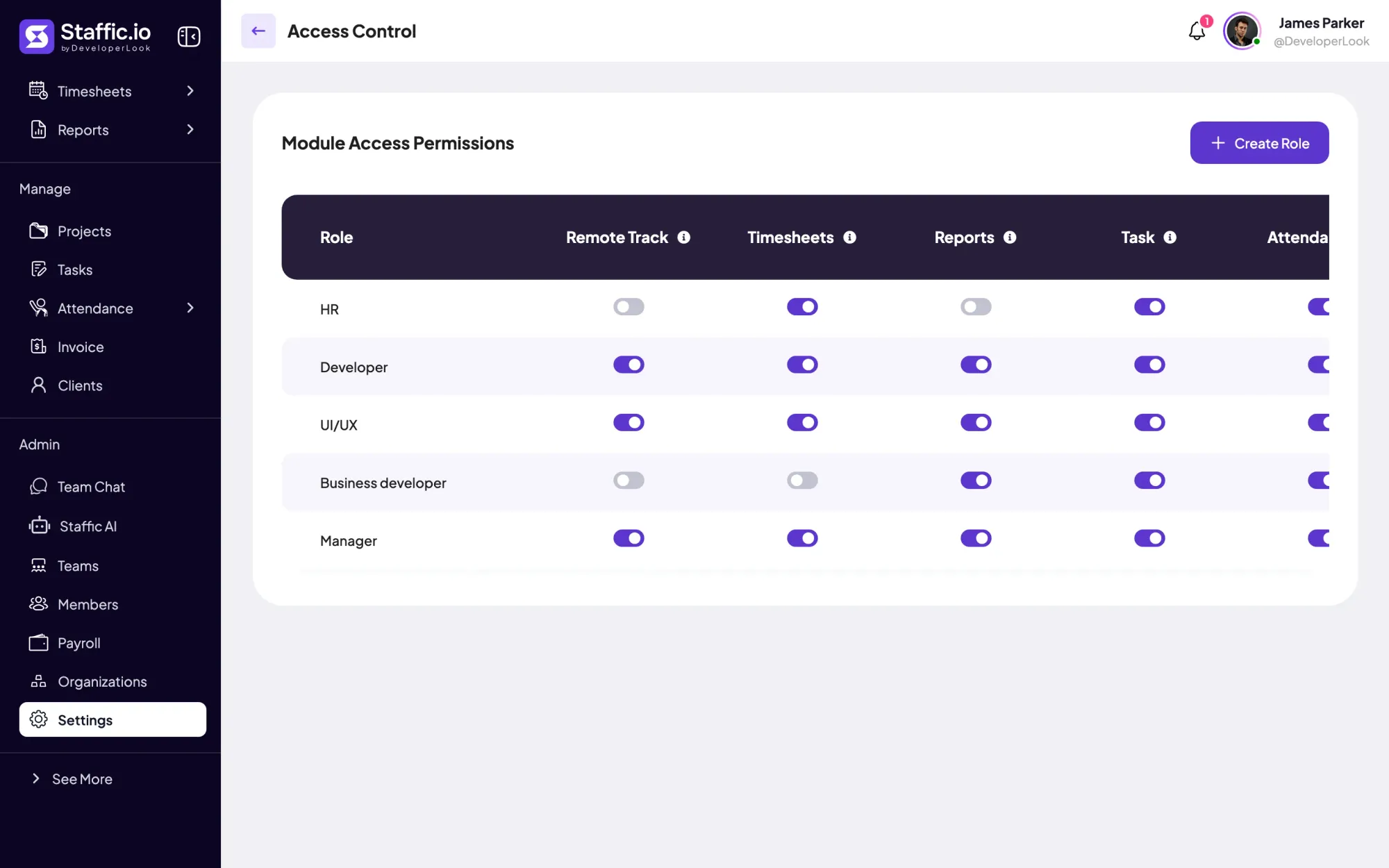
You can see your own records. [Roles, for example your team manager and payroll] can see the records of the people they work with. Nobody else has access without [an approval you define].
7. How long we keep it
We keep [screenshots] for [number] days and [timesheets] for [number] years, then delete them.
8. Your choices
You can stop the timer at any time, add work notes to explain your time, [delete your own screenshots], ask for a copy of your data, and raise concerns with [contact].
9. Changes to this policy
We'll tell you in writing at least [number] days before we start recording anything new.
10. Acknowledgment
I have read and understood the [Company] monitoring policy. Name, signature, date.
How do you keep the policy ethical?
Employee monitoring ethics come down to four tests. Run each clause of your draft through them before you publish it:
| Test | The question | If the answer is no |
|---|---|---|
| Purpose | Can you name the reason for each thing you record? | Switch that recording off |
| Proportion | Is this the least intrusive way to meet the purpose? | Record less, or less often |
| Openness | Would anyone be surprised to learn what is recorded? | Rewrite clause 3 until nobody would be |
| Shared record | Can people see their own data and correct mistakes? | Give them access and a way to raise errors |
These tests echo the purpose, proportion and transparency principles in the EU and UK guidance covered in our laws guide, but they're worth applying wherever your team works.
What are the pros and cons of employee monitoring software?
Write the policy with both columns in mind. The pros are why you're doing it; the cons are what the policy has to manage.
| Pros | Cons |
|---|---|
| Hours for payroll and invoices come from records, not memory | It can read as distrust if it arrives without explanation |
| Remote and hourly staff have proof of the work they did | Activity figures miss work with little typing, such as reading or calls |
| Managers see workload building up before deadlines slip | You hold more personal data, which you have to protect and delete on time |
| Disputes about time start from the same record | Some places add notice and assessment duties before you start |
Clauses 4, 5 and 7 of the template are where you deal with the cons: record only during tracked time, don't act on a single data point, and delete what you no longer need.
How do you roll out a monitoring policy?
Check the law first
Look up the rules in each state or country where your employees work. If you employ people in New York or Connecticut, your employee electronic monitoring policy also needs a posted notice.
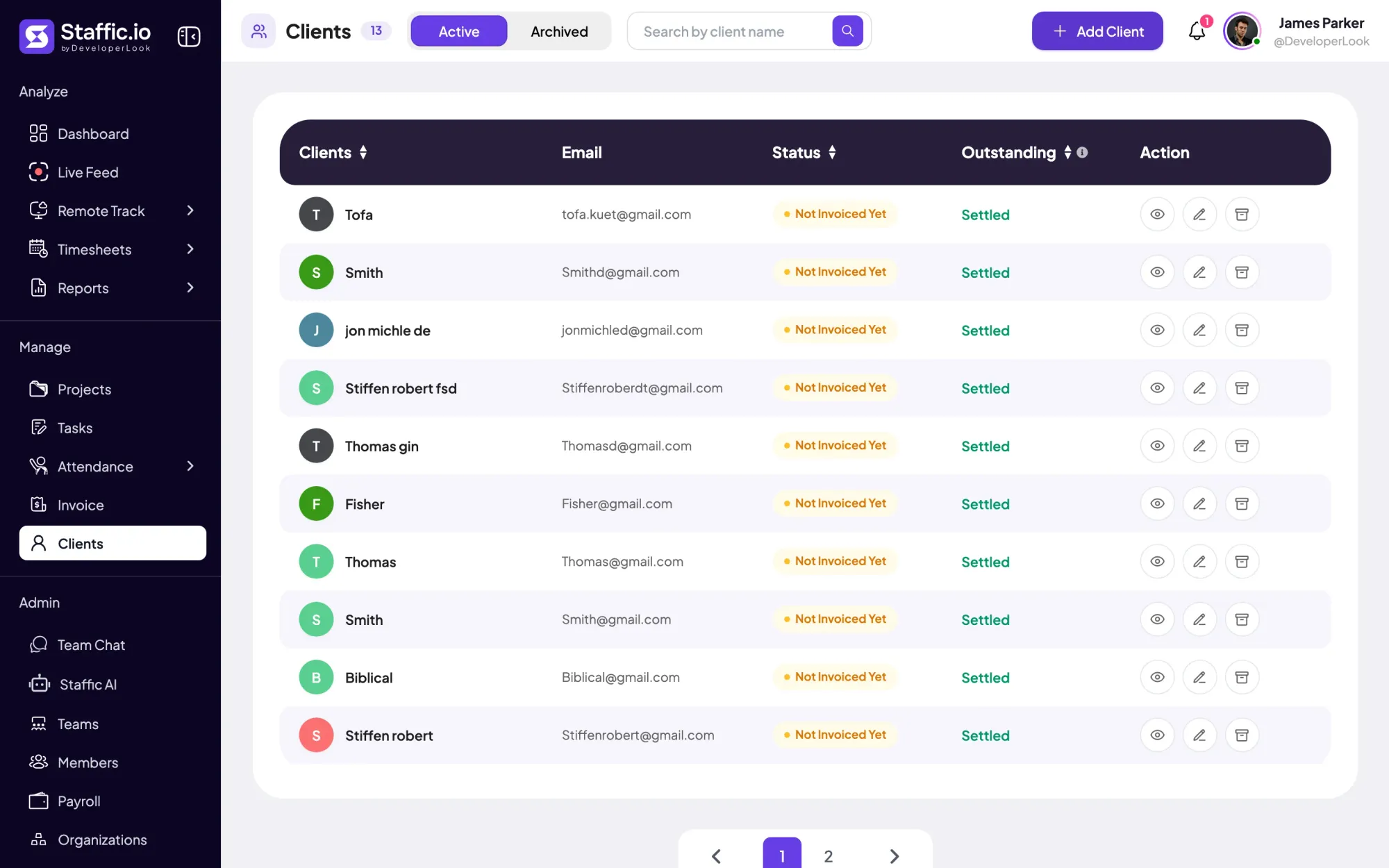
Set up your tool to match clause 3
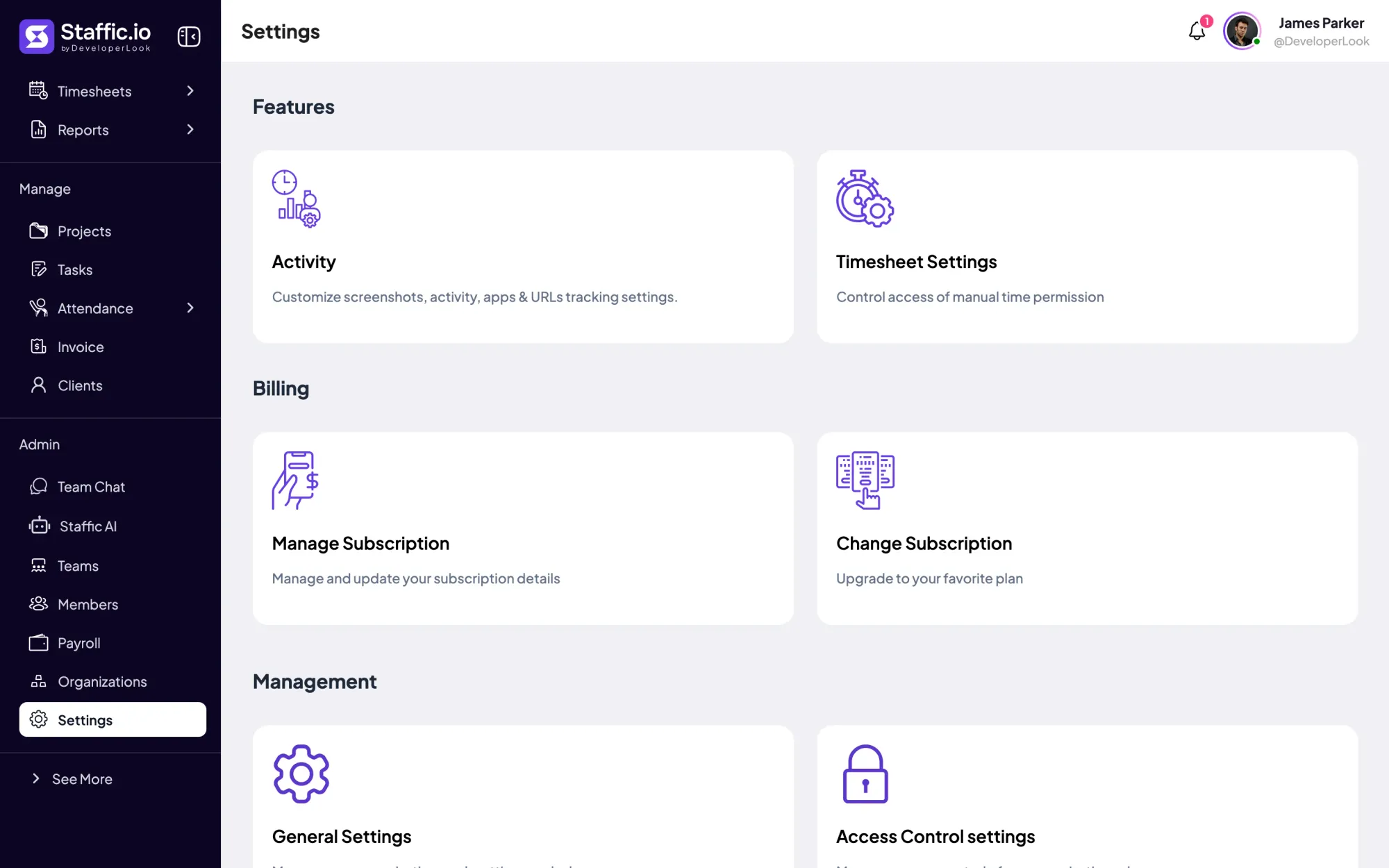
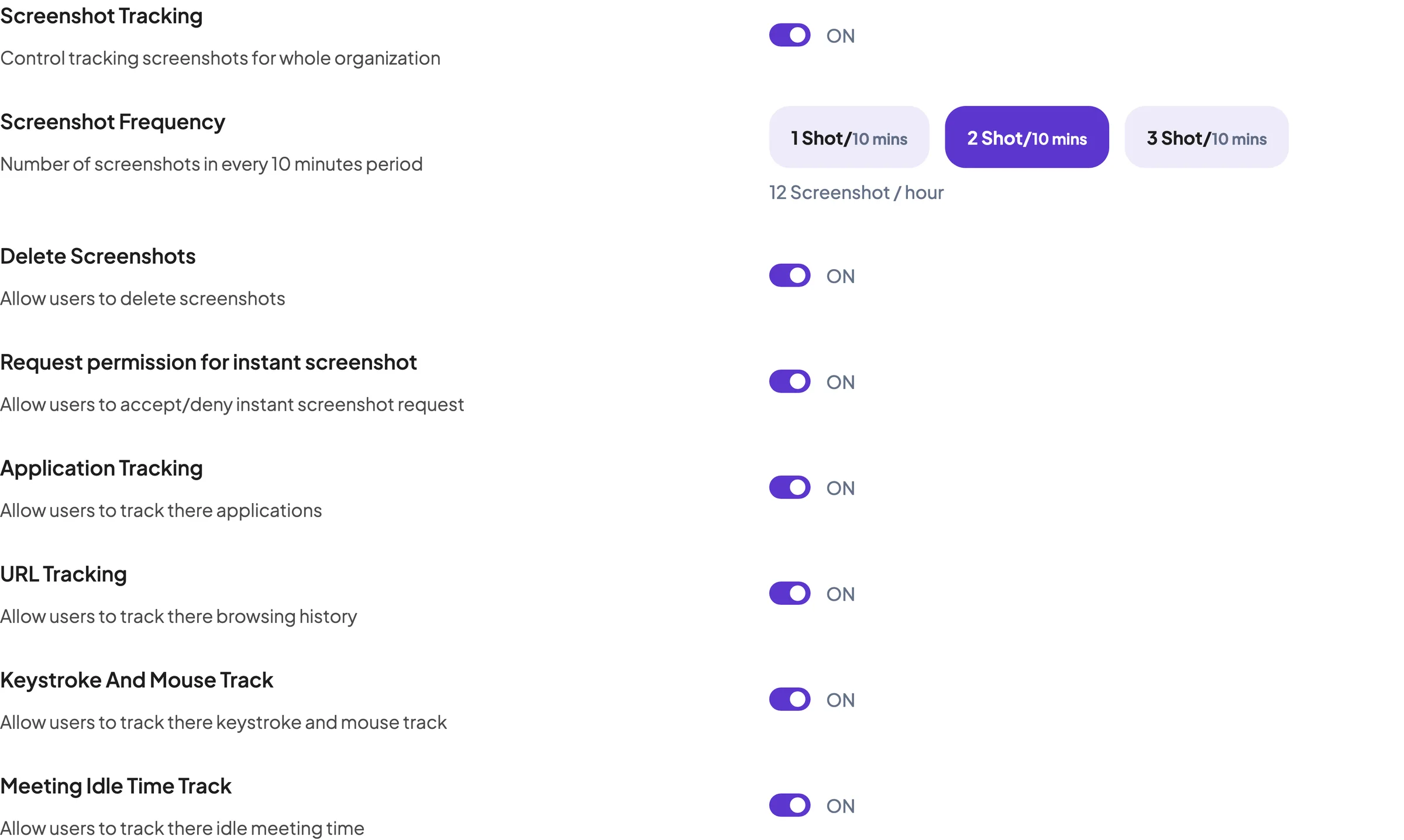
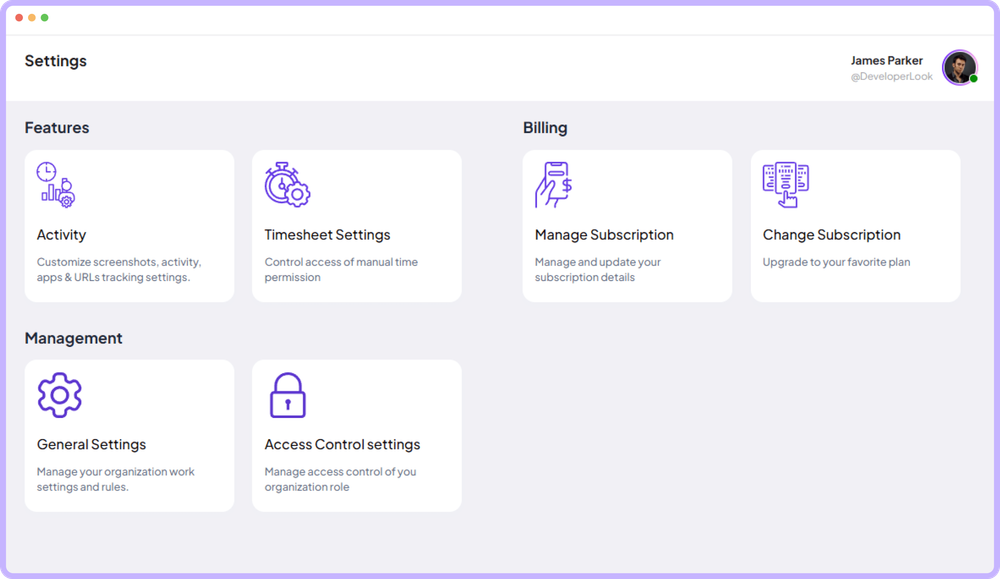
Turn off every kind of recording the policy doesn't name. The settings and the policy should describe the same thing.
Add it to the employee handbook
An employee handbook monitoring policy section means new hires see it on their first day, along with your other rules. Treat your employee monitoring policy like any other company policy, with an owner and a version date.
Collect acknowledgments
Ask each person to sign clause 10 before their monitoring starts, and keep the signed copies. New York asks for an acknowledgment on hiring.
Talk it through with the team
The written policy isn't the whole job. Our guide on how to explain employee monitoring to your team covers what to say and which settings to agree on together.
Review it every year
Tools, roles and laws change. Update the policy whenever you change what you record, and tell staff before the change takes effect.
A monitoring policy works when it's specific, short and true to what your software records. Start from the template, run the four tests, and roll it out with acknowledgments before the first timer runs.
FAQ
How do you explain computer monitoring to employees without upsetting them?
Start with the reason and the limits, then the tool. Share the written policy before the first timer runs, keep recording to tracked work time, and let people see their own data from day one. People get upset when they find out later or when monitoring reaches past work hours. Our guide to explaining employee monitoring to your team covers what to say and which settings to agree on together.
Should employers monitor employees?
Only when you can name a reason the monitoring serves, such as accurate payroll, client billing or protecting company data. If you can't name one, don't monitor. If you can, record only what that reason needs, only during work time, and say so in a written policy that each employee acknowledges.
Is it ethical for employers to monitor employees?
It depends on the design more than the tool. A monitoring policy holds up ethically when every item it records has a named purpose, nothing is hidden, and people can see and question their own records. A useful check: would you be comfortable showing an employee everything you record about them? If not, record less.
Why monitor employees?
To get records you can rely on: hours for payroll and client invoices, and proof of work when people work remotely. Some teams also use it to see workload building up or to protect company data. Each reason belongs in the policy's purpose clause, and any recording that serves none of them should be switched off.
Why should you use employee monitoring software?
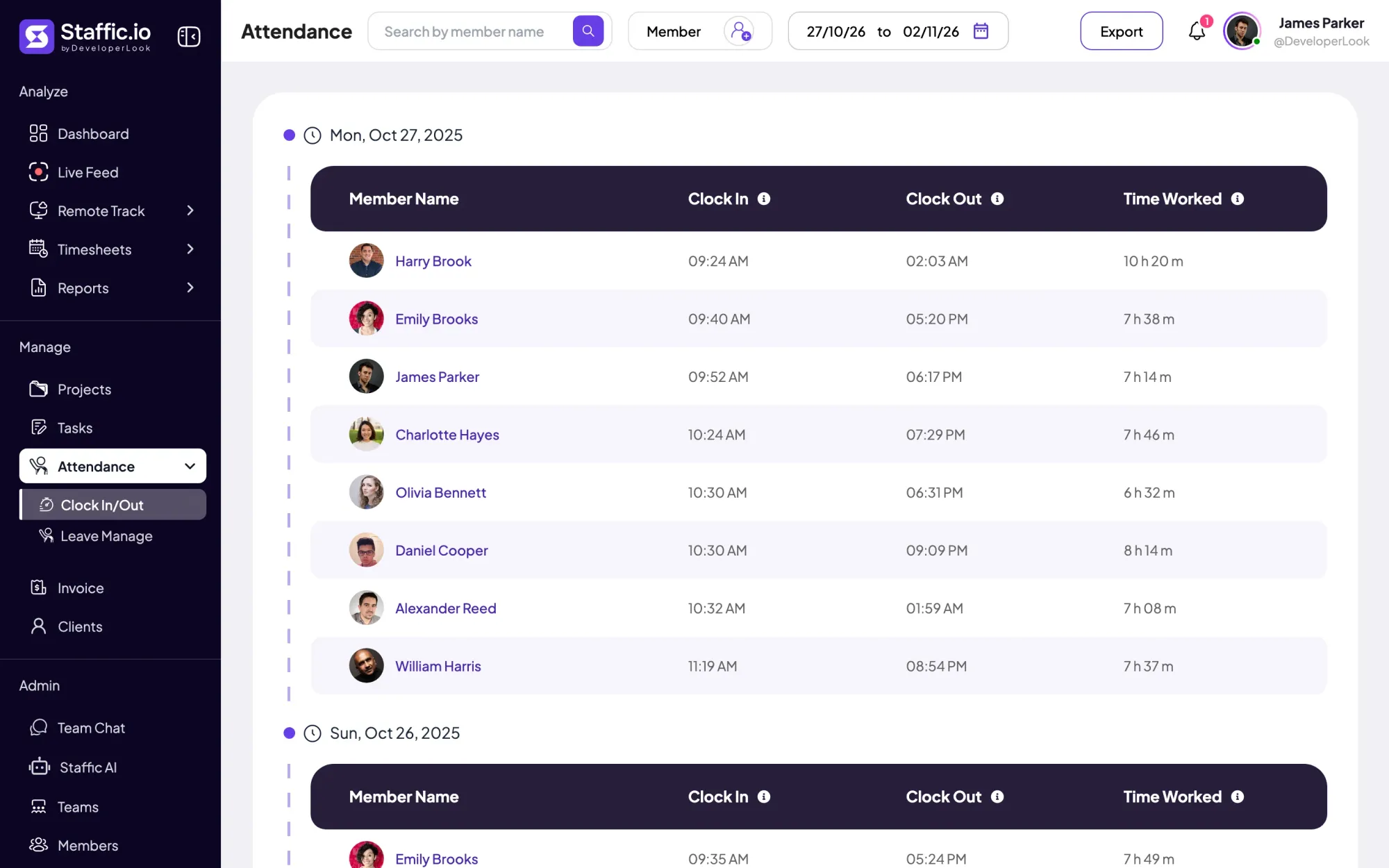
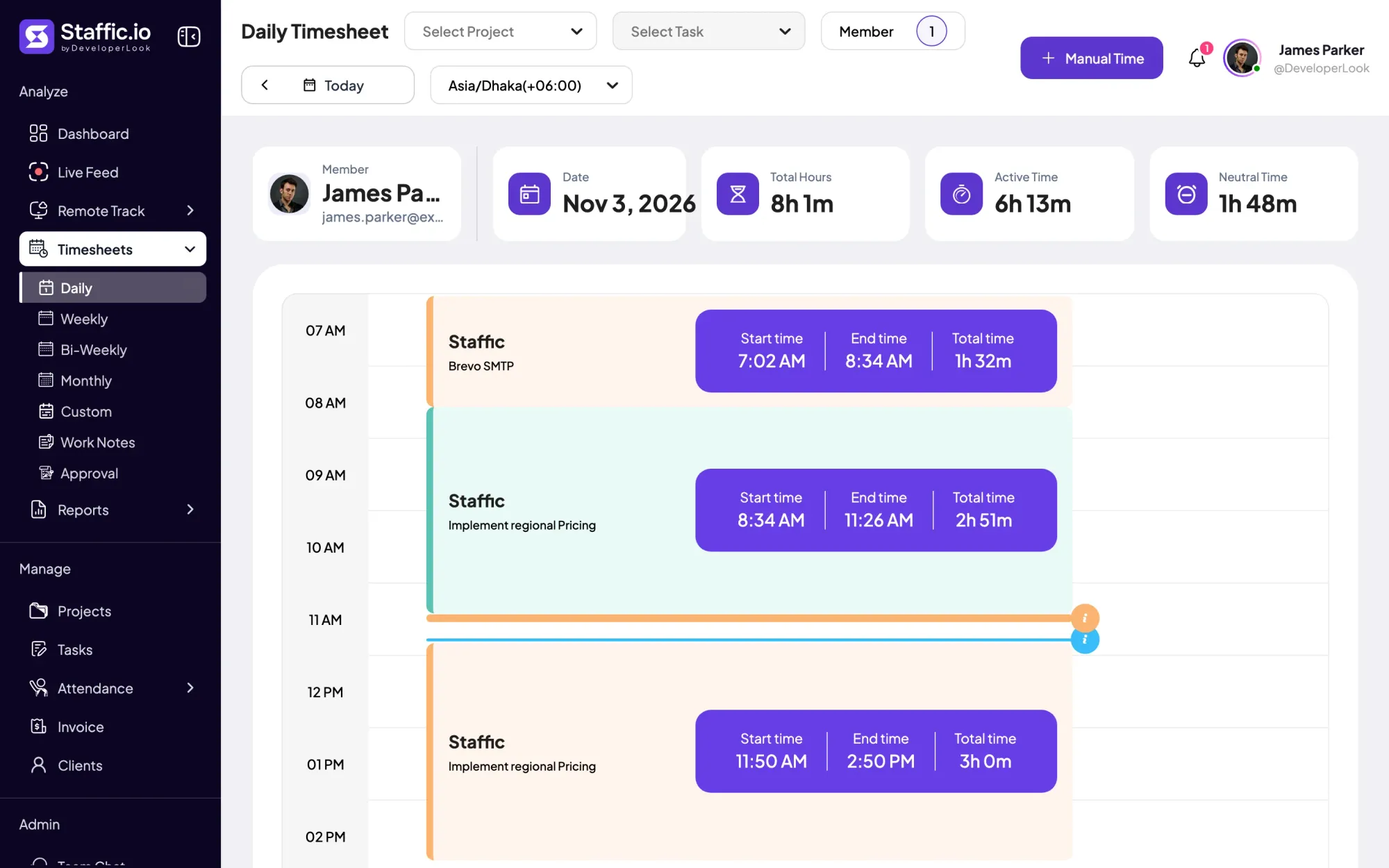
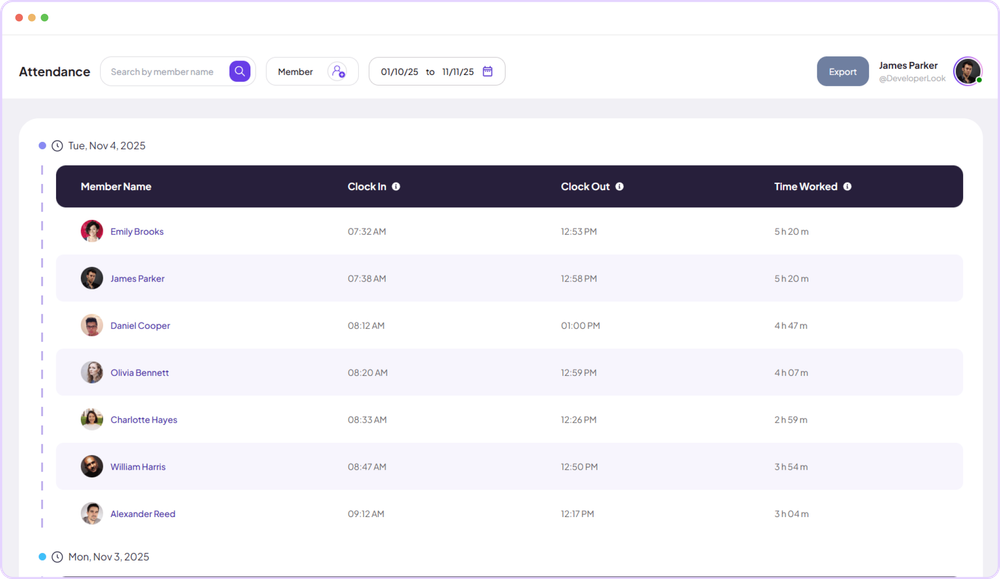
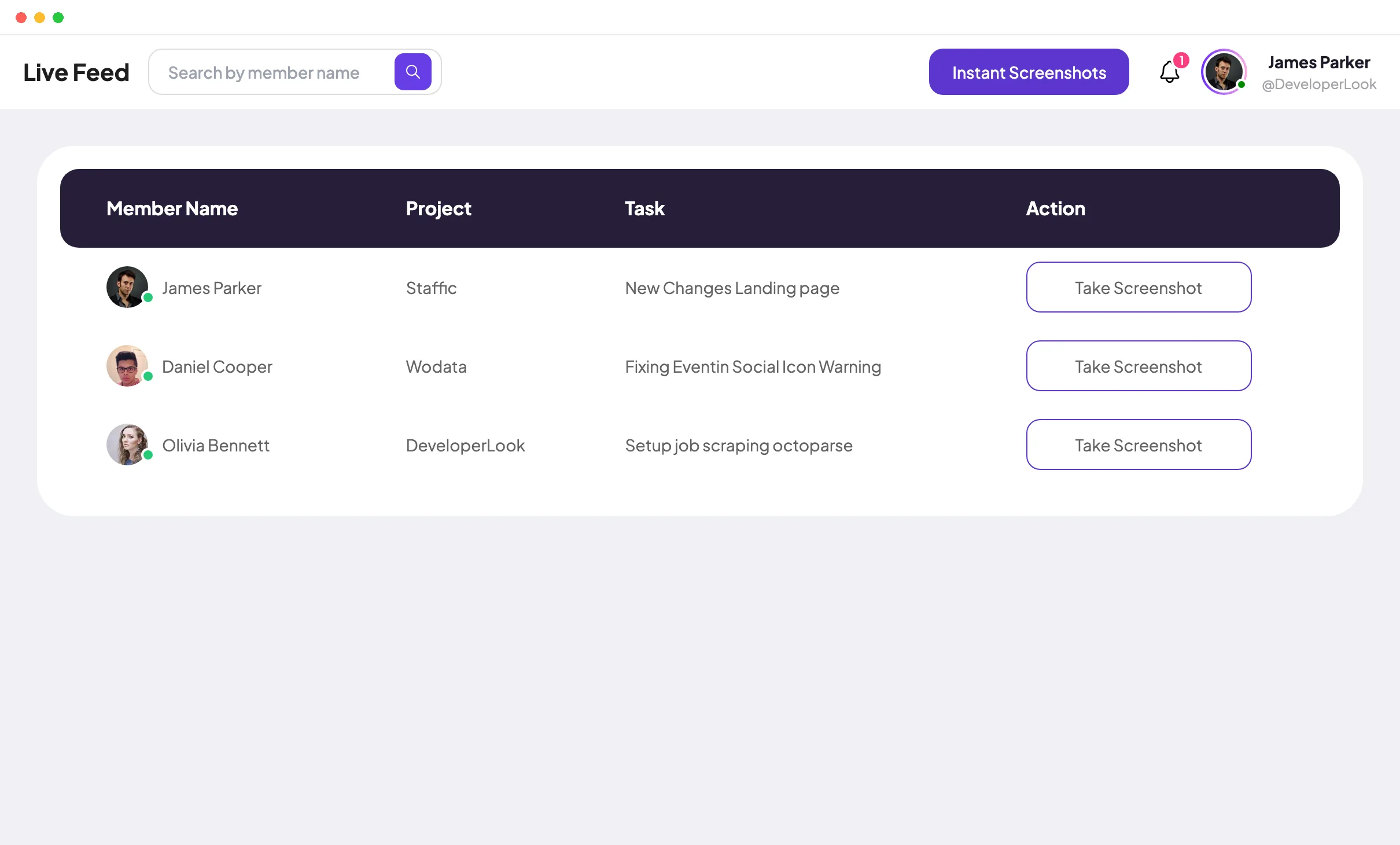
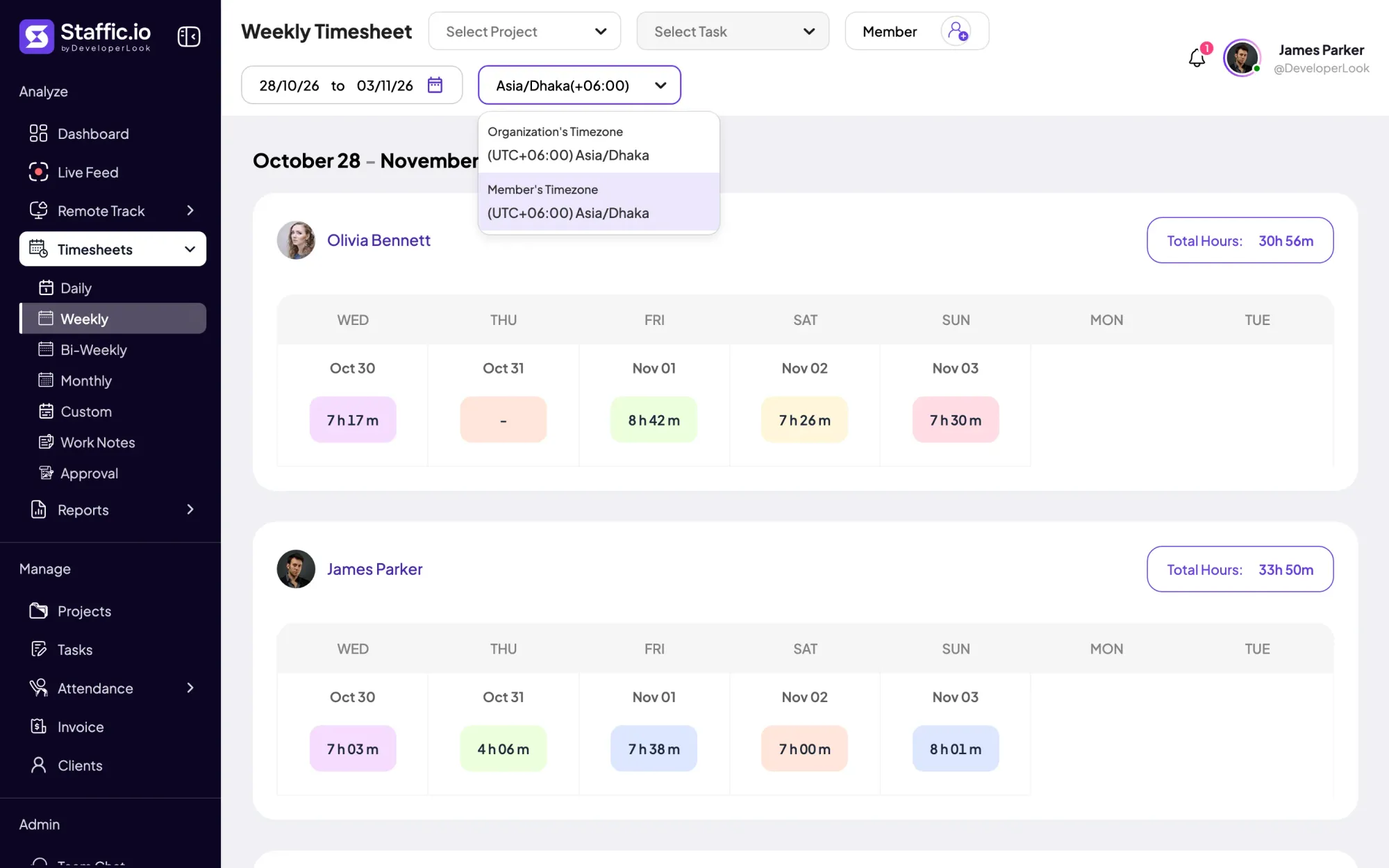
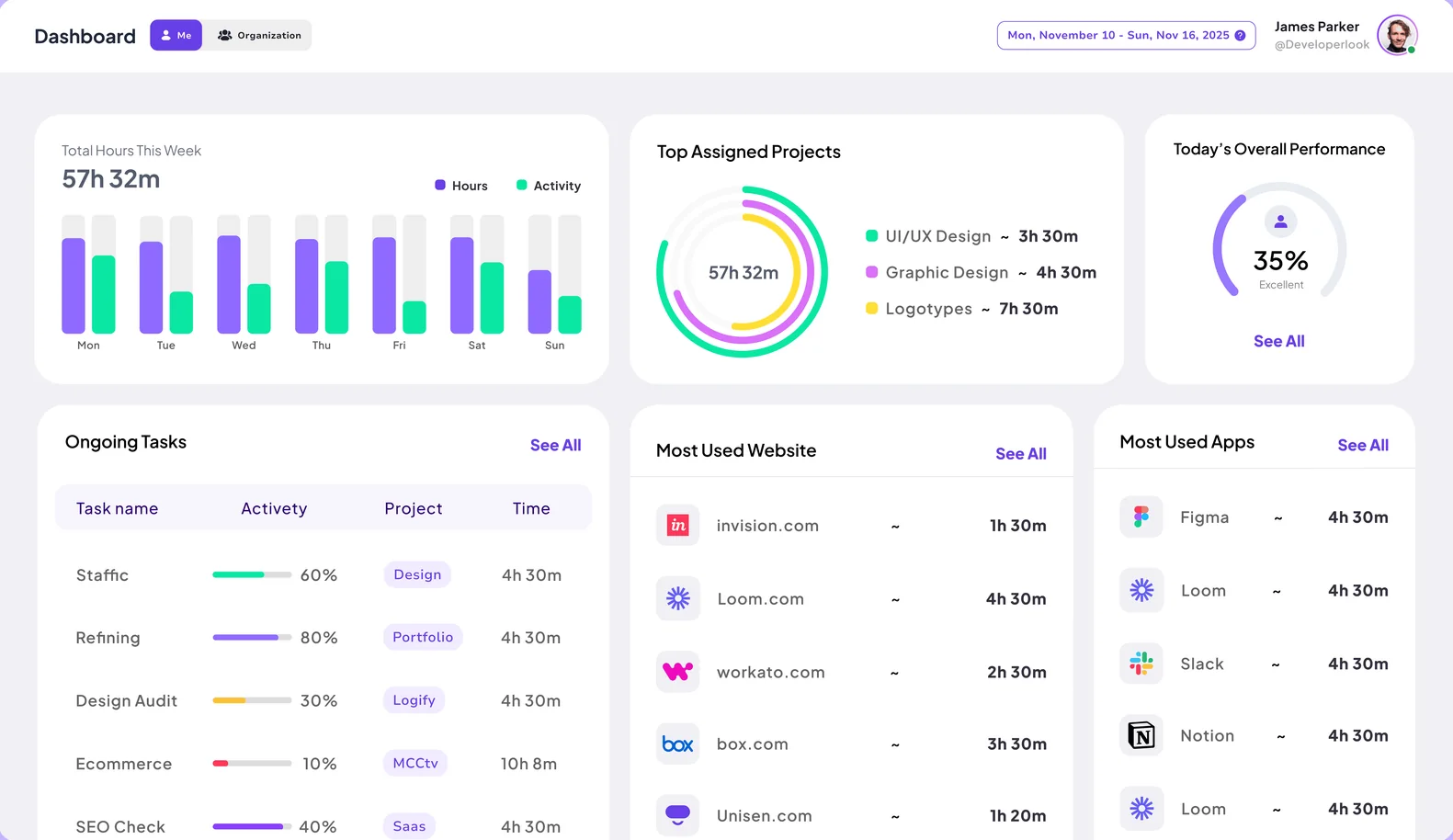
Because it records time and activity as people work, instead of relying on memory at the end of the week. Software applies the same rules to everyone and keeps one record that managers and employees can both check. In Staffic, for example, recording runs only while a member's timer is on, and members see their own timesheets.
Sources
- How to Use SettingsStaffic documentation
- How to Use Remote TrackStaffic documentation
- New York Civil Rights Law section 52-C*2: Employers engaged in electronic monitoring; prior notice requiredNew York State Senate
- Connecticut General Statutes section 31-48d: Employers engaged in electronic monitoring required to give prior notice to employeesConnecticut General Assembly