


Time rebuilt from memory
Filling in timesheets at the end of the week misses calls, research and short tasks, and that time never reaches an invoice.
See step 1: Track time by matter
Features
All 30 featuresSee the work while it happens.
01 / 30
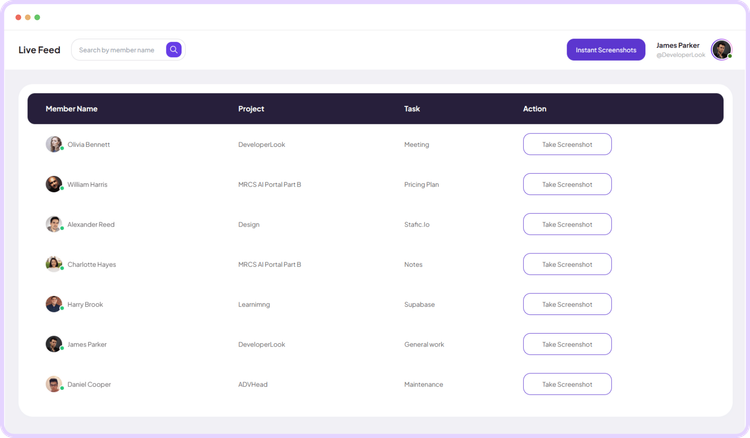
Live Feed
Live Feed streams task-level updates as work happens, so you can check activity in real time without interrupting anyone.
View Live FeedLegal time tracking software
Staffic records time on each lawyer’s and paralegal’s computer against the matter and task they pick, keeps a note with every entry, and turns approved hours into client invoices on Elite. Free for up to 3 members.
Law firm challenges
Four places where hours go missing before they reach an invoice.
Filling in timesheets at the end of the week misses calls, research and short tasks, and that time never reaches an invoice.
See step 1: Track time by matterA client reading an invoice wants to know what the hours were for. A vague entry invites a question, or a write-off.
See step 2: Keep a note with the timeWhen a partner first sees an associate’s hours on the invoice, any mistake is already in front of the client.
See step 3: Review and approveCopying hours from a spreadsheet into an invoice takes an afternoon and invites typos.
See step 4: Invoice the clientHow Staffic helps
From the first timer to the invoice. Each step links to the feature behind it.
Step 1 of 5
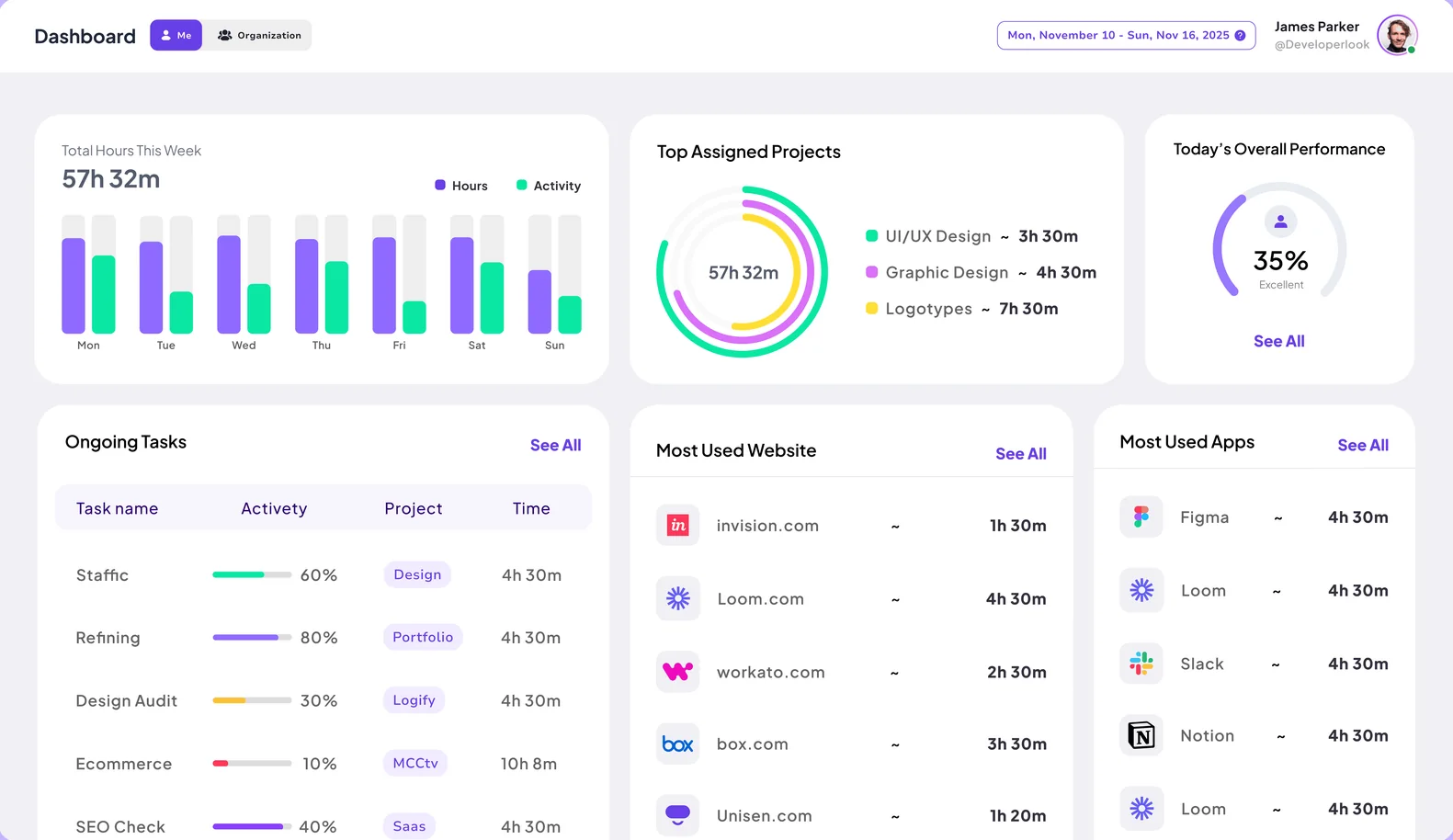
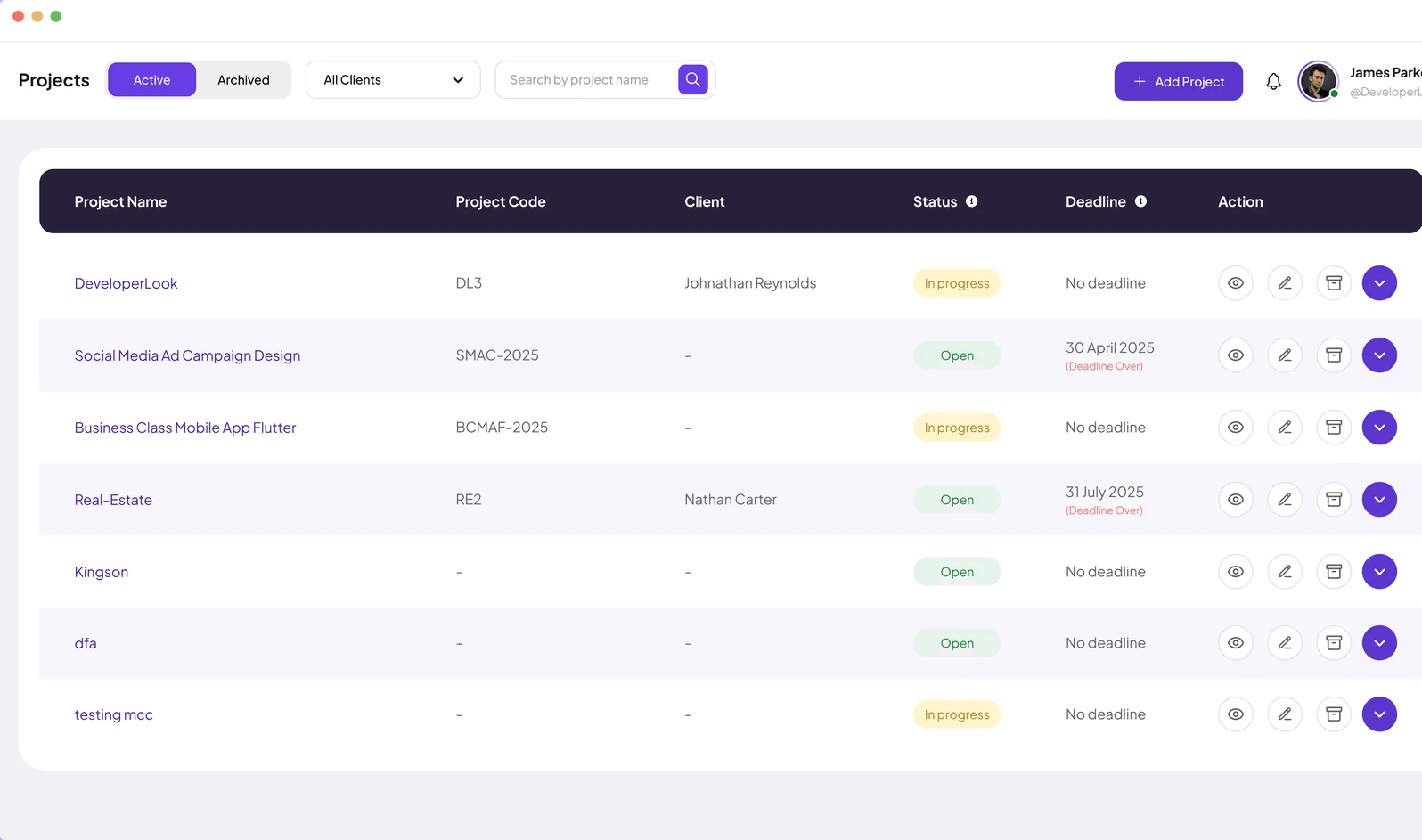
Set up each matter as a project with tasks inside it. The desktop app for Windows, macOS and Linux tracks time against the matter and task each person picks, so hours are recorded as the work happens.
Fixes: Time rebuilt from memory
Step 2 of 5
Work Notes keep what was done next to the time it took. Time added by hand appears in Manual Time Reports with the reason given, so every change is on record.
Fixes: Entries without a story
Step 3 of 5
Partners or office managers review each person’s day in Timesheet Approval and accept it before the hours reach an invoice or payroll.
Fixes: Hours nobody checked
Step 4 of 5
On Elite, assign each matter to a client and invoice hours worked or a fixed fee, with tax, discounts and a preview before you send it.
Fixes: Invoices built by hand
Step 5 of 5
Staffic AI answers questions like how many hours someone worked this week or when they clocked in, without building a report.
Recommended plan
Firms that bill clients from Staffic need Elite for clients and invoices. Set your team size to see what you would pay.
Your team needs
Billing
Elite
$5.80per user per month, billed yearly
$46.40 a month for 8 members, $556.80 a year.
Elite adds the client invoices you picked.
Customer stories
Staffic.io brings transparency without micromanagement. Our team feels trusted, and productivity has never been higher. The balance between oversight and autonomy is perfect for building strong remote culture.
Staffic.io transformed how we track productivity. Our remote team is now more accountable and transparent than ever. The detailed reports and activity monitoring have been game-changing for us.
Staffic.io's live feed lets me check in without interrupting my team. Remote management finally feels natural. I can see progress in real-time without constant meetings or status updates that drain productivity.
FAQ
What firms ask before they start tracking billable hours.
Explore the live demoEach lawyer or paralegal starts the Staffic desktop timer on a matter and task. Staffic records the time until they stop it, and they add a work note to say what was done. Managers review the hours as daily or weekly timesheets.
Yes. Set up each matter as a project with its own tasks. On Elite you can also add clients and assign each matter to a client, so the hours are ready to invoice.
Yes, on Elite. Invoices can bill hours worked or a fixed fee, with tax and discounts, and you can preview each invoice before you send it.
Add the time by hand. Manual entries are listed in Manual Time Reports with the reason given, so partners can see every addition or edit.
Yes. Screenshots are optional: admins turn them on or off and choose 1, 2 or 3 per 10 minutes, and can turn monitoring off for a member while time tracking continues.
Staffic is free for up to 3 members. Standard is $5.50 per user per month billed yearly ($1.00 during the current offer), or $7.50 monthly, and Elite, which adds clients, invoices, payroll and screen recordings, is $5.80 billed yearly.
Free for up to 3 members
Set up your first matter, invite your team and watch the first timesheet fill in.




