


What goes on a weekly timesheet
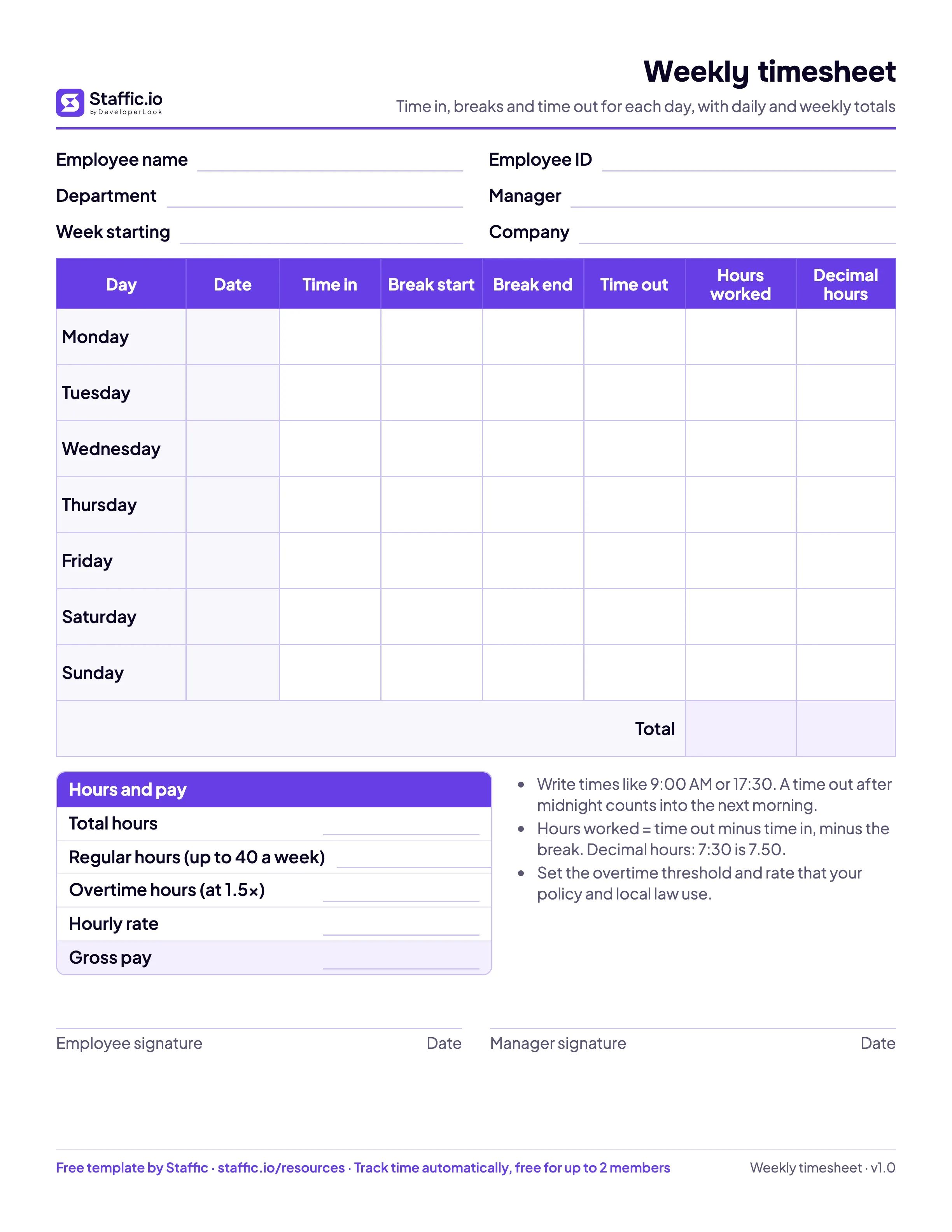
A weekly timesheet is one page per person per week. Each day gets a row with the time work started, the break, the time work ended and the hours in between, and the bottom row adds up the week. Hourly employees, part-time staff, contractors and virtual assistants fill it in; a manager checks it and signs it before payroll or an invoice goes out.
In the US, the Department of Labor lists hours worked each day and total hours worked each workweek among the records an employer keeps for every non-exempt worker. A weekly timesheet holds both on one sheet, which is why it is the most common format for hourly pay.
Weekly timesheet example
Here is a filled week for Maria Santos, a customer support agent. She writes her times as she works, and the Excel version works out the hours:
| Day | Time in | Break | Time out | Hours worked |
|---|---|---|---|---|
| Monday | 9:00 AM | 12:30 PM to 1:00 PM | 5:30 PM | 8:00 |
| Tuesday | 8:45 AM | 12:30 PM to 1:15 PM | 5:30 PM | 8:00 |
| Wednesday | 9:00 AM | 12:00 PM to 12:30 PM | 6:15 PM | 8:45 |
| Thursday | 9:00 AM | 12:30 PM to 1:00 PM | 5:30 PM | 8:00 |
| Friday | 8:30 AM | 12:00 PM to 1:00 PM | 6:00 PM | 8:30 |
| Saturday | 10:00 AM | None | 2:00 PM | 4:00 |
| Sunday | ||||
| Total | 45:15 (45.25 hours) |
Her week comes to 45 hours and 15 minutes, or 45.25 hours in decimal. Payroll multiplies the decimal hours by the hourly rate, so the decimal column is the one to read when you work out pay.
How to calculate hours on a weekly timesheet
For each day, subtract the time in from the time out, then subtract the break. Wednesday above runs from 9:00 AM to 6:15 PM, which is 9 hours 15 minutes; minus a 30 minute break, that is 8 hours 45 minutes.
- Use a 24 hour clock for the math. 6:15 PM is 18:15, so 18:15 minus 9:00 is 9:15.
- Past midnight, add 24 hours to the time out: 10:00 PM to 6:00 AM is 30:00 minus 22:00, or 8 hours.
- Convert minutes to decimal by dividing by 60: 15 minutes is 0.25, 30 minutes is 0.50 and 45 minutes is 0.75, so 8:45 is 8.75 hours.
Add the seven days for the weekly total. The decimal hours calculator converts any time, and our guide on how to calculate hours worked covers the Excel formulas.
Printable, Excel, Google Sheets or Word
All four versions have the same columns, so you can switch without retraining anyone.
- Printable PDF in US Letter or A4, for clipboards and people who write their times by hand. Every row is tall enough to write in.
- Excel adds up each day and the week, converts to decimal hours and works out gross pay from the hourly rate. Type the week start date and the day names and dates fill in.
- Google Sheets works the same as the Excel file and is easy to share with a remote team: make your own copy, then share it with each person.
- Word suits teams that type their times into a document and email it.
How long to keep weekly timesheets
Under the US Fair Labor Standards Act, the Department of Labor says records on which wage computations are based, such as time cards, should be kept for two years, and payroll records for at least three years. In the UK, GOV.UK says employers need to keep some records about working hours. Rules differ by country and state, so check the ones that apply to you.
When the weekly timesheet outgrows paper
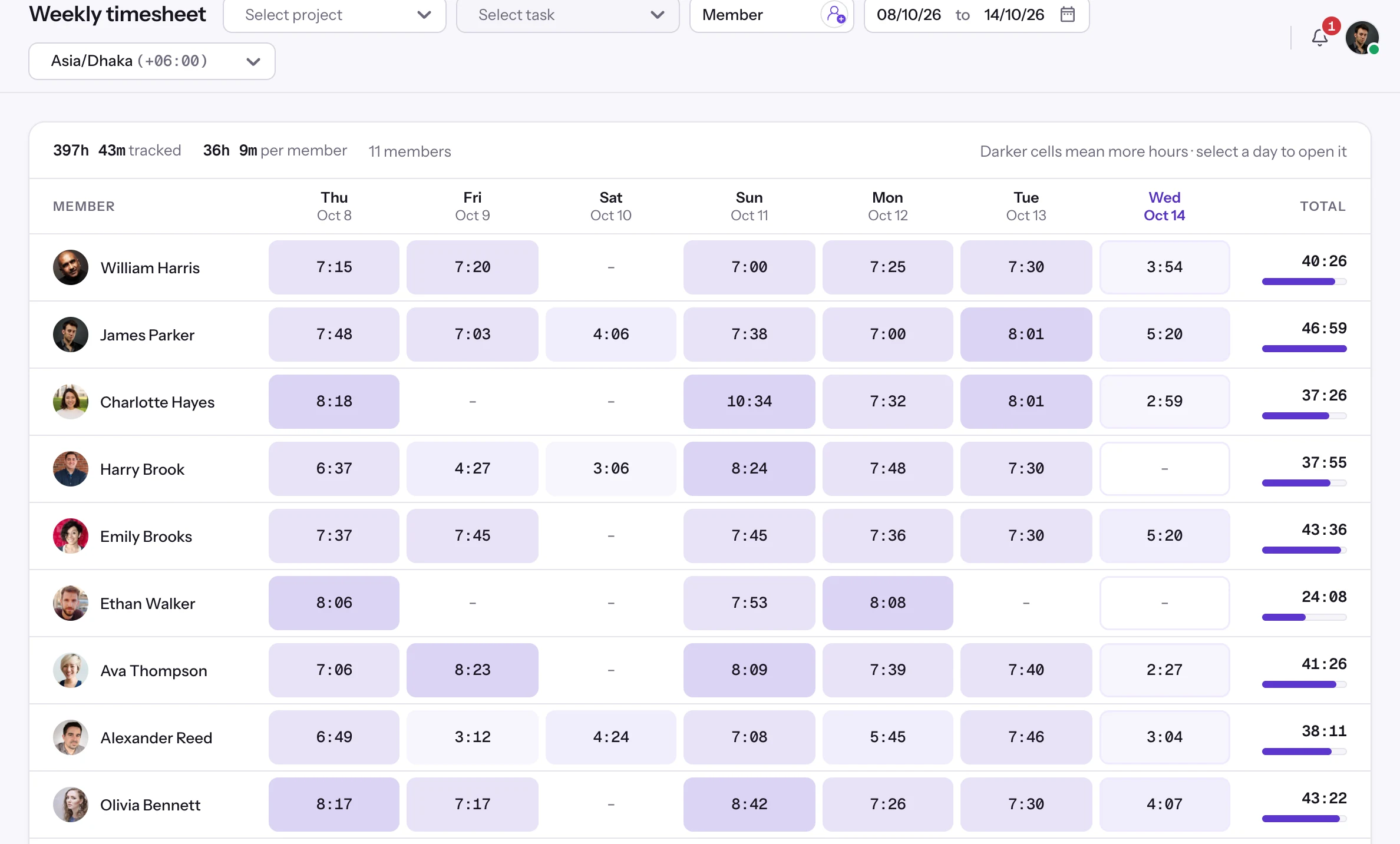
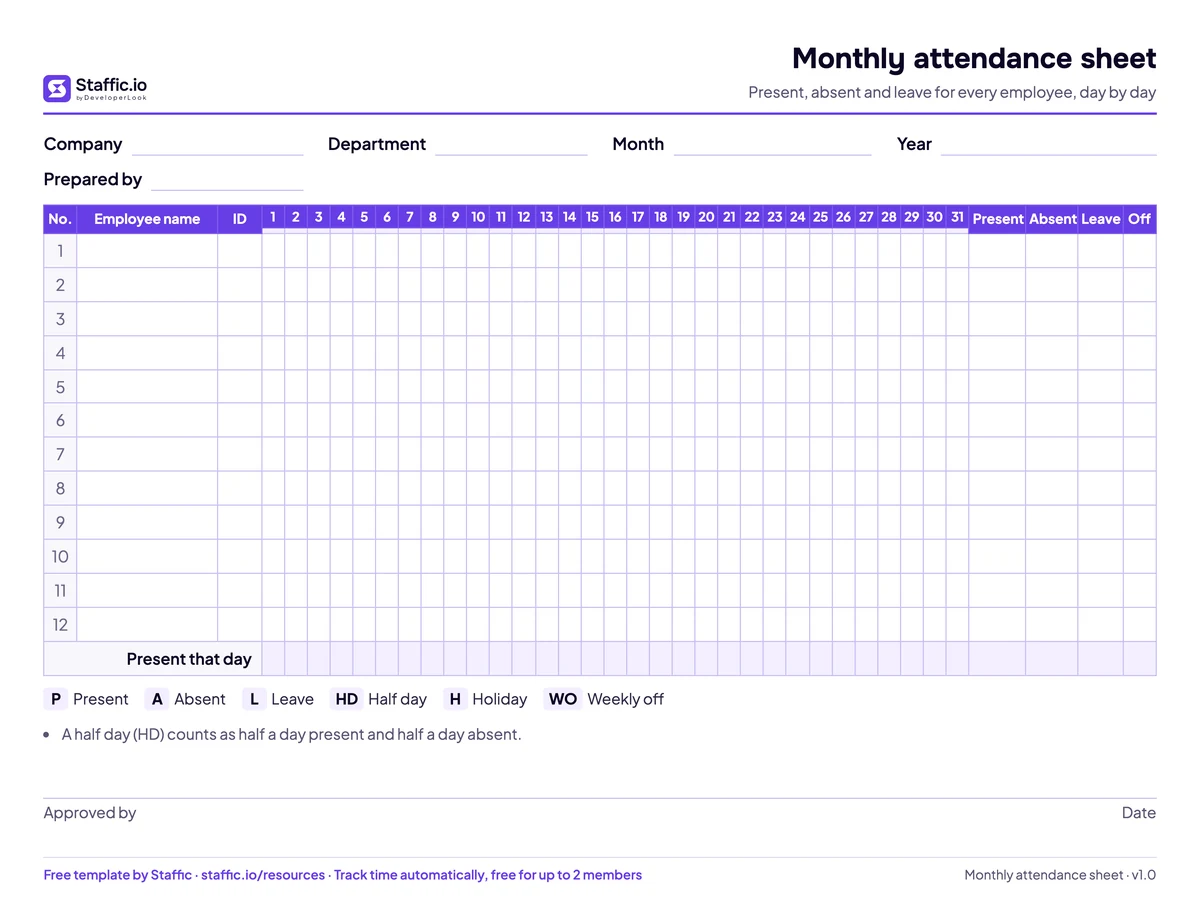
A weekly timesheet works well until you are chasing several of them every Friday. Staffic's weekly timesheet builds the same view on its own: each member gets a row with the hours tracked each day in the desktop app and a total for the week. You review the hours on timesheet approval instead of collecting signatures, and the attendance sheet template covers presence and leave if you still need it on paper.