Skip to content
  1. Free templates
  2. Timesheets
  3. DTR template

Timesheets

DTR template

A DTR template is a monthly daily time record form: one row per day with the AM and PM arrival and departure, the hours worked, any undertime and a remark, signed by the employee and the supervisor. Download it free as a printable PDF in US Letter or A4, an Excel file that adds up the month, a Google Sheets copy or a Word file. No sign-up.

Updated

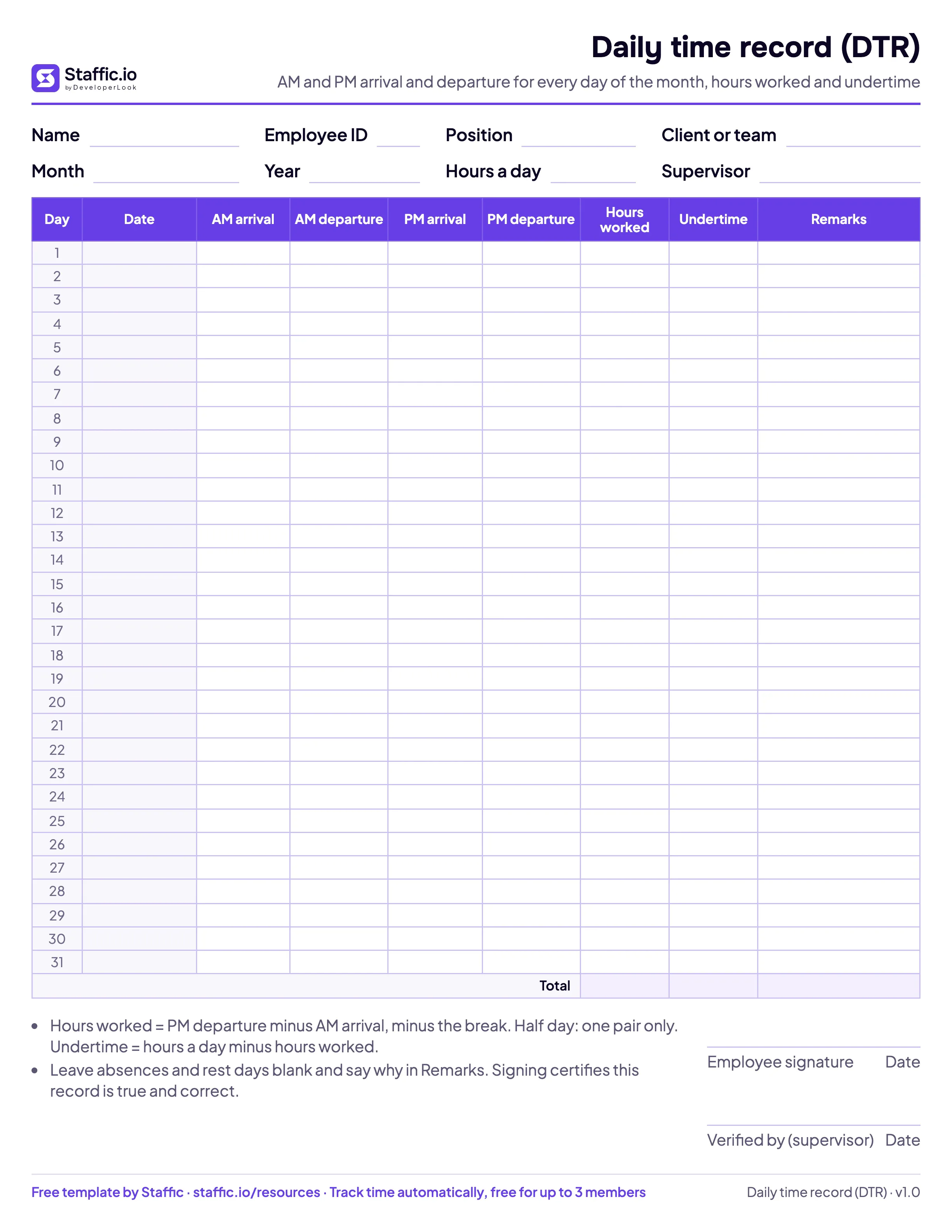
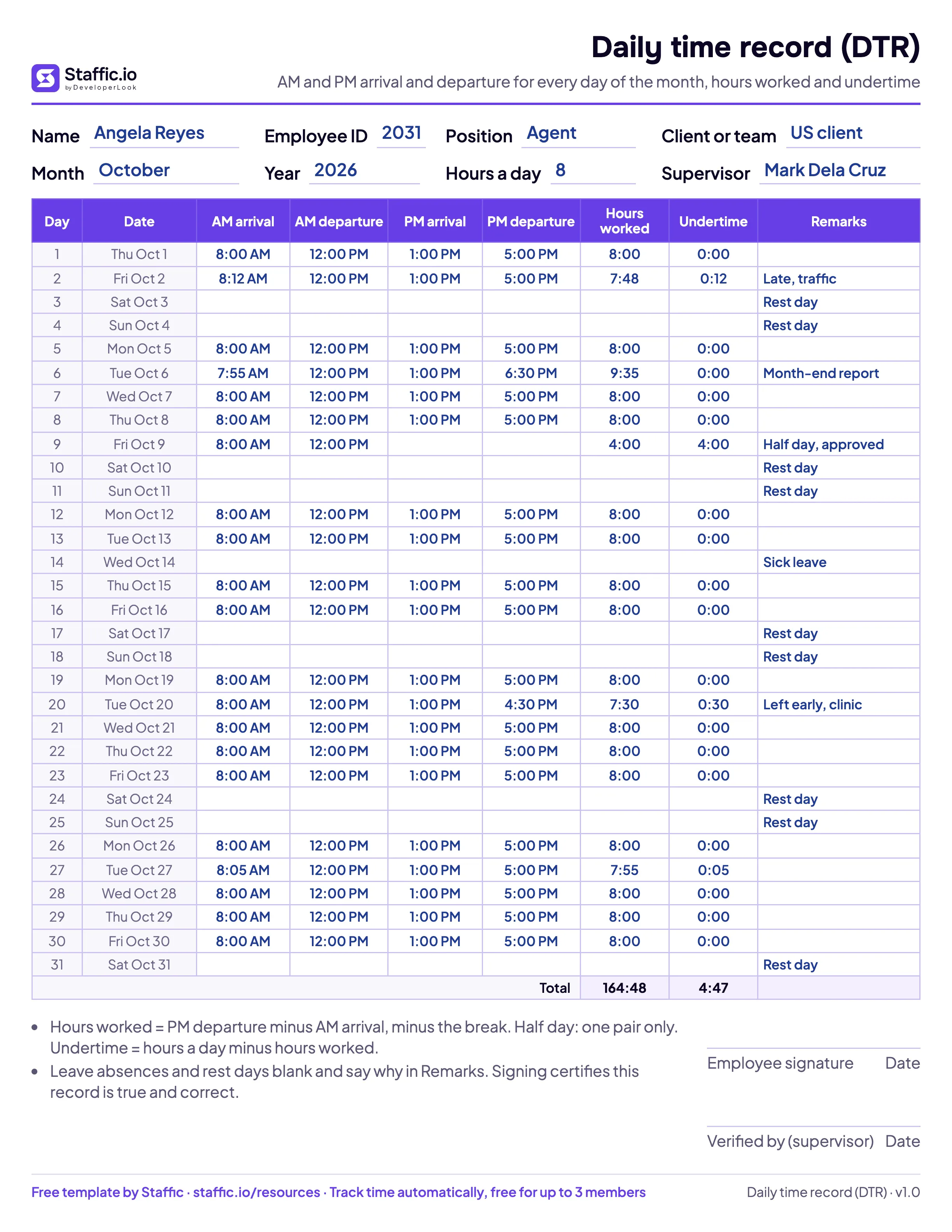
Blank DTR template: AM and PM arrival and departure for days 1 to 31, hours worked, undertime and remarks

Preview

See every page

  • The printable daily time record (portrait, US Letter shown; A4 included).
  • A filled example: the Excel and Google Sheets versions add up hours worked and undertime for you.

What's inside

Every part, explained

Employee details
Name, employee ID, position, client or team, supervisor, and the month and year. In Excel and Google Sheets, picking the month fills in the date and weekday for each day.
AM arrival and departure
When the morning starts and when the employee leaves for lunch. Write 12 hour times like 8:00 AM or 24 hour times like 12:00.
PM arrival and departure
When the employee is back from lunch and when the day ends. The gap between AM departure and PM arrival is the break, so it isn't counted.
Hours worked
The morning plus the afternoon, in hours and minutes (7:48). A half day counts only the pair that is filled in.
Undertime
The regular hours of a full day minus the hours worked, set by Hours a day (8 to begin with). Blank days stay blank.
Remarks
The reason for a blank or short day, such as Rest day, Sick leave or Half day, approved.
Monthly totals
Hours worked and undertime for the whole month. Excel and Google Sheets also show the total in decimal hours for payroll.
Signatures
The employee signs to certify the record, and the supervisor verifies it, each with a date.

How to use it

Fill it in, step by step

  1. Fill in the header

    Write the employee's name, ID, position, client or team and supervisor, the month and year, and the regular hours of a full day.

  2. Record each day's times

    Write the AM arrival, AM departure, PM arrival and PM departure for every day worked. For a half day, fill only the AM or the PM pair.

  3. Mark the days off

    Leave absences, rest days and holidays blank and write the reason in Remarks.

  4. Work out hours and undertime

    Add the morning and the afternoon for hours worked, then subtract them from the regular hours for undertime: 7:48 worked on an 8 hour day is 0:12. Excel and Google Sheets do this for you.

  5. Total, sign and submit

    Add up the month, sign the DTR, and have the supervisor verify it before the payroll cutoff.

What is a daily time record (DTR)?

A daily time record, or DTR, is a one-page monthly form that shows when an employee arrived and left each day, in the morning and in the afternoon, with the hours worked and any undertime. The employee signs it at the end of the month, a supervisor verifies it, and HR uses it to check attendance and compute pay for the cutoff.

Government offices in the Philippines use the Civil Service Commission's own form, CS Form No. 48. This template follows the same AM and PM layout for private companies, BPOs, VA agencies and remote teams, and adds the totals that a paper form leaves you to work out by hand.

DTR form layout

Every day of the month gets one row with four times: AM arrival, AM departure, PM arrival and PM departure. The gap between the AM departure and the PM arrival is the lunch break, so it is never counted as work. Hours worked and undertime sit at the end of each row, and the Total row adds up the month.

  • Header: name, employee ID, position, client or team, month, year, regular hours a day and supervisor.
  • Remarks: the reason for a blank or short day, such as Rest day, Sick leave or Half day, approved.
  • Signatures: the employee's, which certifies the record, and the supervisor's, with dates.

DTR sample: one filled week

Here is the first full week of October 2026 for Angela Reyes, a support agent with 8 regular hours a day and a one hour lunch:

DayAM arrivalAM departurePM arrivalPM departureHours workedUndertimeRemarks
Mon Oct 58:00 AM12:00 PM1:00 PM5:00 PM8:000:00
Tue Oct 67:55 AM12:00 PM1:00 PM6:30 PM9:350:00Month-end report
Wed Oct 78:00 AM12:00 PM1:00 PM5:00 PM8:000:00
Thu Oct 88:00 AM12:00 PM1:00 PM5:00 PM8:000:00
Fri Oct 98:00 AM12:00 PM4:004:00Half day, approved
Sat Oct 10Rest day

Her whole month, in the filled example above, comes to 164 hours and 48 minutes worked and 4 hours 47 minutes of undertime. The Excel and Google Sheets versions add this up as she types.

How to compute hours worked and undertime

For each day, add the morning and the afternoon: AM departure minus AM arrival, plus PM departure minus PM arrival. On October 2, Angela came in at 8:12 AM, so her morning was 3 hours 48 minutes and her afternoon 4 hours: 7 hours 48 minutes in all.

  • Undertime is the regular hours of a full day minus the hours worked. With 8 regular hours, 7:48 worked is 0:12 of undertime.
  • A half day has only the AM pair or only the PM pair. Hours worked counts that half, and undertime shows the rest of the day.
  • Without a lunch break, write the AM arrival and the PM departure only.
  • Absences and rest days stay blank, with the reason in Remarks, so they don't show as undertime.

To turn the total into decimal hours for payroll, divide the minutes by 60: 164:48 is 164.80 hours. The decimal hours calculator converts any time, and the hours calculator works out a single day.

DTR template in Excel and Google Sheets

All versions have the same columns, so a team can mix them.

  • Printable PDF in US Letter or A4, one portrait page, for staff who write their times by hand.
  • Excel fills in the dates once you pick the month and year, computes hours worked, undertime and decimal hours for each day, and totals the month. The formula cells are locked so nobody types over them (Review > Unprotect Sheet unlocks them, no password).
  • Google Sheets works the same as the Excel file: make your own copy, then share one per employee.
  • Word suits teams that type their times into a document and email it.

Signing and keeping the DTR

At the end of the month the employee checks the record, signs it to certify that it is true and correct, and passes it to the supervisor, who verifies it against what they know of the month and signs too. HR then computes pay for the cutoff from the totals and keeps the signed DTR with the payroll records. For remote staff, a signed PDF or a shared Google Sheet does the same job as paper.

If your team already tracks time, the DTR doesn't have to be written by hand at all: see an online daily time record that fills itself from tracked hours.
Sources: Downloads: CSC Form No. 48 (DTR) (Municipality of Godod (gov.ph))

Clock In/Out

Track time without the spreadsheet

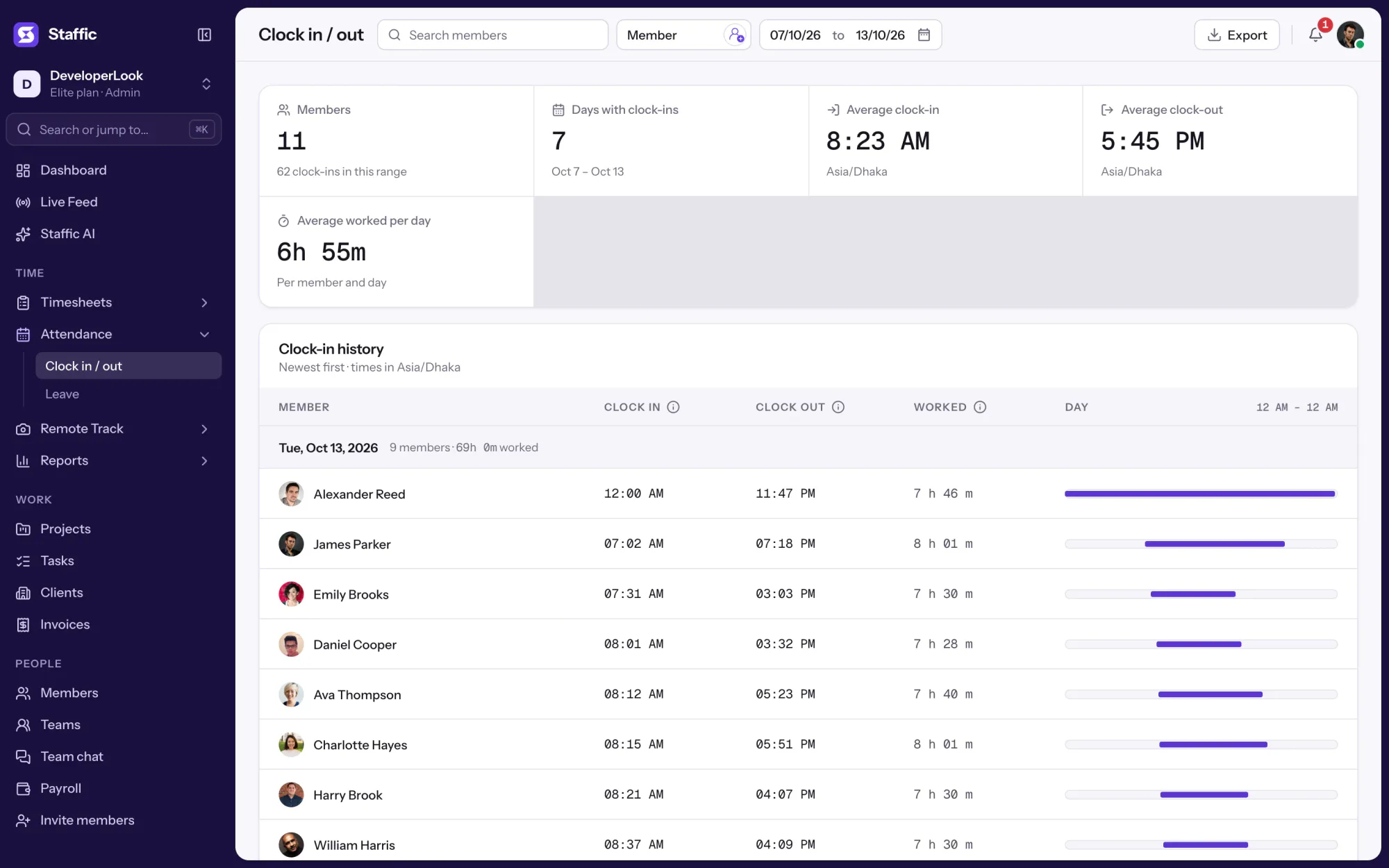
Staffic records each member's time in, time out and hours worked from the desktop timer, so the DTR fills itself in and exports to PDF or Excel. Free for up to 3 members, no card needed.

Free for up to 3 members

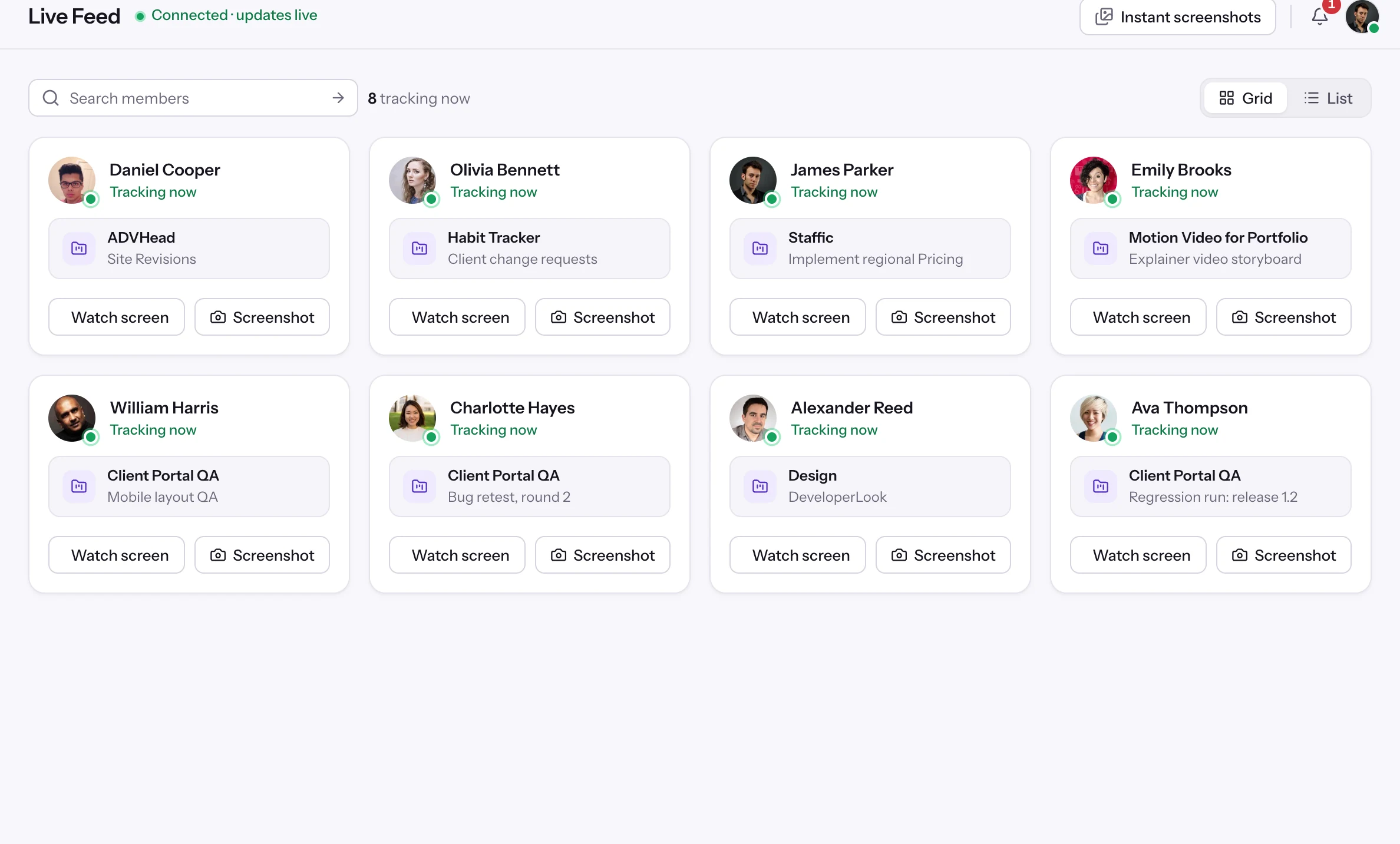
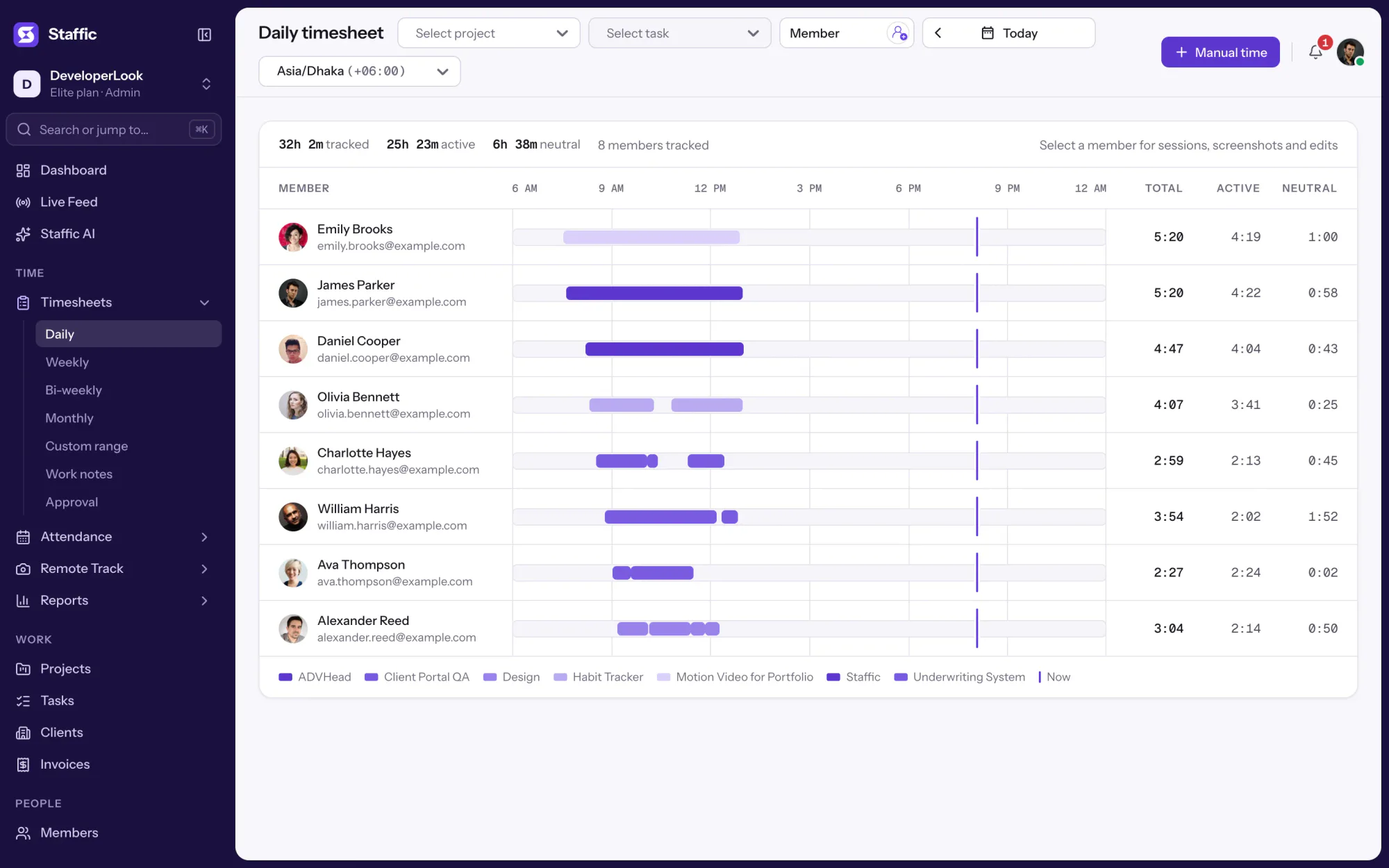
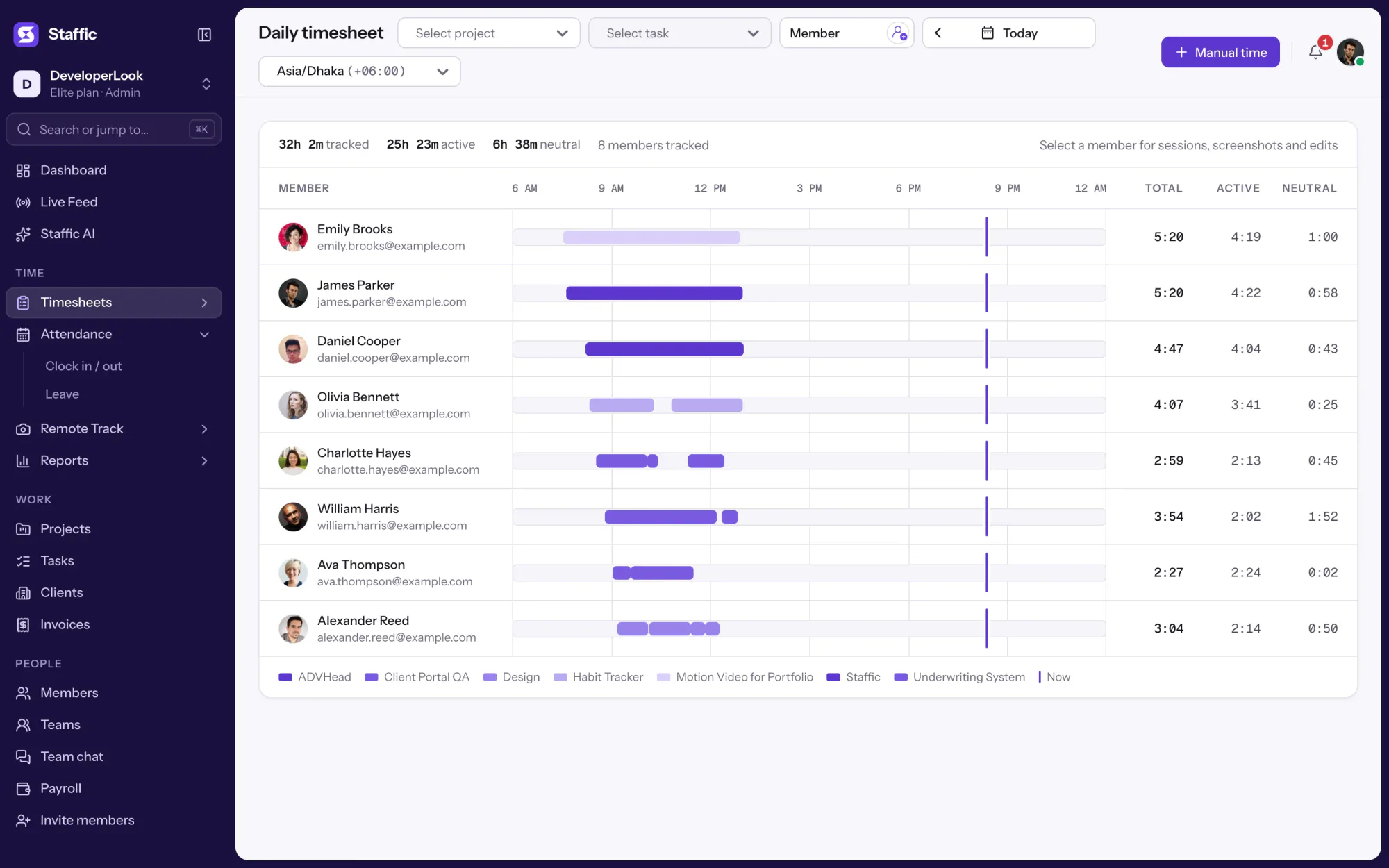
Staffic Daily timesheet for today: 8 members on an hourly timeline, 32h 2m tracked in all

1/4Open Attendance

FAQ

Questions, answered

What is a DTR?

A DTR, or daily time record, is a monthly form showing an employee's AM and PM arrival and departure for each day, with hours worked and undertime. The employee signs it, a supervisor verifies it, and HR uses it to check attendance and compute pay.

Is this the same as CS Form No. 48?

No. CS Form No. 48 is the Civil Service Commission's official DTR for government employees, so government staff should use the form their office issues. This template uses the same AM and PM layout for private companies and remote teams, and adds totals, Excel and Google Sheets.

How do I compute undertime on a DTR?

Subtract the hours worked from the regular hours of a full day. With 8 regular hours, a day from 8:12 AM to 5:00 PM with a one hour lunch is 7:48 worked, so undertime is 0:12. The Excel and Google Sheets versions compute it for each day.

How do I fill out a DTR for a half day?

Fill only the pair you worked: AM arrival and AM departure for a morning, or PM arrival and PM departure for an afternoon. Hours worked counts that half, undertime shows the rest of the day, and Remarks says why.

Is there a DTR template in Excel?

Yes. The Excel file on this page fills in the dates when you pick the month and year, computes hours worked, undertime and decimal hours for each day, and totals the month. A Google Sheets copy works the same way.

Who signs the DTR?

The employee signs first, certifying that the record is true and correct. Then the supervisor or head of the team verifies and signs it, and HR uses the signed DTR for the payroll cutoff.

Can a DTR fill itself in?

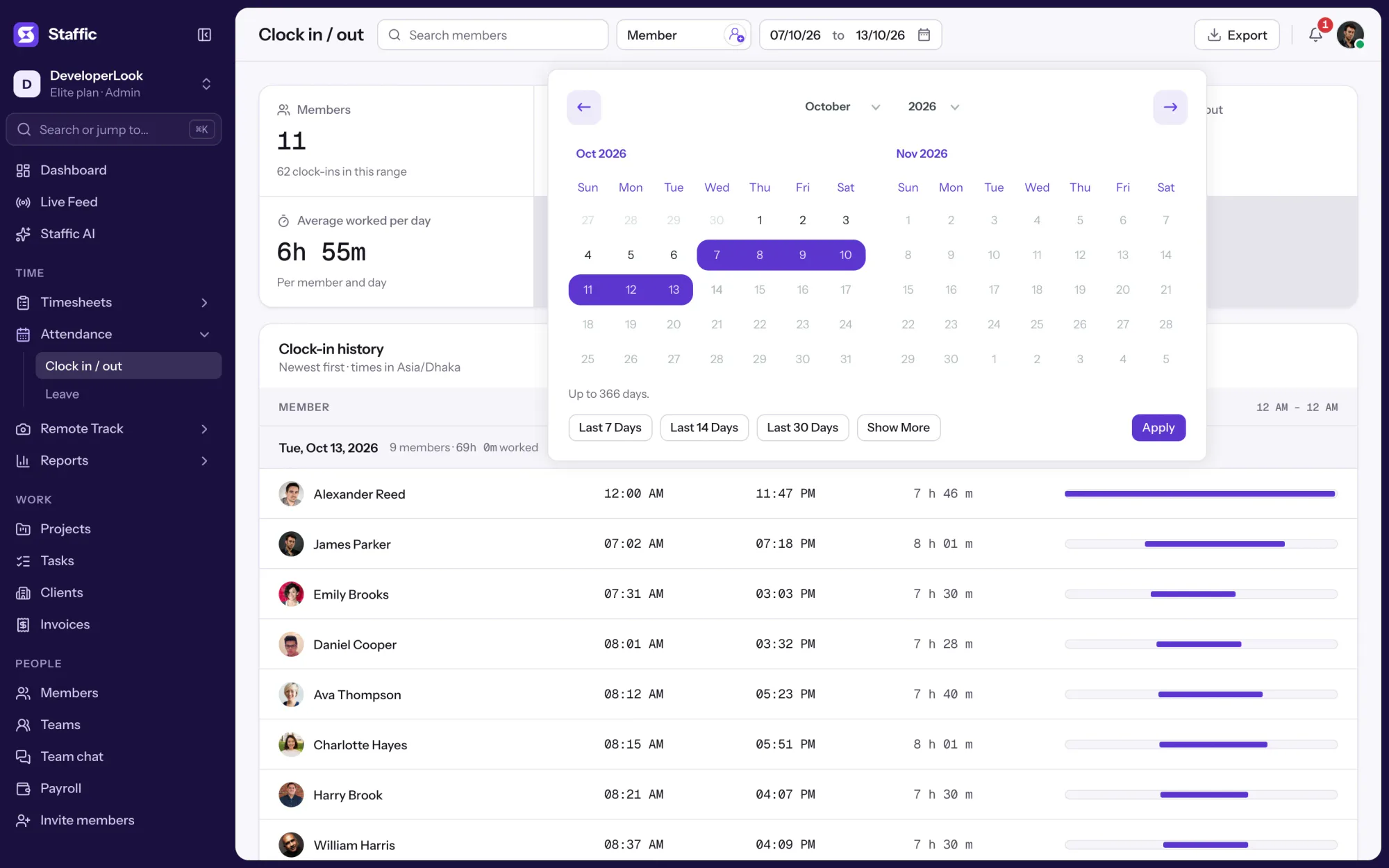
Yes, with time tracking. In Staffic, the desktop timer records when each person starts and stops work, and Clock In/Out shows their time in, time out and hours worked for every day, ready to export to PDF or Excel.

DTR template

Email me the files

Get every format of this template in one ZIP, sent to your inbox. Handy when you find it on your phone and need it at your desk.

We'll email you a download link that works for 7 days, and now and then a tip on tracking time. Unsubscribe anytime. Privacy policy

Free for up to 3 members

See the work, not just the hours.

Create your workspace, invite your team, and the first timesheet builds itself.

  • No card for Free
  • 7-day trial on paid plans
  • Windows, macOS, Linux