


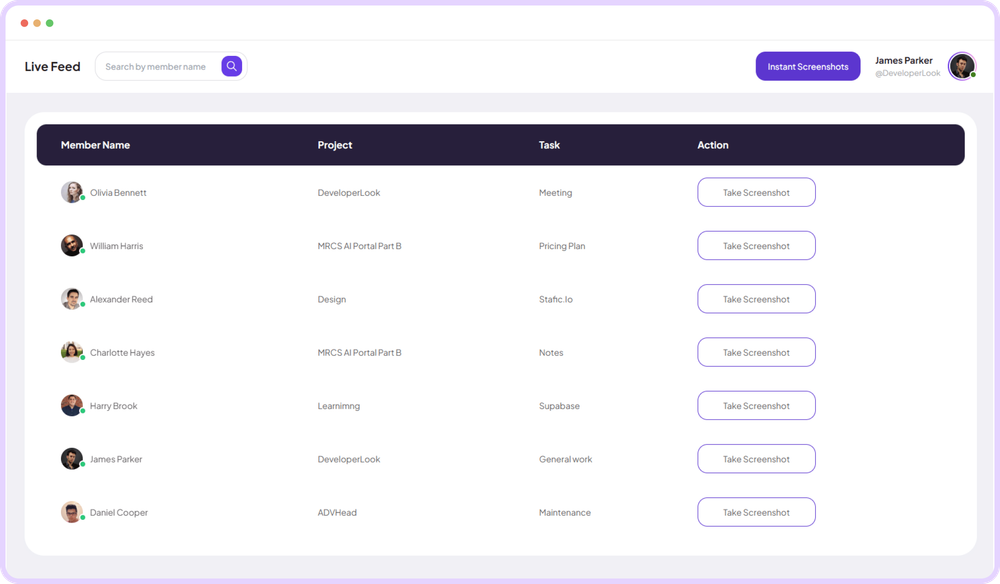
- All features
- Timesheets
- Custom Timesheets
Custom Timesheets
Custom timesheets work summary
Staffic Custom Timesheets let you analyze a date range you choose: hours, rhythm, and consistency on your terms. It is for managers whose reporting period is not fixed to a calendar week. Build the summary you need without waiting on a default view.
- Free for up to 3 members
- No credit card
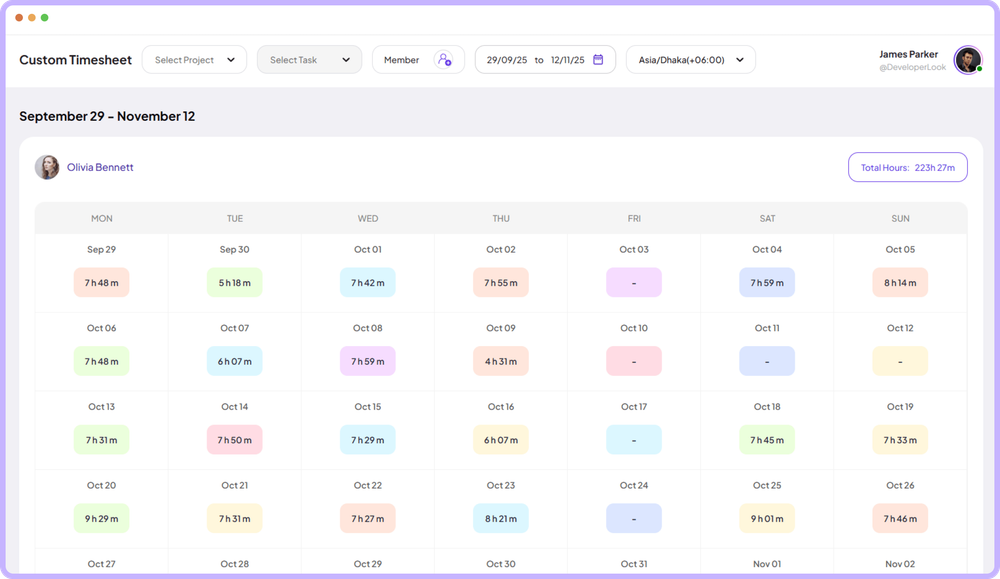
Custom work overview
Custom timesheet review tools
View and manage project-specific details, including budget, spent hours, team assignments, and task progress.
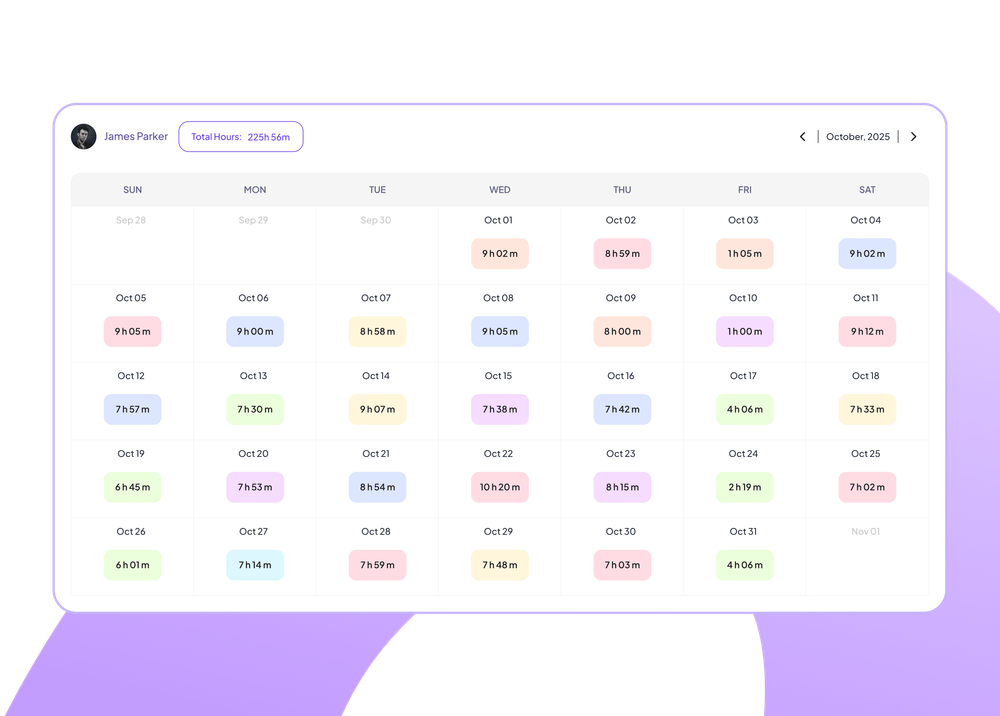
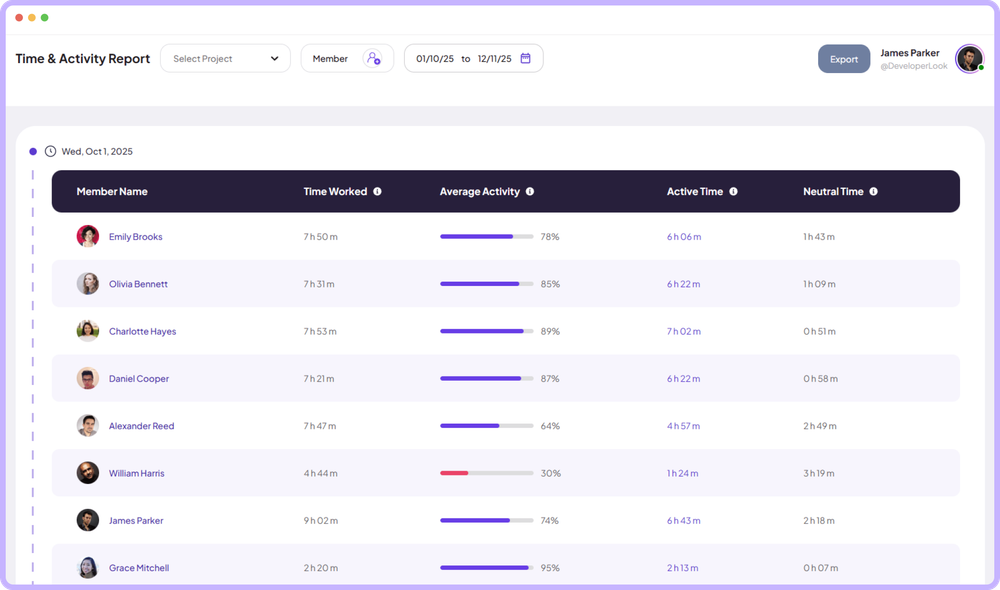
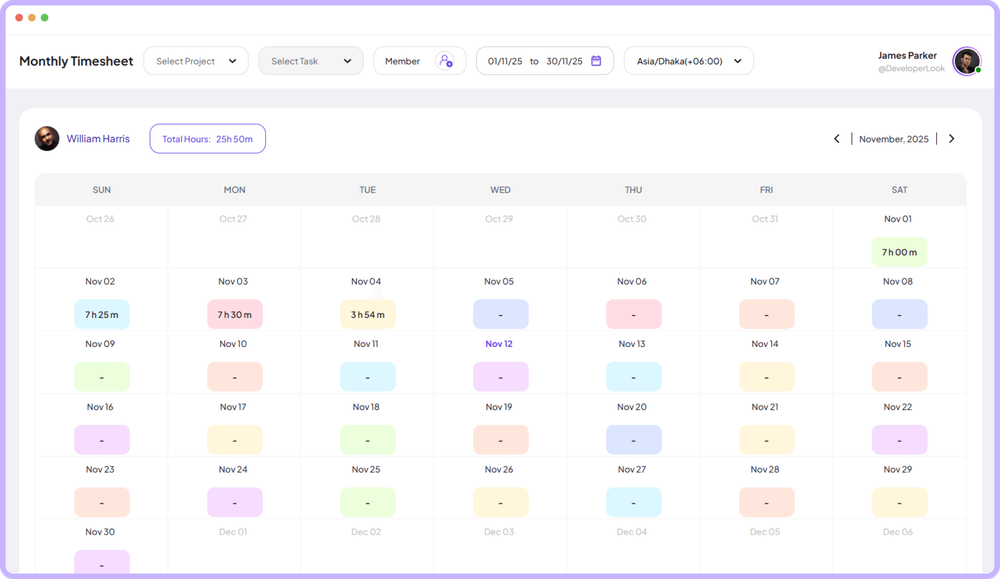
See long-term work habits and key activity trends all in one place.
- Understand month-wide patterns
- Track how work shifts weekly
- Review everything at a glance
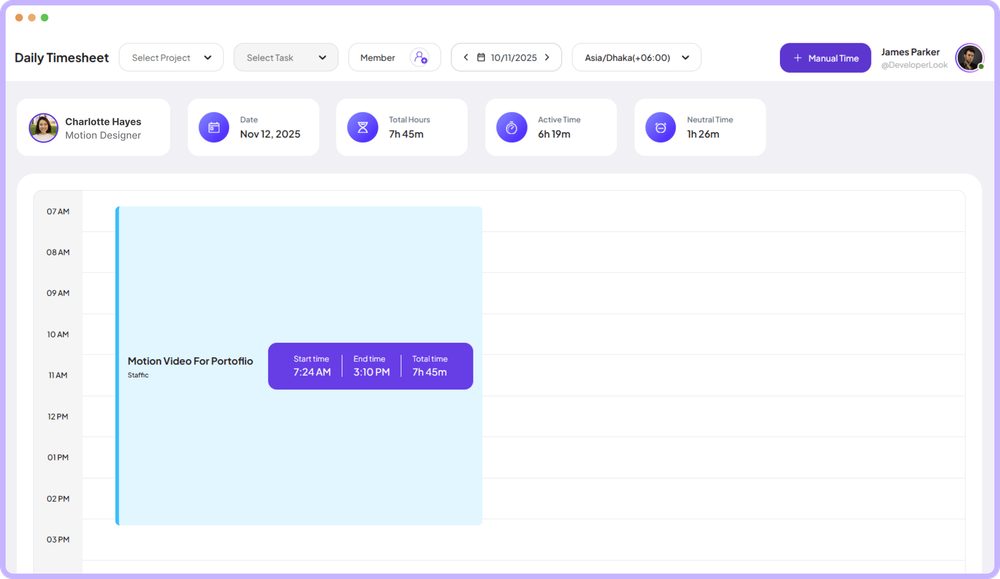
Select any team member to view the selected day's Time Table for clearer individual performance insights.
- Compare performance individually
- Explore personal work timesheets
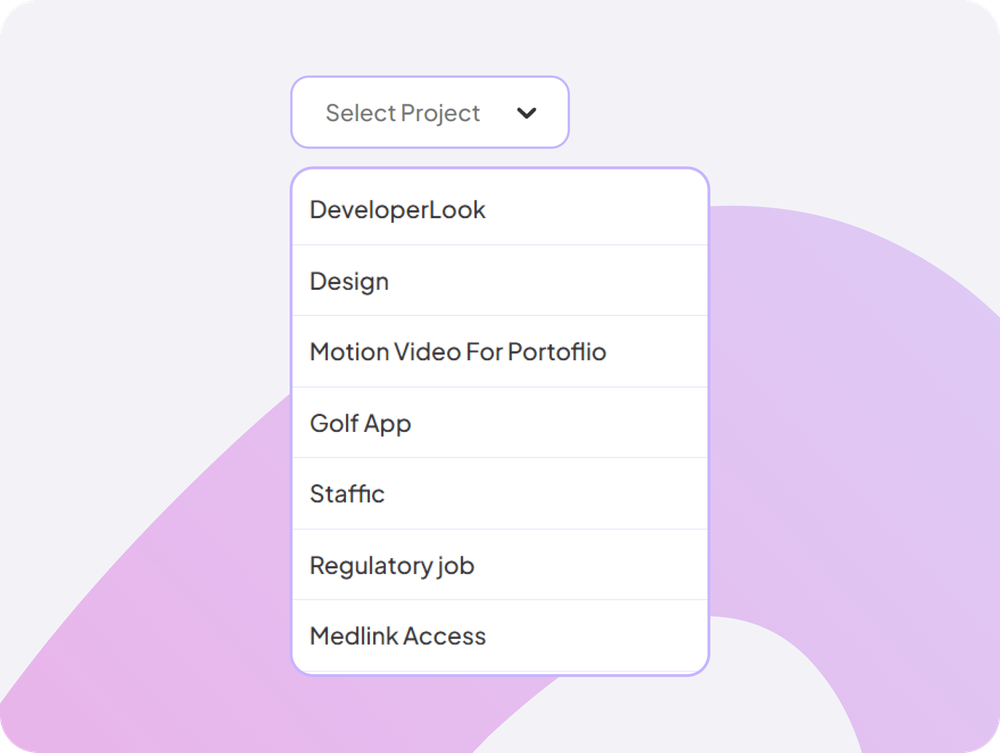
Choose a specific project to instantly filter how much time you spent on that project monthly, making analysis faster and more relevant.
- Filter time spent by project
- Simplify in-depth project Monthly timereviews
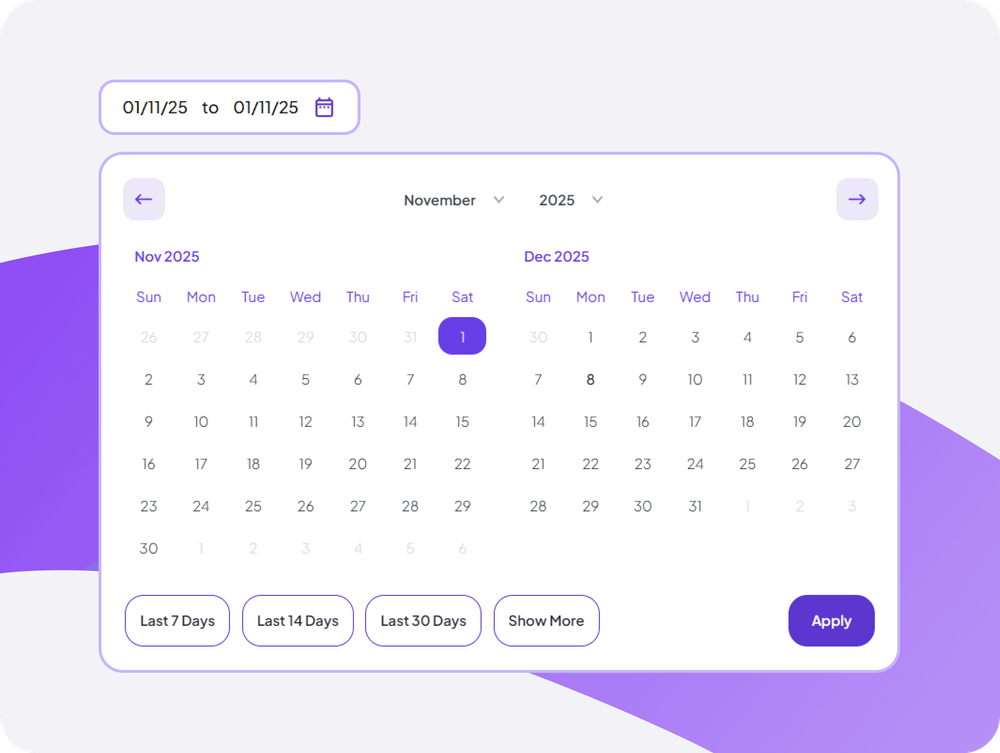
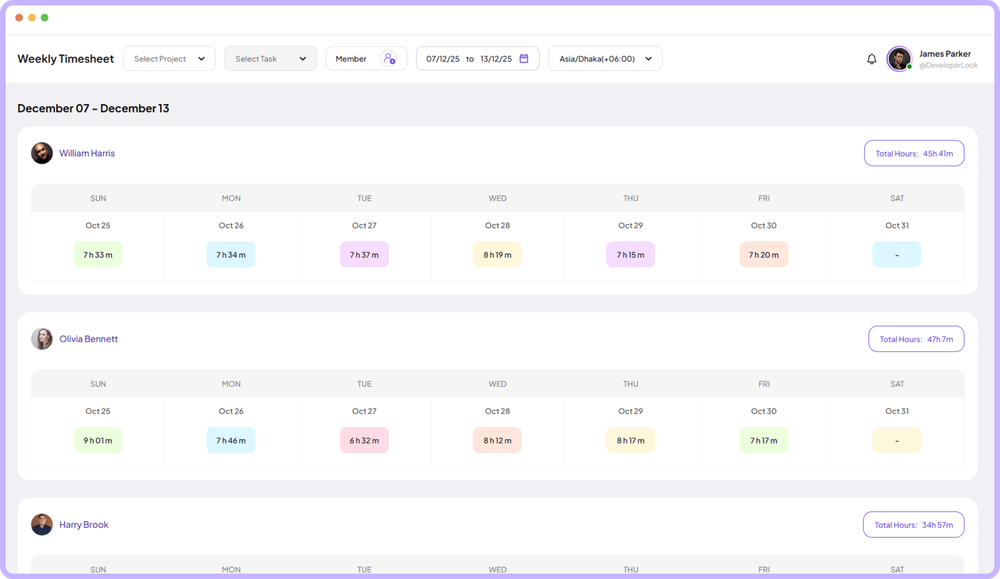
View specific days timesheets that shows entries across weeks, helping you spot patterns and plan capacity.
- Navigate between months with simple date picker
- See total hours logged for any day instantly
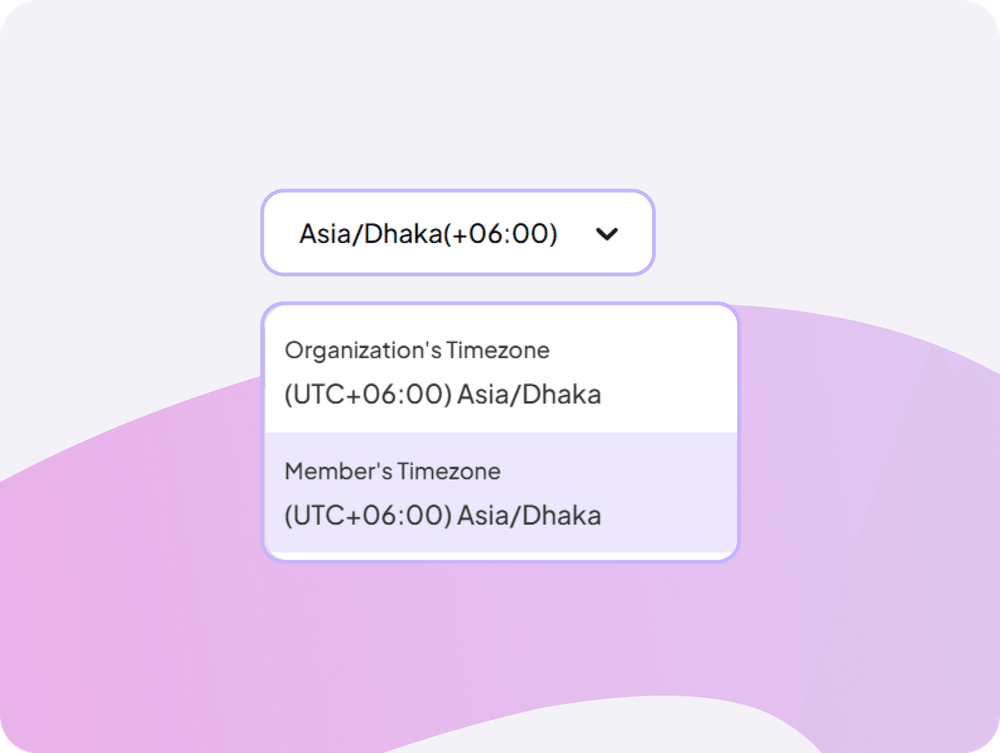
View timesheets in organization or member timezones automatically, ensuring accurate hour calculations for distributed teams across regions.
- Display hours in correct local timezones
- Ensure accurate payroll across global teams
Showing Custom timesheets visualized in one clear timeline.
Customer stories
What our users say
Stop juggling tools. Staffic gives your team time tracking, projects, payroll and performance analytics in one platform.
Try Staffic for free“Staffic.io brings transparency without micromanagement. Our team feels trusted, and productivity has never been higher.”
Pricing
How much does Staffic Custom Timesheets cost?
Custom Timesheets is included on every plan, Free included. You pay per active user only when your team grows past 3 members.
Compare every planPrices in USD per active user. Billed monthly, Standard is $7.50 and Elite is $9.80 per user.
FAQ
Frequently asked questions
Find answers to the questions we get asked the most about Custom timesheets.
Read the Custom Timesheets guideWhat are custom timesheets used for?
Custom timesheets let you define any time period (like project-based periods, fiscal quarters, or non-standard pay cycles) for flexible reporting.
How do I create a custom timesheet period?
Select Timesheets > Custom, then define your start and end dates. The system generates a timesheet report for that exact period.
Can custom timesheets span multiple months?
Absolutely. Custom timesheets can cover any date range, whether it's 10 days, 6 weeks, or 3 months, giving you complete flexibility.
Do custom timesheets include all tracked data?
Yes, custom periods include all data from the selected date range: hours worked, activity levels, projects, tasks, and detailed breakdowns.
How much does it cost to use Custom Timesheets?
Every plan includes Custom Timesheets. Free covers up to 3 members. Standard is $5.50 per user per month billed yearly ($1.00 during the current offer, until September 12, 2027) or $7.50 billed monthly, and Elite is $5.80 per user per month billed yearly or $9.80 billed monthly.
Explore more
Explore more features




Free for up to 3 members
See the work, not just the hours.
Create your workspace, invite your team, and the first timesheet builds itself.
- No credit card
- 7-day trial on paid plans
- Windows, macOS, Linux


