How to Use the Custom Timesheet
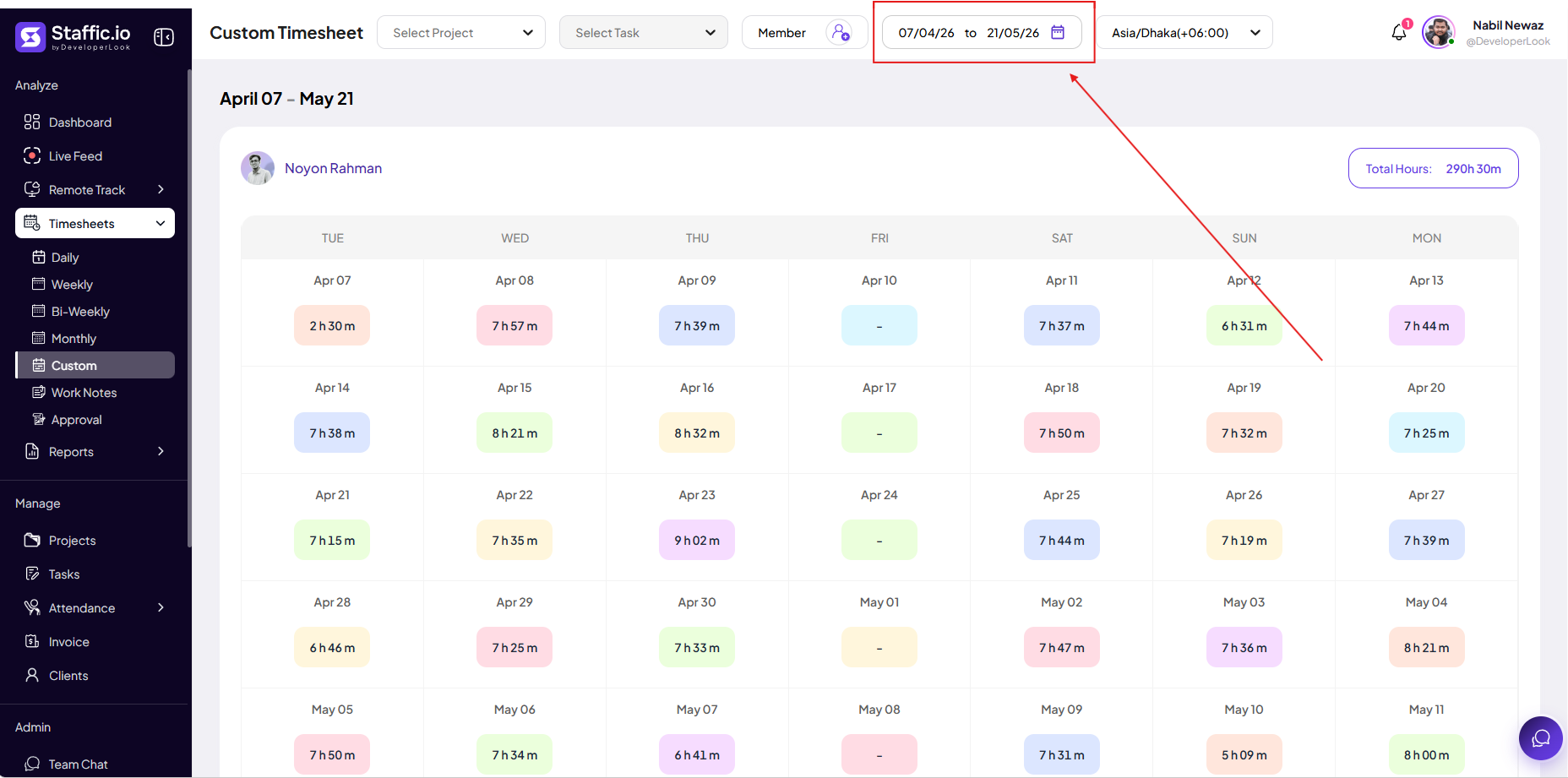
Pick any start and end date when the standard periods do not match your process.
Open Custom period
Go to Timesheets → Custom under Analyze in the left sidebar, then set start and end dates in the picker.
When to use
Mid-month hire or termination, client-specific billing windows, internal audits, or partial pay periods.
Limits
Very long ranges may load slowly — prefer Monthly for full calendar months when possible.
Tips
- Save the custom range you use often (for example, 1st–15th) in your team SOP so everyone picks the same dates.
Ready to get started?
Create your organization, invite your team, and start tracking in minutes.
Start Free Trial