How to Use the Bi-Weekly Timesheet
Review fourteen days of time in one sheet for bi-weekly payroll.
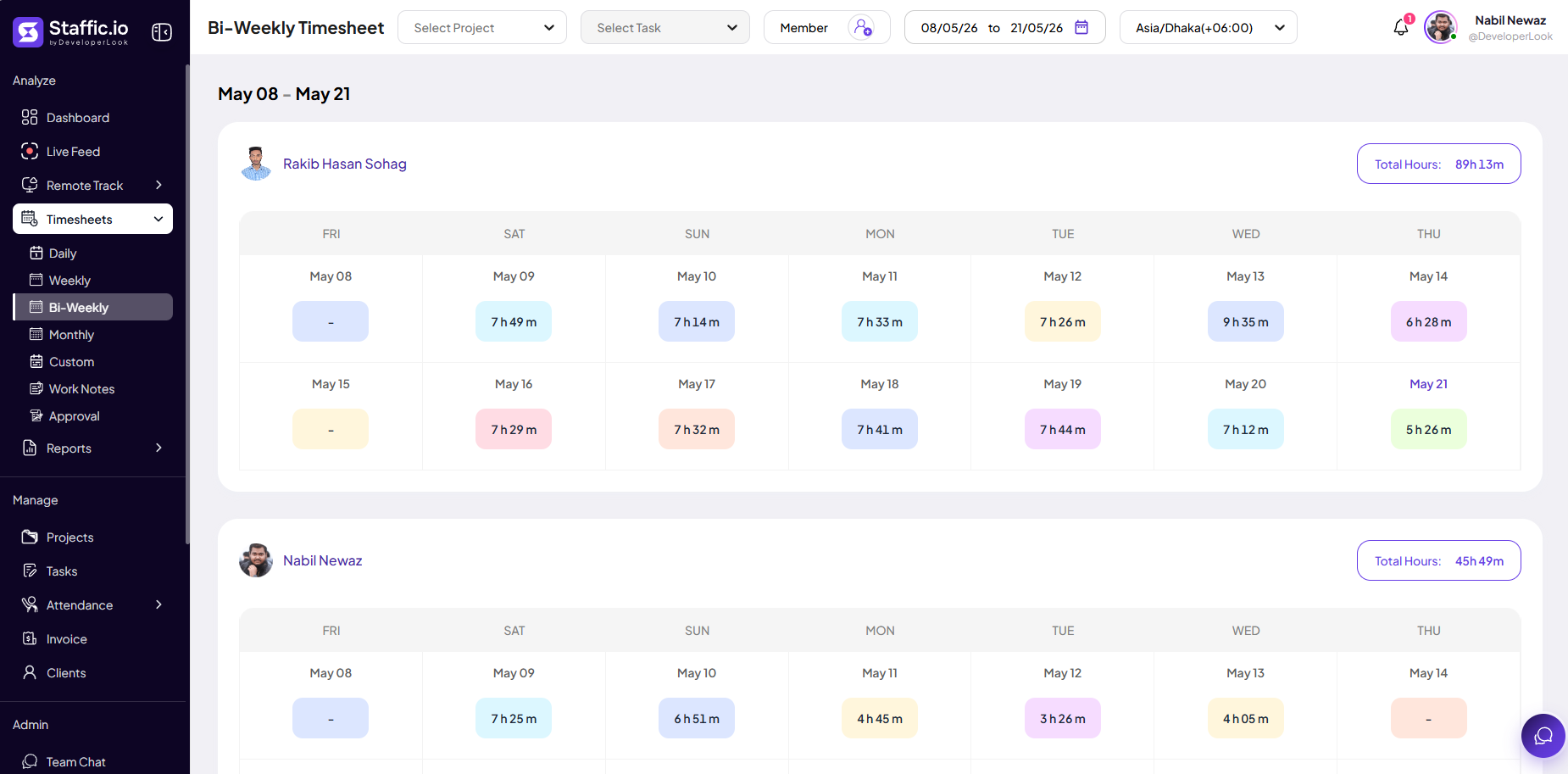
Open Bi-Weekly
Go to Timesheets → Bi-Weekly under Analyze in the left sidebar. The same entry fields and edit rules apply as Weekly, with a two-week date window.
When to use
Organizations that pay every two weeks or need a single approval covering two Sunday–Saturday weeks.
Approval & payroll
Submit or approve once per bi-weekly period, then run Payroll for that same date range.
Tips
- Align bi-weekly period boundaries with your payroll provider’s pay dates.
Ready to get started?
Create your organization, invite your team, and start tracking in minutes.
Start Free Trial